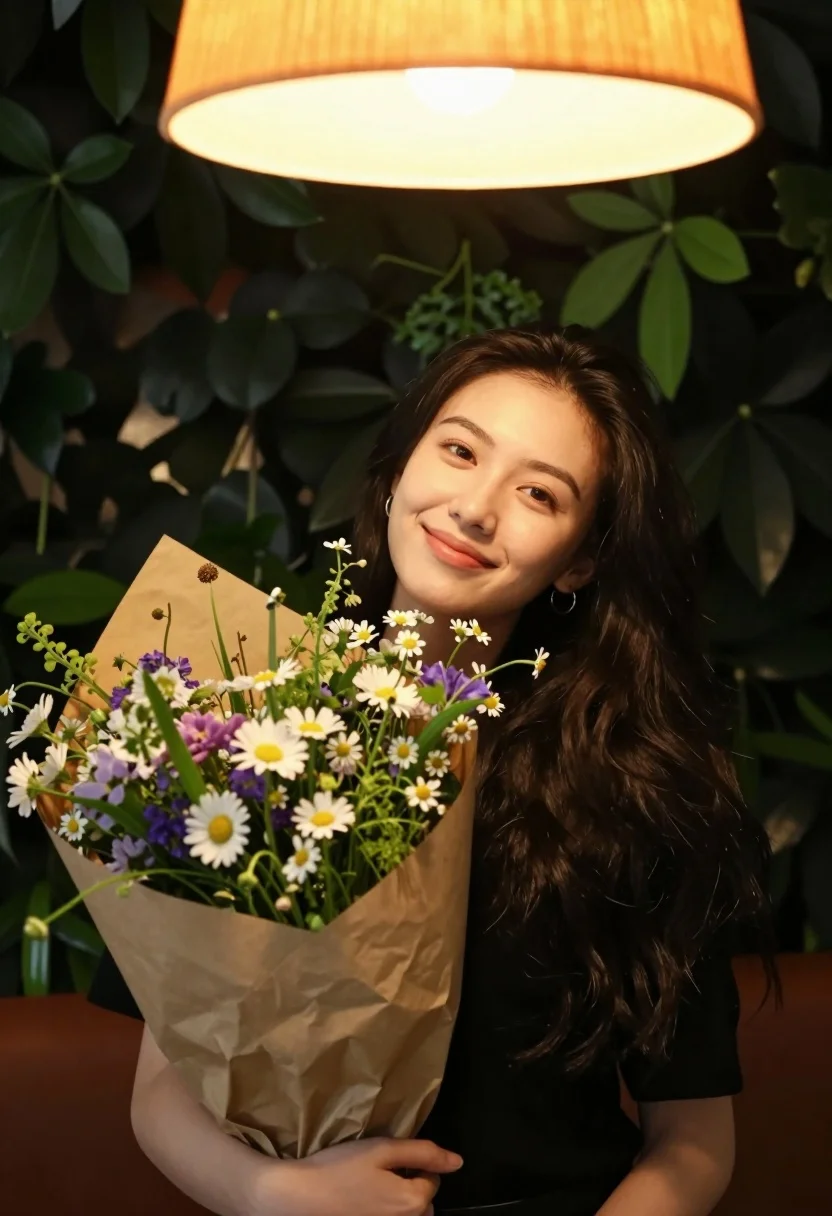
Young woman with wildflowers smiling under glowing orange lampshade foliage
Prompt
A young woman with long dark hair smiles gently at the camera while holding a large bouquet of wildflowers wrapped in brown paper.

Subject: A young woman with long, dark wavy hair and a soft, pleasant smile looking directly at the viewer. She has a small hoop earring in her left ear.

Clothing: She is wearing a simple black top that contrasts with the warm tones of the background.

Action: She holds a large bouquet of mixed wildflowers close to her chest with both hands, tilting her head slightly to one side.

Environment: The setting features a lush wall of green foliage behind her and a large, glowing orange lampshade directly above her head.

Lighting: Warm, ambient light emanates from the lamp above, casting a soft glow on her face and highlighting the greenery, creating a cozy evening atmosphere.

Objects: A vibrant bouquet of wildflowers including white daisies, purple blooms, and greenery is wrapped in crinkled brown kraft paper.

Style Details: The image has a warm, cinematic color palette with high contrast between the dark clothing and the bright orange light source.
Description
This prompt is useful for creating intimate portraiture, rustic editorial spreads, and cozy lifestyle advertisements. The combination of 'warm, ambient light' from the lampshade against the 'simple black top' establishes a high contrast that directs focus to the subject's face and the vibrant wildflowers, preventing the natural green foliage from becoming visually flat.
Suggestions
- Change 'large bouquet of mixed wildflowers' to 'delicate single white peonies' for a more focused arrangement.
- Swap 'glowing orange lampshade' for 'string lights with warm bulbs' to diffuse the light source.
- Adjust 'simple black top' to 'cream knit sweater' to soften the contrast.
Category
Tags
FemaleMedium ShotNatureOutdoorsPortrait ShotRealistic
Date added
August 5, 2026
Added by
PromptDexter Team
Related Prompts
More prompts with similar categories and tags.

Young woman in olive saree leaning on railing outdoors during golden hour

Young woman with dark hair at wooden table in open air setting
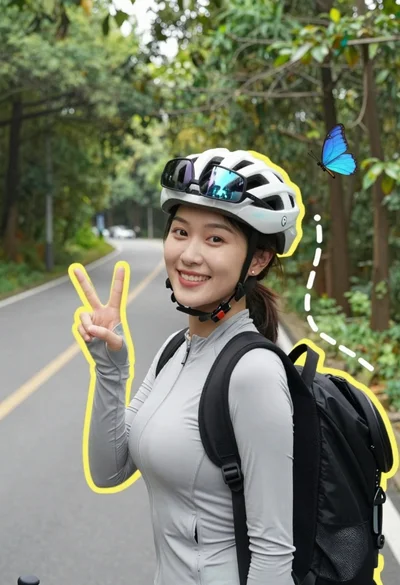
Smiling woman in cycling gear making peace sign on forest road
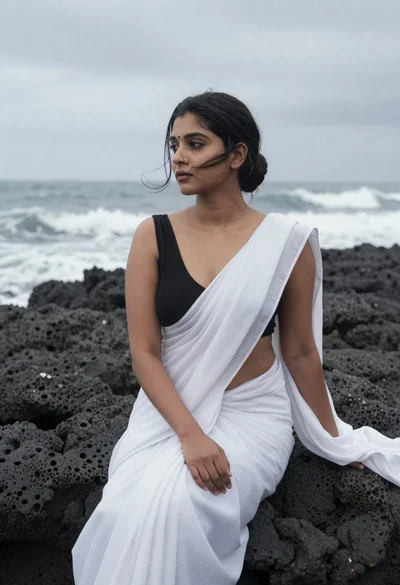
Woman in white saree sitting on dark volcanic rocks by sea
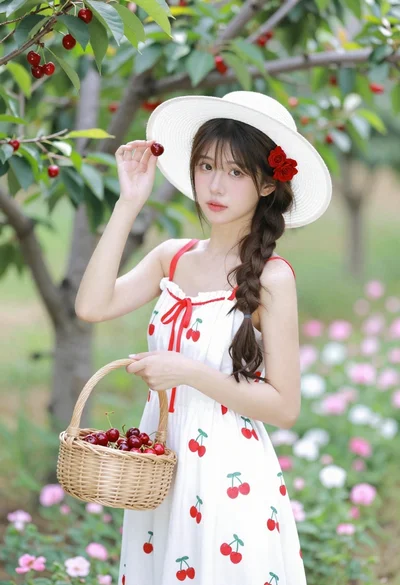
Young woman in white sundress holding cherry basket in blooming orchard
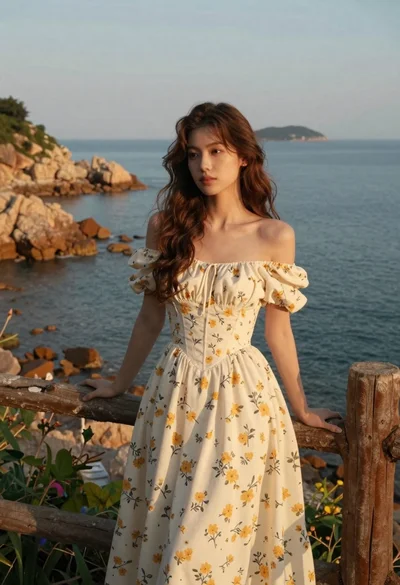
Young woman in cream floral dress leaning on coastal cliff railing
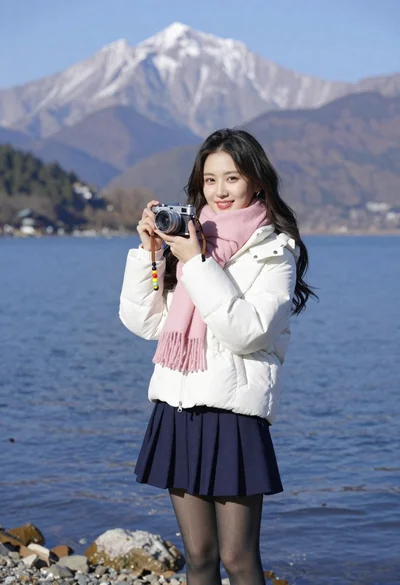
Smiling young woman in white puffer jacket holding vintage camera by lake
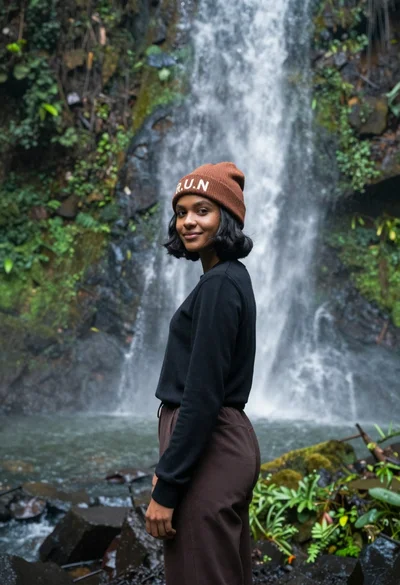
Young woman with dark skin and beanie standing before jungle waterfall
Young woman with long dark hair sitting on a traditional boat
Young woman with dark hair standing on a sun dappled road lined