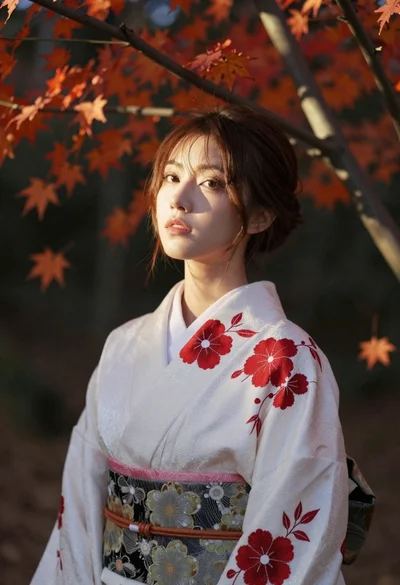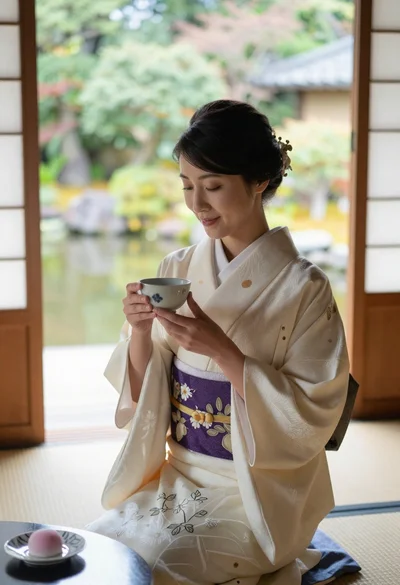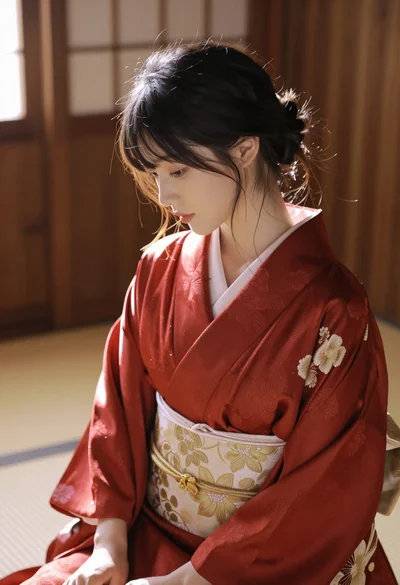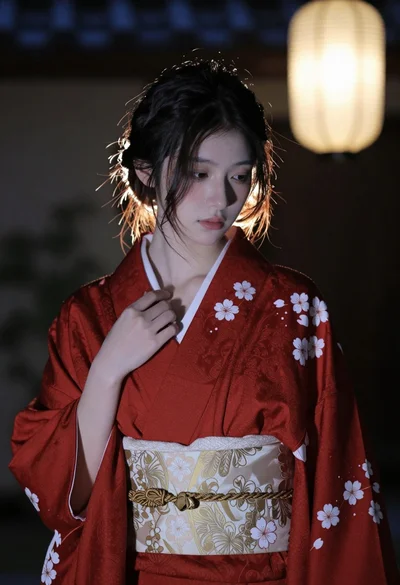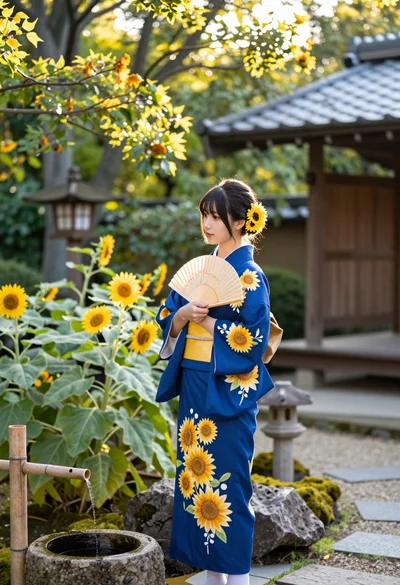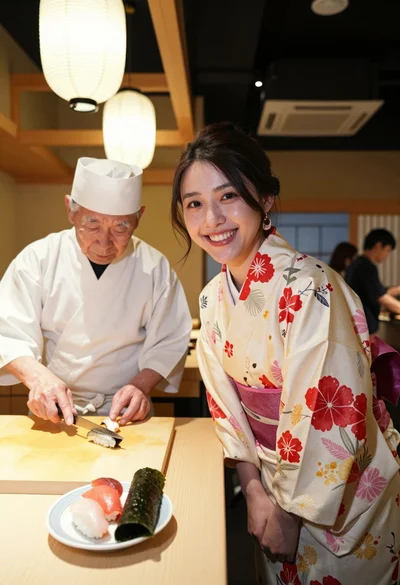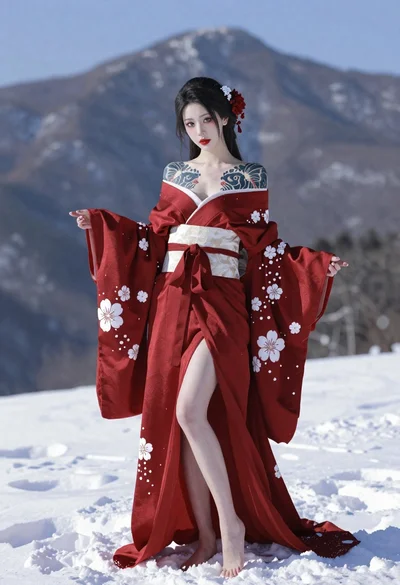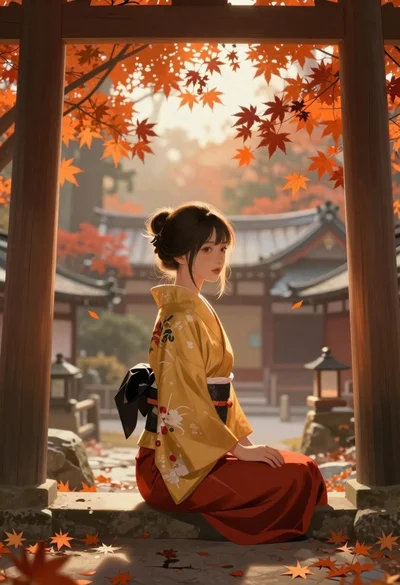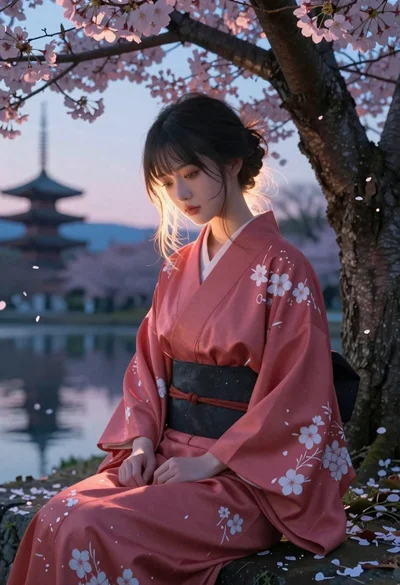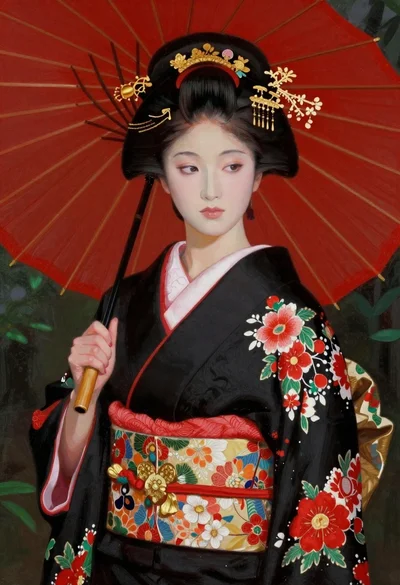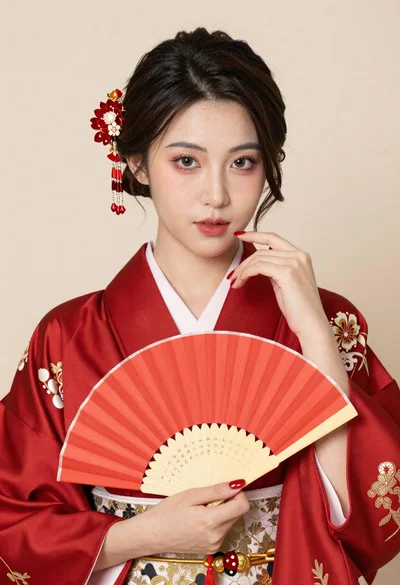
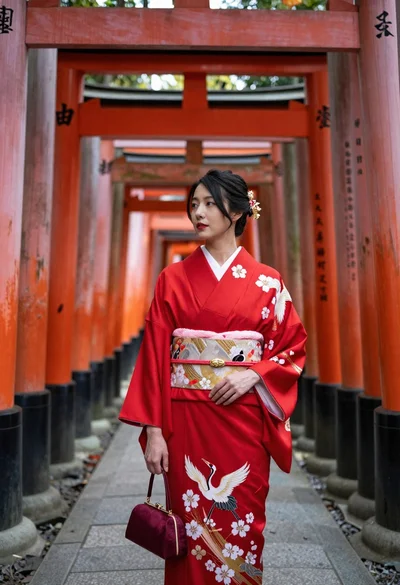
Explore best kimono AI image prompts for elegant Japanese portraits, cherry blossom scenes, temple gardens, festival yukata looks, and soft cinematic lighting.
Follow these three steps to go from idea to a download-ready kimono AI portrait.
Browse the kimono prompts above and choose the look you like, such as a silk furisode under cherry blossoms, a quiet tea house portrait, a summer festival yukata, or a snowy temple scene. Click "Copy Prompt" to create a brand-new kimono image from scratch, or click "Copy Edit Prompt" to dress yourself in a traditional Japanese kimono.
Open Gemini, ChatGPT, Grok, or any other AI image generator you prefer and paste the kimono prompt into the text box. If you copied an edit prompt, upload a clear photo of yourself first, then paste the prompt so the AI keeps your face and pose while it adds the kimono, hairstyle, accessories, and background.
Hit Generate and compare a few variations of your kimono portrait. If something feels off, change just one detail, such as the fabric pattern, obi color, hair ornament, or background setting, and regenerate. Once it looks graceful and true to tradition, download it and share it anywhere.
Learn how kimono prompts work and how to create elegant, realistic Japanese traditional clothing portraits with accurate fabric, pattern, and styling.