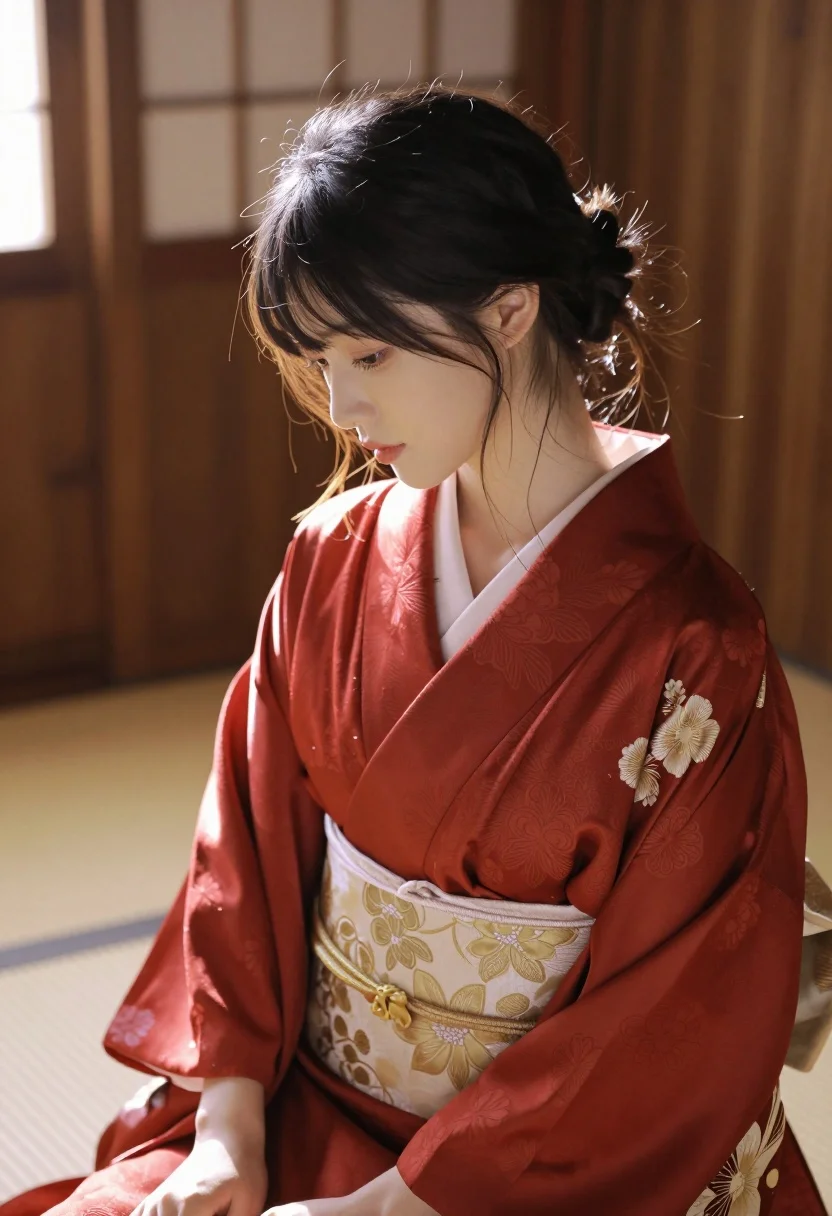
Medium close up portrait of east asian woman in red kimono indoors
Prompt
A serene portrait of a young woman with dark hair styled in an elegant updo, featuring soft strands framing her face and glowing in the backlight.

Subject: A beautiful young East Asian woman with fair skin, delicate features, and a calm, contemplative expression looking downward.

Clothing: She wears a deep red silk kimono with a subtle floral pattern, worn open to reveal a cream-colored undergarment featuring intricate gold embroidery of large flowers and leaves.

Action: The subject is seated in a relaxed pose with her head slightly bowed, eyes cast down, and hands resting gently in her lap.

Environment: An interior setting with warm wooden walls and a soft-focus background that suggests a traditional Japanese room or tatami space.

Lighting: Strong backlighting from a window creates a glowing halo effect around the hair and shoulders, casting soft shadows on the face and highlighting the texture of the silk fabric.

Camera: A medium close-up shot taken at eye level with a shallow depth of field that blurs the background to emphasize the subject's profile and upper body.

Style Details: The image has a cinematic, photorealistic quality with high contrast between the warm highlights and deep shadows, evoking a mood of quiet elegance and intimacy.
Description
This prompt is useful for creating editorial fashion editorials, character concept art for historical dramas, and intimate portrait photography showcasing cultural attire. The combination of 'deep red silk kimono' against the 'warm wooden walls' grounds the image in a specific cultural setting, while the 'strong backlighting' sculpts the subject by emphasizing the texture of the silk and creating a halo effect that elevates the mood beyond simple documentation.
Suggestions
- Change 'deep red silk kimono' to 'indigo patterned kimono' for a cooler tone.
- Add 'washi paper screen' to the environment details for more diffused light.
- Adjust 'shallow depth of field' to 'bokeh background' for a softer blur.
Category
Tags
Fair SkinFemaleIndoorsMedium ShotRealisticTraditional Wear
Date added
July 12, 2026
Added by
PromptDexter Team
Related Prompts
More prompts with similar categories and tags.
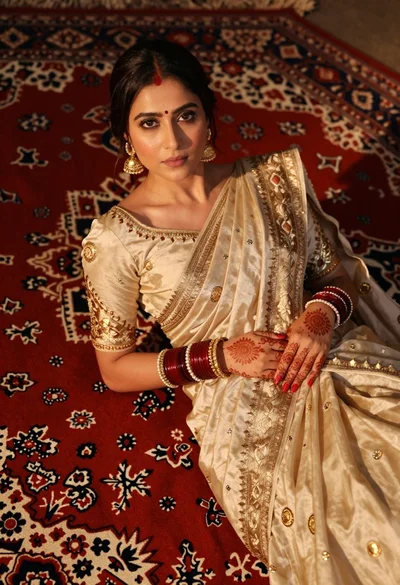
Indian woman in cream silk saree reclining on ornate red patterned rug

Young woman in red top sitting at cafe table during christmas
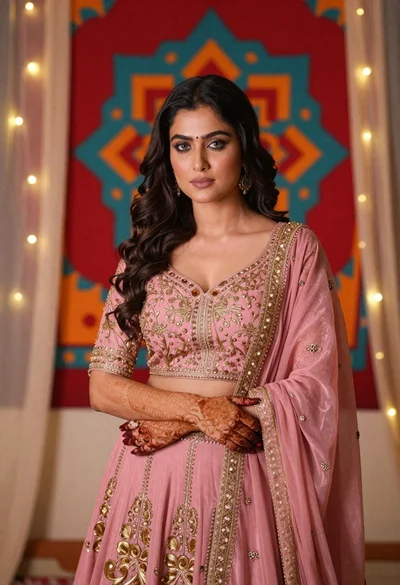
Woman in pink embroidered lehenga standing before a colorful mandala tapestry
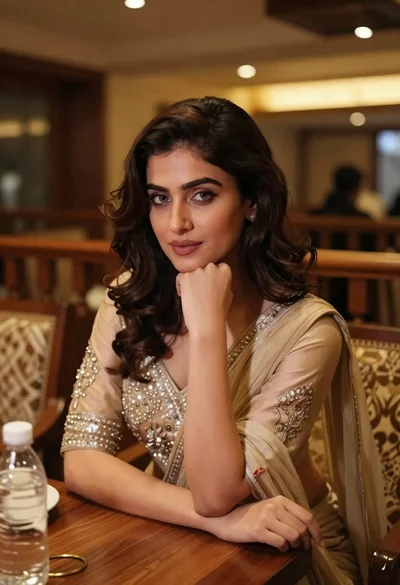
Young woman in traditional attire sitting at restaurant table with warm lighting
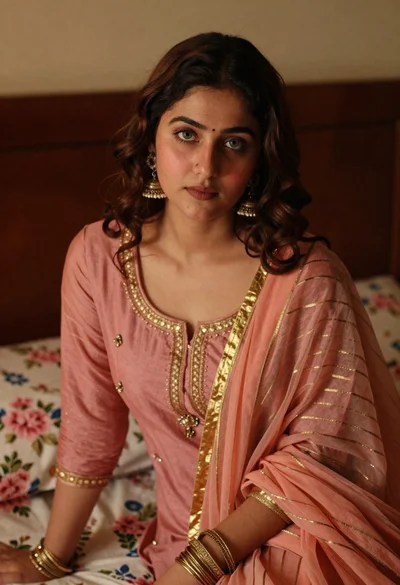
Young woman with wavy brown hair in traditional attire sitting indoors
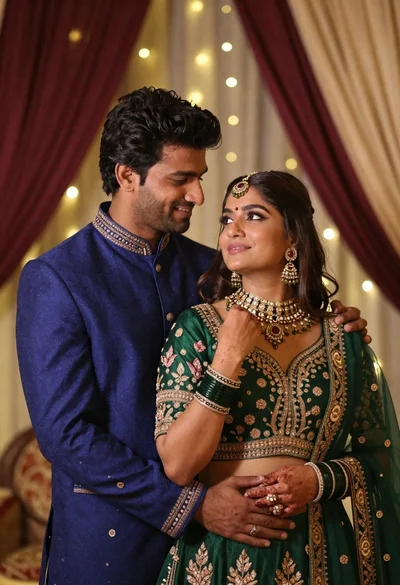
Indian couple in traditional wedding attire posing together in festive indoor setting
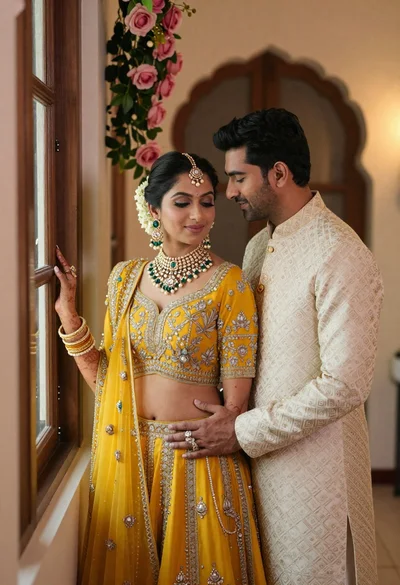
Indian couple in traditional wedding attire posing near a wooden window
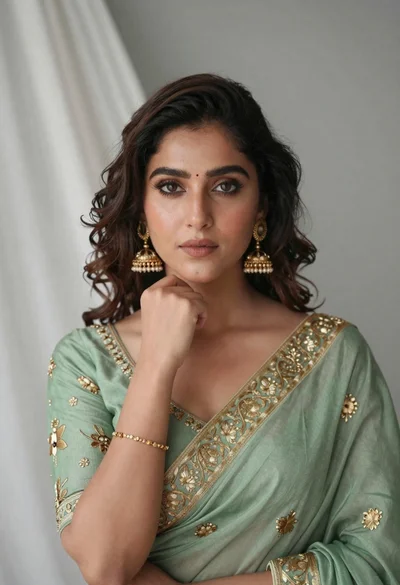
Portrait of young woman in sage green saree with gold embroidery
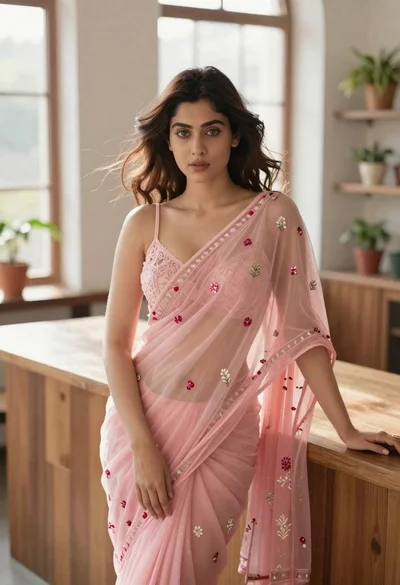
Young woman in pink saree leaning against counter in sunlit room
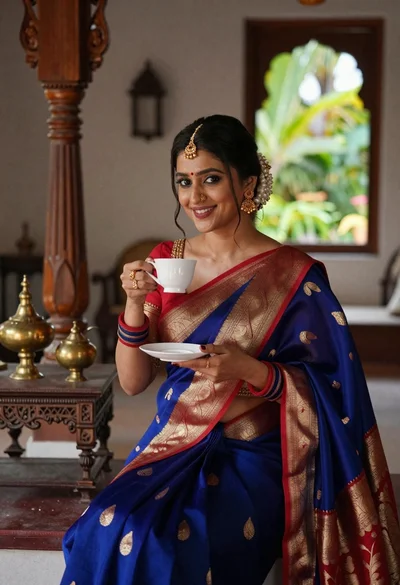
Smiling indian woman in blue silk saree holding a teacup indoors