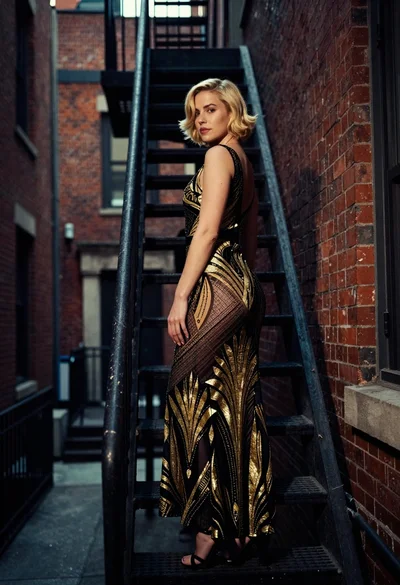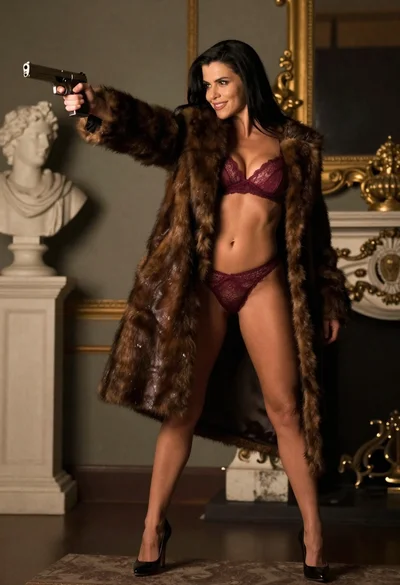
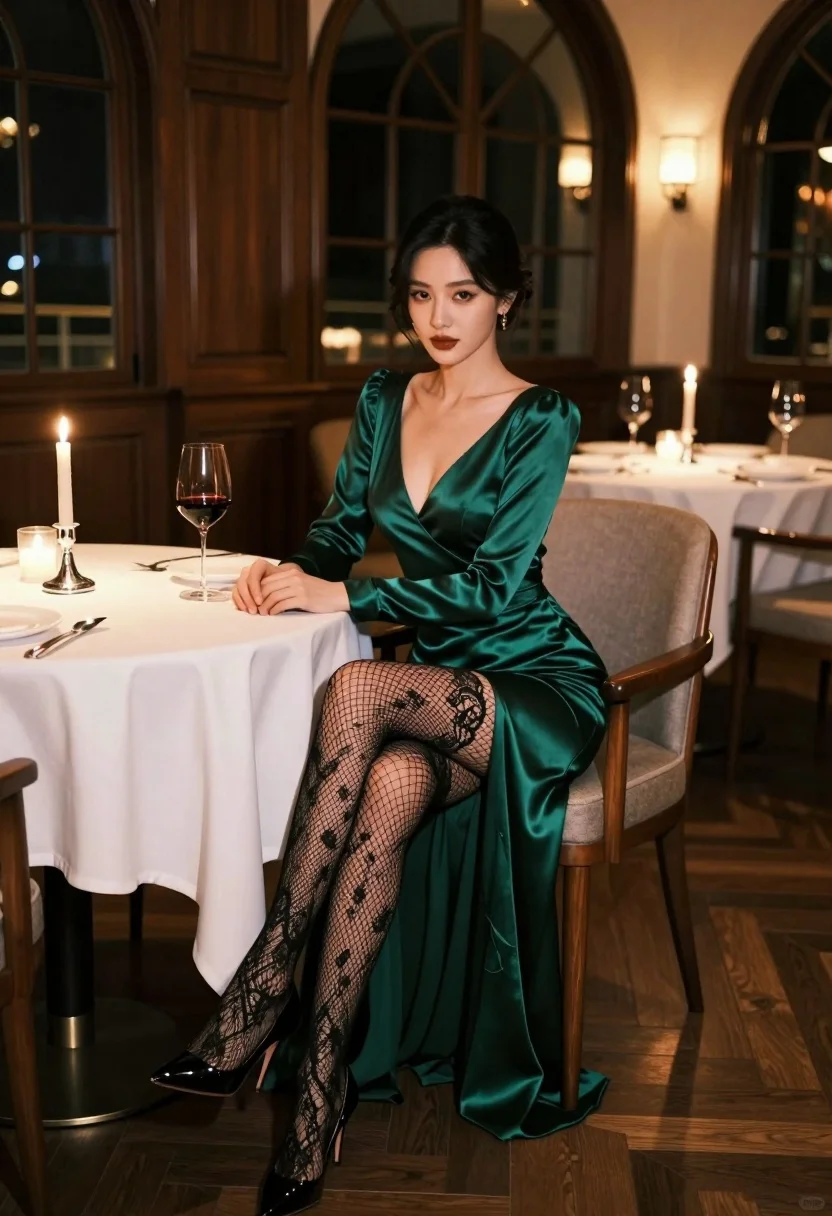
Glamorous woman in emerald gown seated at luxurious restaurant table setting
Prompt
A glamorous woman sits elegantly at a formal dining table in a sophisticated restaurant setting.

Subject: A stunning woman with dark hair styled in an elegant updo, featuring defined makeup with dark lipstick and smoky eyes.

Clothing: She wears a long-sleeved emerald green satin gown that flows to the floor, paired with black lace fishnet stockings and glossy black high-heeled pumps.

Action: She is seated on a wooden chair with her legs crossed at the knee, resting her hands on the white tablecloth while looking directly at the camera with a poised expression.

Environment: The setting is a luxurious restaurant with dark wood paneling, large arched windows in the background, and other tables set for dinner visible in the soft-focus distance.

Camera: Shot from a medium-low angle to emphasize her seated posture, utilizing a shallow depth of field that keeps the subject sharp while blurring the background details.

Lighting: Warm ambient lighting highlights the satin texture of her dress, with soft candlelight on the table adding a romantic glow and creating gentle shadows.

Objects: A wine glass filled with red wine, a tall lit candle in a silver holder, and fine dining cutlery are arranged on the white tablecloth beside her.

Style Details: The image features high-end fashion photography aesthetics with rich color grading, smooth skin textures, and a cinematic composition that emphasizes elegance and luxury.
Description
This prompt is useful for creating editorial fashion spreads, character portraits for film concept art, and high-end lifestyle advertising campaigns. The combination of 'emerald green satin gown' against the dark wood paneling and 'soft candlelight' ensures the rich color palette remains saturated while the 'shallow depth of field' isolates the subject's poise from background clutter.
Suggestions
- Change 'dark lipstick' to 'deep berry stain' for a more modern feel.
- Swap 'wooden chair' for 'velvet-upholstered chair' to match the luxury theme.
- Adjust 'medium-low angle' to 'eye-level shot' if you want a less imposing portrait.
Category
Tags
BrunetteFemaleFormal WearFull BodyIndoorsLow AngleMedium ShotRealistic
Date added
July 3, 2026
Added by
PromptDexter Team
Related Prompts
More prompts with similar categories and tags.
Woman in black strapless gown leaning against upscale hotel hallway wall
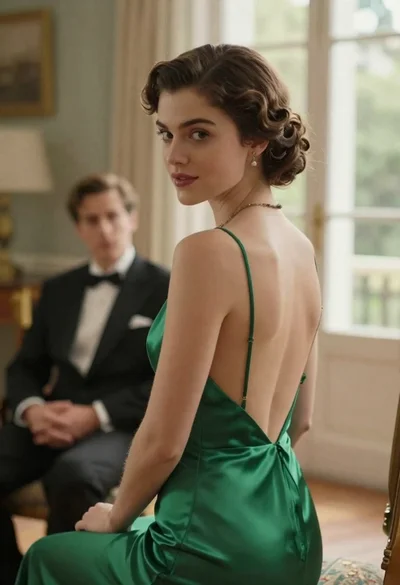
Woman in green dress looking over shoulder in bright ballroom setting
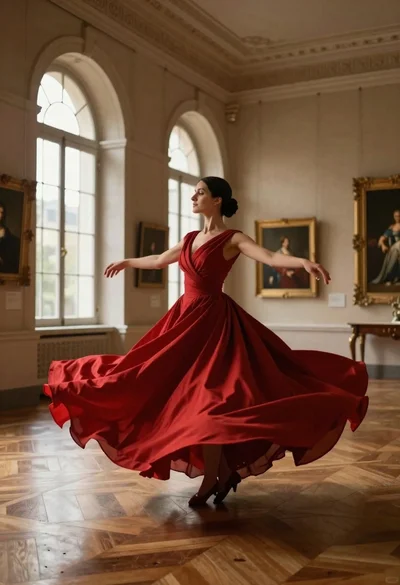
Woman in red ballgown spinning in elegant museum hall
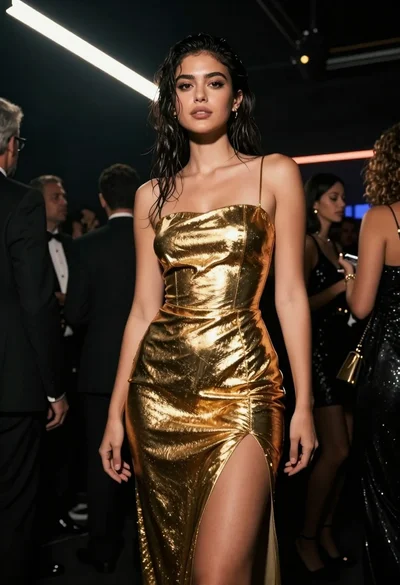
Low angle shot of woman in shimmering gold dress at crowded upscale
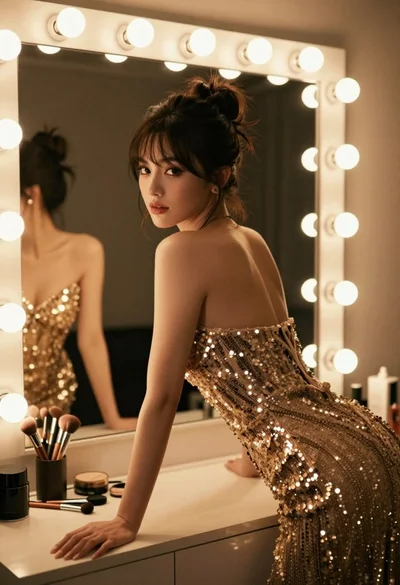
Glamorous woman in sequined gown posing at vanity table under warm lighting
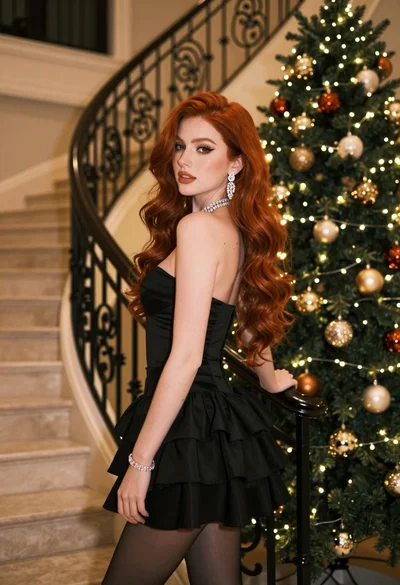
Glamorous woman in black mini dress near decorated christmas tree staircase
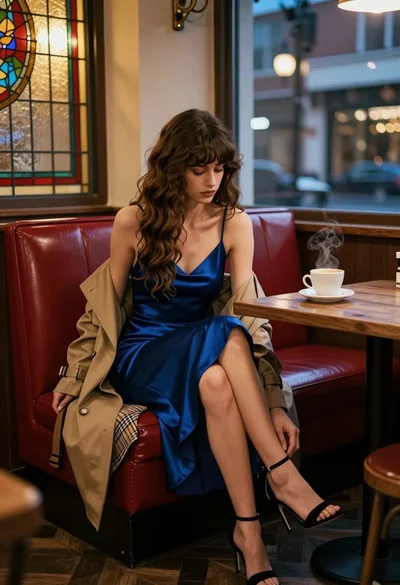
Woman in blue slip dress sitting in dimly lit cafe by stained
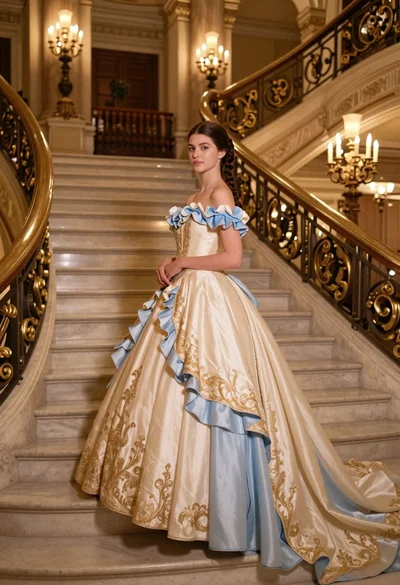
Young woman in elaborate ballgown on grand marble staircase interior
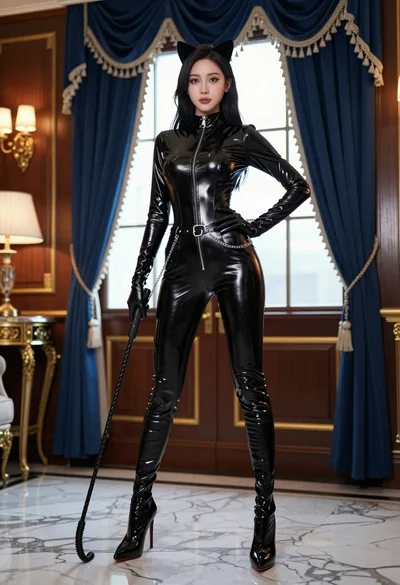
Confident woman in black latex catsuit standing in luxurious room setting
Blonde woman in champagne gown walking down theater aisle spotlight