
Blonde woman in green blouse stands by weathered doorway with vintage feel
Prompt
A glamorous blonde woman with a voluminous updo stands confidently in the doorway of a weathered building, smiling warmly at the camera.

Subject: A blonde woman with a classic Hollywood updo hairstyle and bright red lipstick.

Clothing: She wears a green patterned off-the-shoulder blouse with puffed sleeves, a long black skirt with a high side slit revealing fishnet stockings, and black peep-toe heels. She accessorizes with a long pearl necklace, a pearl bracelet, and holds a small green drawstring handbag.

Action: The woman leans casually against the doorframe with one leg crossed over the other, looking directly at the viewer with a relaxed smile.

Environment: The setting is an old building featuring large multi-paned windows with white frames and weathered grey concrete walls that show signs of age and texture.

Camera: The shot is taken from a medium-full length perspective, capturing the subject from head to toe against the architectural backdrop.

Lighting: Soft natural daylight illuminates the scene evenly, highlighting the textures of the clothing and the worn surface of the building without harsh shadows.

Style Details: The image has a vintage cinematic quality with muted color tones and a slightly grainy texture reminiscent of classic film photography.
Description
This prompt is useful for creating editorial fashion spreads, period-inspired character portraits, and stylized magazine features evoking the 1920s through 1940s. The combination of 'soft natural daylight' with 'muted color tones' ensures that the visible texture on the 'weathered grey concrete walls' remains apparent without harsh contrast, which is crucial for grounding the glamorous subject within a believable historical setting.
Suggestions
- Change 'green patterned off-the-shoulder blouse' to 'ivory lace blouse' for a softer vintage feel.
- Swap 'pearl necklace' for 'long beaded necklace' to complement the era.
- Adjust 'medium-full length perspective' to 'three-quarter body shot' to focus more on the accessories.
Category
Tags
BlondeBrown HairCasual WearFemaleFull BodyMedium ShotRealistic
Date added
June 19, 2026
Added by
PromptDexter Team
Related Prompts
More prompts with similar categories and tags.

Blonde woman in silver gown with fur stole studio portrait

Blonde woman in victorian steampunk attire portrait
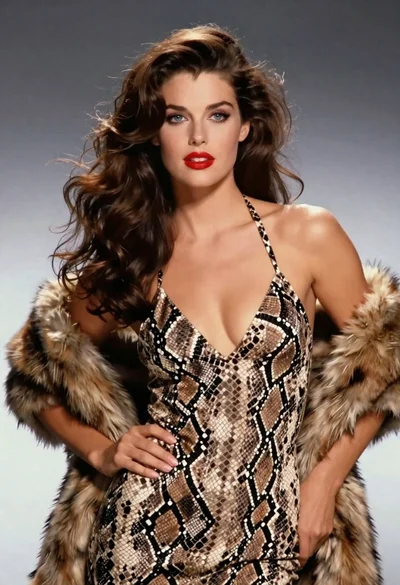
Glamorous woman in snakeskin dress with fur stole studio portrait

Blonde woman in maroon fringed dress standing in white arched hallway
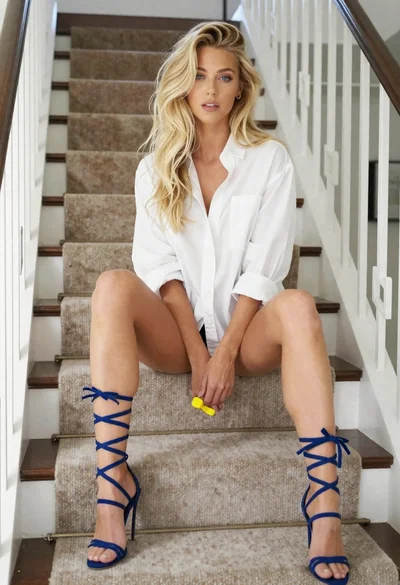
Blonde woman sitting casually on carpeted staircase indoors with yellow object
Young woman in blue maxi dress looking back over shoulder indoors
Stylish woman with blonde hair walking through sunny grassy field at festival
Confident blonde woman in athletic wear on a city street
Blonde woman in floral kimono swimsuit on sunny beach setting
Stylish woman in black top and leather leggings indoors