

Glamorous blonde woman in white dress seated inside a vintage car
Prompt
A glamorous woman with blonde wavy hair sits in the back of a car, posing with one arm raised and her hand open near her head.

Subject: A young woman with fair skin, blue eyes, and voluminous blonde wavy hair styled with bangs.

Clothing: She wears a white fringed dress with beaded straps and a black sequined bodice featuring a floral design, paired with sheer black tights and a fluffy white fur stole draped around her shoulders.

Action: She is seated in a relaxed pose with one leg bent and the other extended, looking directly at the camera with a soft expression while raising her left arm above her head.

Environment: The interior of a vehicle with dark surroundings and reddish-brown leather seats visible on the right side.

Lighting: Dim ambient lighting that highlights her face and upper body, creating a moody atmosphere with soft shadows.

Camera: Medium shot capturing the subject from the waist up, framed closely within the car interior.

Style Details: Vintage film aesthetic with grainy texture, warm color tones, and a candid photography feel.
Description
This prompt is useful for creating vintage editorial spreads, costume concept art, and high-end portraiture mimicking classic Hollywood glamour shots. The combination of 'dim ambient lighting' and the 'vintage film aesthetic with grainy texture' establishes a moody atmosphere that prevents overly bright or modern digital clarity, while the specific details like the 'white fringed dress' and 'reddish-brown leather seats' ground the subject in a tangible, bygone era.
Suggestions
- Change 'blonde wavy hair' to 'platinum blonde waves' for more dramatic contrast.
- Swap 'black sequined bodice' for 'velvet bodice' to alter the texture under dim light.
- Adjust 'dim ambient lighting' to 'single overhead spotlight' for more defined shadows.
Category
Tags
BlondeBrown HairCasual WearFair SkinFemaleMedium ShotRealistic
Date added
June 19, 2026
Added by
PromptDexter Team
Related Prompts
More prompts with similar categories and tags.
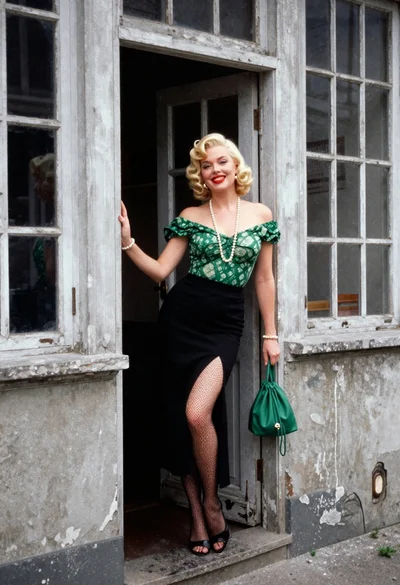
Blonde woman in green blouse stands by weathered doorway with vintage feel
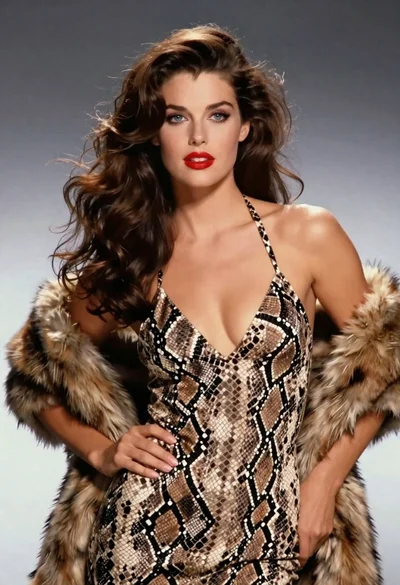
Glamorous woman in snakeskin dress with fur stole studio portrait

Blonde woman in victorian steampunk attire portrait
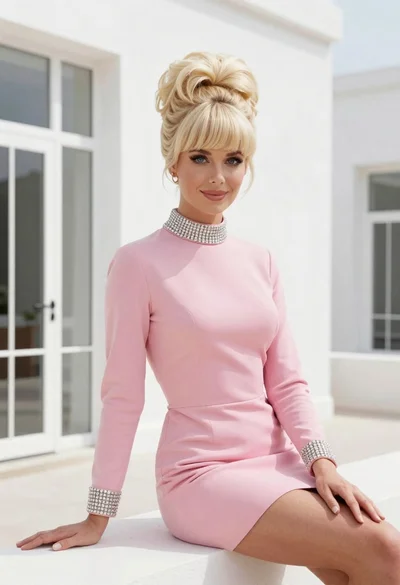
Glamorous woman in pink mini dress against modern white architectural background
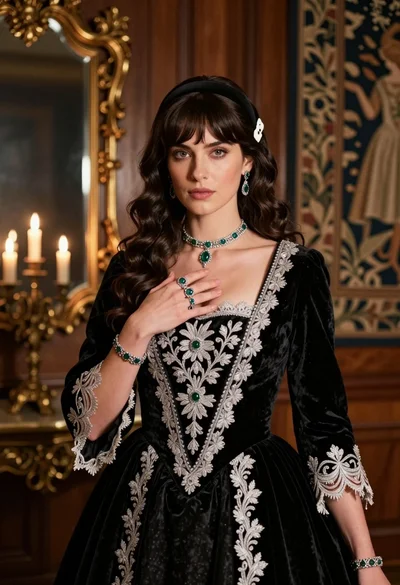
Fair skinned woman in black velvet gown inside luxurious room setting
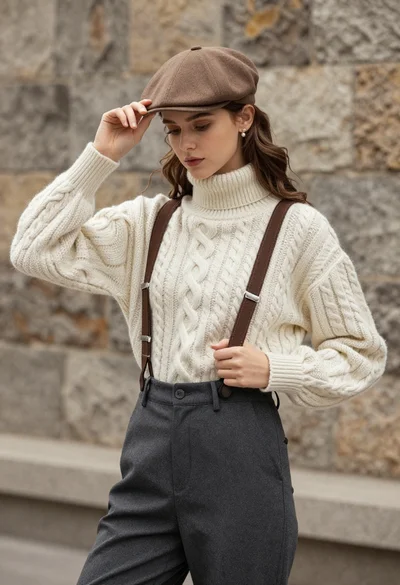
Young woman in cable knit sweater by blurred textured stone wall background

Blonde woman in turtleneck and swim bottoms on a beach
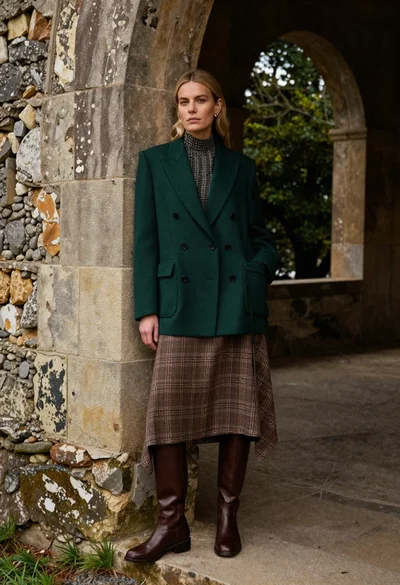
Blonde woman leaning against stone archway in tailored blazer outfit

Two women in red mini dresses posing indoors at an opulent setting

Blonde woman in black leather jacket standing in modern marble bathroom
