

Glamorous woman in snakeskin dress with fur stole studio portrait
Prompt
A glamorous woman with long wavy brown hair poses confidently in a studio setting.

Subject: A beautiful woman with fair skin and long, voluminous wavy brown hair cascading over her shoulders. She has striking blue eyes and wears bold red lipstick. Her expression is confident and alluring as she looks slightly off-camera.

Clothing: She wears a deep V-neck halter dress featuring a beige and brown snakeskin pattern. Draped loosely around her shoulders is a plush, light brown fur stole that adds texture and warmth to the outfit.

Action: The woman stands with a poised posture, her hands resting near her hips, exuding elegance and confidence. Her gaze is direct and engaging.

Environment: The background is a smooth, out-of-focus gradient of dark grey and white, suggesting a professional studio backdrop with soft lighting.

Camera: Shot with a medium close-up framing that highlights the subject's face and upper body, using a shallow depth of field to blur the background softly.

Lighting: Soft, diffused studio lighting illuminates her face from the front, creating gentle highlights on her skin and hair while casting subtle shadows that define her features.

Style Details: High-fashion editorial photography with rich color saturation, smooth skin texture, and a polished, cinematic aesthetic typical of 1990s glamour portraits.
Description
This prompt is useful for creating high-end magazine editorials, vintage Hollywood portrait recreations, and luxury brand advertising campaigns. The combination of 'deep V-neck halter dress featuring a beige and brown snakeskin pattern' with the 'plush, light brown fur stole' grounds the image in specific 1990s glamour while the 'soft, diffused studio lighting' prevents harsh shadows that would detract from the desired smooth skin texture.
Suggestions
- Change 'beige and brown snakeskin pattern' to 'emerald green snakeskin' for a bolder color statement.
- Swap 'plush, light brown fur stole' for 'black faux fur wrap' to increase contrast.
- Adjust '1990s glamour portraits' to 'Art Deco portraiture' for a different vintage feel.
Category
Tags
Brown HairBrunetteCasual WearFair SkinFemaleMedium ShotRealisticStudio
Date added
June 19, 2026
Added by
PromptDexter Team
Related Prompts
More prompts with similar categories and tags.

Young woman in blue denim jacket posing against pale pink seamless background

Young woman in black graphic tshirt against white paneled wall

Glamorous woman posing in shimmering two piece outfit against green backdrop
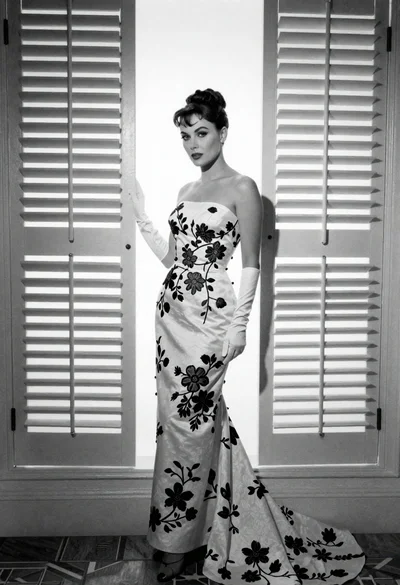
Full length portrait of woman in gown near tall window shutters

Blonde woman in victorian steampunk attire portrait
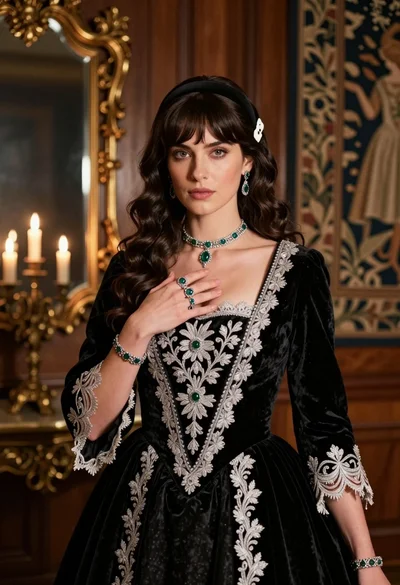
Fair skinned woman in black velvet gown inside luxurious room setting
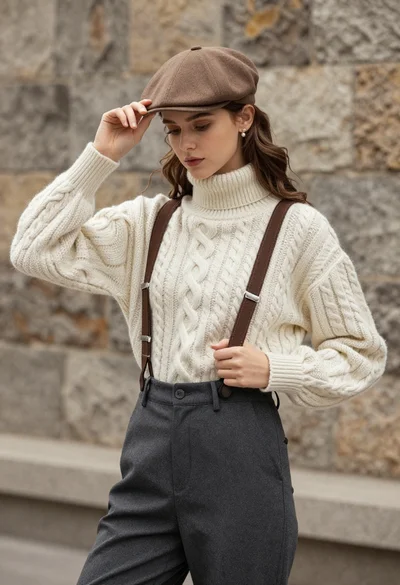
Young woman in cable knit sweater by blurred textured stone wall background
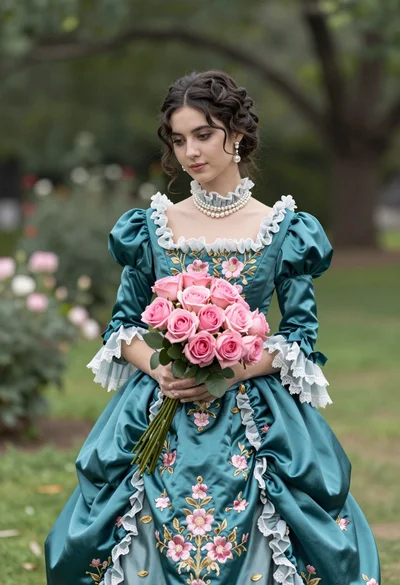
Young woman in teal victorian gown holding pink roses in lush garden

Portrait of woman with red hair in navy blouse and green skirt

Young woman in black and white patterned outfit on urban rooftop
