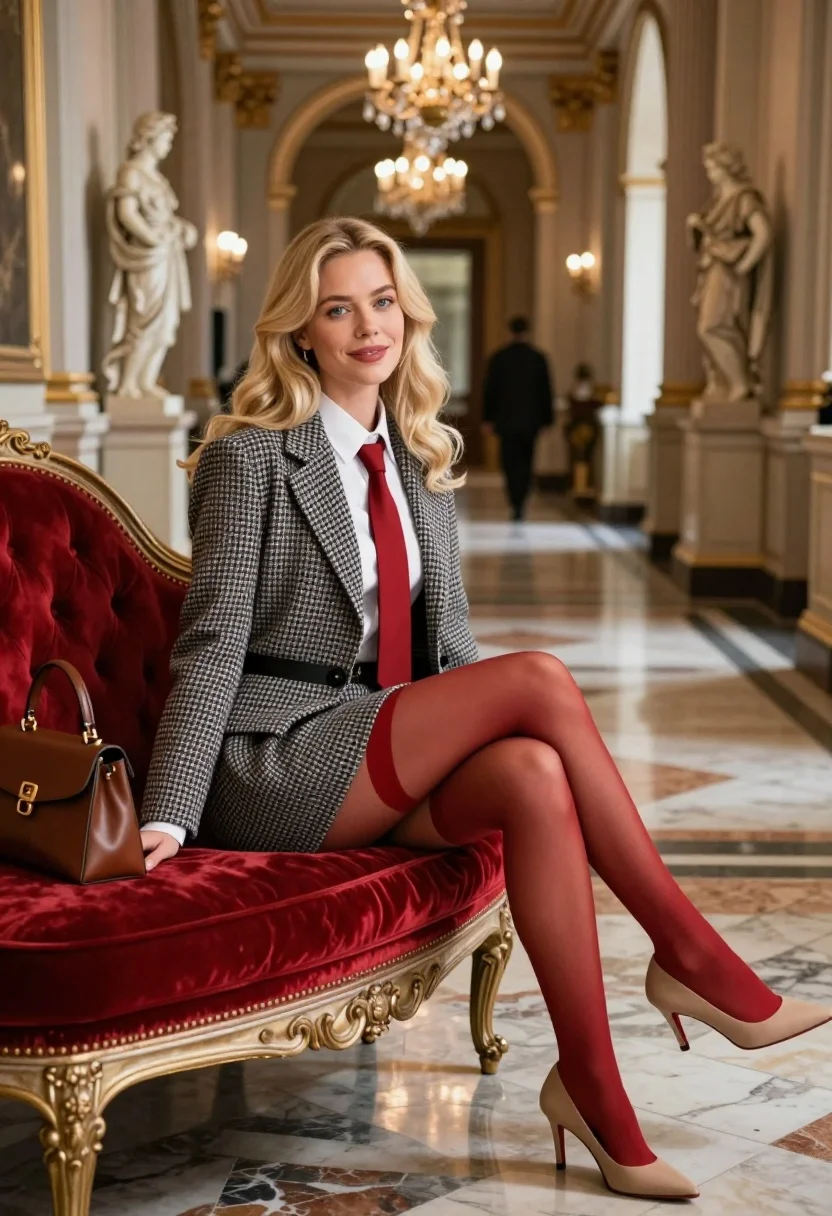
Blonde woman in houndstooth blazer on red chaise lounge in opulent hallway
Prompt
A confident blonde woman sits elegantly on a red velvet chaise lounge in a grand, opulent hallway.

Subject: A fair-skinned woman with long wavy blonde hair, blue eyes, and a poised expression.

Clothing: She wears a grey and white houndstooth blazer and matching skirt over a crisp white collared shirt, accessorized with a solid red necktie. She is wearing sheer red tights and beige slingback heels.

Action: She leans back slightly on the chaise lounge, looking directly at the viewer with a subtle smile, her left hand resting near a brown leather handbag placed beside her.

Environment: The setting is a luxurious palace corridor featuring polished marble floors, towering columns, classical statues on pedestals, and ornate gold detailing on the walls.

Camera: A medium shot capturing the subject from the knees up, with a shallow depth of field that blurs the background figures and distant hallway to emphasize her presence.

Lighting: Soft, warm ambient light reflects off the marble floor and illuminates her face, creating a gentle glow against the rich textures of the room.

Objects: A brown leather handbag sits on the chaise lounge next to her, and multiple crystal chandeliers hang from the high ceiling in the background.

Style Details: The image features a cinematic color palette with high contrast between the red accents and neutral tones, rendered with photorealistic detail and a polished, fashion-editorial aesthetic.
Description
This prompt is useful for creating editorial fashion editorials, luxury brand advertising campaigns, and character concept art for period dramas. The combination of 'houndstooth blazer' against the 'red velvet chaise lounge' establishes a high-contrast focal point that directs all attention to the subject, while the 'shallow depth of field' ensures the opulent background elements support the narrative without competing with the model.
Suggestions
- Change 'grey and white houndstooth blazer' to 'black and white houndstooth blazer' for stronger contrast.
- Swap 'brown leather handbag' for 'gold-accented clutch' to match the detailing.
- Adjust 'soft, warm ambient light' to 'dramatic side lighting' for more shadow play.
Category
Tags
BlondeBrown HairFair SkinFemaleFormal WearMedium ShotPortrait ShotRealistic
Date added
August 5, 2026
Added by
PromptDexter Team
Related Prompts
More prompts with similar categories and tags.

Two women in red mini dresses posing indoors at an opulent setting

Portrait of woman in elaborate red feathered gown against vivid blue background

Medium close up portrait of blonde woman with blue eyes outdoors

Blonde woman in cream sweater sitting on beige couch

Blonde woman in victorian steampunk attire portrait

Fair skinned woman in black blazer against white studio wall

Woman in white corset top standing by grey wall and large window
Smiling blonde woman in silver sequin gown at dimly lit party
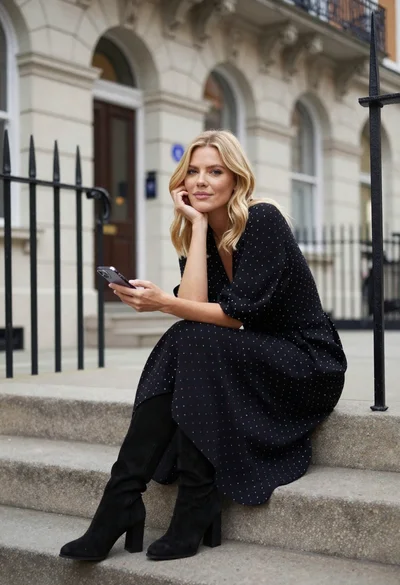
Blonde woman in black dress sitting on steps of classic building

Young woman in cream blouse leaning against rustic wood