
Cinematic wedding portrait of bride and groom against dark wood paneling
Prompt
A cinematic wedding portrait featuring a bride seated in the foreground with a groom standing behind her against a dark wood-paneled wall.

Subject: A woman with dark hair styled in an updo wearing a white sleeveless wedding gown and a sheer veil, resting her chin on her hand while looking at the camera. Behind her stands a man with dark hair in a black tuxedo with a bow tie and a white boutonniere.

Clothing: The bride wears a simple white satin dress with spaghetti straps and a voluminous skirt. The groom is dressed in a classic black tuxedo with a white shirt, black bow tie, and a white pocket square.

Action: The woman poses elegantly with her hand supporting her chin and a soft smile on her face. The man stands upright behind her with his hands in his pockets, looking directly forward with a calm expression.

Environment: An indoor setting featuring dark wood paneling on the walls that adds a classic, warm texture to the background. To the left, there is a small wooden table holding a vintage-style lamp and glassware.

Lighting: Soft, directional lighting illuminates the subjects from the front, creating gentle highlights on their faces and clothing while casting subtle shadows in the corners of the room.

Camera: A medium shot capturing both figures with a shallow depth of field that keeps the couple sharp while softly blurring the background details.

Style Details: High-end fashion photography aesthetic with rich color grading, smooth skin textures, and a romantic, timeless atmosphere.
Description
This prompt is useful for creating formal wedding album spreads, editorial portraiture showcasing classic romance, and high-end stationery mockups. The combination of 'dark wood paneling' and 'soft, directional lighting' establishes a rich, contained environment that prevents the subjects from looking pasted onto an undifferentiated background, while the 'shallow depth of field' ensures the viewer's focus remains tightly on the couple's expressions.
Suggestions
- Change 'white satin dress' to 'ivory crepe gown' for a softer sheen.
- Add 'chiaroscuro lighting' to increase dramatic shadow contrast.
- Swap 'vintage-style lamp' for 'crystal chandelier' to change the background formality.
Category
Tags
FemaleIndoorsMaleMedium ShotRealistic
Date added
June 19, 2026
Added by
PromptDexter Team
Related Prompts
More prompts with similar categories and tags.
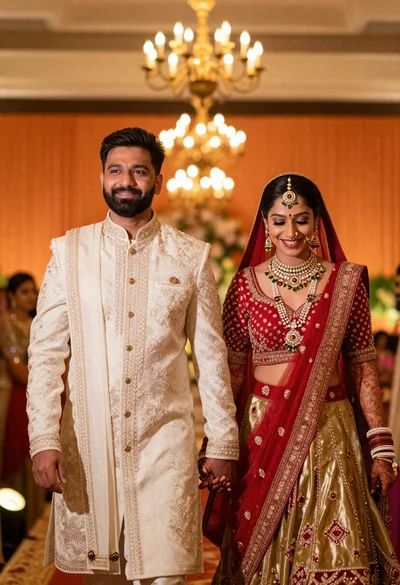
Joyful indian wedding couple walking in warmly lit ceremonial hall
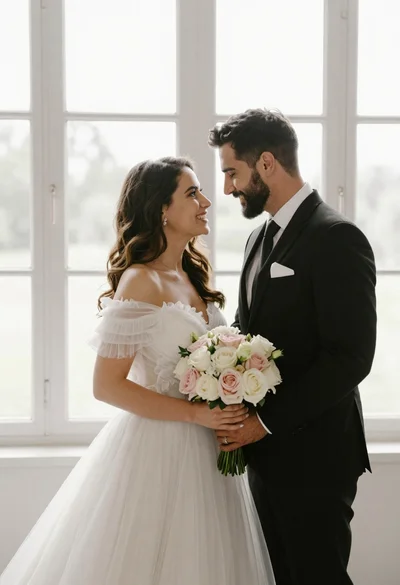
Bride and groom holding rose bouquet together in front of large window
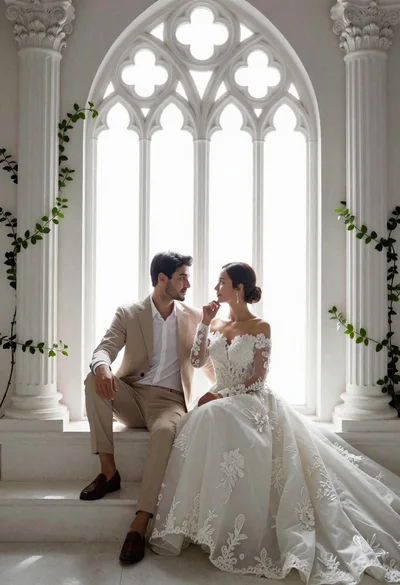
Romantic couple in wedding attire sitting before large gothic window
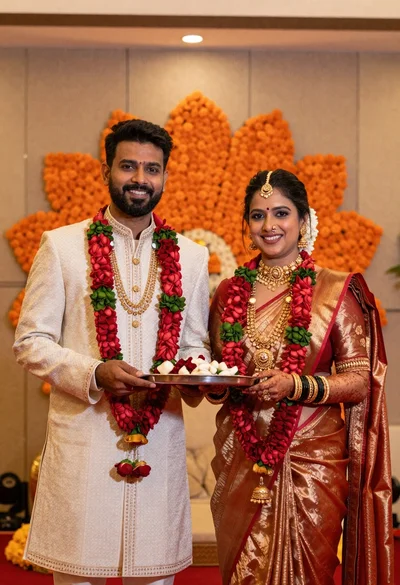
Smiling couple in traditional indian wedding attire holding a ceremonial tray
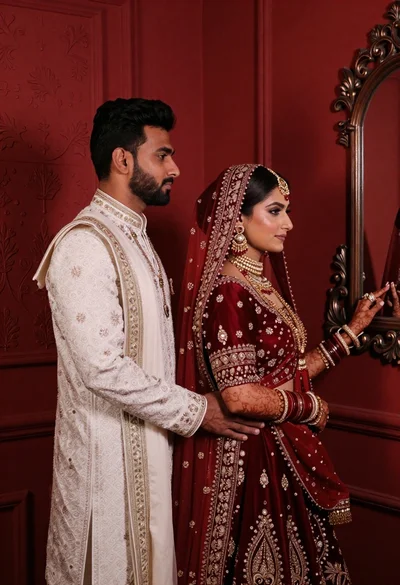
South asian couple in traditional wedding attire against red textured wall
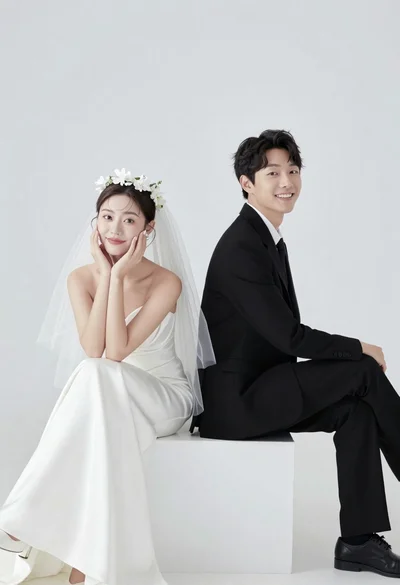
Smiling bride and groom sitting back to back on white block
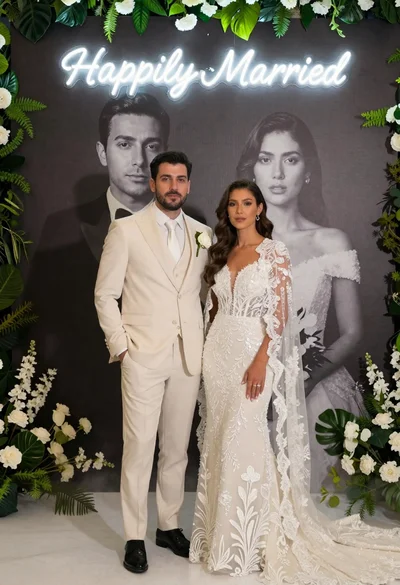
Bride and groom in wedding attire standing before large portrait wall
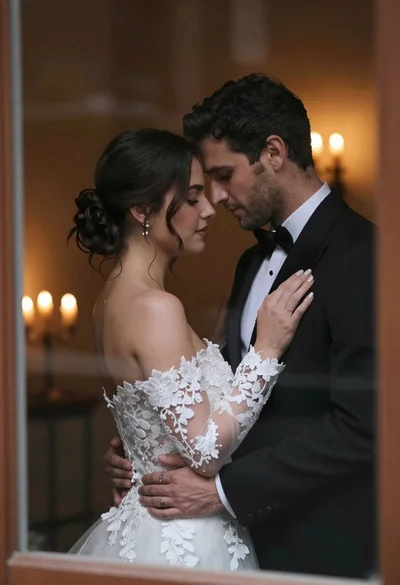
Bride and groom embracing intimately behind a glass window pane
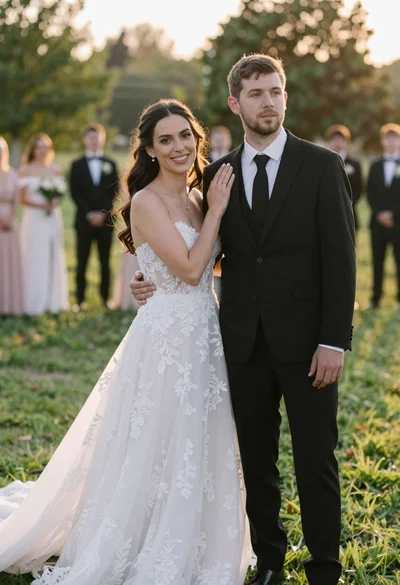
Romantic outdoor wedding portrait of bride and groom in grassy field
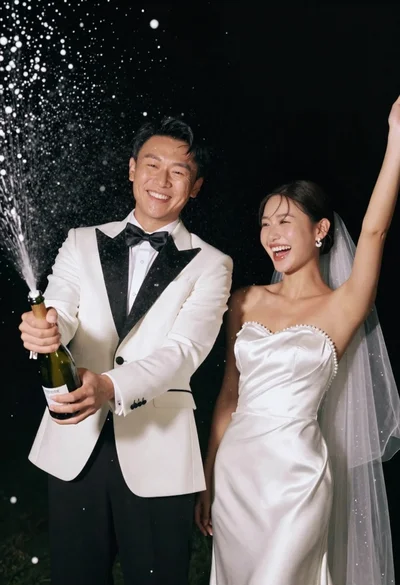
Joyful wedding couple celebrating with spraying champagne in studio