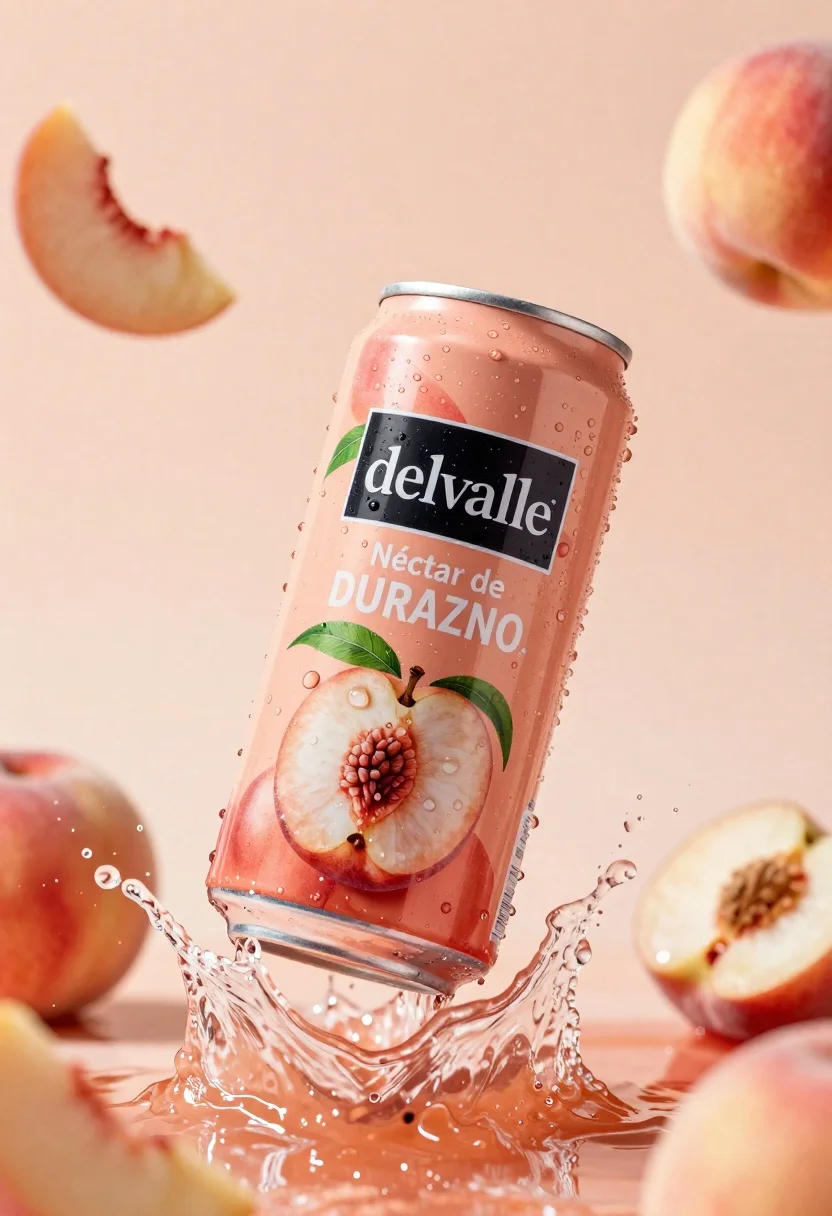
Refreshing peach nectar can suspended in midair with water splash
Prompt
A refreshing peach nectar can suspended in mid-air amidst a dynamic splash of water and floating fruit slices.

Subject: A tall aluminum beverage can with a metallic silver rim and base, featuring a vibrant peach-colored label adorned with images of fresh peaches and green leaves.

Clothing: The can has a black rectangular logo area containing the white text "del Valle" in a serif font, with additional white text below reading "Néctar de DURAZNO".

Action: The can is captured in a frozen moment of motion, surrounded by a dramatic splash of clear water and droplets flying outward.

Environment: A soft, out-of-focus background in warm peach tones that complements the product, with blurred whole peaches visible in the distance to enhance depth.

Camera: Close-up shot with a shallow depth of field that keeps the can sharp while blurring the background elements for emphasis.

Lighting: Bright, high-key studio lighting that creates vivid highlights on the wet surface of the can and the water droplets, emphasizing freshness and clarity.

Style Details: Commercial product photography style with hyper-realistic textures, vibrant color saturation, and a clean, refreshing aesthetic.
Description
This prompt is useful for creating beverage advertisements, food packaging mockups, and lifestyle refreshment editorials. The combination of 'bright, high-key studio lighting' and the 'dynamic splash of water' ensures that every droplet catches a vivid highlight, which is crucial for selling the product's perceived coolness and immediate consumption appeal.
Suggestions
- Change 'metallic silver rim' to 'brushed gold rim' for a premium feel.
- Add 'macro lens perspective' to intensify the close-up focus on droplets.
- Swap 'peach nectar can' for 'tropical juice bottle' if you want a different container shape.
Category
Tags
Close UpOutdoorsRealisticStudio
Date added
June 23, 2026
Added by
PromptDexter Team
Related Prompts
More prompts with similar categories and tags.

Closeup product shot of hand holding frosted glass spray bottle with colorful

Clear glass serum bottle with lemons and water splashes in studio
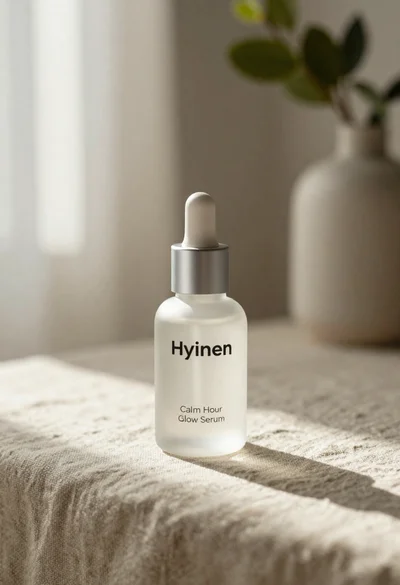
Frosted glass serum bottle with silver pump on beige linen cloth

Neutrogena acne wash bottle suspended in midair with splashing liquid

Commercial advertisement for orange facial cleanser bottle on wet black surface
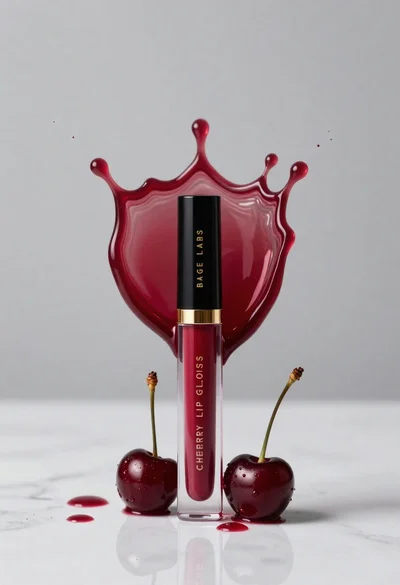
Cherry lip gloss tube on white marble with red liquid splash crown
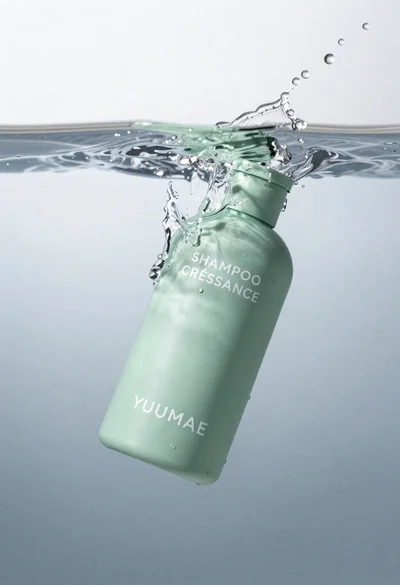
High angle close up of mint green shampoo bottle in water with
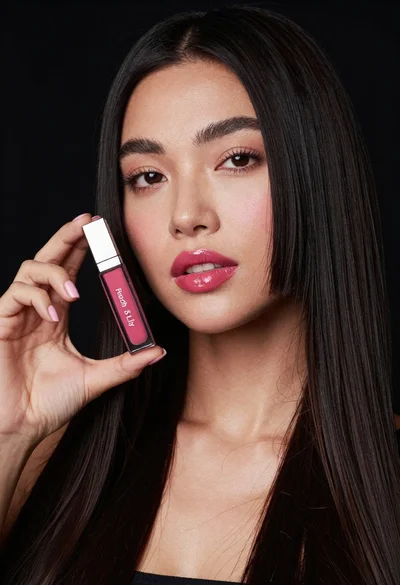
Woman holding lip gloss tube against black background in closeup