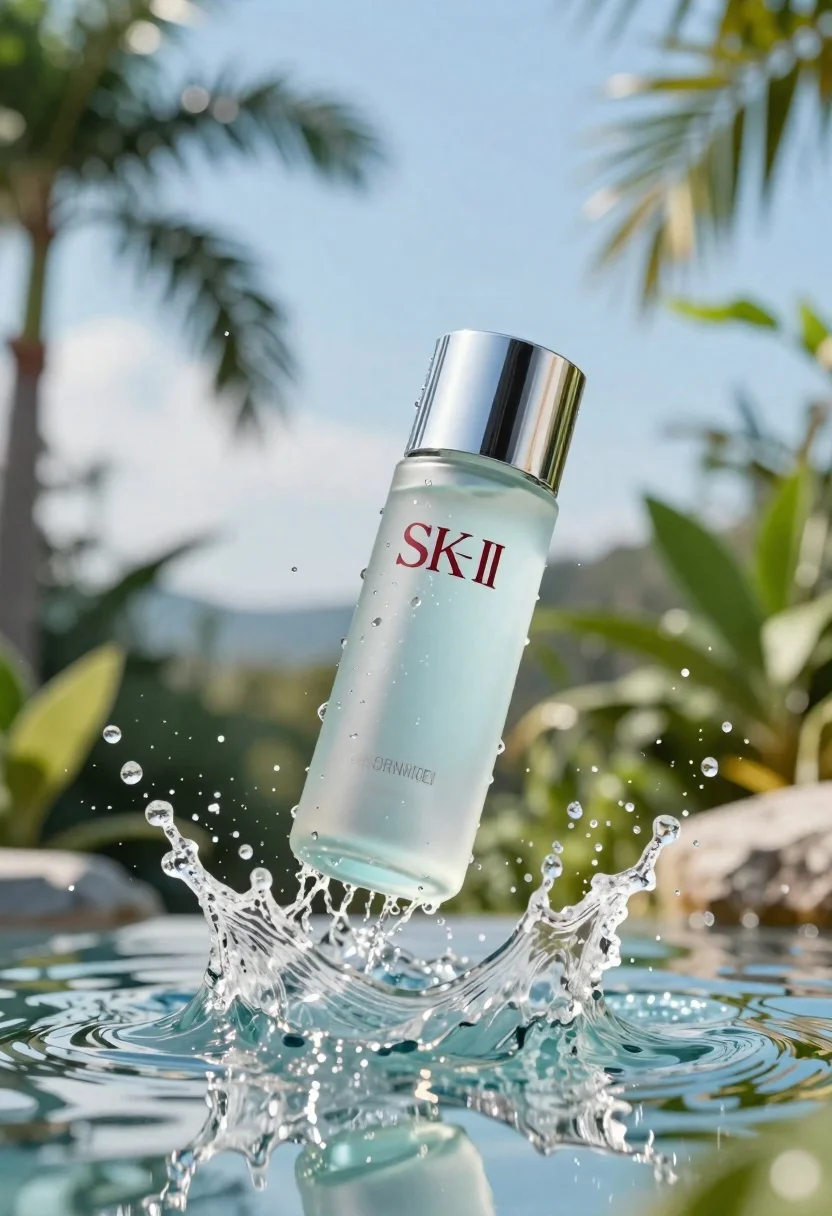
Clear glass skincare bottle suspended in water splash outdoors
Prompt
A clear glass bottle of skincare product suspended in mid-air amidst a dynamic splash of water.

Subject: A transparent cylindrical glass bottle with a metallic silver cap, containing a light blue liquid.

Clothing: Not applicable.

Action: The bottle is frozen in the middle of a powerful water splash, with droplets flying outward and ripples forming on the surface below.

Environment: A lush tropical setting with blurred green palm leaves and foliage in the background against a bright blue sky.

Camera: Close-up shot with a shallow depth of field that keeps the bottle sharp while blurring the background elements.

Lighting: Bright, natural daylight illuminating the scene from above, creating high contrast reflections on the wet glass and water droplets.
Second

Subject: Not applicable.

Objects: A clear glass bottle with a silver cap.

Interaction: The bottle is interacting dynamically with the surrounding water splash.

Text/Graphics: The brand name "SK-II" is printed in dark letters on the front of the bottle, along with smaller text below it.

Style Details: High-end commercial photography style with hyper-realistic rendering, vibrant colors, and a refreshing aesthetic.
Description
This prompt is useful for creating high-end cosmetic advertisements, editorial beauty spreads, and e-commerce product showcases emphasizing freshness. The combination of 'bright, natural daylight' and the specified 'high contrast reflections on the wet glass and water droplets' ensures that the bottle appears pristine and valuable, while the 'shallow depth of field' isolates the product from the busy tropical background.
Suggestions
- Change 'metallic silver cap' to 'matte black cap' for a more modern feel.
- Swap 'light blue liquid' for 'emerald green liquid' to complement the foliage.
- Add 'macro lens perspective' to emphasize droplet detail.
Category
Tags
Close UpOutdoorsRealistic
Date added
June 23, 2026
Added by
PromptDexter Team
Related Prompts
More prompts with similar categories and tags.
Glossy black jar of deep red body salt scrub surrounded by fresh

Closeup product shot of hand holding frosted glass spray bottle with colorful

Clear glass serum bottle with lemons and water splashes in studio
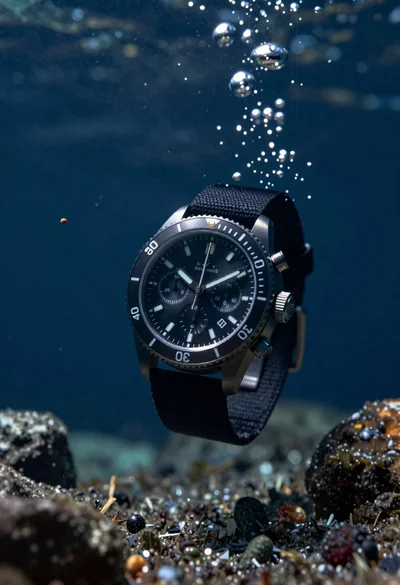
Black chronograph watch with fabric strap floating in deep blue underwater scene
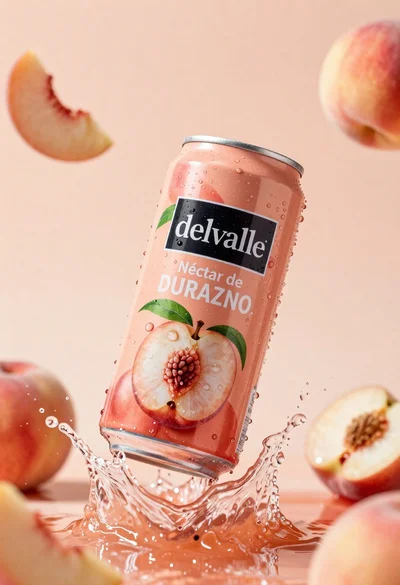
Refreshing peach nectar can suspended in midair with water splash
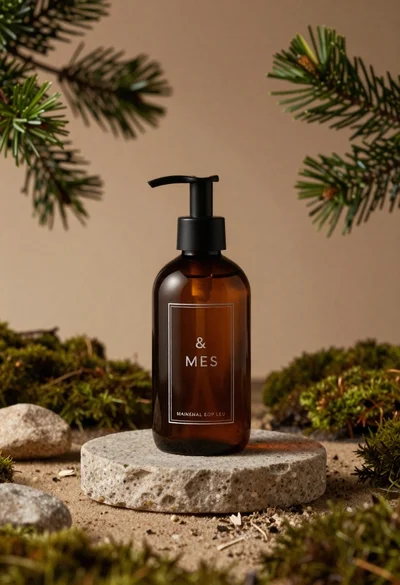
Dark amber glass bottle on stone pedestal surrounded by pine branches
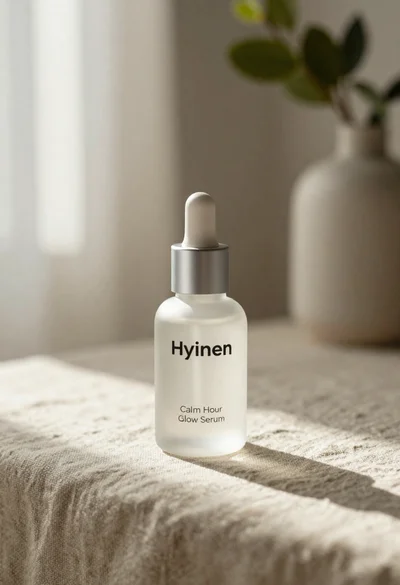
Frosted glass serum bottle with silver pump on beige linen cloth
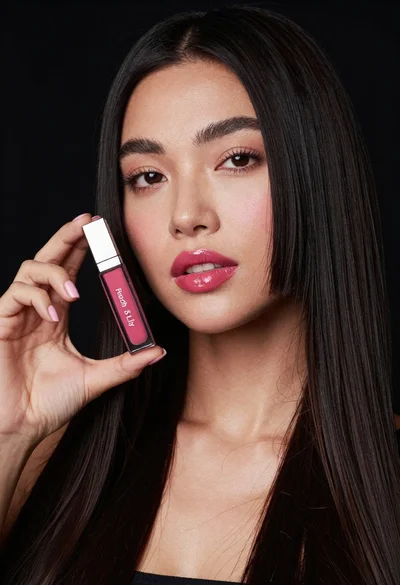
Woman holding lip gloss tube against black background in closeup