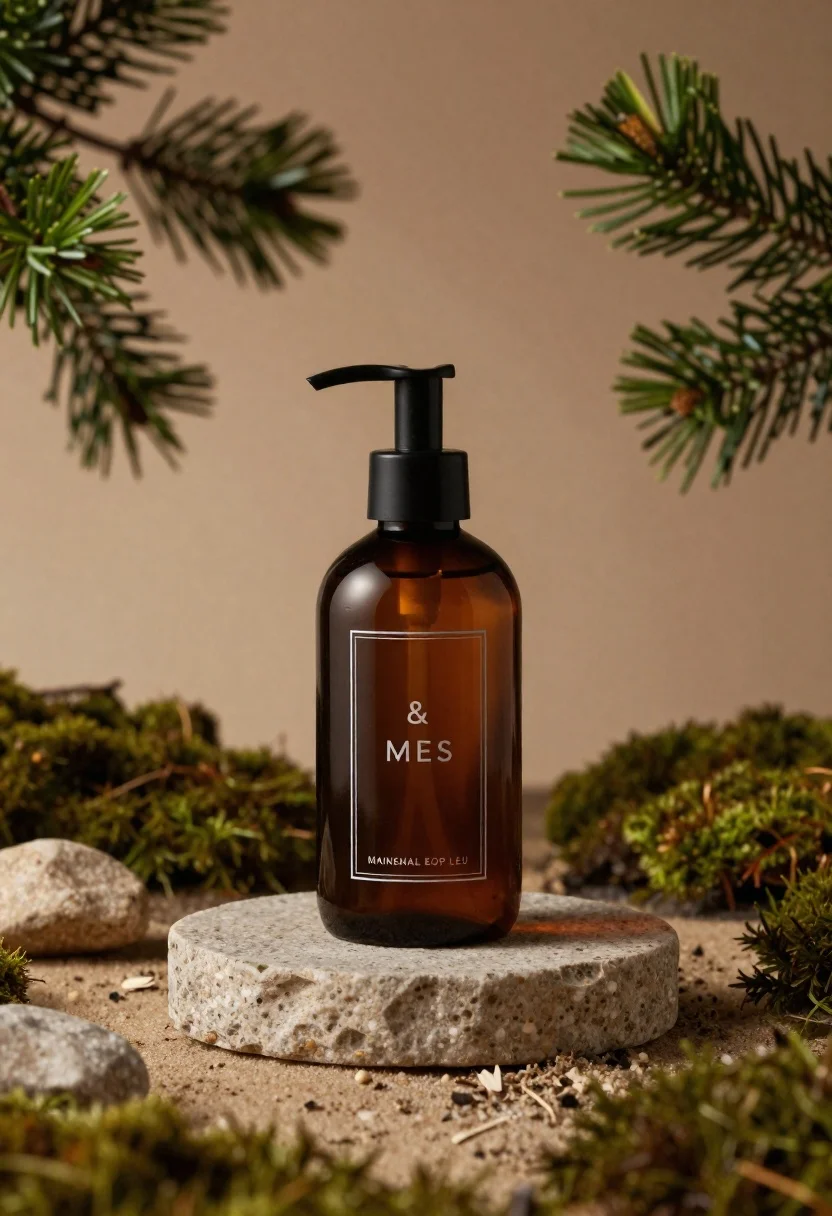
Dark amber glass bottle on stone pedestal surrounded by pine branches
Prompt
A minimalist product shot of a dark amber glass bottle with a black pump dispenser standing on a circular stone pedestal.

Subject: A sleek, cylindrical dark amber glass bottle featuring a matte black pump mechanism and a rectangular label.

Clothing: N/A.

Action: The bottle stands upright in a static, centered position.

Environment: The scene is set within a naturalistic arrangement of green pine branches framing the top corners and mossy ground cover surrounding the base, with scattered small stones on a sandy surface.

Camera: A close-up perspective with a shallow depth of field that keeps the bottle sharp while blurring the foreground foliage and background into soft bokeh.

Lighting: Soft, warm ambient light creates gentle highlights on the glass curves and casts subtle shadows to enhance the earthy tones.
Second

Subject: N/A.

Objects: A circular stone pedestal serves as a display stand for the bottle.

Interaction: N/A.

Text/Graphics: The label displays the text "& MES" in the center and "MAINENAL EOP LEU" at the bottom within a thin border.

Style Details: High-end commercial photography style with a warm, earthy color palette emphasizing organic textures and natural materials.
Description
This prompt is useful for creating high-end cosmetic packaging advertisements, artisanal liquor branding visuals, and rustic wellness product catalogs. The combination of 'dark amber glass' against the 'mossy ground cover' and 'pine branches' establishes an immediate connection to natural remedies or premium skincare lines, while the 'shallow depth of field' ensures the bottle remains the undisputed focal point despite the surrounding organic clutter.
Suggestions
- Change 'green pine branches' to 'dried eucalyptus sprigs' for a more muted color scheme.
- Swap 'sandy surface' for 'dark slate tile' to increase contrast.
- Adjust 'Soft, warm ambient light' to 'directional side lighting' to emphasize glass refraction.
Category
Tags
Close UpOutdoorsRealistic
Date added
June 23, 2026
Added by
PromptDexter Team
Related Prompts
More prompts with similar categories and tags.
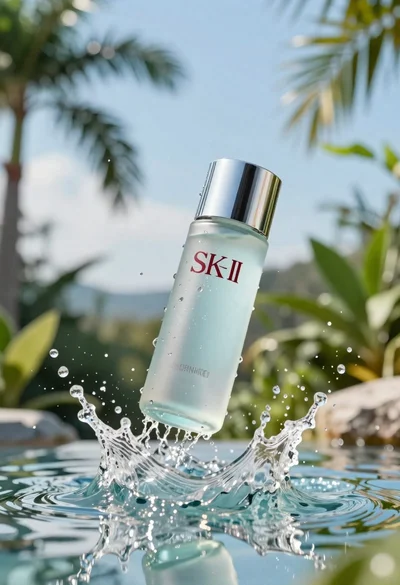
Clear glass skincare bottle suspended in water splash outdoors
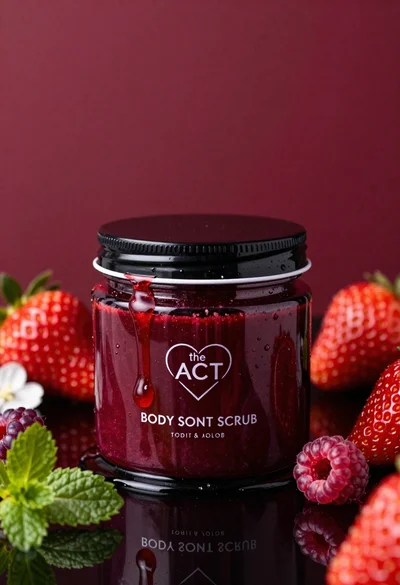
Glossy black jar of deep red body salt scrub surrounded by fresh

Closeup product shot of hand holding frosted glass spray bottle with colorful

Clear glass serum bottle with lemons and water splashes in studio
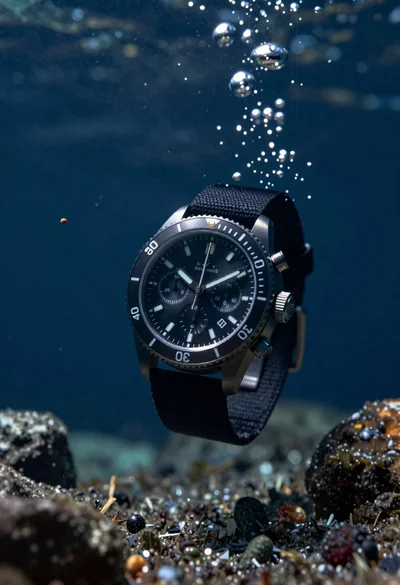
Black chronograph watch with fabric strap floating in deep blue underwater scene
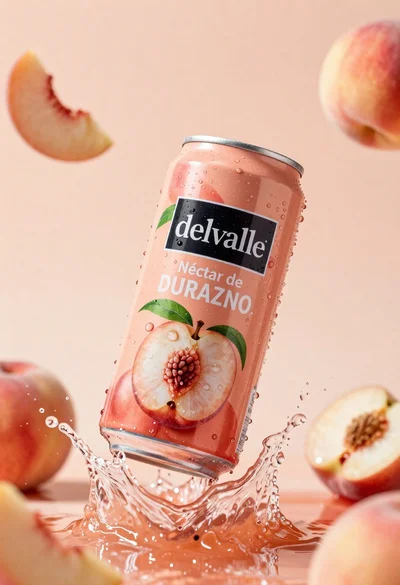
Refreshing peach nectar can suspended in midair with water splash
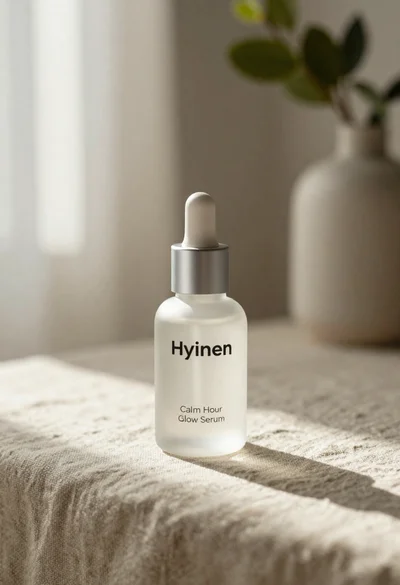
Frosted glass serum bottle with silver pump on beige linen cloth
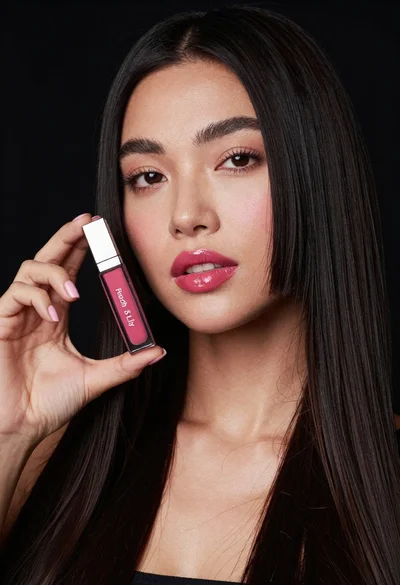
Woman holding lip gloss tube against black background in closeup