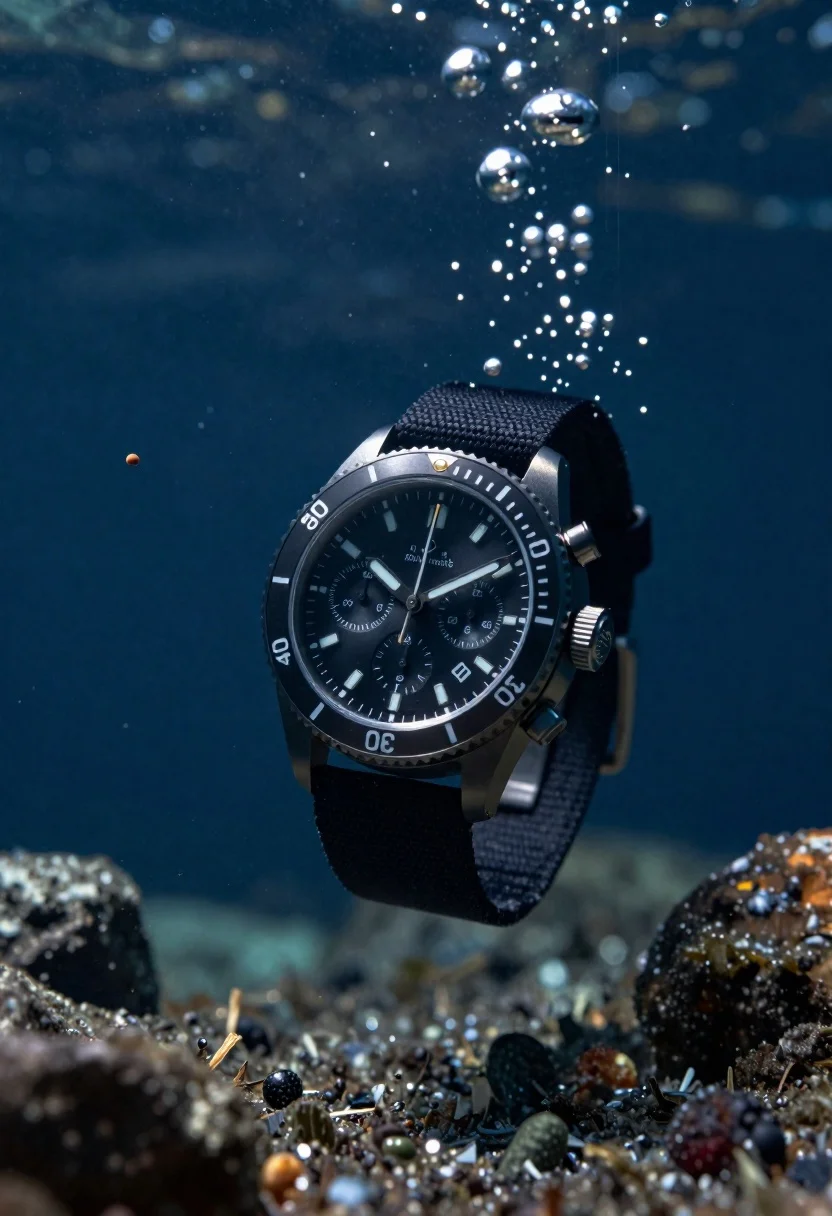
Black chronograph watch with fabric strap floating in deep blue underwater scene
Prompt
A black chronograph watch with a textured fabric strap floats in the center of a deep blue underwater scene.

Subject: A sleek black diver's watch featuring a round case, a rotating bezel marked with numerals and minute indices, and a dark dial with three sub-dials and white hour markers.

Clothing: The watch is fitted with a rugged black fabric strap that resembles woven nylon or canvas.

Action: The watch appears suspended in mid-water, surrounded by debris and bubbles, creating a sense of dynamic movement as if caught in an underwater current.

Environment: A deep ocean setting with a dark blue background filled with floating rocks, sediment particles, and rising air bubbles.

Camera: Close-up shot with a shallow depth of field that keeps the watch in sharp focus while blurring the surrounding debris and background.

Lighting: Dramatic directional lighting from above that highlights the metallic sheen of the watch case and creates bright reflections on the water droplets and floating rocks.

Style Details: High-contrast cinematic photography with cool blue color grading, hyper-realistic rendering, and a sense of depth created by volumetric light rays penetrating the dark water.
Description
This prompt is useful for creating luxury watch advertisements, concept art for deep-sea exploration gear, and high-end product catalog visuals. The combination of 'dramatic directional lighting from above' and 'cool blue color grading' ensures the metallic sheen of the case pops against the dark environment, while the shallow depth of field isolates the subject by blurring the surrounding debris.
Suggestions
- Change 'textured fabric strap' to 'black rubberized strap' for a more aquatic feel.
- Add 'macro lens perspective' to emphasize the details on the dial.
- Swap 'floating rocks' for 'coral formations' to ground the scene.
Category
Tags
Close UpDark SkinOutdoorsRealisticUnderwater
Date added
June 23, 2026
Added by
PromptDexter Team
Related Prompts
More prompts with similar categories and tags.
Green soda can erupting with citrus slices and liquid spray
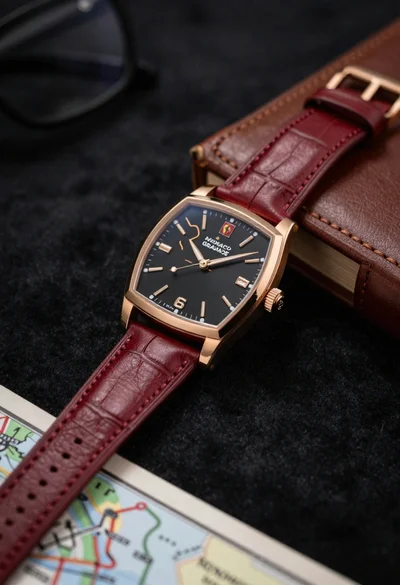
Closeup shot of luxury rose gold wristwatch on dark textured surface
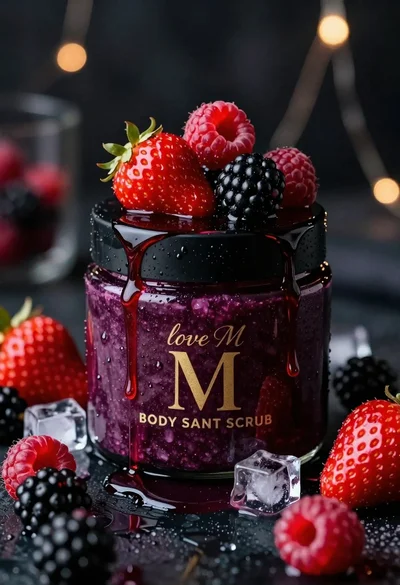
Luxurious dark berry body salt scrub jar with fresh strawberries and raspberries
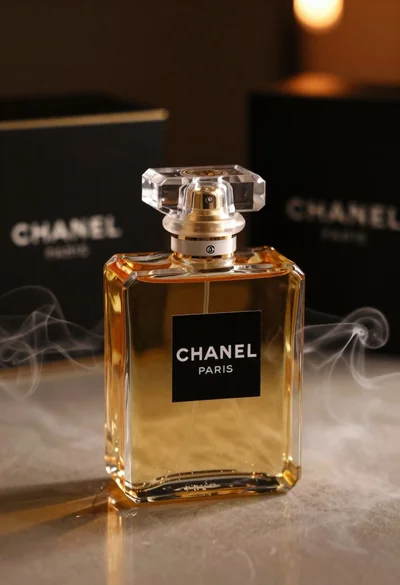
Luxurious chanel perfume bottle on reflective surface with swirling smoke

Black perfume bottle on driftwood surrounded by pink cosmos flowers in purple
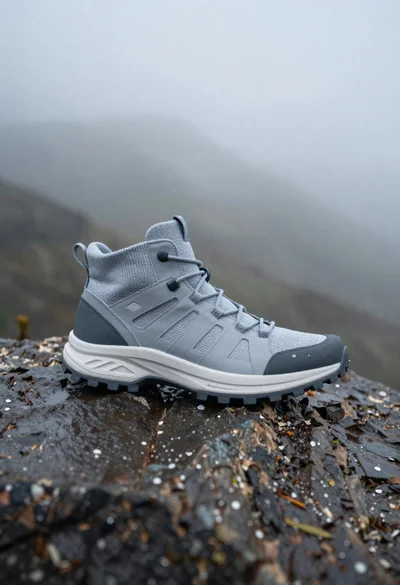
Grey and white hiking boot on wet rocky ground
Clear glass skincare bottle suspended in water splash outdoors
Woman in light green bathrobe holding cucumber face mask tube