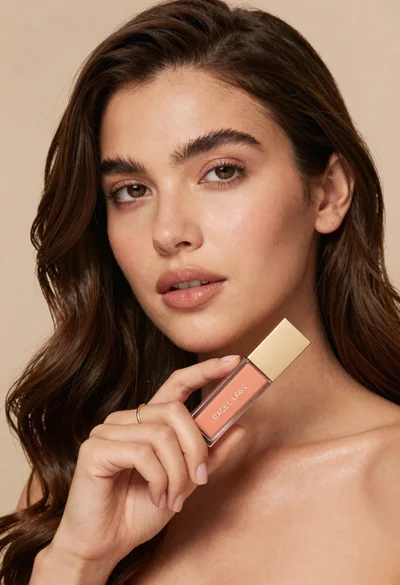
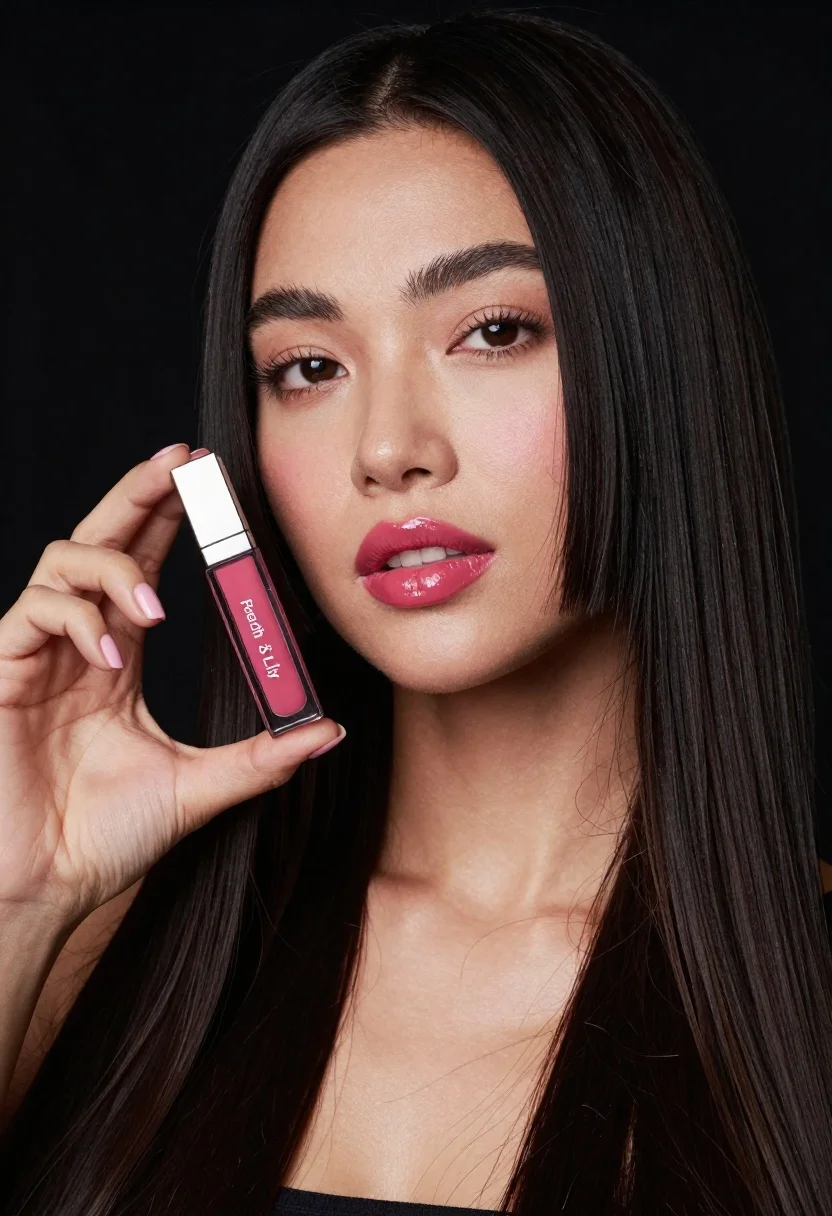
Woman holding lip gloss tube against black background in closeup
Prompt
A close-up portrait of a woman with long dark hair holding a tube of lip gloss against a black background.

Subject: A woman with fair skin and long, straight black hair cascading over her shoulders. She has defined eyebrows, subtle eye makeup, and glossy, deep pink lips that match the product she is holding. Her expression is calm and confident as she gazes directly at the viewer.

Clothing: The subject is wearing a dark top with a low neckline, though only her collarbone and upper chest are visible.

Action: She holds a tube of lip gloss in her left hand near her face, presenting it to the camera. Her fingers are manicured with light pink nail polish.

Environment: The background is a solid, deep black void that isolates the subject and emphasizes the lighting on her face.

Camera: A tight close-up shot focusing on the upper torso and face, utilizing a shallow depth of field to keep the subject sharp while softly blurring the hair strands in the foreground.

Lighting: Soft, directional studio lighting illuminates the front of her face, creating a smooth glow on her skin and highlighting the glossiness of her lips and the product tube.

Objects: A rectangular glass tube containing deep pink liquid lip gloss with a silver cap is held prominently in the foreground. The label on the tube reads "Peach & Lily".

Style Details: High-definition commercial beauty photography style with high contrast between the subject's skin tones and the dark background, emphasizing texture and product detail.
Description
This prompt is useful for creating e-commerce beauty catalog shots, cosmetic advertisement mockups, and editorial makeup feature spreads. The combination of 'soft, directional studio lighting' against a 'solid, deep black void' ensures that the focus remains entirely on the product and skin texture, preventing distracting environmental elements while making the 'glossiness of her lips and the product tube' pop with high contrast.
Suggestions
- Change 'deep pink liquid lip gloss' to 'nude matte lipstick' for a different product feel.
- Add 'rim lighting from above' to accentuate hair volume.
- Swap 'tight close-up shot' for 'macro lens perspective' to emphasize texture.
Category
Tags
Black HairClose UpFair SkinFemaleOutdoorsRealisticStudio
Date added
June 23, 2026
Added by
PromptDexter Team
Related Prompts
More prompts with similar categories and tags.
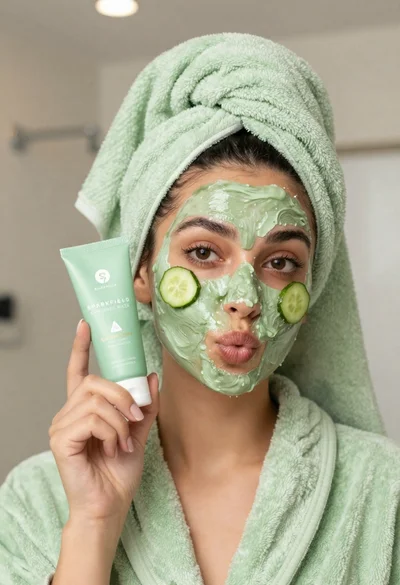
Woman in light green bathrobe holding cucumber face mask tube
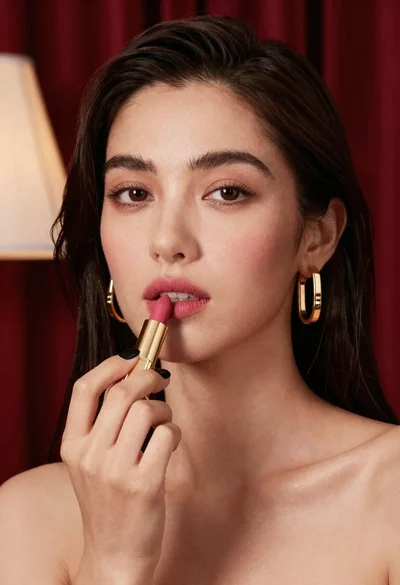
Close up portrait of woman applying pink lipstick against red curtains
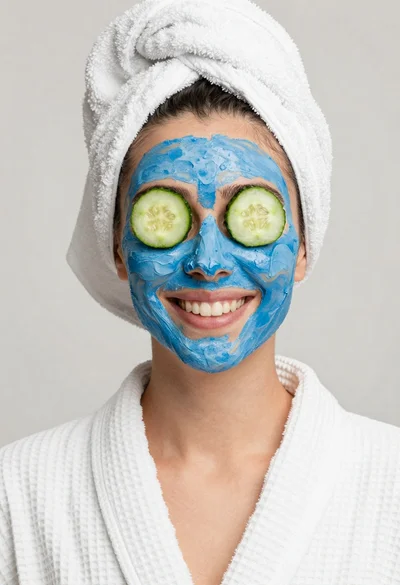
Smiling woman in white bathrobe with blue clay face mask and cucumber
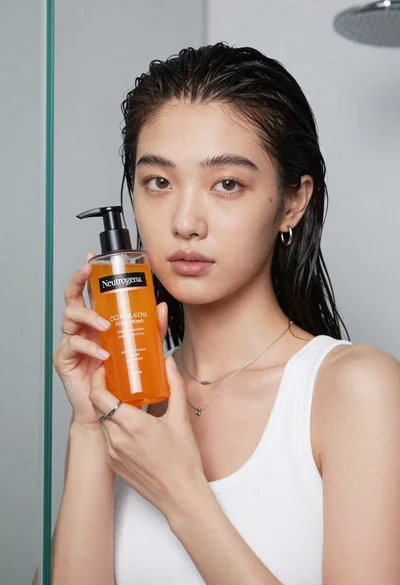
Young east asian woman holding orange liquid bottle in studio
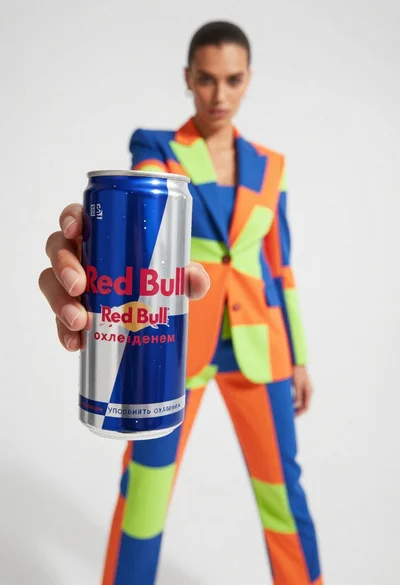
Closeup of red bull can held by hand with fashion model in
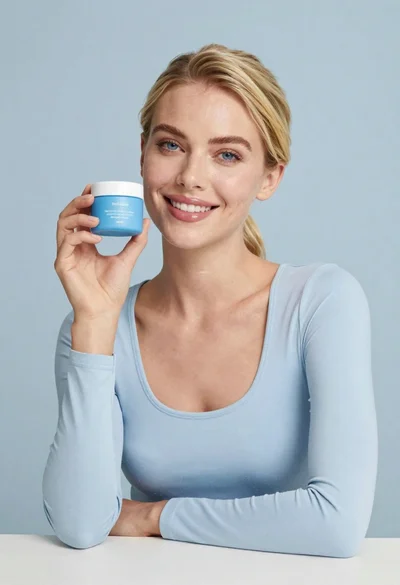
Smiling blonde woman holding a blue jar in a minimalist studio setting
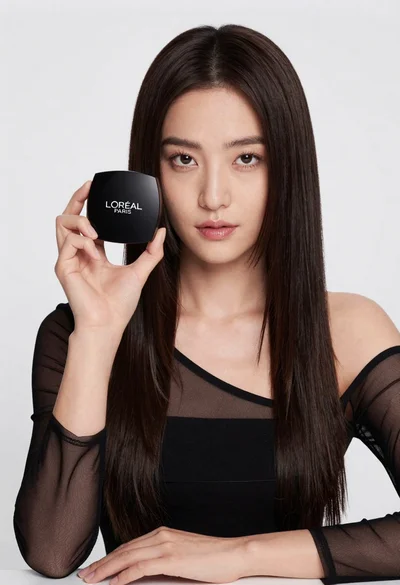
Medium close up portrait of woman holding makeup compact in studio

Young woman in athletic pose midair wearing white sneakers against graphic background