
Close up of holiday centerpiece candles among evergreen greenery and berries
Prompt
A close-up view of a festive holiday centerpiece featuring four lit tealight candles nestled within a lush arrangement of greenery.

Subject: Four cylindrical tealight candles with warm yellow flames burning brightly, surrounded by a dense bed of fresh evergreen branches, pinecones, white berries, and red holly-like fruit.

Action: The candles are actively burning with steady flames casting a soft glow on the surrounding foliage.

Environment: The arrangement sits on a dark wooden surface with visible grain texture, set against a blurred dark background that suggests an indoor setting.

Camera: A shallow depth of field keeps the front row of greenery and candles in sharp focus while softly blurring the back candles and the background wall.

Lighting: Warm candlelight illuminates the immediate foreground, creating soft highlights on the pine needles and berries, contrasting with the cool blue ambient light reflecting off the dark surroundings.

Style Details: The image has a moody, atmospheric quality with high contrast between the warm firelight and the cool shadows, resembling a professional still-life photography style.
Description
This prompt is useful for creating holiday seasonal advertisements, rustic table setting inspiration, and fine art product catalog images. The combination of 'warm candlelight' illuminating the foreground against the 'cool blue ambient light reflecting off the dark surroundings' establishes a high-contrast, moody atmosphere ideal for making the glowing candles pop while keeping the background from looking flat.
Suggestions
- Change 'red holly-like fruit' to 'gold dusted berries' for a more luxurious feel.
- Add 'bokeh effect' to the camera section for increased background separation.
- Swap 'dark wooden surface' for 'slate marble' to change the material texture.
Category
Tags
Macro ShotRealistic
Date added
August 5, 2026
Added by
PromptDexter Team
Related Prompts
More prompts with similar categories and tags.
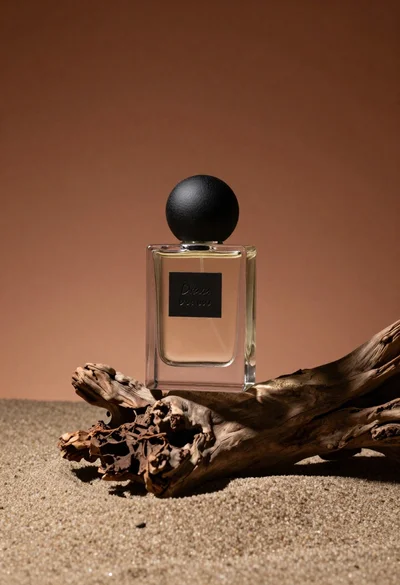
Minimalist perfume bottle on driftwood and sand
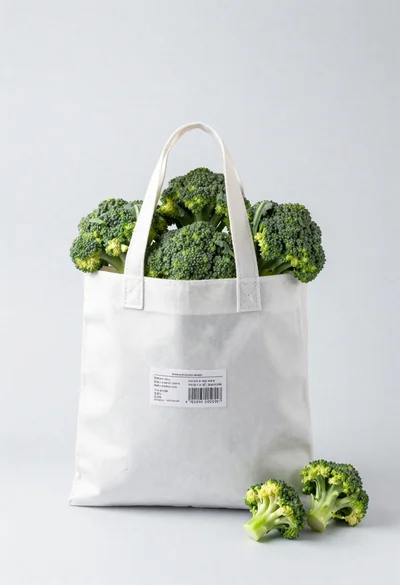
White shopping bag overflowing with fresh broccoli florets
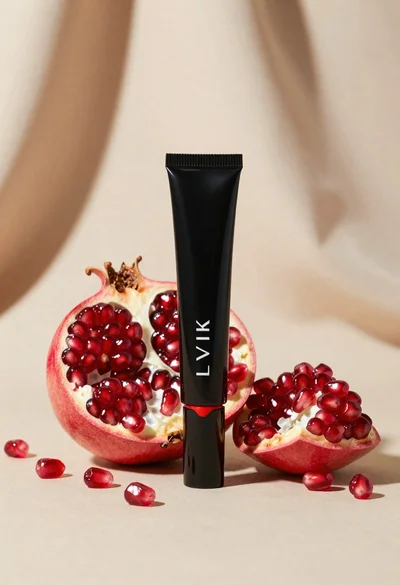
Black makeup tube next to open red pomegranate on beige background

Amber glass bottle with gold pump under dramatic golden light
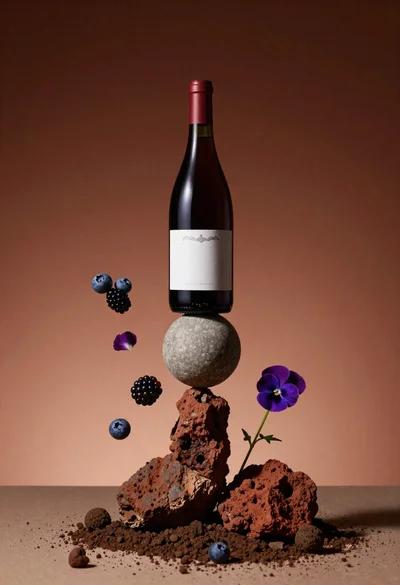
Wine bottle balanced on earth and stone still life

Hands dispensing white cream from a tube into a palm
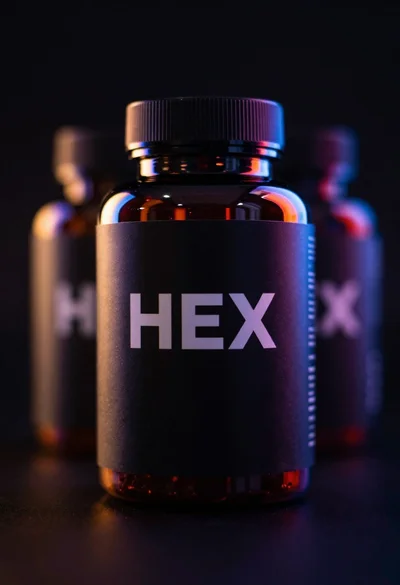
Black supplement bottle with chromatic aberration in void
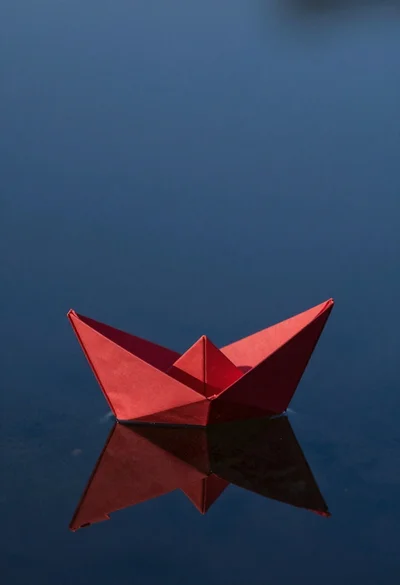
Red origami boat on calm dark blue water

Abstract close up of glass vessel against teal background
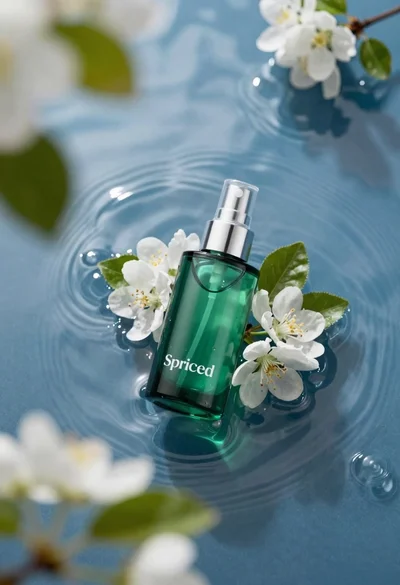
Green skincare bottle floating on rippling blue water