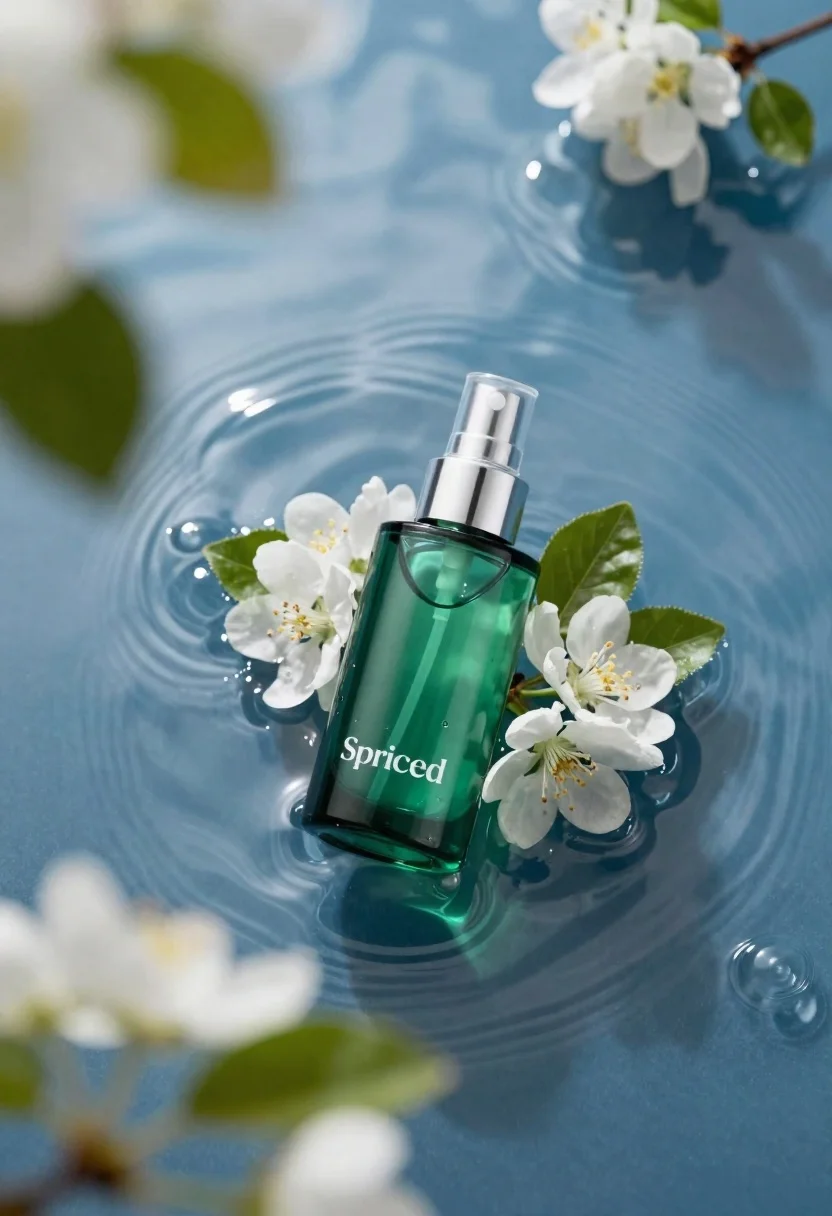
Green skincare bottle floating on rippling blue water
Prompt
A sleek green skincare bottle with a silver pump dispenser rests on rippling blue water; the bottle features white branding and is surrounded by fresh white blossoms and dark glossy leaves; shallow depth of field blurs foreground foliage and background ripples for an ethereal composition.

Subject: A translucent emerald-green glass spray bottle featuring crisp white typography reading 'Spriced' and a polished chrome pump top.

Action: The product floats centrally on the water surface, angled slightly to display its front label clearly against gentle ripples.

Environment: Set upon deep blue rippling water with out-of-focus green leaves floating in the foreground and background; soft white blossoms cluster around the bottle base as natural props.

Camera: Shot from a top-down perspective looking down into the water, utilizing shallow depth of field to blur surrounding elements for artistic focus on the product label.

Lighting: Soft diffused lighting that highlights the translucency of the green glass and creates gentle reflections in the moving water without harsh shadows; high-key aesthetic conveys purity and hydration.
Description
This prompt is useful for creating luxury cosmetic advertisements, spa branding materials, and editorial beauty editorials focused on natural ingredients. The combination of 'soft diffused lighting' emphasizing the 'translucency of the green glass' prevents harsh specular highlights that would distract from the product's purity, while the 'shallow depth of field' ensures the viewer's eye remains locked onto the central bottle against the blurred water and foliage.
Suggestions
- Change 'deep blue rippling water' to 'saltwater surface' for a different texture.
- Swap 'fresh white blossoms' for 'small orchid blooms' to change the floral accent.
- Adjust 'high-key aesthetic' to 'soft contrast' if you want more shadow definition.
Category
Tags
Macro ShotRealisticStudioTop Down
Date added
June 19, 2026
Added by
PromptDexter Team
Related Prompts
More prompts with similar categories and tags.
Glass bottle of oil with rosemary and purple flowers
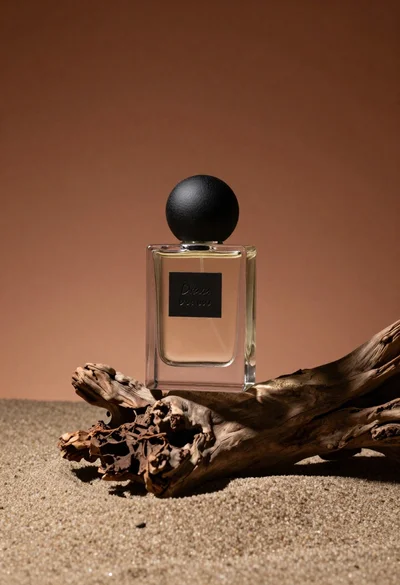
Minimalist perfume bottle on driftwood and sand
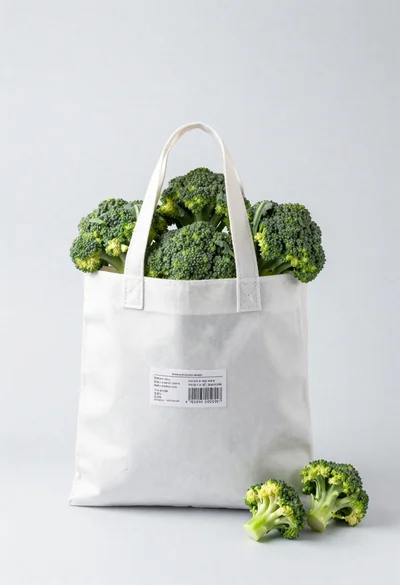
White shopping bag overflowing with fresh broccoli florets

Black makeup tube next to open red pomegranate on beige background
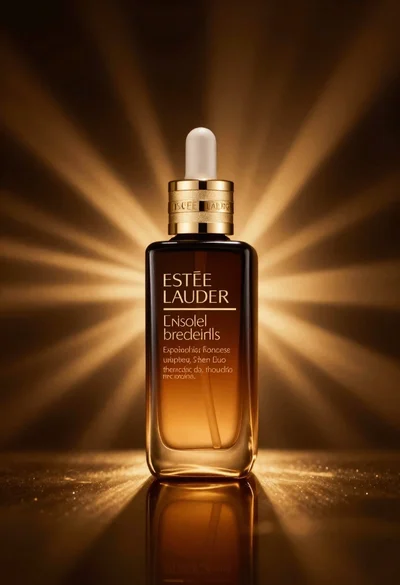
Amber glass bottle with gold pump under dramatic golden light
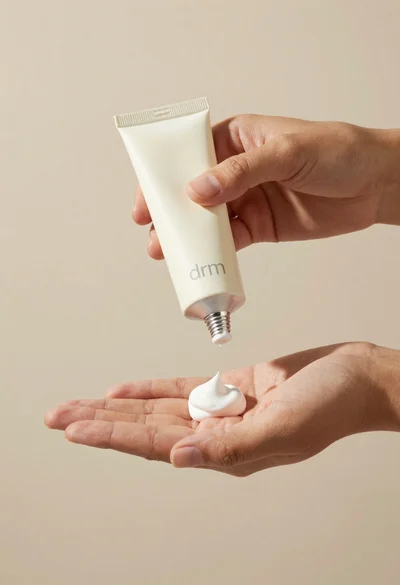
Hands dispensing white cream from a tube into a palm
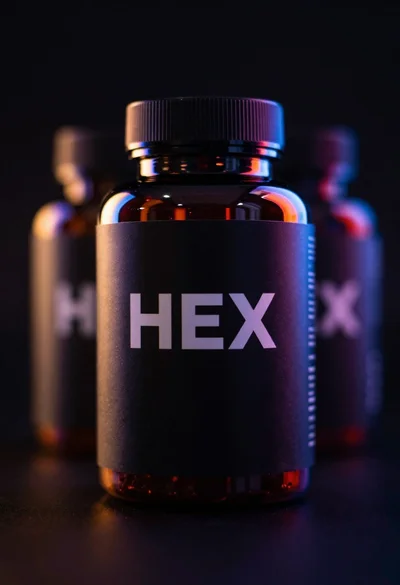
Black supplement bottle with chromatic aberration in void
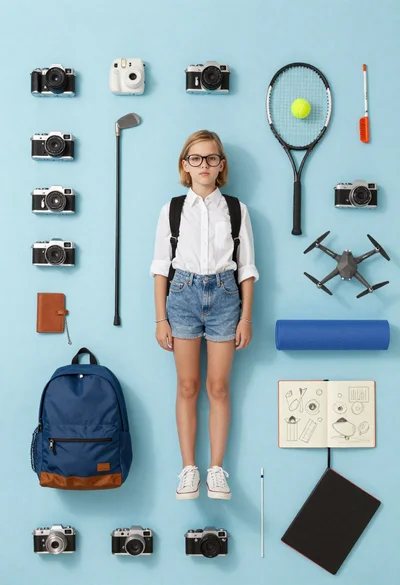
Girl surrounded by hobbies on a light blue background