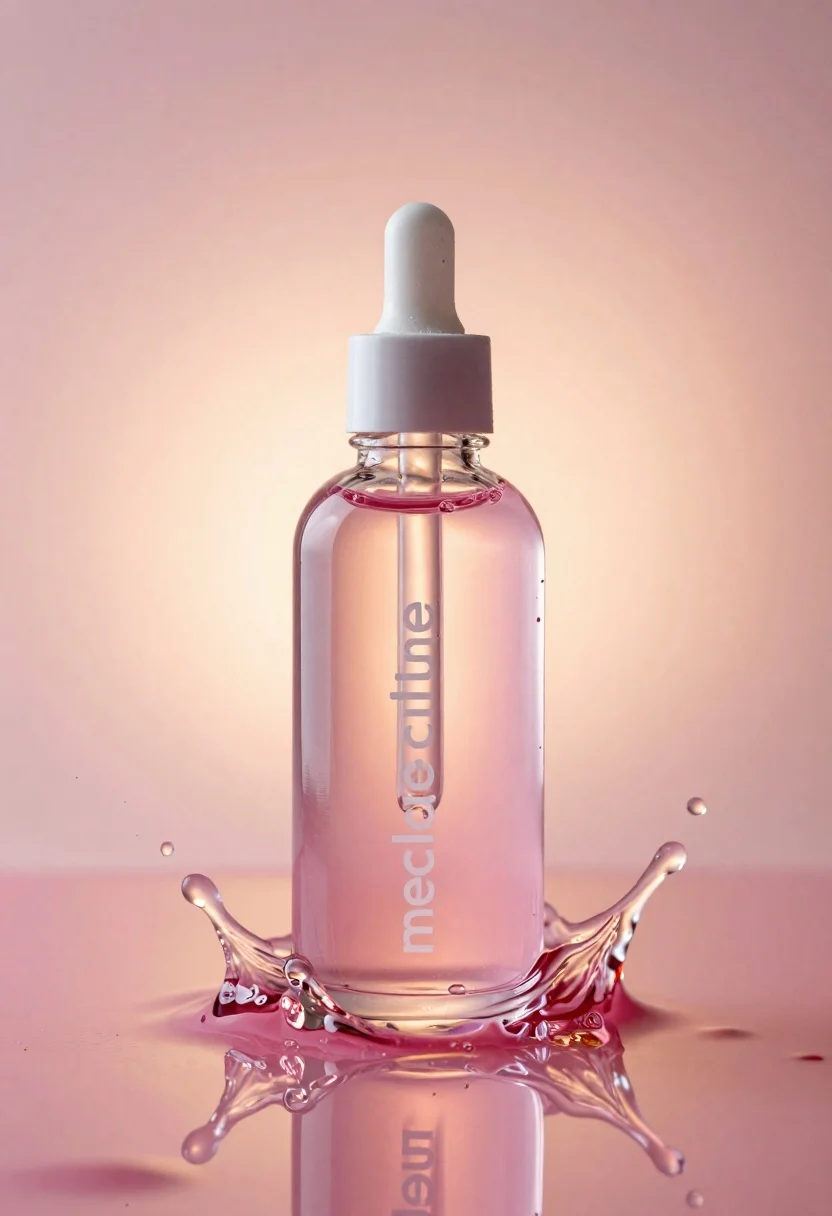
Glass bottle with liquid and water splash photography
Prompt
Transparent glass bottle with a dropper cap filled with pink liquid surrounded by dynamic water splashes.

Subject: transparent glass bottle containing pink liquid with white lowercase logo text reading “meiducue” and “mecicclube” on the front surface.

Objects: clear water splashing dynamically around the base and top, frozen mid-motion.

Lighting: soft warm backlighting creating a glowing halo effect through the transparent glass, reflective highlights and light refractions across the wet surfaces.

Environment: smooth pink-orange gradient background softly blurred with shallow depth of field.

Style Details: high-gloss luxury cosmetic product photography aesthetic, reflective wet textures, cinematic commercial lighting style.
Description
This prompt is useful for creating luxury cosmetic advertisements, e-commerce product listings requiring high visual impact, and editorial beauty spreads showcasing liquid products. The combination of 'soft warm backlighting' generating a glowing halo effect through the glass, alongside 'reflective highlights and light refractions across the wet surfaces,' ensures that the bottle appears premium and dynamic, which is essential for selling luxury goods online.
Suggestions
- Change 'pink liquid' to 'vibrant blue liquid' for an alternative color palette.
- Add 'macro lens perspective' to emphasize the water droplets.
- Swap 'smooth pink-orange gradient background' for 'dark slate grey seamless backdrop' for higher contrast.
Category
Tags
Macro ShotRealisticStudio
Date added
June 19, 2026
Added by
PromptDexter Team
Related Prompts
More prompts with similar categories and tags.
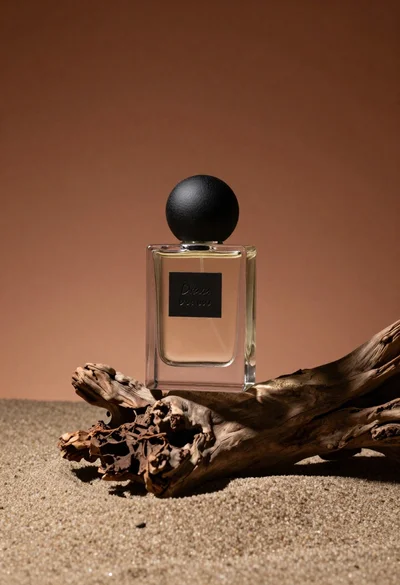
Minimalist perfume bottle on driftwood and sand
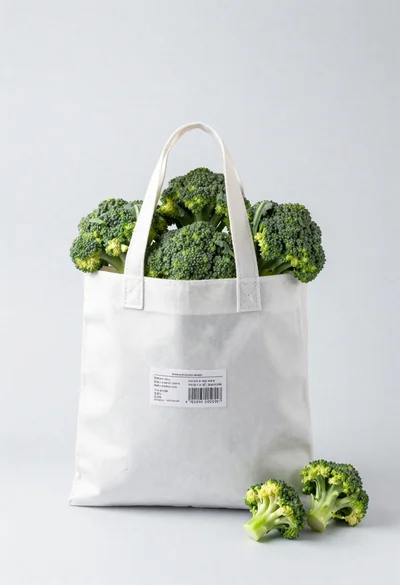
White shopping bag overflowing with fresh broccoli florets

Black makeup tube next to open red pomegranate on beige background
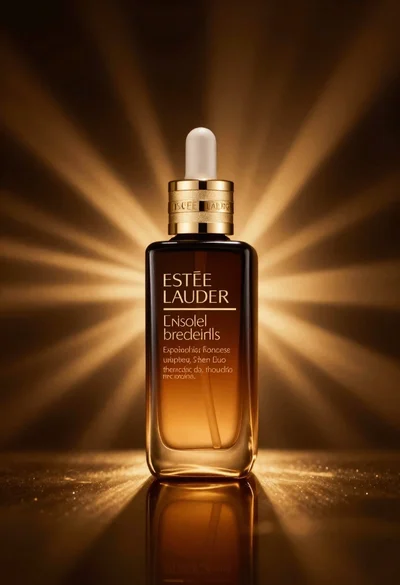
Amber glass bottle with gold pump under dramatic golden light
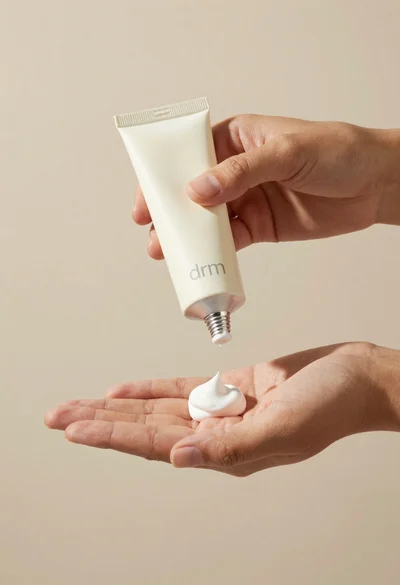
Hands dispensing white cream from a tube into a palm
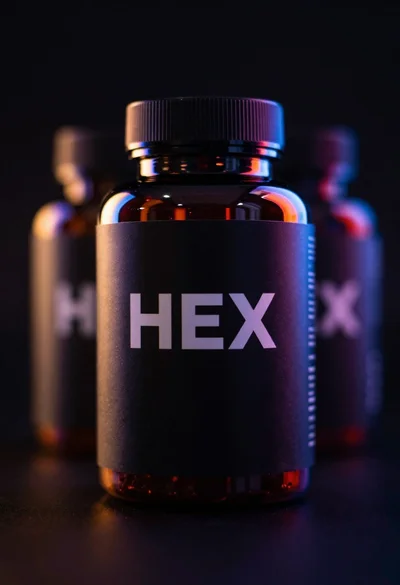
Black supplement bottle with chromatic aberration in void
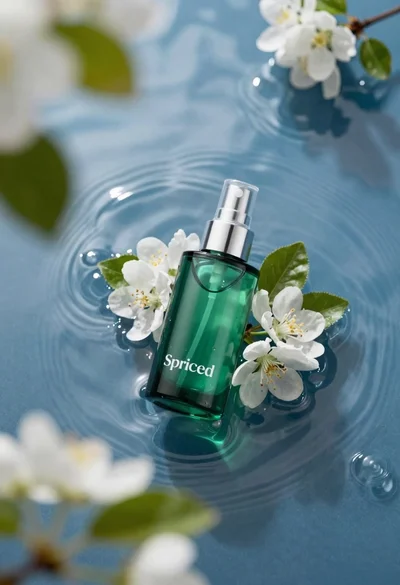
Green skincare bottle floating on rippling blue water
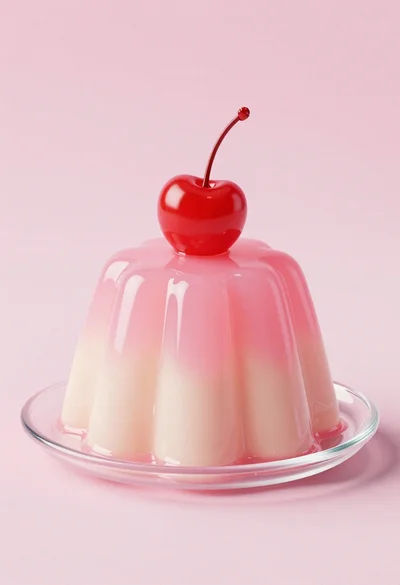
Dessert dome with pink jelly and red cherry