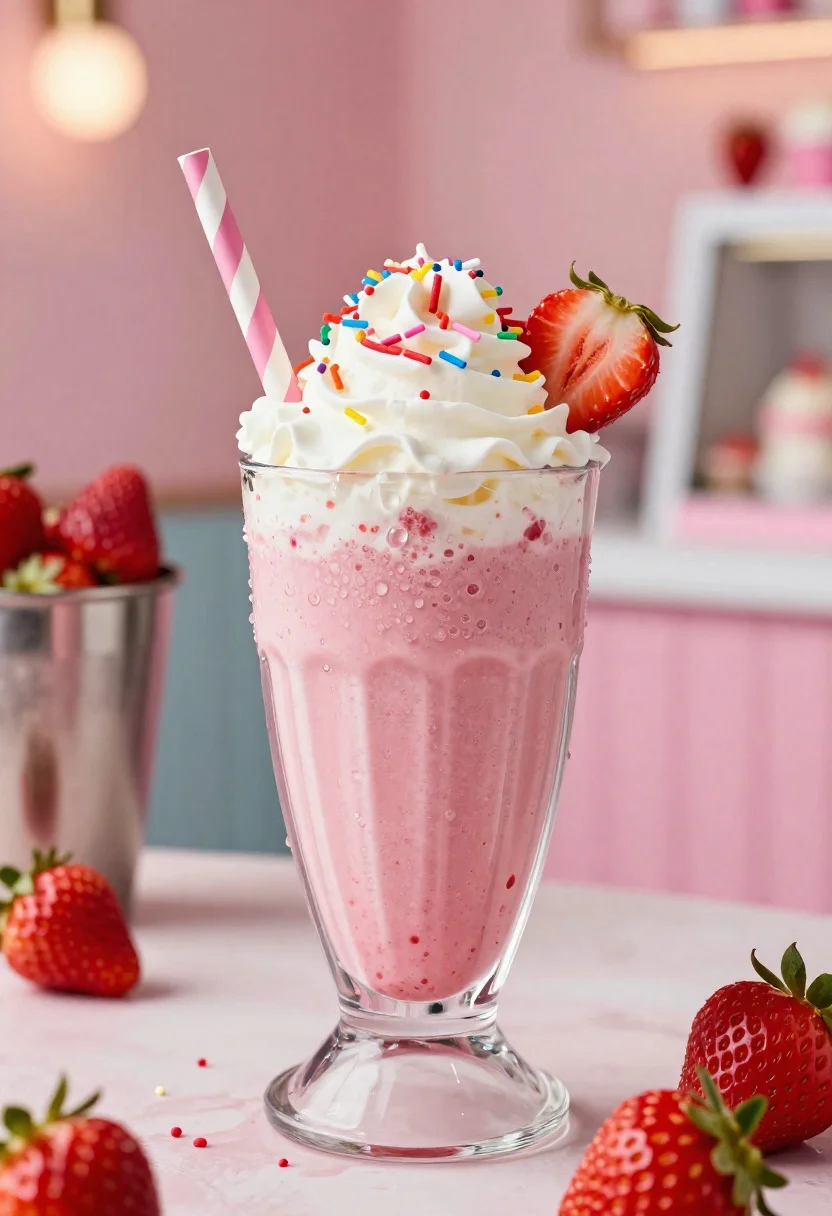
Close up of strawberry shake with whipped cream and berries
Prompt
Food photography shot of a chilled strawberry shake with creamy vibrant appeal and refreshing summer indulgence

Subject: tall frosted glass of thick strawberry milkshake topped with whipped cream, fresh strawberries, and colorful sprinkles

Action: shake with condensation droplets on the glass, a striped paper straw inserted, and soft cream swirling at the top

Environment: bright café counter setting with a pastel background, subtle ice cream parlor atmosphere, and a sunny summery mood

Camera: close-up three-quarter angle, tight composition focused on the glass texture and toppings, premium commercial food photography framing

Lighting: cool soft light with warm highlights, glistening dew on the glass, vibrant pink tones, and a refreshing icy glow

Objects: metal milkshake cup in background, fresh strawberries, whipped cream swirl, colorful straw, and scattered sprinkles

Style Details: ultra-realistic professional food photography, creamy texture detail, vibrant berry colors, glossy condensation, and polished dessert advertisement aesthetic
Description
This prompt is useful for creating commercial beverage advertisements, cafe menu mockups, and editorial lifestyle spreads featuring summer treats. The combination of 'cool soft light with warm highlights' ensures the 'glistening dew on the glass' catches attention while the 'vibrant pink tones' keep the overall mood bright enough for a sunny summery setting.
Suggestions
- Change 'pastel background' to 'marble countertop' for more upscale texture.
- Add 'bokeh effect' to the background for more depth.
- Swap 'colorful sprinkles' for 'edible gold flakes' for a premium touch.
Category
Tags
CafeClose UpFoodMacro ShotRealistic
Date added
June 19, 2026
Added by
PromptDexter Team
Related Prompts
More prompts with similar categories and tags.
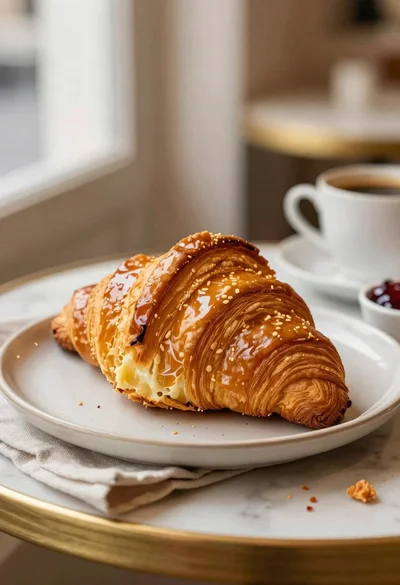
Close up of flaky buttery croissant on cafe table with coffee and
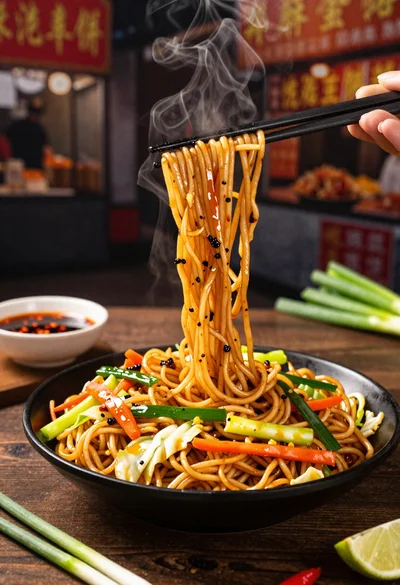
Close up shot of sizzling hakka noodles being lifted with chopsticks
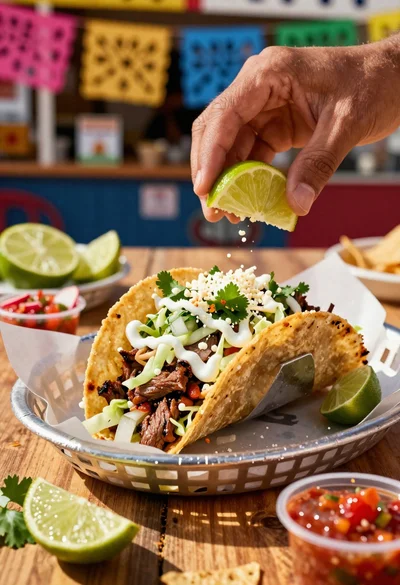
Close up of loaded street tacos with fresh mexican flavors
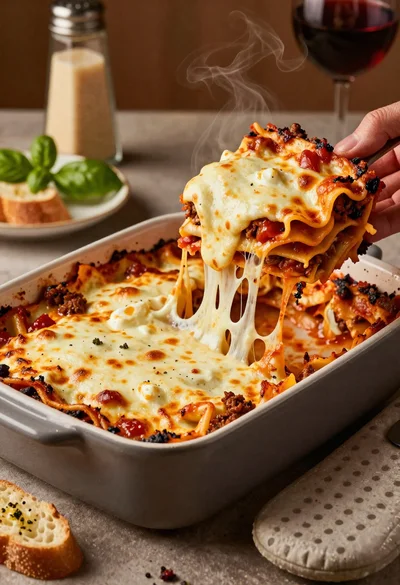
Close up of cheesy lasagna pull on rustic italian kitchen table

Close up of sizzling fajitas on a rustic wooden restaurant table

Close up of crispy chicken nuggets dipped in honey mustard sauce
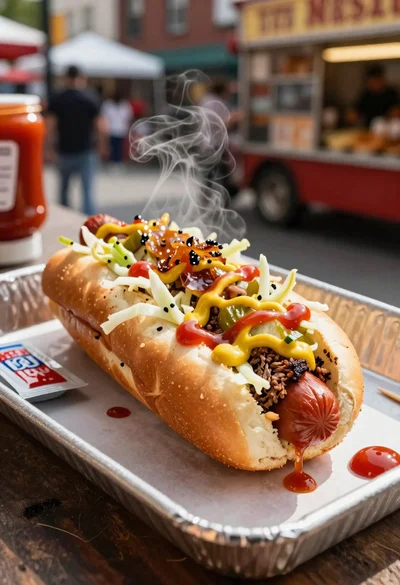
Close up of loaded hotdog with slaw mustard ketchup and onions

Ginger cat dressed as fast food worker holding cheeseburger