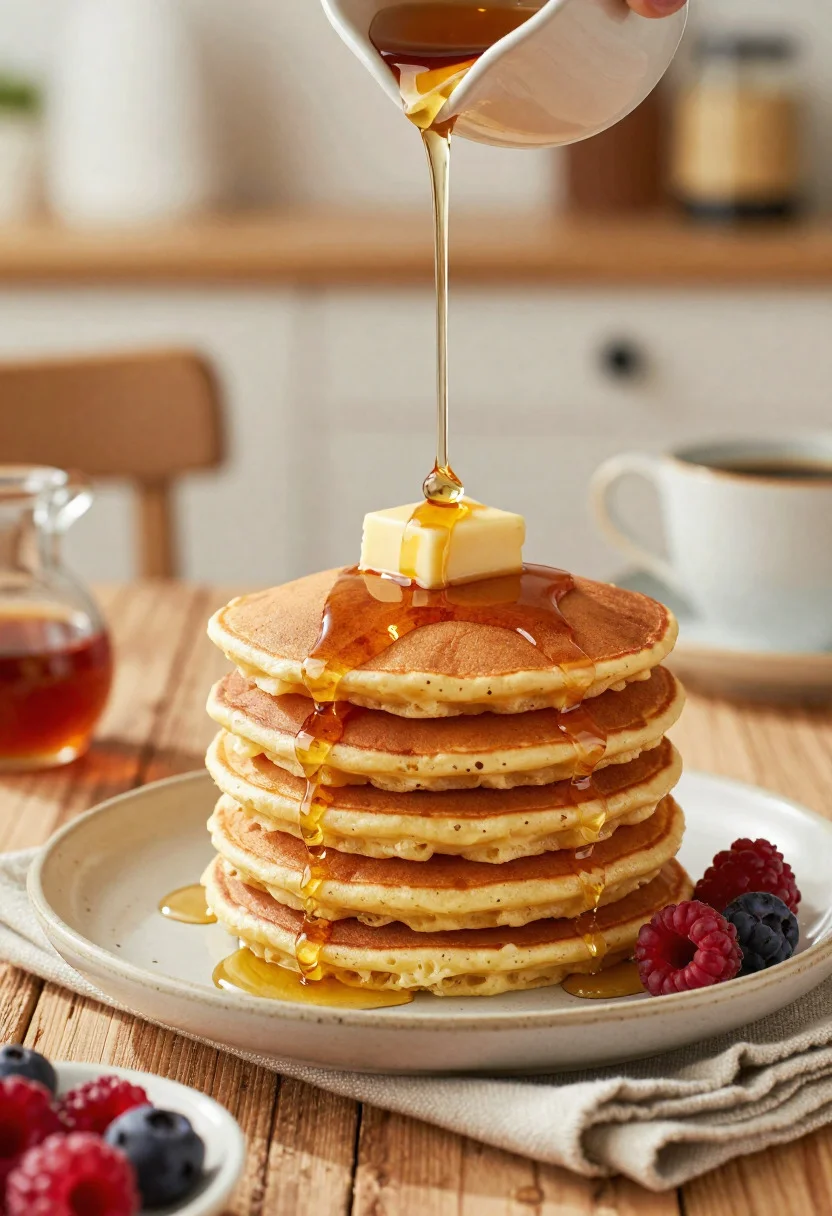
Close up stack of fluffy pancakes with maple syrup on rustic wooden
Prompt
Food photography shot of a tall stack of fluffy pancakes with rich brunch appeal and warm homemade comfort

Subject: stack of golden brown pancakes with soft airy texture, melting butter on top, and glossy maple syrup cascading down the sides

Action: syrup being poured over the pancakes, creating a fresh appetizing moment with visible shine and movement

Environment: cozy breakfast table setting with a rustic wooden surface, soft morning atmosphere, and a gently blurred café-style background

Camera: close-up three-quarter angle, tight composition centered on the pancake stack, premium editorial food photography framing

Lighting: warm natural morning light from the side, soft shadows, delicate highlights on the syrup, and a bright inviting breakfast mood

Objects: ceramic plate, fresh berries, small syrup jug, folded linen napkin, and a cup of coffee placed nearby

Style Details: ultra-realistic professional food photography, mouthwatering texture detail, warm tonal balance, clean commercial presentation, and polished brunch advertisement aesthetic
Description
This prompt is useful for creating high-end breakfast advertisements, cafe menu mockups, and editorial food blogs needing immediate visual appeal. The combination of 'melting butter on top' and 'glossy maple syrup cascading down the sides' directs the model to capture dynamic liquid movement, which prevents the image from looking like a static arrangement by emphasizing fresh action against the 'rustic wooden surface'.
Suggestions
- Change 'golden brown pancakes' to 'buttermilk pancakes' for a lighter tone.
- Add 'bokeh background' to enhance the café-style blur.
- Swap 'soft morning atmosphere' for 'sunlit window light' to intensify highlights.
Category
Tags
CafeClose UpFoodMacro ShotRealistic
Date added
June 19, 2026
Added by
PromptDexter Team
Related Prompts
More prompts with similar categories and tags.
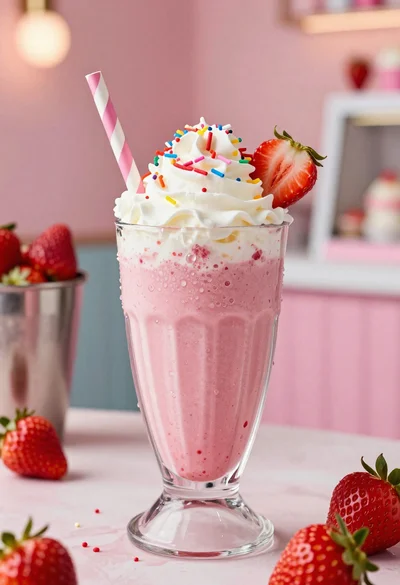
Close up of strawberry shake with whipped cream and berries
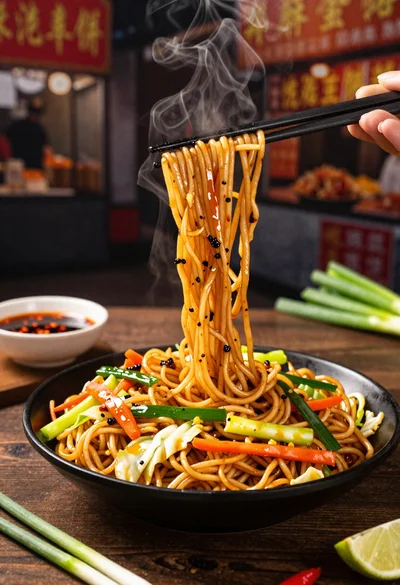
Close up shot of sizzling hakka noodles being lifted with chopsticks
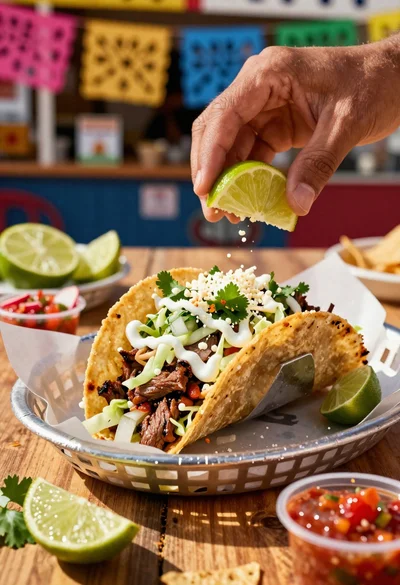
Close up of loaded street tacos with fresh mexican flavors
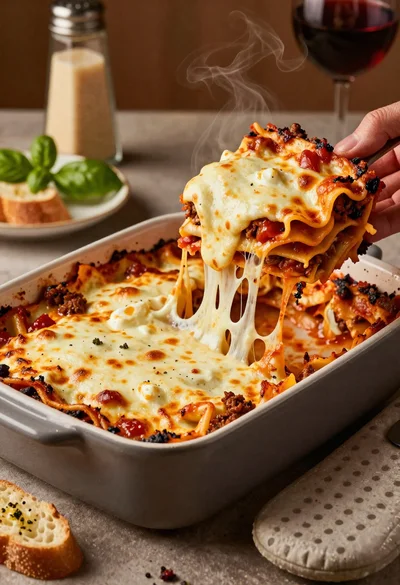
Close up of cheesy lasagna pull on rustic italian kitchen table

Close up of sizzling fajitas on a rustic wooden restaurant table

Close up of crispy chicken nuggets dipped in honey mustard sauce
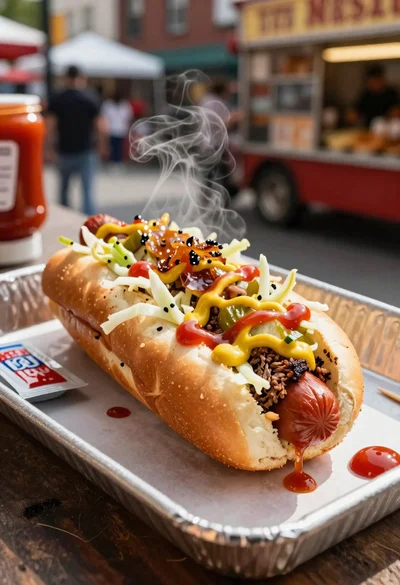
Close up of loaded hotdog with slaw mustard ketchup and onions

Close up overhead view of bread sushi rolls with colorful fillings
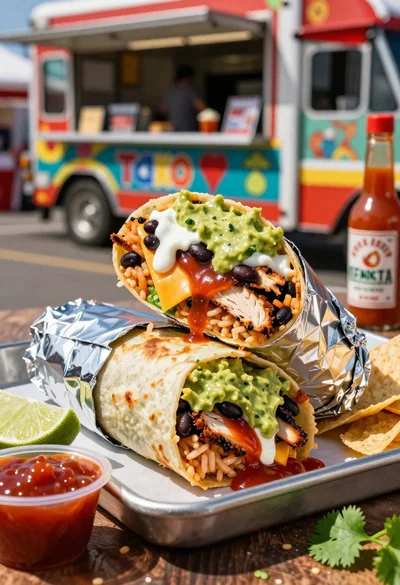
Close up of massive cross cut burrito with colorful tex mex fillings
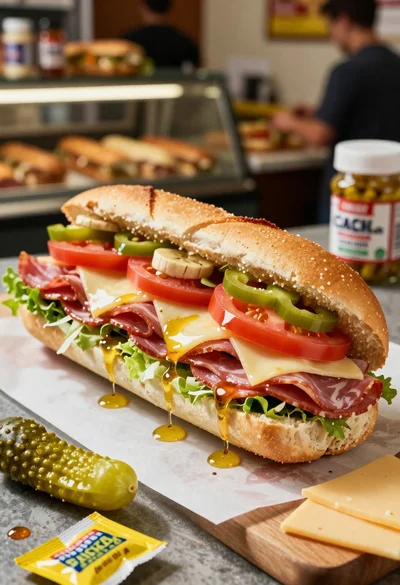
Close up of layered italian hoagie sandwich on butcher paper