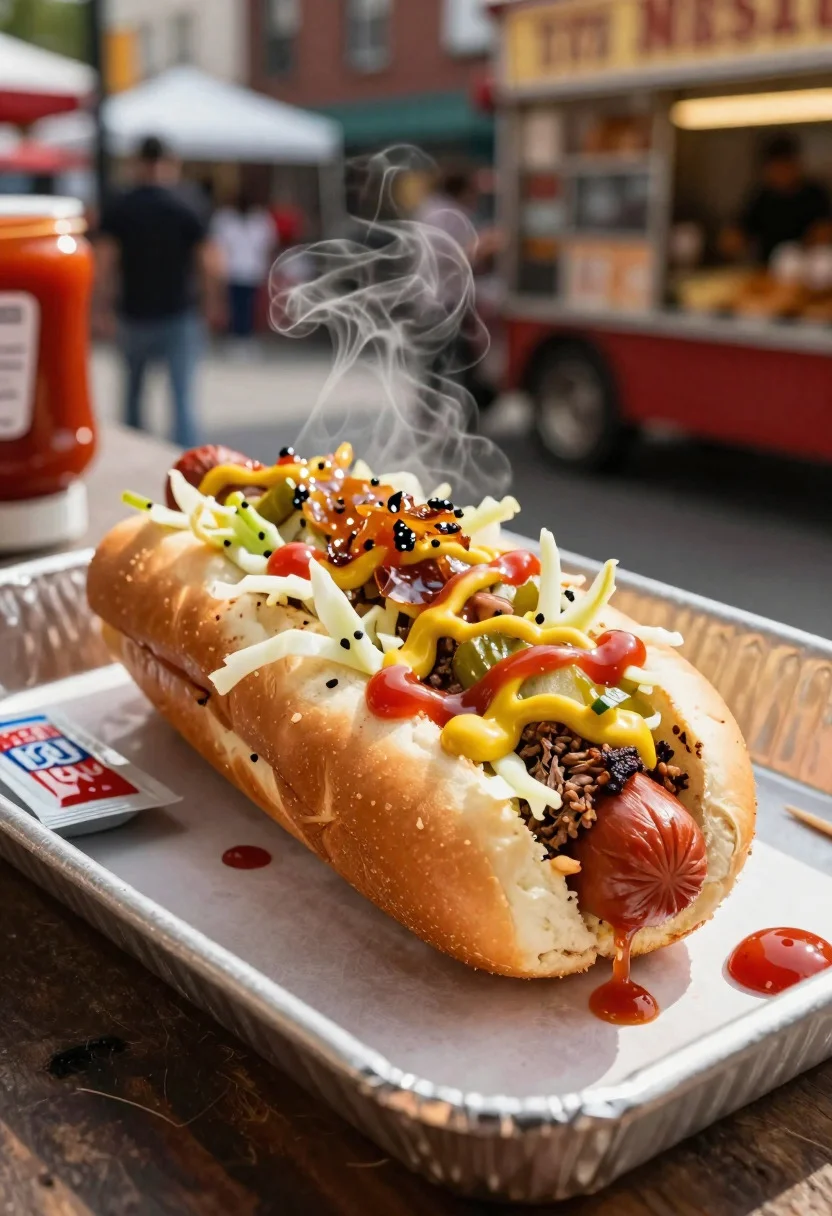
Close up of loaded hotdog with slaw mustard ketchup and onions
Prompt
Food photography shot of a loaded hotdog with street-cart appeal and bold savory crunch

Subject: grilled beef frank in a soft bun piled with crisp shredded cabbage slaw, ketchup, mustard zigzags, pickle relish, and caramelized onions

Action: hotdog angled with toppings slightly spilling, steam rising from the warm frank, capturing fresh assembly

Environment: bustling street food vendor cart setting with a paper-lined tray, blurred urban market background, and a lively casual vibe

Camera: close-up three-quarter angle, tight dynamic composition focused on the toppings and bun texture, premium commercial food photography framing

Lighting: warm midday side light, soft shadows, glossy highlights on condiments, vibrant color pops, and appetizing glow

Objects: foil tray, ketchup packets, napkin bundle, wooden toothpick skewer, and extra relish dollop on side

Style Details: ultra-realistic professional food photography, textured toppings detail, bold American street-food styling, rich warm tones, and polished fast-casual advertisement aesthetic
Description
This prompt is useful for creating commercial advertising mockups, menu board visuals, and vibrant social media snack content. The combination of 'warm midday side light' with 'glossy highlights on condiments' ensures the toppings look wet and fresh, while the 'tight dynamic composition focused on the toppings and bun texture' prevents the image from looking like a flat overhead shot.
Suggestions
- Change 'grilled beef frank' to 'all-beef artisanal hotdog' for a perceived quality upgrade.
- Swap 'ketchup packets' for 'small ramekin of gourmet mustard' to refine the aesthetic.
- Adjust 'warm midday side light' to 'late afternoon dappled sunlight' for more dramatic shadows.
Category
Tags
Close UpFoodMacro ShotRealisticStreet
Date added
June 19, 2026
Added by
PromptDexter Team
Related Prompts
More prompts with similar categories and tags.
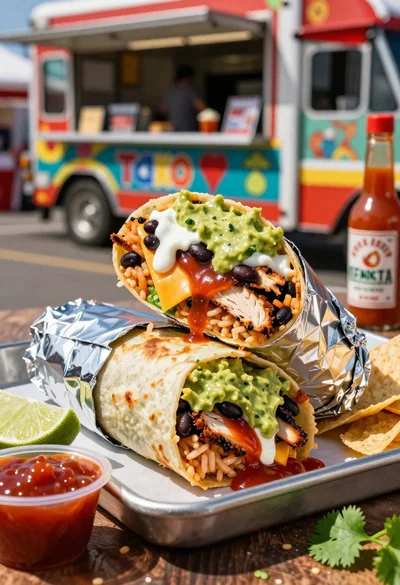
Close up of massive cross cut burrito with colorful tex mex fillings
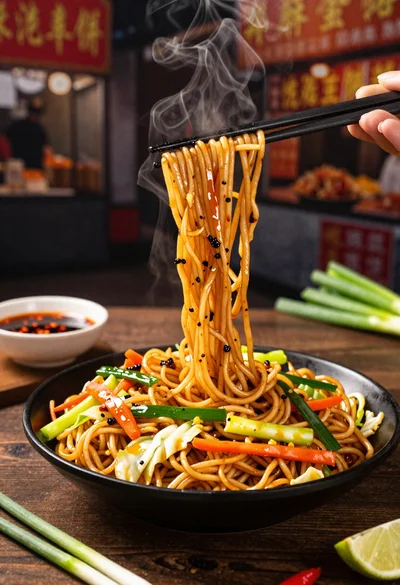
Close up shot of sizzling hakka noodles being lifted with chopsticks
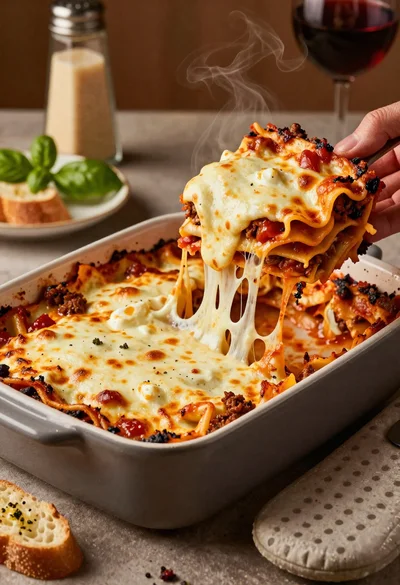
Close up of cheesy lasagna pull on rustic italian kitchen table

Close up of sizzling fajitas on a rustic wooden restaurant table

Close up of crispy chicken nuggets dipped in honey mustard sauce

Close up overhead view of bread sushi rolls with colorful fillings
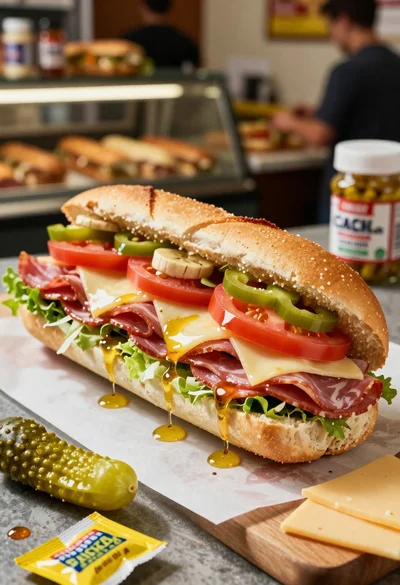
Close up of layered italian hoagie sandwich on butcher paper
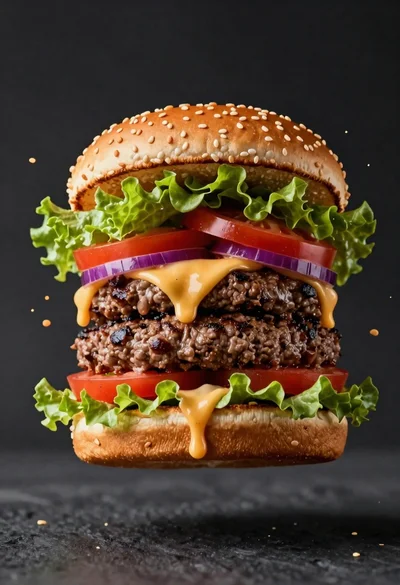
Hyperrealistic close up of a double patty burger mid air
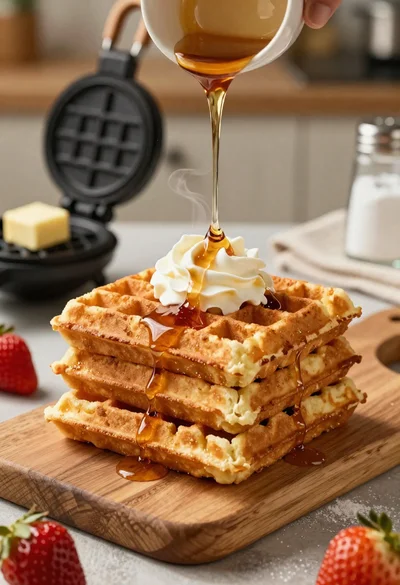
Close up of golden belgian waffles with maple syrup and whipped cream
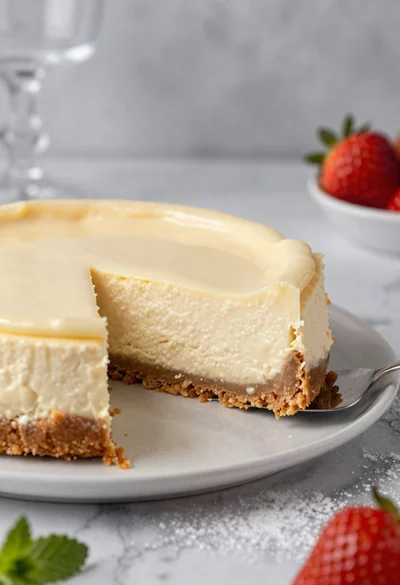
Close up of cheesecake slice on marble table with strawberry garnish