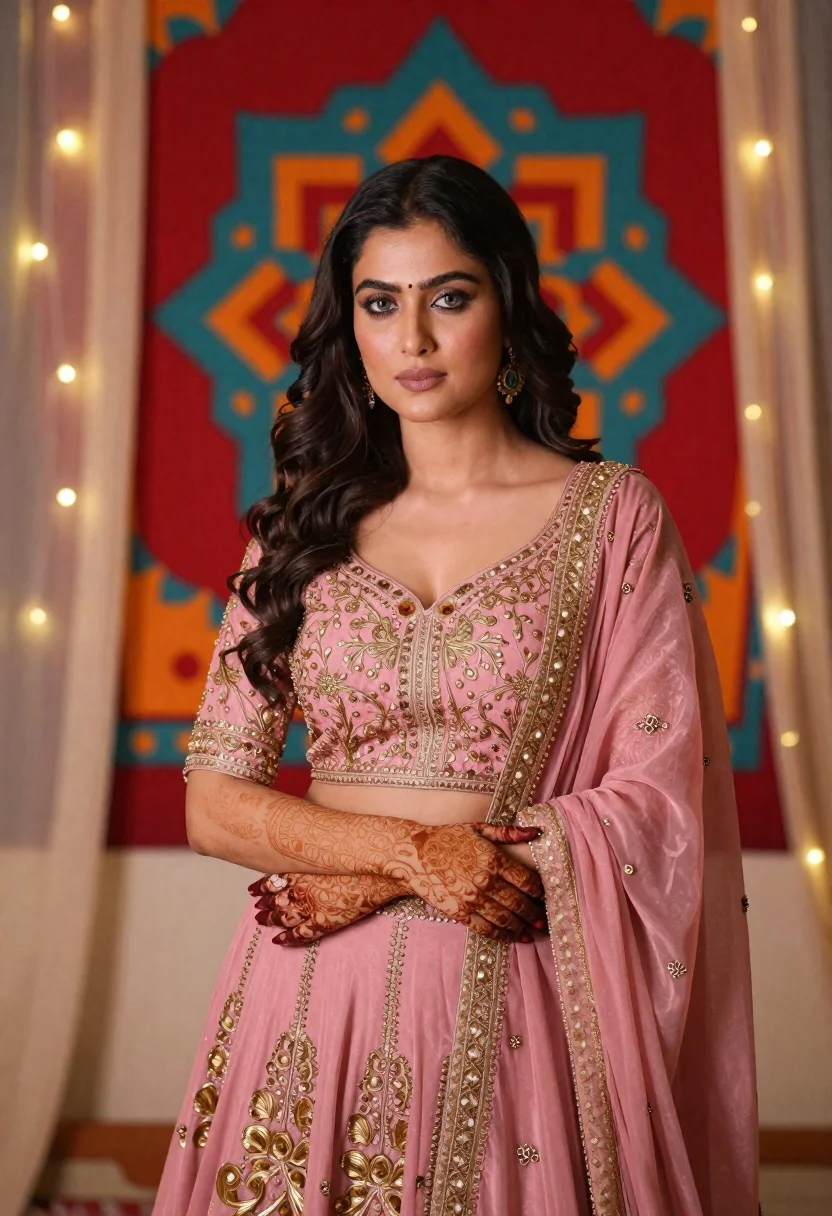
Woman in pink embroidered lehenga standing before a colorful mandala tapestry
Prompt
A poised woman stands in a soft pink lehenga with intricate gold embroidery, her arms crossed gracefully over her waist.

Subject: A woman with long, dark wavy hair and fair skin, featuring a calm and composed expression with light-colored eyes.

Clothing: She wears a dusty pink lehenga choli set heavily embroidered with gold threadwork, paired with a matching dupatta draped over one shoulder.

Action: Her arms are crossed in front of her torso, showcasing detailed henna designs on her hands and forearms, while she gazes directly at the viewer.

Environment: She stands before a large, vibrant mandala tapestry featuring red, teal, and orange geometric patterns, with warm fairy lights strung along sheer curtains framing the background.

Camera: The shot is a medium portrait framed from the mid-thigh up, utilizing a shallow depth of field to blur the colorful backdrop and emphasize the subject's face and attire.

Lighting: Soft, diffused lighting illuminates her features evenly, creating gentle highlights on her skin and jewelry without harsh shadows, evoking a warm and intimate mood.

Style Details: The image exhibits a high-fidelity digital rendering style with smooth textures, rich color saturation, and a polished aesthetic reminiscent of professional fashion photography.
Description
This prompt is useful for creating cultural portraiture for magazines, e-commerce listings for ethnic wear, and artistic mood boards celebrating Indian textiles. The combination of 'soft pink lehenga' against the 'vibrant mandala tapestry' uses a shallow depth of field to intentionally blur the background's intense colors, ensuring that the subject's face and the detailed gold embroidery remain the primary focal point.
Suggestions
- Change 'dusty pink lehenga' to 'rani pink lehenga' for a bolder color statement.
- Add 'bokeh effect' to the camera section for more pronounced background blur.
- Swap 'warm fairy lights' for 'string of diyas' to change the light source.
Category
Tags
Brown HairDigital ArtFair SkinFemaleIndoorsMedium ShotPortrait ShotRealisticTraditional Wear
Date added
June 21, 2026
Added by
PromptDexter Team
Related Prompts
More prompts with similar categories and tags.
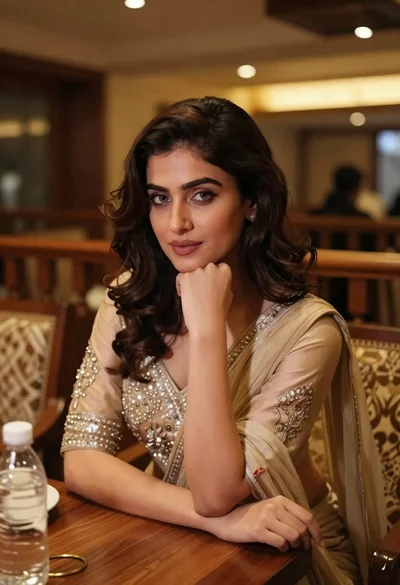
Young woman in traditional attire sitting at restaurant table with warm lighting
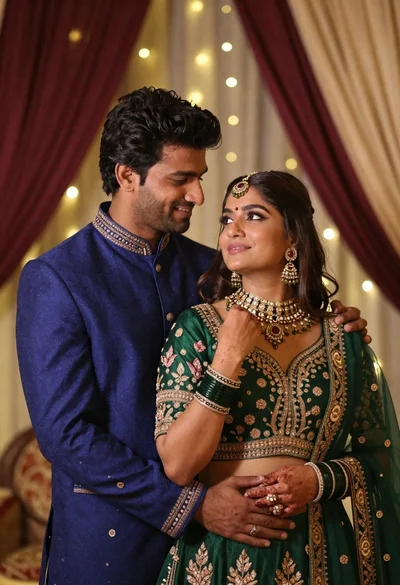
Indian couple in traditional wedding attire posing together in festive indoor setting
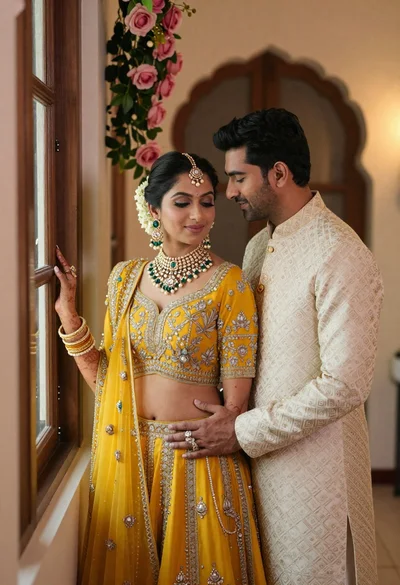
Indian couple in traditional wedding attire posing near a wooden window
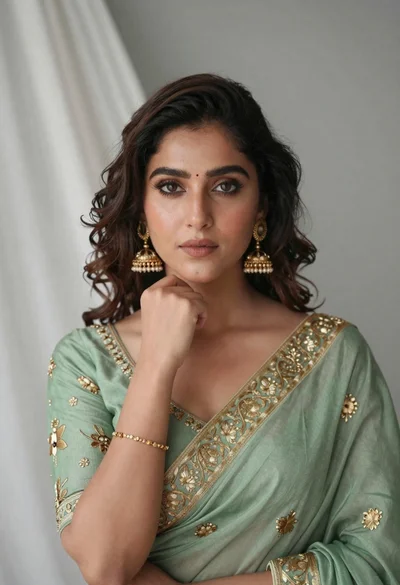
Portrait of young woman in sage green saree with gold embroidery
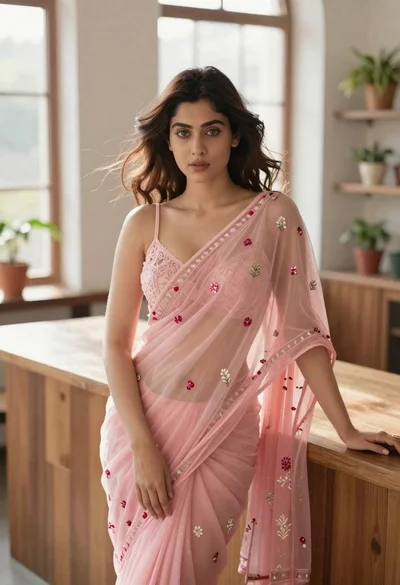
Young woman in pink saree leaning against counter in sunlit room
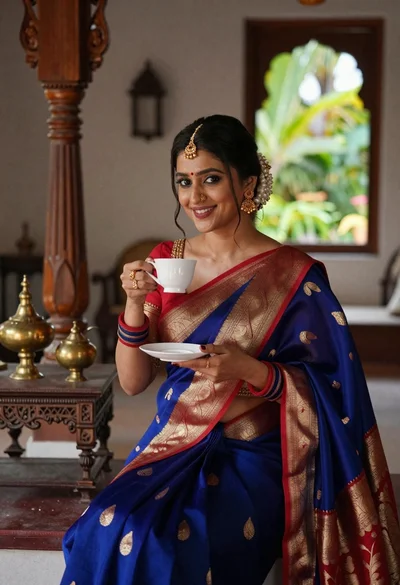
Smiling indian woman in blue silk saree holding a teacup indoors
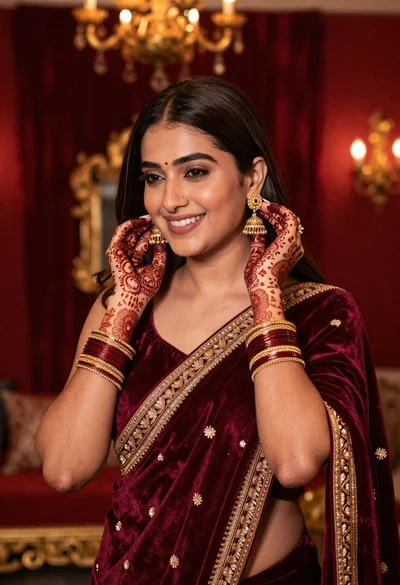
Smiling woman in maroon velvet saree touching gold earring indoors
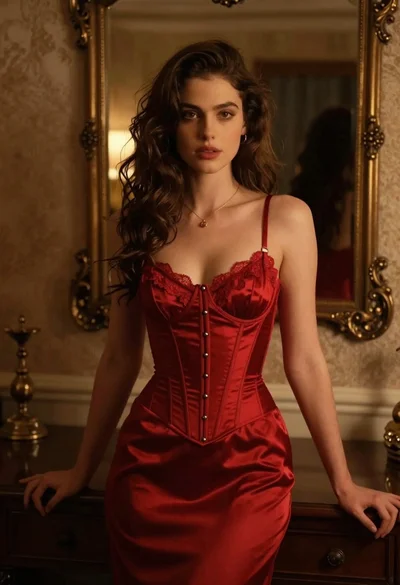
Woman in red corset dress standing in dimly lit room with ornate
