
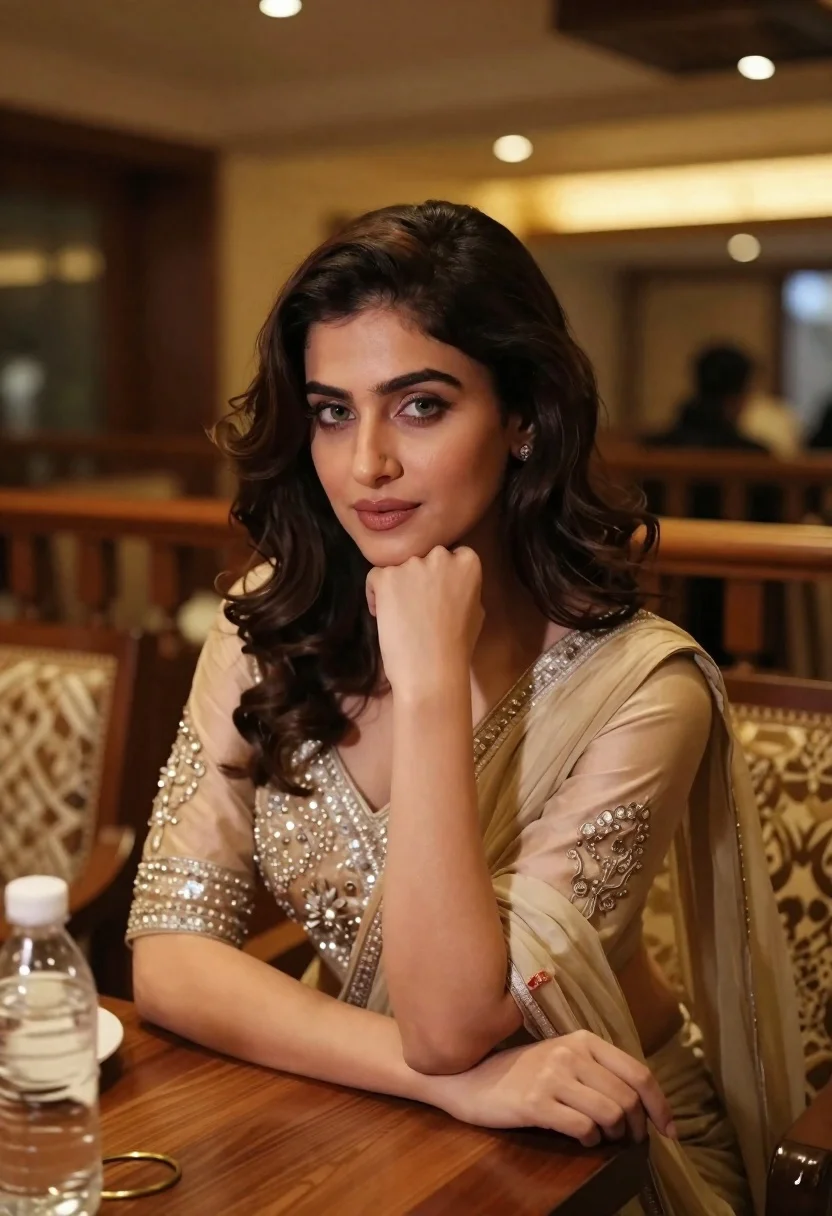
Young woman in traditional attire sitting at restaurant table with warm lighting
Prompt
A young woman with dark wavy hair sits at a wooden table in a warmly lit restaurant, resting her chin on her hand and looking directly at the camera.

Subject: A young woman with fair skin, green eyes, and shoulder-length dark brown wavy hair styled with soft curls framing her face.

Clothing: She wears an elegant beige or champagne-colored traditional outfit, likely a lehenga choli, featuring intricate silver embroidery on the blouse sleeves and neckline, paired with a sheer dupatta draped over her shoulders.

Action: She is seated at a table, leaning forward slightly with one arm resting on the surface and her hand gently supporting her chin in a relaxed pose.

Environment: The setting appears to be an upscale restaurant or dining hall with wooden railings, patterned upholstered chairs, and warm ambient lighting from ceiling fixtures.

Camera: Shot with a medium close-up framing that emphasizes the subject’s face and upper body, using a shallow depth of field to softly blur the background elements.

Lighting: Soft, warm indoor lighting creates gentle highlights on her skin and clothing, casting subtle shadows that enhance the cozy atmosphere.

Objects: A clear plastic water bottle sits on the table beside her, along with a white plate partially visible near her elbow.

Style Details: The image has a polished, cinematic quality with rich color grading, smooth textures, and a focus on elegance and intimacy.
Description
This prompt is useful for creating intimate portraiture for lifestyle magazines, character concept art for film, or e-commerce lookbooks featuring cultural garments. The combination of 'soft, warm indoor lighting' and the 'medium close-up framing' ensures that gentle highlights are visible on her skin and clothing, while the shallow depth of field prevents distracting background elements from pulling focus away from the subject’s face.
Suggestions
- Change 'beige or champagne-colored traditional outfit' to a specific jewel tone like 'emerald green lehenga choli'.
- Swap 'wooden railings' for 'dark marble paneling' to update the setting.
- Adjust 'soft, warm indoor lighting' to 'rim light from a single window' for more drama.
Category
Tags
Brown HairClose UpFair SkinFemaleIndoorsMedium ShotPortrait ShotRealisticTraditional Wear
Date added
June 21, 2026
Added by
PromptDexter Team
Related Prompts
More prompts with similar categories and tags.
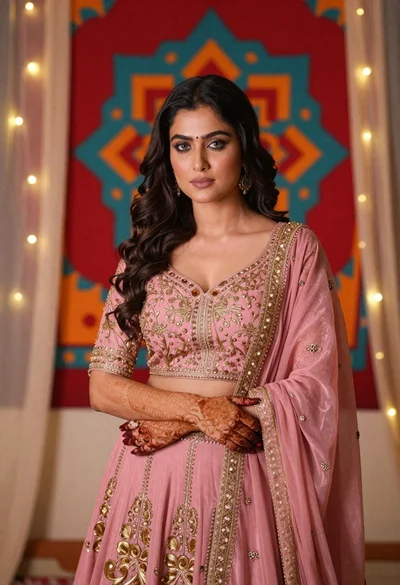
Woman in pink embroidered lehenga standing before a colorful mandala tapestry
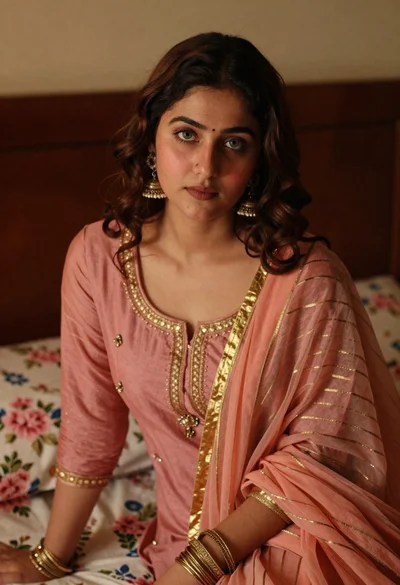
Young woman with wavy brown hair in traditional attire sitting indoors
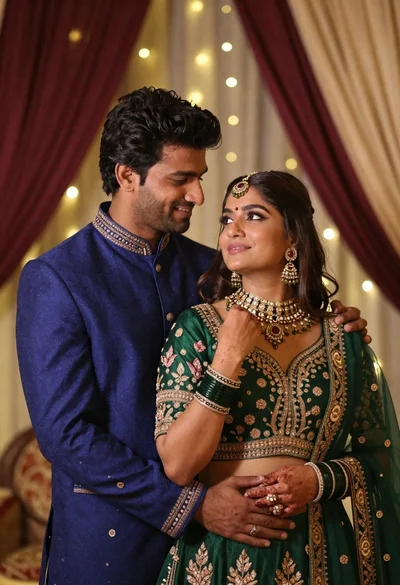
Indian couple in traditional wedding attire posing together in festive indoor setting
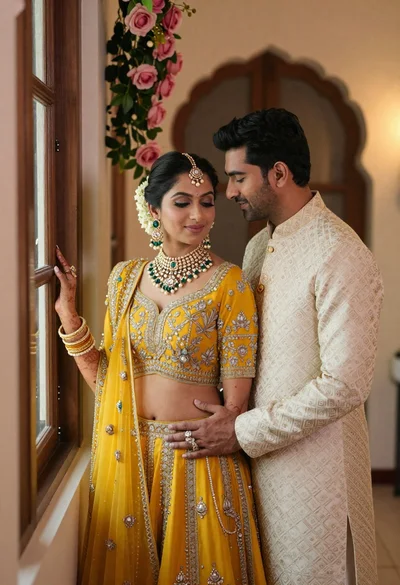
Indian couple in traditional wedding attire posing near a wooden window
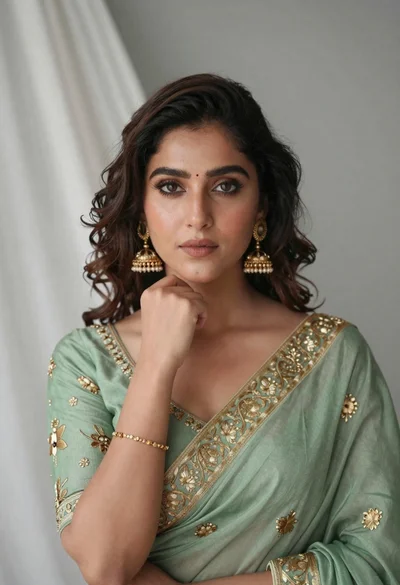
Portrait of young woman in sage green saree with gold embroidery
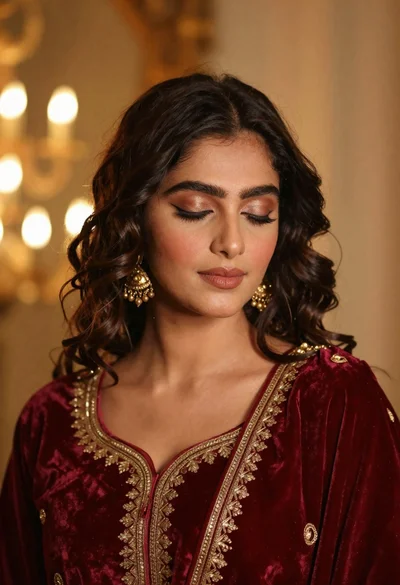
Portrait of young woman in red velvet dress with gold jewelry
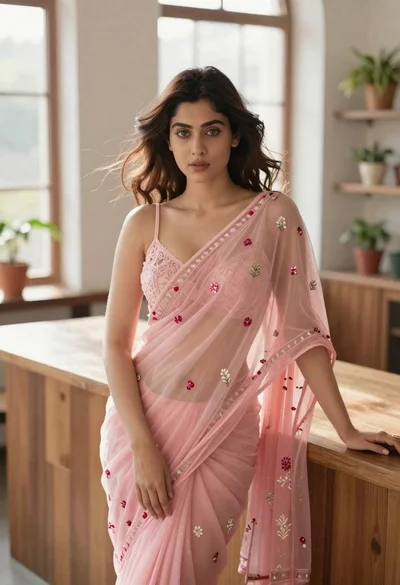
Young woman in pink saree leaning against counter in sunlit room
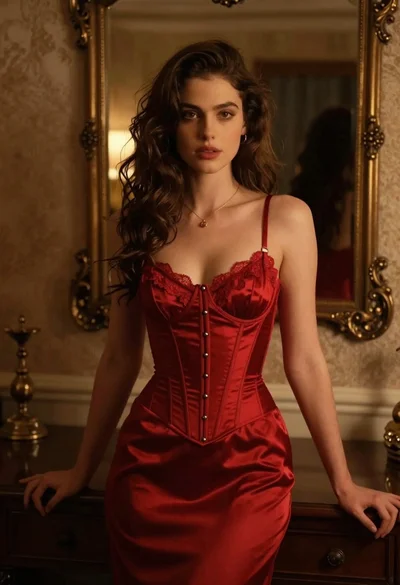
Woman in red corset dress standing in dimly lit room with ornate
