Close up portrait of woman with dark hair holding red flower studio
Prompt
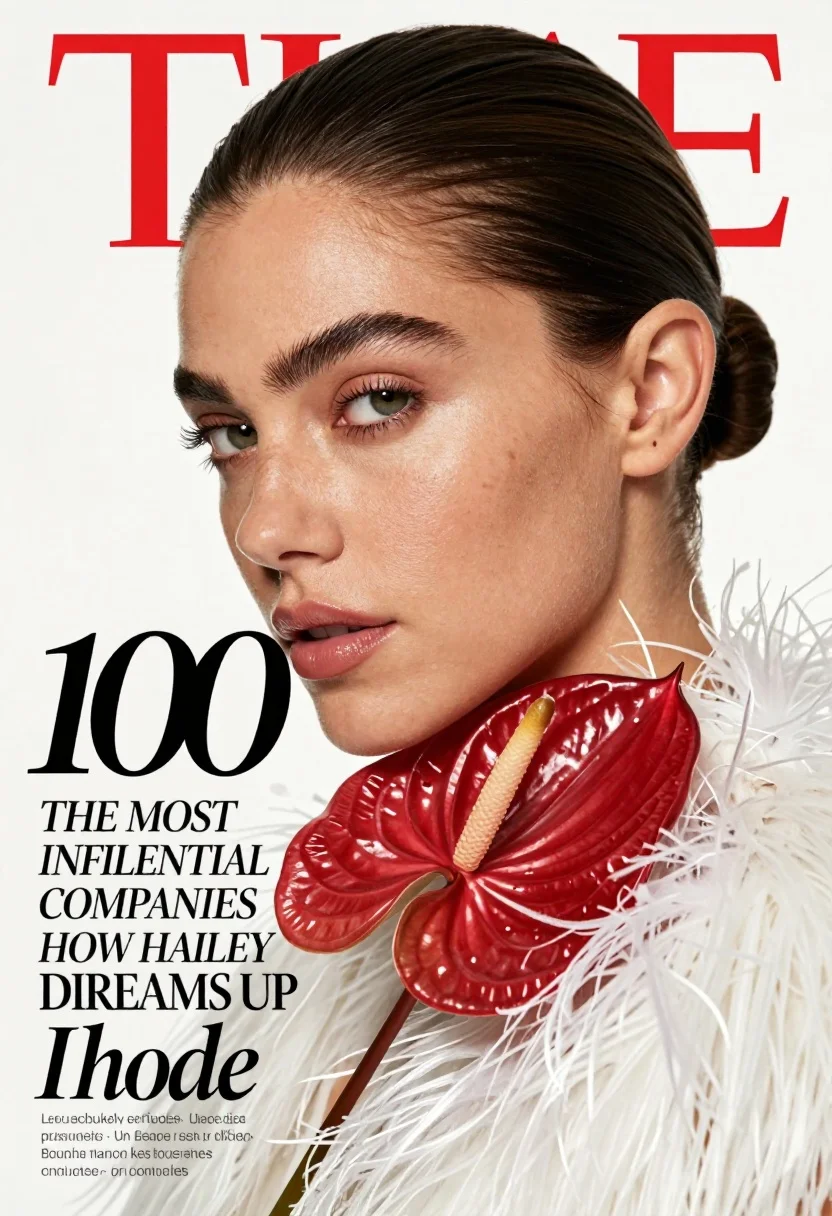
A high-fashion magazine cover featuring a close-up portrait of a woman with sleek dark hair pulled back into a low bun and a soft, confident gaze directed slightly off-camera.

Subject: A woman with fair skin, defined eyebrows, glossy lips, and a subtle freckle pattern on her cheeks, framed in an elegant profile view.

Clothing: She wears a white garment with a textured, feathery or fur-like collar that frames the neck and shoulders.

Action: The subject holds a large, deep red Anthurium flower near her chin, tilting her head slightly to create a poised and contemplative expression.

Environment: A clean, minimalist studio setting with a stark white background that emphasizes the subject and typography.

Camera: A tight close-up shot with a shallow depth of field that keeps the face in sharp focus while softly blurring the flower stem and background elements.

Lighting: Soft, diffused lighting illuminates the face from the front-left, creating gentle highlights on the skin and casting subtle shadows that define facial contours without harsh contrast.

Text/Graphics: Bold typography includes a red "TIME" logo and black "100" headline, with additional text reading "THE MOST INFLUENTIAL COMPANIES" and "HOW HAILEY BIEBER DREAMS UP Rhode," alongside a list of company names in the lower-left corner.

Style Details: High-gloss editorial photography style with vibrant color saturation, sharp focus on skin texture, and a polished, magazine-cover aesthetic.
Description
This prompt is useful for creating high-fashion magazine covers, beauty editorials focusing on portraiture, and sophisticated brand advertising campaigns. The combination of 'soft, diffused lighting' with the 'stark white background' ensures that the subject remains the absolute focal point, while the specified 'shallow depth of field' isolates the face from distracting elements like the flower stem or background clutter.
Suggestions
- Change 'deep red Anthurium flower' to a specific color like 'burgundy orchid' for variation.
- Adjust 'soft, diffused lighting' to 'dramatic Rembrandt lighting' for more contrast.
- Swap 'white garment' for 'black velvet' to deepen the overall mood.
Category
Tags
BrunetteClose UpFair SkinFemalePortrait ShotRealisticStudio
Date added
July 3, 2026
Added by
PromptDexter Team
Related Prompts
More prompts with similar categories and tags.

Blonde woman looking back over shoulder against white wall
Fair skinned woman with red hair in brown satin dress against gray
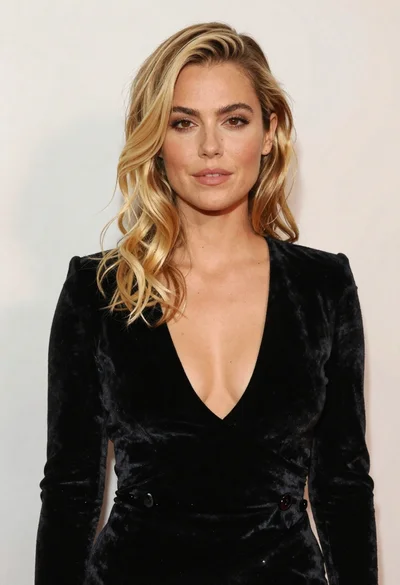
Portrait of blonde woman in black velvet dress against light wall
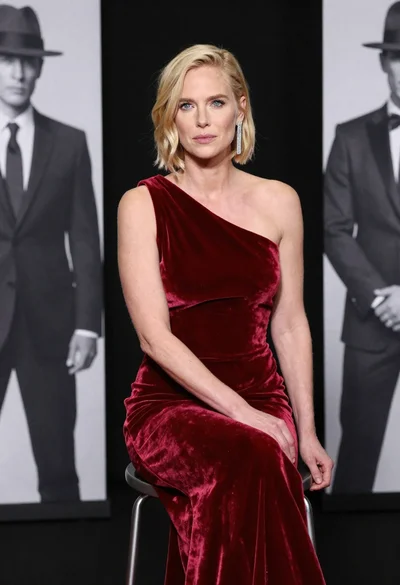
Blonde woman in deep red velvet gown sitting on stool studio portrait
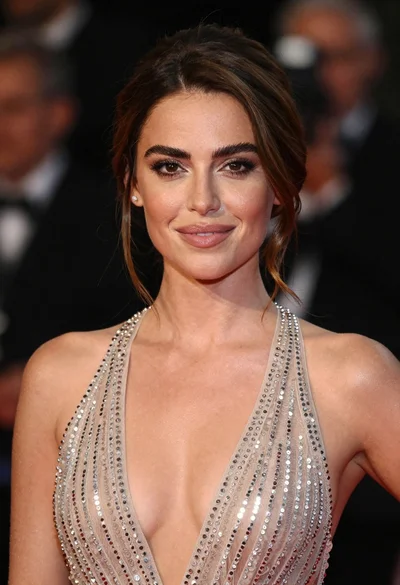
Close up portrait of woman in champagne gown with brown hair

Woman in rust gown posing on white step and repeat backdrop
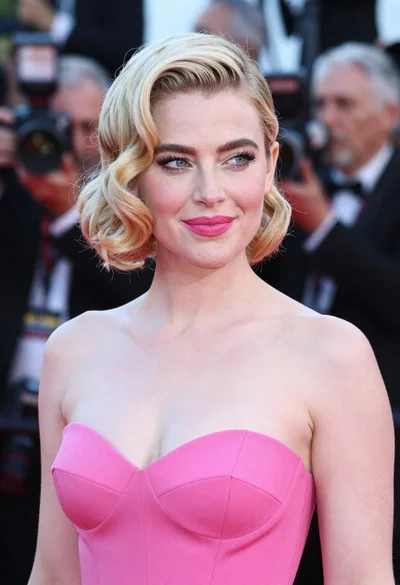
Close up portrait of blonde woman in hot pink gown at event
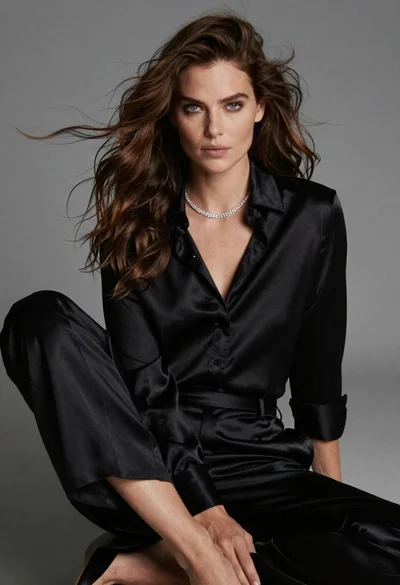
Fairskinned woman in black satin outfit seated for high fashion portrait
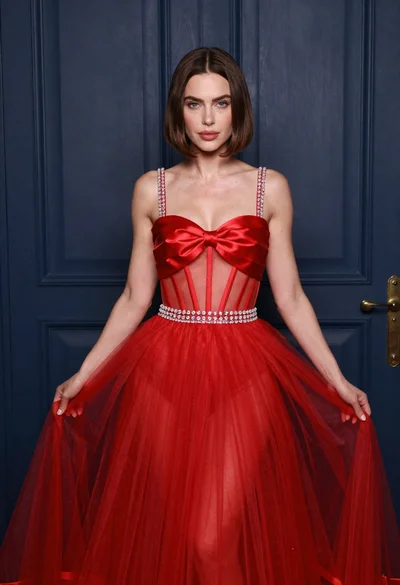
Woman in elaborate red gown standing before dark blue paneled door
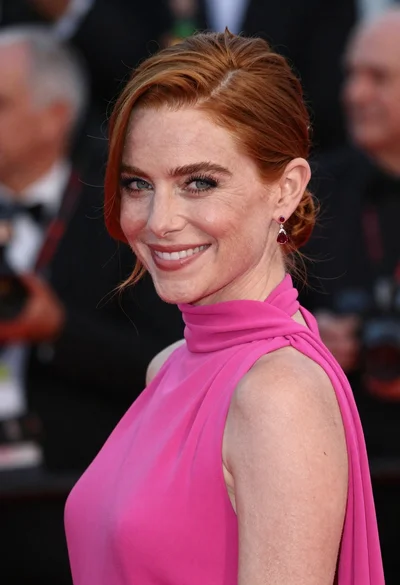
Close up portrait of smiling woman in fuchsia gown at event