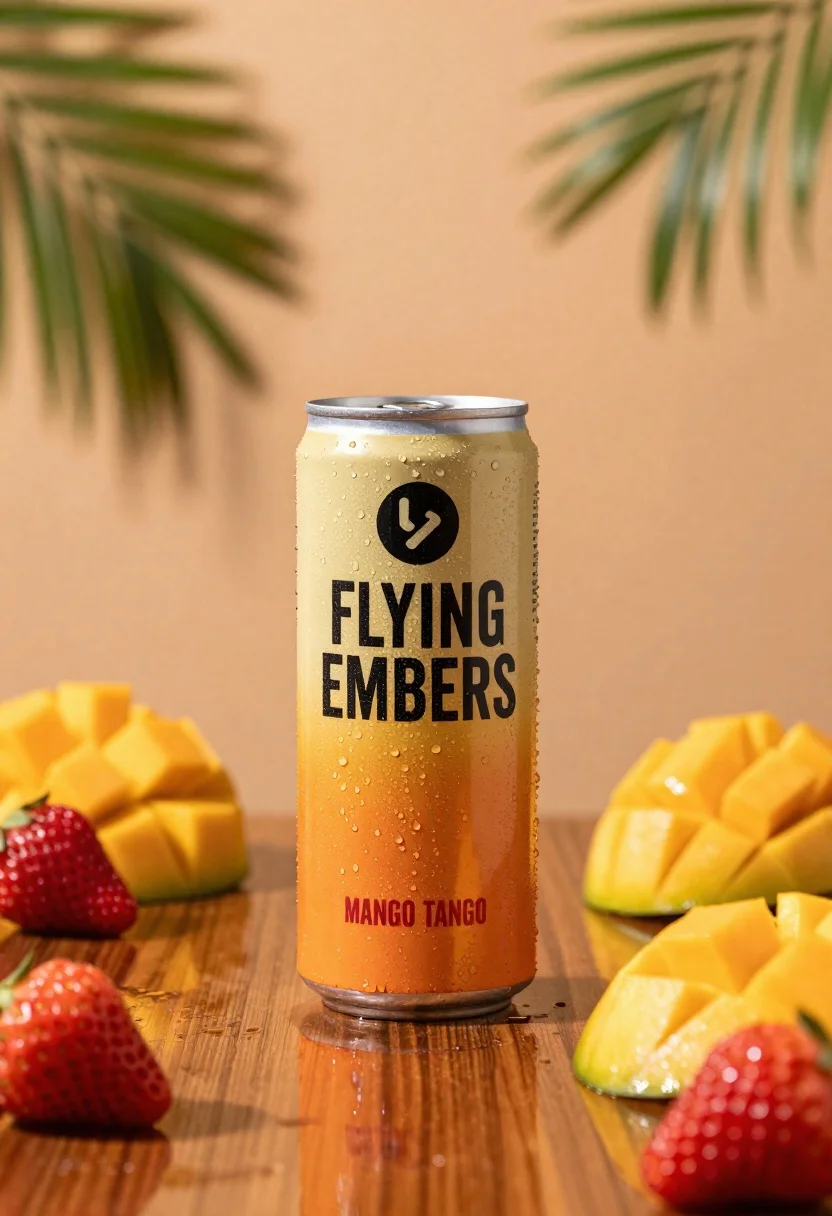
Refreshing beverage can with fruit slices on wooden table
Prompt
A refreshing beverage can stands centrally on a reflective wooden surface surrounded by fresh fruit slices and whole strawberries.

Subject: A tall aluminum beverage can with a gradient orange to yellow label featuring bold black text that reads "FLYING EMBERS" and smaller red text reading "MANGO TANGO".

Clothing: The can has a metallic silver rim at the top and a circular black logo near the top of the label.

Action: The can is standing upright with condensation droplets visible on its surface, suggesting it is cold.

Environment: The setting features a warm peach-colored background with large green palm fronds casting soft shadows in the upper corners.

Camera: A close-up shot with a shallow depth of field that keeps the can sharp while blurring the background foliage and foreground reflections.

Lighting: Warm ambient lighting creates a golden glow, highlighting the condensation on the can and casting soft shadows from the fruit.

Objects: Fresh red strawberries and bright yellow mango slices are arranged around the base of the can on a glossy wooden table.

Text/Graphics: The label displays the brand name "FLYING EMBERS" in large black letters and the flavor "MANGO TANGO" in red text below it.

Style Details: High-quality commercial product photography with vibrant colors, sharp focus on the central subject, and a polished aesthetic.
Description
This prompt is useful for creating beverage advertising mockups, summer menu spreads, and e-commerce lifestyle shots. The combination of 'condensation droplets visible' and 'warm ambient lighting' emphasizes product freshness and coolness, while the shallow depth of field ensures that the 'tall aluminum beverage can' remains the undisputed focal point against the blurred foliage.
Suggestions
- Change 'reflective wooden surface' to 'wet slate countertop' for a different material contrast.
- Swap 'gradient orange to yellow label' for 'matte navy blue label' to shift the mood.
- Add 'bokeh effect' to the camera settings for more pronounced background separation.
Category
Tags
Close UpOutdoorsRealistic
Date added
June 26, 2026
Added by
PromptDexter Team
Related Prompts
More prompts with similar categories and tags.
Closeup shot of hand holding red soda can with condensation droplets outdoors
Clear plastic cup with fizzy liquid ice cubes and lemon slices suspended

Closeup macro shot of a glass of orange soda splashing with ice
Tiny adventurers rowing a pretzel raft down a chocolate river between cookie
Closeup of dark chocolate bar on brown surface with cocoa beans
Clear glass kiwi juice bottle frozen in midair splash against green background
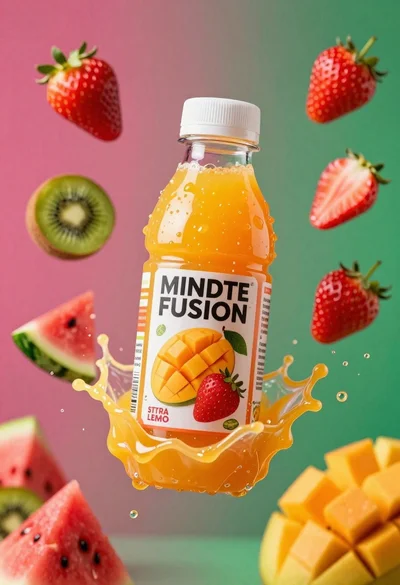
Plastic bottle of orange juice exploding in a vibrant splash against a

Ginger cat dressed as fast food worker holding cheeseburger