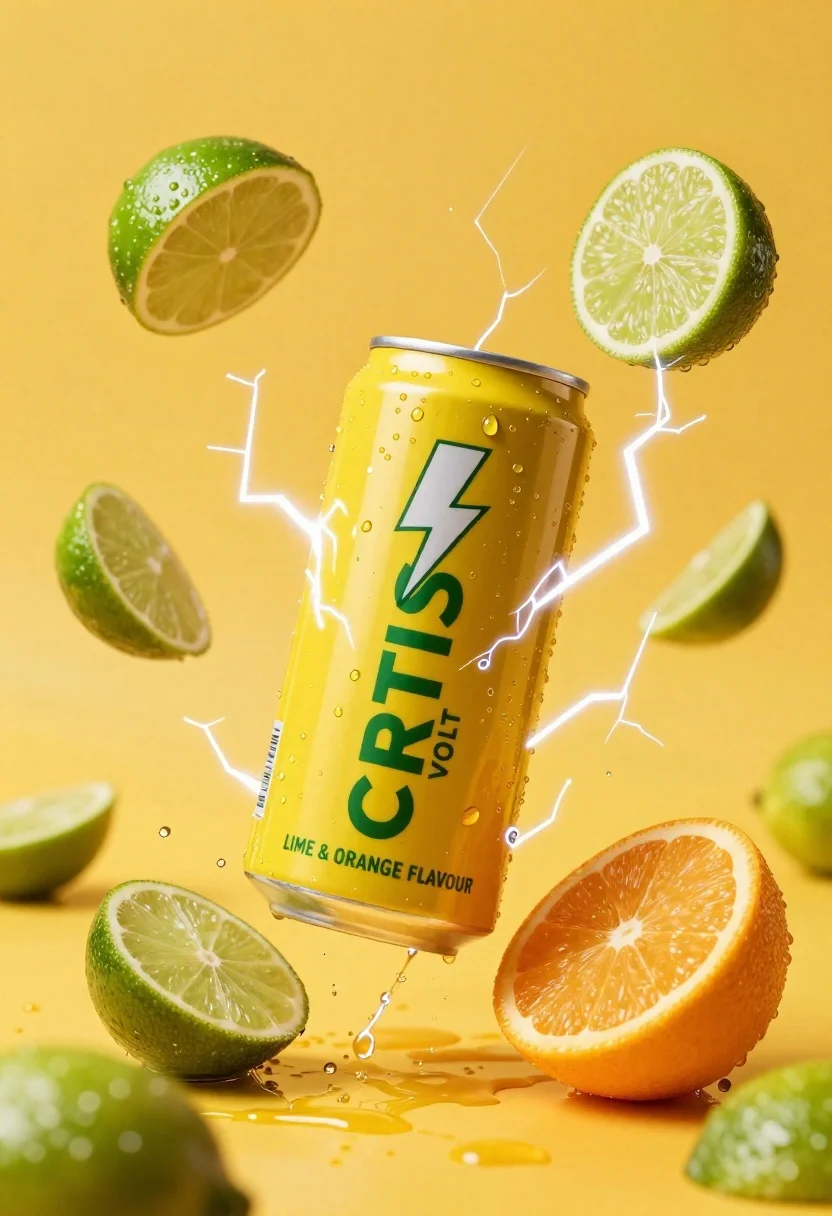
Yellow energy drink can floating in midair with lime slices and lightning
Prompt
A vibrant yellow energy drink can suspended in mid-air surrounded by floating lime slices and electric lightning bolts.

Subject: A tall aluminum beverage can with a bright yellow label featuring green text that reads "CIRTIUS VOLT" and a white lightning bolt logo above the name.

Clothing: N/A.

Action: The can is frozen in a dynamic pose, appearing to float or explode outward, surrounded by jagged bolts of electricity and splashing liquid droplets.

Environment: A solid, bright yellow background that matches the can's color, creating a high-energy atmosphere with no distinct horizon or ground plane.

Camera: Centered composition with a slight low-angle perspective looking up at the floating can, emphasizing its height and power.

Lighting: High-contrast studio lighting with strong highlights on the metallic rim of the can and the wet surfaces of the fruit, creating sharp reflections and deep shadows within the crevices of the lime slices.
Second

Subject: N/A.

Objects: Several fresh lime wedges and a half-cut orange slice are scattered around the can, some resting on the surface and others suspended in the air as if caught in an explosion.

Interaction: The electric energy appears to emanate from behind the can, wrapping around it and interacting with the fruit slices, suggesting a burst of power or flavor release.

Text/Graphics: Bold green sans-serif typography spelling "CIRTIUS VOLT" on the front of the can, along with smaller text at the bottom indicating "LIME & ORANGE FLAVOUR".

Style Details: Commercial product photography style with hyper-realistic rendering, vivid saturated colors, and a glossy finish that emphasizes freshness and energy.
Description
This prompt is useful for creating vibrant beverage advertisements, high-energy food packaging mockups, and dynamic lifestyle product shots. The combination of 'high-contrast studio lighting' with strong highlights on the metallic rim ensures the can appears premium while the inclusion of 'splashing liquid droplets' prevents the composition from looking static, grounding the explosive energy in tangible detail.
Suggestions
- Change 'bright yellow background' to 'deep cyan background' for contrast.
- Swap 'lime wedges' for 'tropical fruit slices' to broaden flavor appeal.
- Adjust 'low-angle perspective' to 'eye-level shot' for a more direct product view.
Category
Tags
Full BodyHigh AngleMacro ShotOutdoorsRealisticStudio
Date added
June 26, 2026
Added by
PromptDexter Team
Related Prompts
More prompts with similar categories and tags.
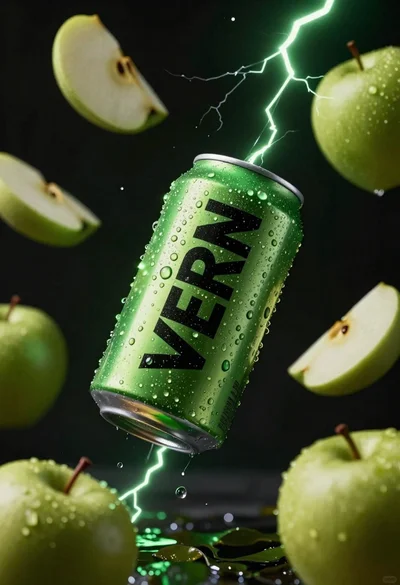
Hyper realistic green energy drink can floating with apples in dark void
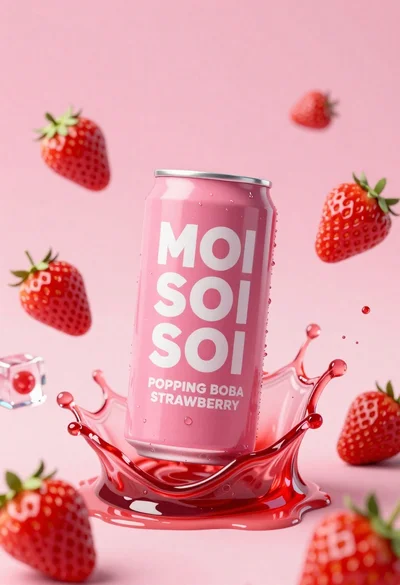
Pink soda can frozen in midair splash with strawberries
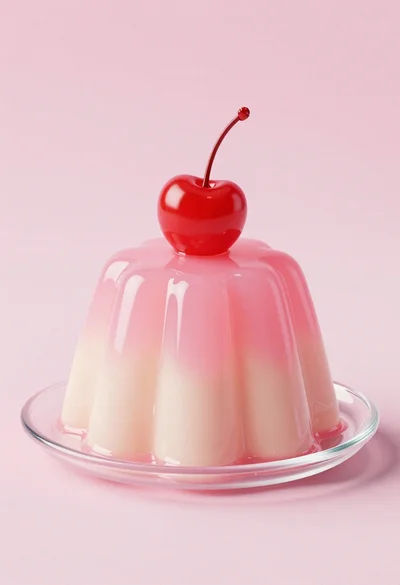
Dessert dome with pink jelly and red cherry
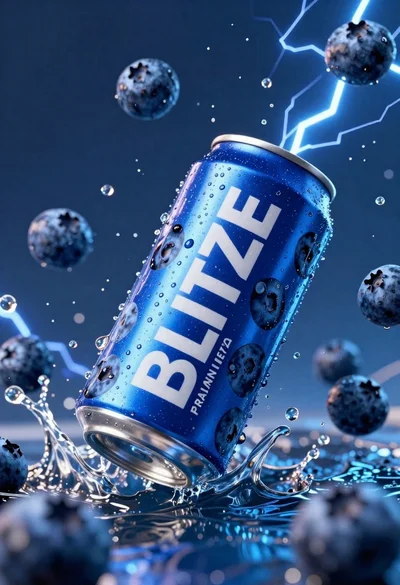
Blue aluminum beverage can suspended in midair with splashing water and blueberries
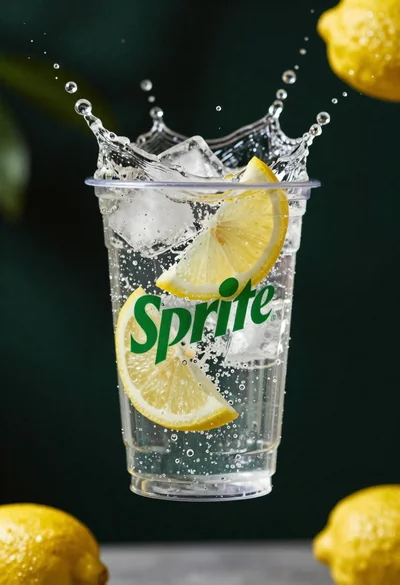
Clear plastic cup with fizzy liquid ice cubes and lemon slices suspended
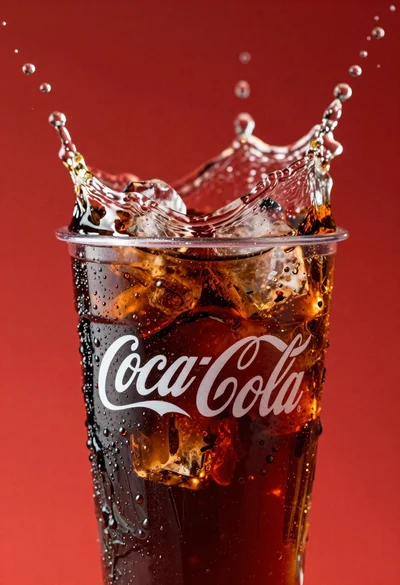
Refreshing coca cola glass with ice cubes splashing against red background
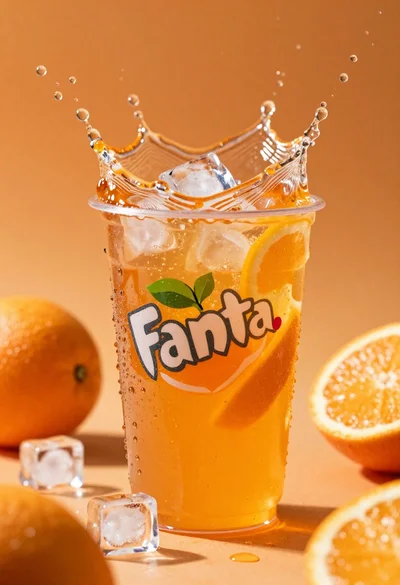
Closeup macro shot of a glass of orange soda splashing with ice
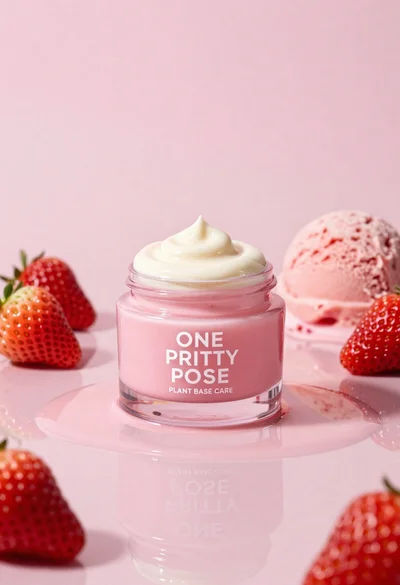
Glossy pink cosmetic jar with cream surrounded by strawberries and ice cream
