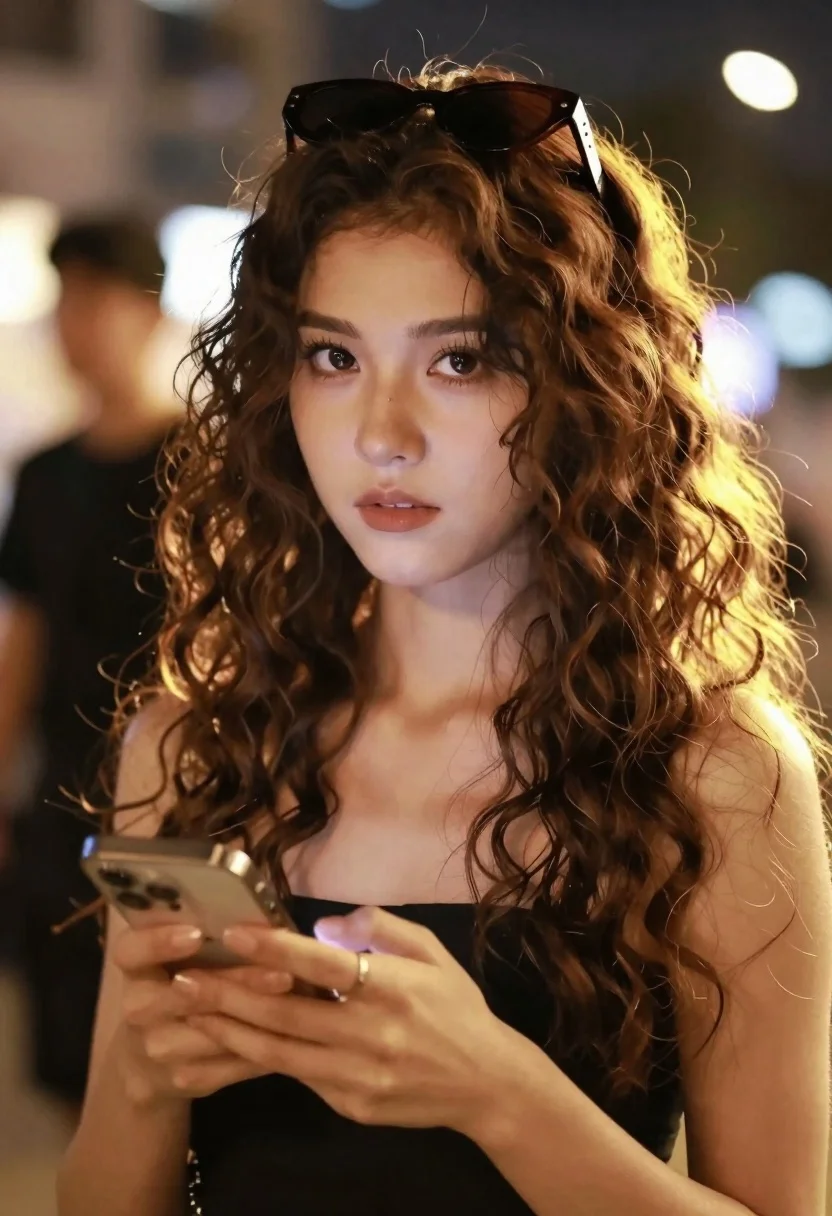
Closeup portrait of young woman with brown hair holding smartphone at evening
Prompt
A close-up portrait of a young woman with long, wavy brown hair and sunglasses perched on her head, holding a smartphone in her hands while looking forward.

Subject: A young woman with voluminous, curly brown hair and defined eyebrows, wearing dark sunglasses pushed up onto the top of her head.

Clothing: She wears a black sleeveless top or dress that reveals her shoulders, with a simple ring visible on one finger.

Action: The subject holds a smartphone in both hands near her chest, gazing directly at the viewer with a neutral expression.

Environment: A warm, bokeh-filled background suggests an evening setting with soft lights and a blurred figure standing behind her to the left.

Camera: Shot as a tight close-up with a shallow depth of field that blurs the background significantly, creating a cinematic portrait feel.

Lighting: Strong backlighting creates a golden rim light around her hair and shoulders, while warm ambient light illuminates her face from the front.

Style Details: The image features a soft-focus aesthetic with visible dust motes in the air, high contrast between the bright highlights on the hair and the darker background, and a warm color palette.
Description
This prompt is useful for creating cinematic social media portraits, editorial street style photography, and moody personal branding visuals. The combination of 'strong backlighting' producing a golden rim light against the 'bokeh-filled background' ensures that the subject remains sharply defined while the environment suggests depth, which is crucial for making the smartphone interaction feel natural rather than staged.
Suggestions
- Change 'black sleeveless top or dress' to 'silk camisole' for more sheen.
- Swap 'golden rim light' for 'cyan rim light' to shift the mood.
- Adjust 'neutral expression' to 'slight smirk' for more personality.
Category
Tags
Brown HairCasual WearClose UpFemaleOutdoorsRealistic
Date added
June 26, 2026
Added by
PromptDexter Team
Related Prompts
More prompts with similar categories and tags.
Woman in burgundy satin dress sitting at a table with candle and
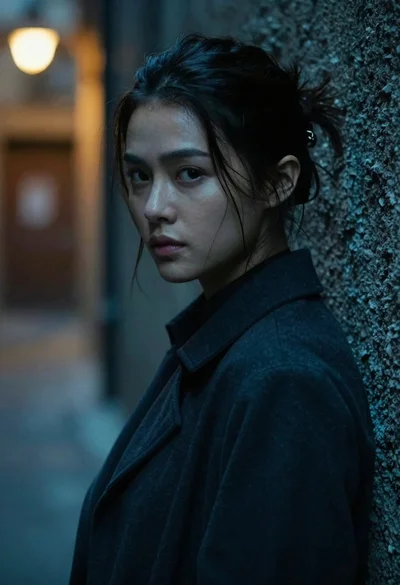
Young woman with dark hair looking over shoulder in alleyway
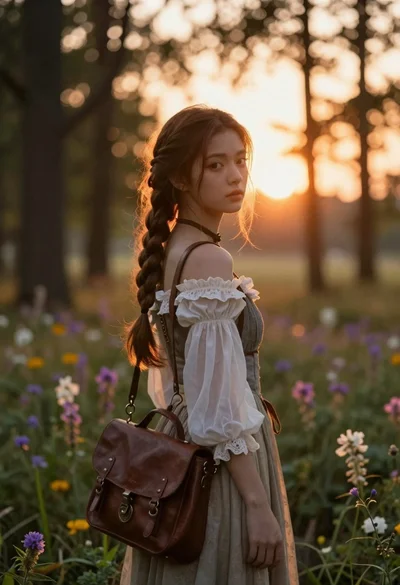
Young woman with brown hair braid standing in sunlit forest clearing at
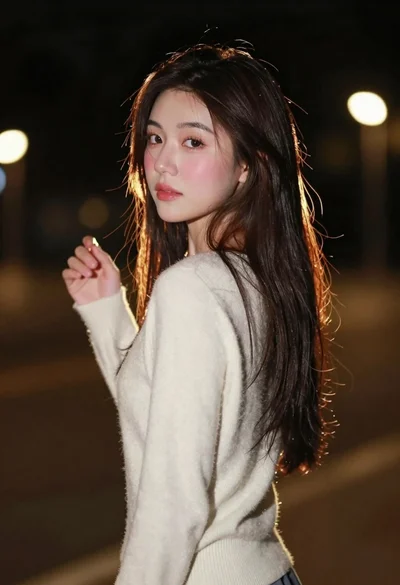
Young woman with long dark hair looking back over shoulder in dimly
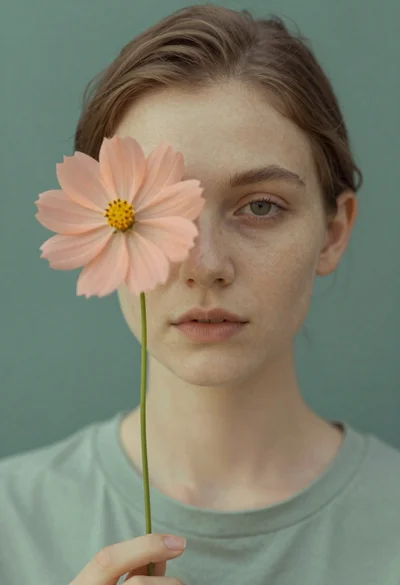
Fair skinned young woman holding peach cosmos flower near face
Closeup portrait of young woman with brown hair and green eyes in
Young woman with red hair leaning on chalkboard in sunlit classroom setting

Black and white portrait of young woman in wool coat standing in