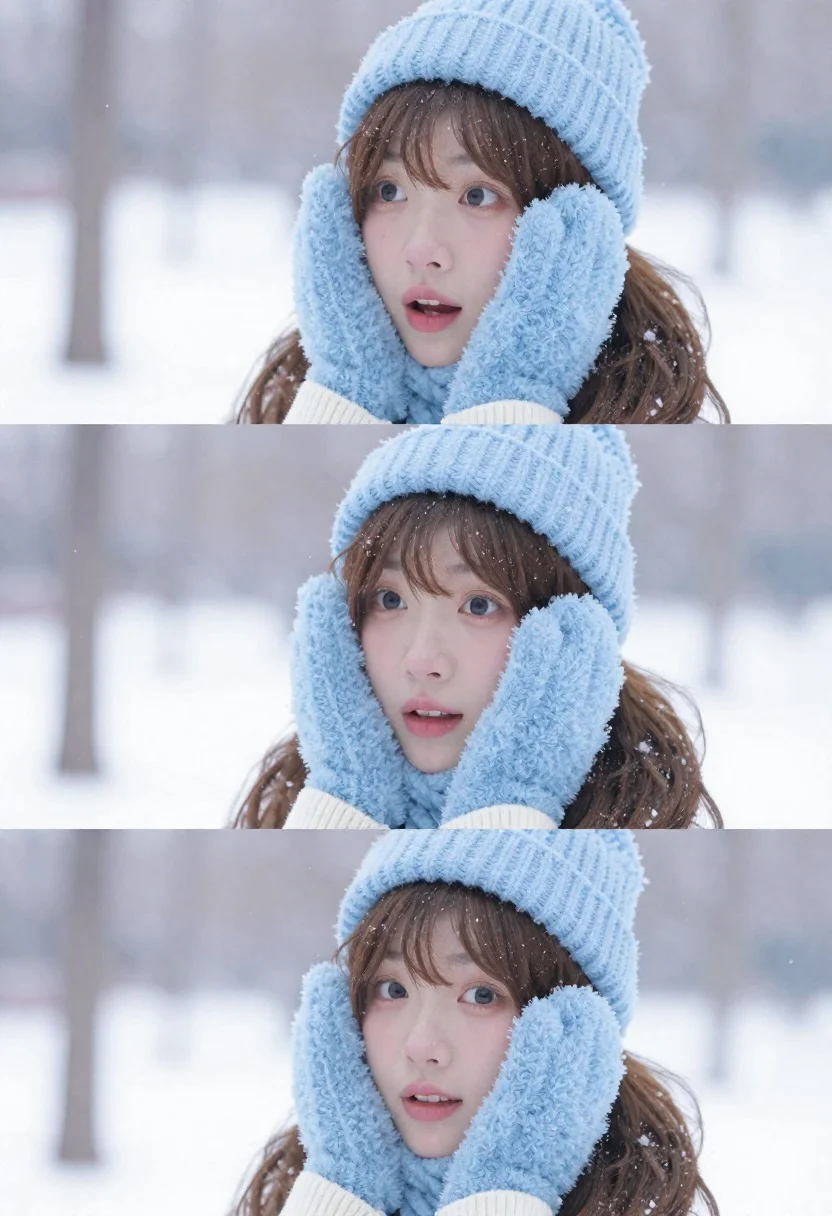
Young east asian woman in winter gear smiling in snowy park
Prompt
A young woman with long brown hair stands in a snowy winter landscape, captured in three sequential close-up shots showing her changing expressions from looking upward to surprise and finally smiling directly at the camera.

Subject: A young East Asian woman with long wavy brown hair and bangs, featuring soft skin and expressive eyes that shift through different emotions across the frames.

Clothing: She wears a light blue knitted beanie hat and matching fluffy mittens held up against her face, paired with a cream-colored ribbed sweater visible at the neckline.

Action: Her hands are raised to frame her face in all three panels, while her facial expression transitions from looking away upward, to wide-eyed surprise, and finally to a gentle direct smile.

Environment: A serene winter park setting covered in snow with blurred trees in the background and falling snowflakes visible throughout the scene.

Camera: Close-up portrait framing that focuses tightly on the subject's face and upper torso, utilizing a shallow depth of field to keep the background softly out of focus.

Lighting: Soft, diffused natural light typical of an overcast winter day, creating gentle shadows and a cool, airy atmosphere with high-key exposure.

Style Details: High-resolution photography with a clean, bright aesthetic, featuring realistic snow particle effects and a soft, slightly dreamy color palette dominated by whites and pastel blues.
Description
This prompt is useful for creating cinematic portrait sequences, seasonal advertising campaigns for winter apparel, and narrative storytelling stills. The combination of 'soft, diffused natural light' with the 'shallow depth of field' ensures that the focus remains intensely on the subject's changing expressions, preventing the snowy background from becoming a distracting mess while maintaining an airy, cool aesthetic.
Suggestions
- Change 'light blue knitted beanie hat' to 'forest green knit beanie' for seasonal variation.
- Adjust 'softly out of focus' to 'bokeh effect' for more pronounced background separation.
- Swap 'pastel blues' for 'muted grays and whites' to enhance the overcast mood.
Category
Tags
Brown HairClose UpFemaleLight SkinOutdoorsPortrait ShotRealistic
Date added
June 21, 2026
Added by
PromptDexter Team
Related Prompts
More prompts with similar categories and tags.
Woman in white dress standing in a field of yellow flowers

Romantic couple embracing under a large firework display at night
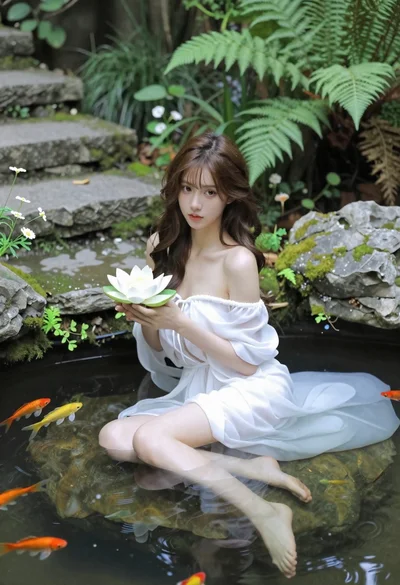
Woman in white dress holding lotus flower in shallow pool with fish
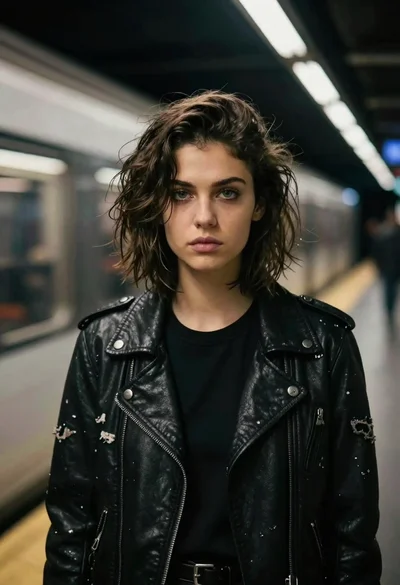
Young woman in leather jacket standing on subway platform at night
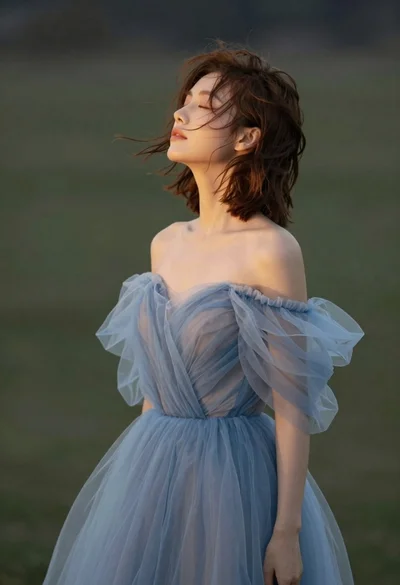
Young woman in blue tulle gown standing with eyes closed in wind
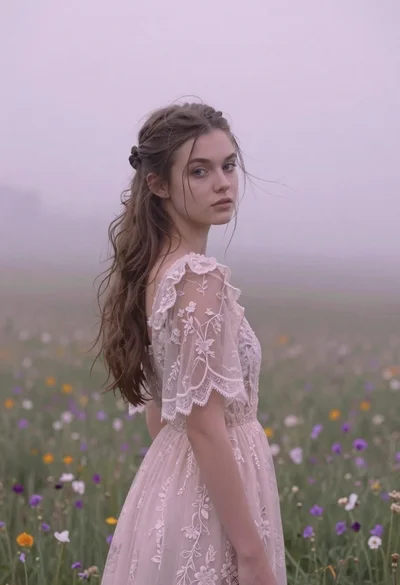
Young woman in pink lace gown standing in misty wildflower field

Young couple embracing in a lush rose garden during golden hour

Black and white portrait of young woman in wool coat standing in