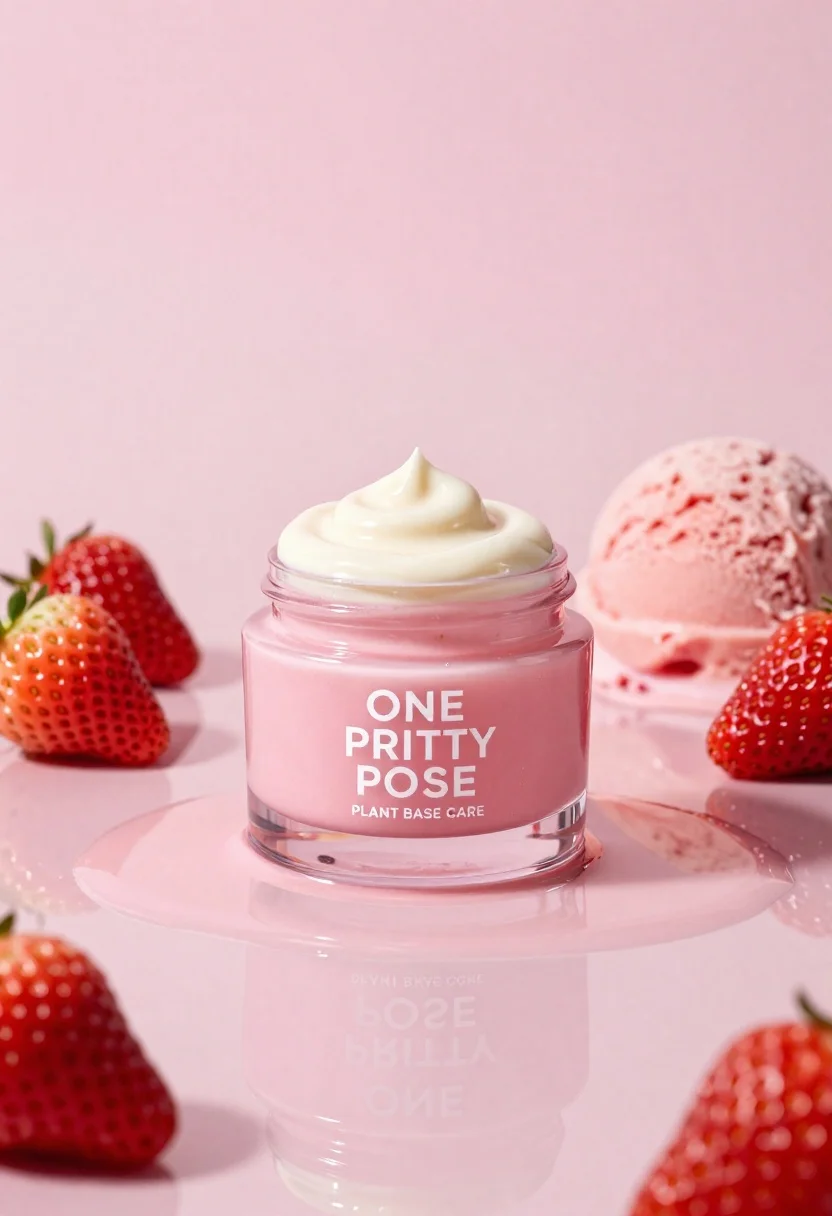
Glossy pink cosmetic jar with cream surrounded by strawberries and ice cream
Prompt
A glossy pink cosmetic jar with a swirl of cream on top sits centrally on a reflective surface surrounded by fresh strawberries and a scoop of strawberry ice cream.

Subject: A clear glass jar containing pink cream labeled ONE PRITTY POSE PLANT BASE CARE with a dollop of whipped cream on the lid.

Clothing: Not applicable.

Action: Static product display with no movement.

Environment: Minimalist studio setting featuring a seamless pink background and a highly reflective glossy floor that mirrors the entire arrangement.

Camera: Eye-level perspective with a shallow depth of field keeping the jar in sharp focus while softly blurring the immediate surroundings.

Lighting: Soft, diffused lighting creating gentle highlights on the glass and cream without harsh shadows, emphasizing the smooth textures.
Second

Subject: Not applicable.

Objects: Fresh red strawberries with green leaves and a scoop of pink strawberry ice cream placed around the jar.

Interaction: The items are arranged in a still life composition resting on a puddle of pink liquid that reflects the objects above.

Text/Graphics: White text reading ONE PRITTY POSE PLANT BASE CARE printed clearly on the front of the jar.

Style Details: High-end commercial product photography with hyper-realistic rendering, vibrant saturated pinks, and a clean, polished aesthetic.
Description
This prompt is useful for creating high-end beauty advertisements, cosmetic packaging mockups, and editorial food styling spreads. The combination of 'glossy pink' elements with the 'highly reflective glossy floor' ensures that the product appears luxurious by mirroring the entire arrangement, while the 'soft, diffused lighting' prevents harsh shadows that would distract from the smooth textures of the cream and glass.
Suggestions
- Change 'fresh red strawberries' to 'sliced raspberries' for a different color contrast.
- Adjust 'seamless pink background' to 'pale blush gradient' for more subtlety.
- Swap 'Eye-level perspective' for 'overhead flat lay' to change the composition.
Category
Tags
Full BodyHigh AngleMacro ShotOutdoorsRealisticStudioWide Shot
Date added
June 26, 2026
Added by
PromptDexter Team
Related Prompts
More prompts with similar categories and tags.
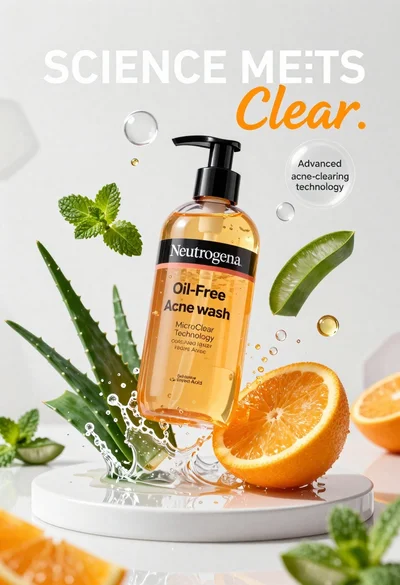
Neutrogena acne wash bottle suspended in midair with splashing liquid

Commercial advertisement for orange facial cleanser bottle on wet black surface
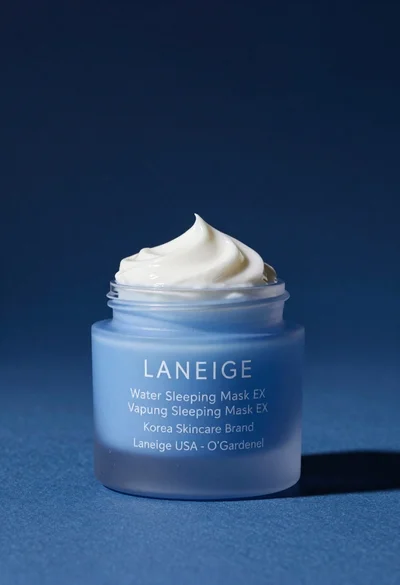
Light blue frosted glass jar of sleeping mask with creamy white swirl
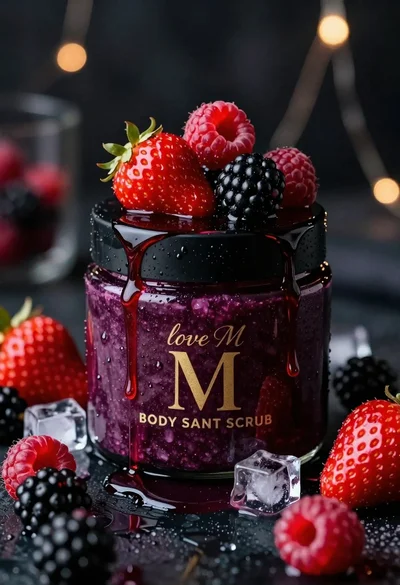
Luxurious dark berry body salt scrub jar with fresh strawberries and raspberries
Sleek black xbox controller resting on a smooth matte surface in studio
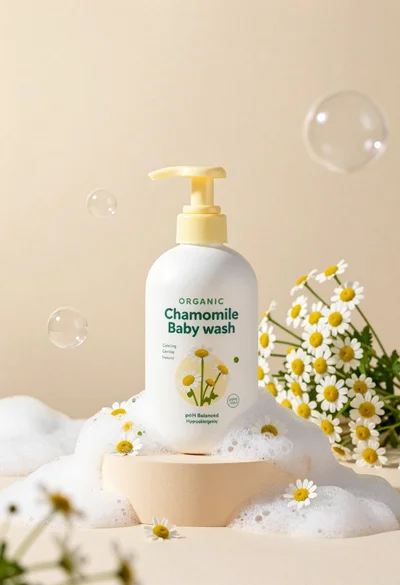
White pump bottle of organic chamomile baby wash on beige pedestal

Black perfume bottle on driftwood surrounded by pink cosmos flowers in purple
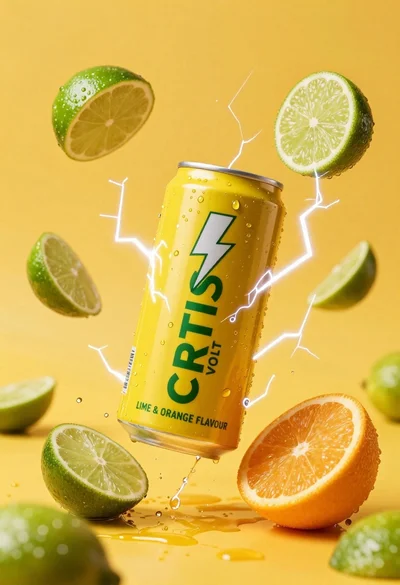
Yellow energy drink can floating in midair with lime slices and lightning