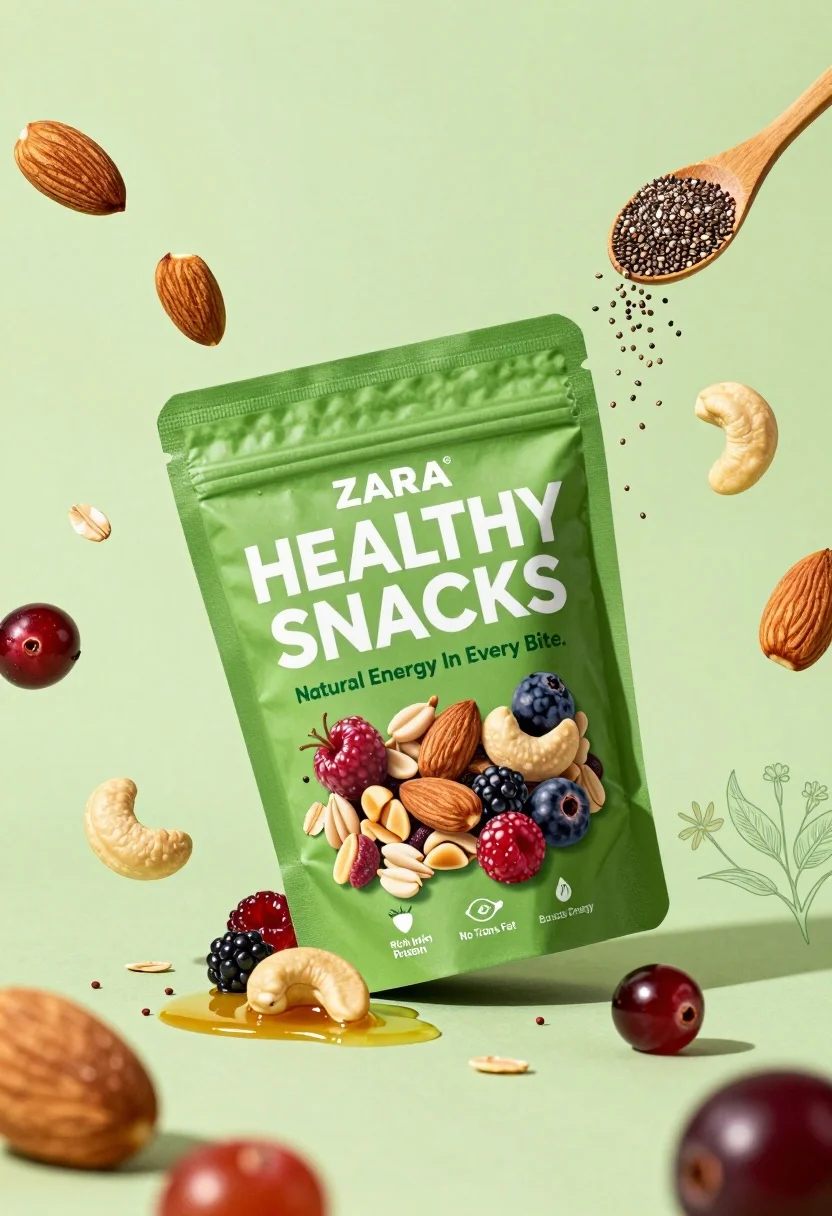
Commercial advertisement poster for berry nut mix snack pouch on bright green
Prompt
A vibrant green advertisement poster featuring a pouch of Zara Healthy Snacks Berry Nut Mix surrounded by floating nuts and dried fruits.

Subject: A glossy, resealable pouch labeled "ZARA HEALTHY SNACKS" with the flavor "Berry Nut Mix" displayed prominently on the front..

Action: The product pouch is angled slightly to the right, showcasing its front label which features a clear window showing the mixed nuts and berries inside.

Environment: A bright lime green background filled with floating ingredients including almonds, cashews, cranberries, oats, chia seeds, and honey drizzles.

Camera: Eye-level shot with a wide angle that captures the entire product and surrounding elements in a flat lay composition.

Lighting: Bright, even studio lighting that creates soft highlights on the plastic packaging and emphasizes the freshness of the ingredients..

Objects: A wooden spoon filled with chia seeds is visible in the upper right corner, along with scattered botanical illustrations of leaves and flowers.

Interaction: The product is centrally placed within a dynamic arrangement of floating food items that appear to be exploding outward from the center.

Text/Graphics: Large white text reading "HEALTHY SNACKS" and smaller green text reading "Natural Energy In Every Bite," alongside nutritional icons indicating "Rich in Protein," "No Trans Fat," and "Boosts Energy."

Style Details: High-quality commercial photography with a clean, modern aesthetic, utilizing a fresh color palette dominated by greens and earth tones.
Description
This prompt is useful for creating e-commerce product listings, supplement advertising mockups, and vibrant food packaging concepts. The combination of 'bright lime green background' with 'soft highlights on the plastic packaging' ensures the snack pouch pops against a high-energy backdrop while maintaining commercial polish, preventing the image from looking overly chaotic despite the 'exploding outward' arrangement.
Suggestions
- Change 'almonds, cashews, cranberries, oats, chia seeds' to include pistachios for more color variation.
- Adjust 'wide angle that captures the entire product and surrounding elements in a flat lay composition' to 'overhead shot with shallow depth of field' for focus.
- Swap 'wooden spoon filled with chia seeds' for a minimalist glass bowl holding the ingredients.
Category
Tags
FoodRealisticStudioWide Shot
Date added
August 5, 2026
Added by
PromptDexter Team
Related Prompts
More prompts with similar categories and tags.
Black makeup tube next to open red pomegranate on beige background
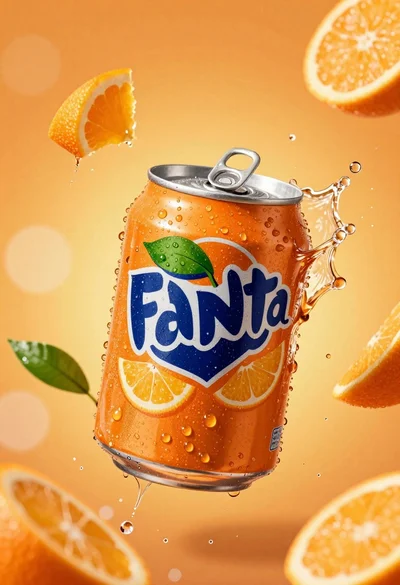
Hyperrealistic close up of orange soda splashing from a floating can
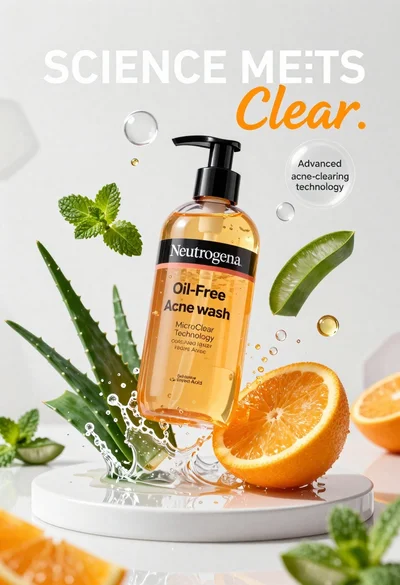
Neutrogena acne wash bottle suspended in midair with splashing liquid
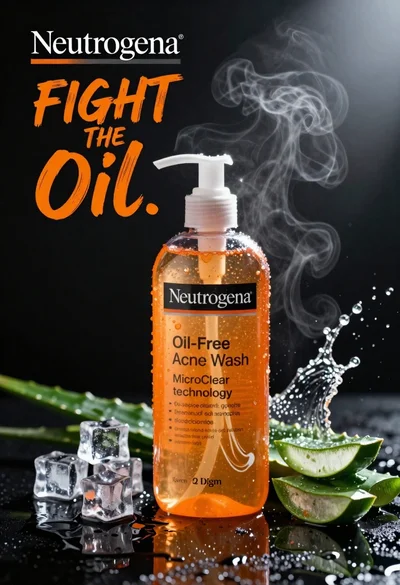
Commercial advertisement for orange facial cleanser bottle on wet black surface
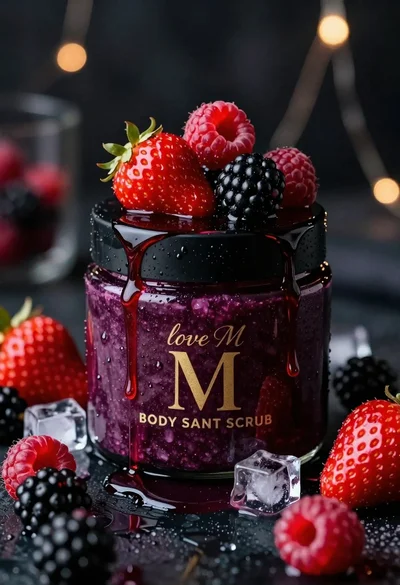
Luxurious dark berry body salt scrub jar with fresh strawberries and raspberries
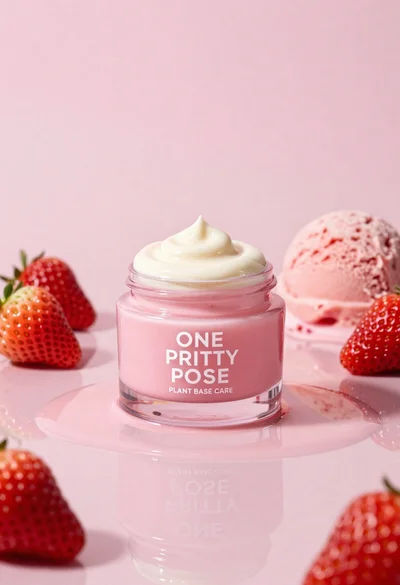
Glossy pink cosmetic jar with cream surrounded by strawberries and ice cream
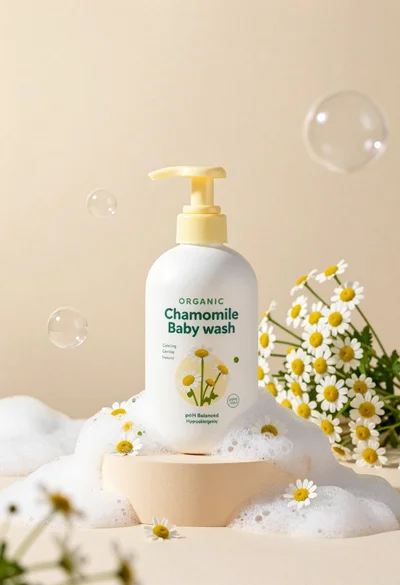
White pump bottle of organic chamomile baby wash on beige pedestal
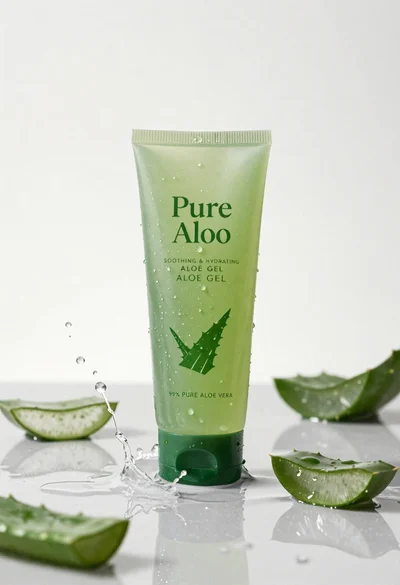
Pure aloe gel tube on wet reflective surface with water splash
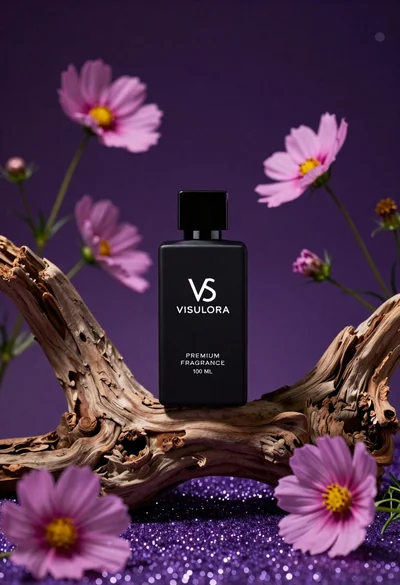
Black perfume bottle on driftwood surrounded by pink cosmos flowers in purple
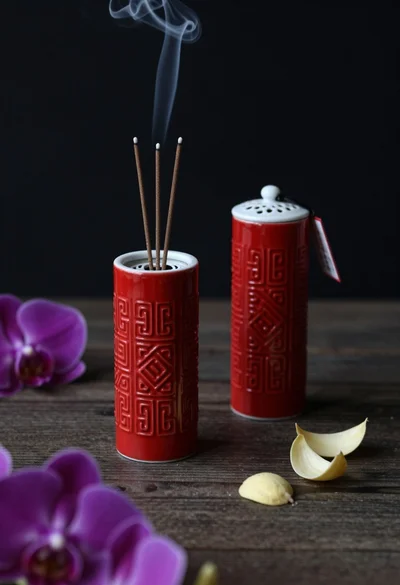
Still life composition of red incense holders with smoke on dark wood