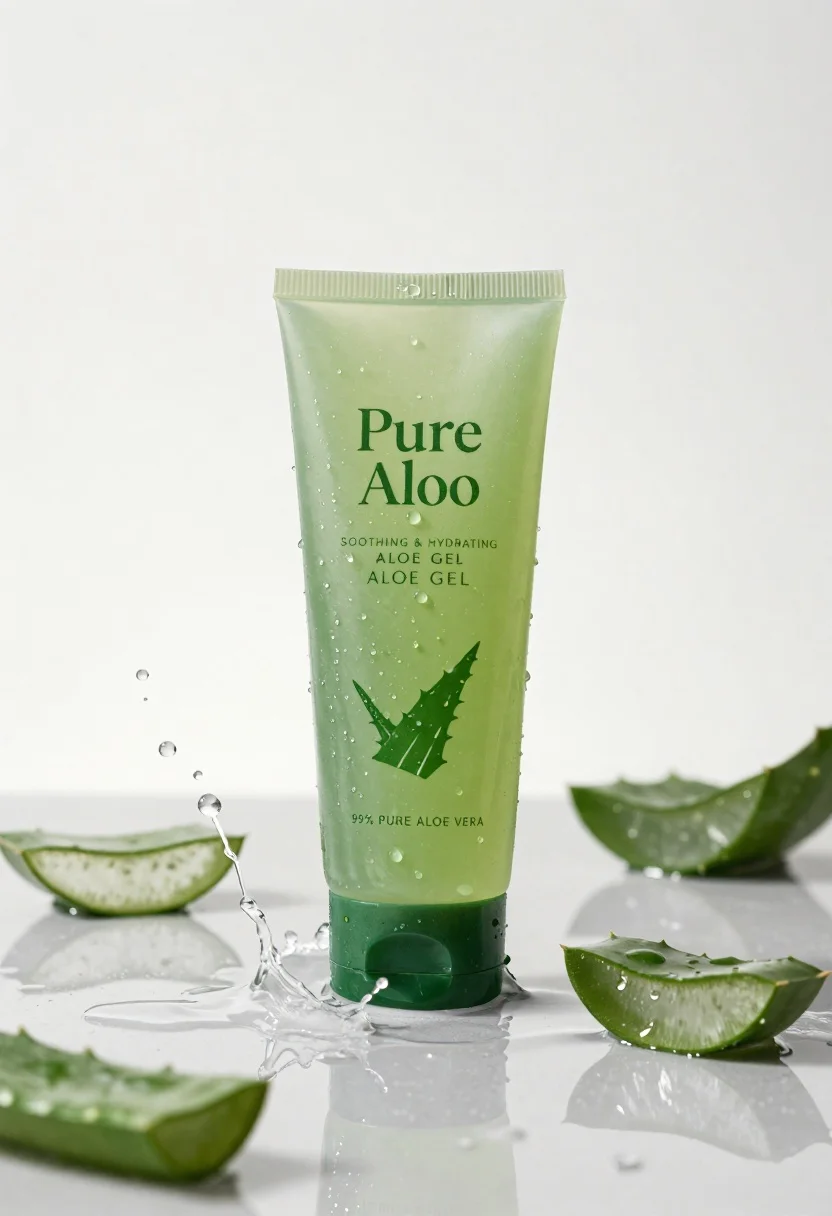
Pure aloe gel tube on wet reflective surface with water splash
Prompt
A vertical product shot of a translucent green tube of Pure Aloe gel standing upright on a wet reflective surface.

Subject: A tall, cylindrical plastic tube with a dark green cap and a light green body containing a visible gel substance. The label features the text "Pure Aloe" in large serif font, followed by "SOOTHING & HYDRATING ALOE GEL", a line drawing of an aloe leaf, and details stating "99% PURE ALOE VERA".

Clothing: Not applicable.

Action: Static product display with dynamic water splashing around it.

Environment: A clean, minimalist studio setting with a bright, neutral background that fades to white. The surface beneath the tube is wet and glossy, reflecting the product and surrounding elements.

Camera: Eye-level perspective with a shallow depth of field keeping the central tube in sharp focus while slightly blurring the splashing water droplets in the foreground and background.

Lighting: Bright, high-key studio lighting that creates soft highlights on the wet surfaces and the gel inside the tube, emphasizing freshness and purity.
Second

Subject: Not applicable.

Objects: Sliced pieces of fresh aloe vera leaves scattered around the base and floating within the water splash.

Interaction: The product is surrounded by a dynamic arc of clear liquid splashing upwards and outwards, with individual droplets frozen in mid-air.

Text/Graphics: Readable text on the tube includes "Pure Aloe", "SOOTHING & HYDRATING ALOE GEL", "99% PURE ALOE VERA", and claims like "NO PARABENS", "NO SILICONES", and "NO ARTIFICIAL COLOR".

Style Details: Commercial product photography style with a fresh, organic aesthetic, utilizing vibrant greens and high contrast between the liquid and the background.
Description
This prompt is useful for creating cosmetic advertising campaigns, botanical ingredient showcases, and clean skincare e-commerce visuals. The combination of 'bright, high-key studio lighting' with a 'wet reflective surface' ensures that the product appears pristine and emphasizes the gel's viscosity through sharp highlights, which is crucial for conveying purity in beauty marketing.
Suggestions
- Change 'dark green cap' to 'matte white cap' for a more clinical look.
- Add 'macro lens perspective' to emphasize droplet detail.
- Swap 'vibrant greens' for 'muted sage and emerald' for a softer palette.
Category
Tags
Full BodyMacro ShotMedium ShotOutdoorsRealisticStudioWide Shot
Date added
June 26, 2026
Added by
PromptDexter Team
Related Prompts
More prompts with similar categories and tags.
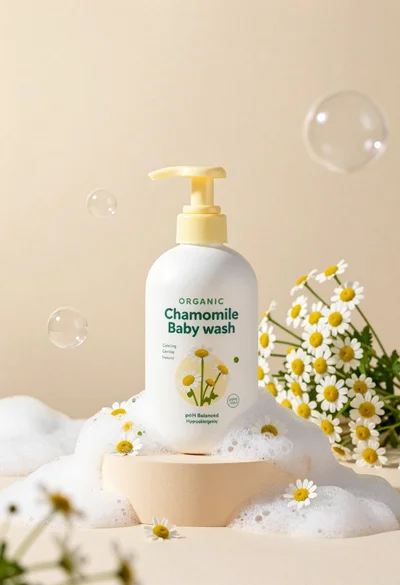
White pump bottle of organic chamomile baby wash on beige pedestal
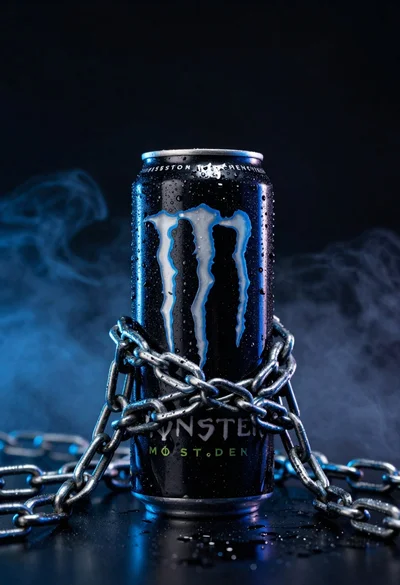
Black monster energy can wrapped in metal chains on reflective floor
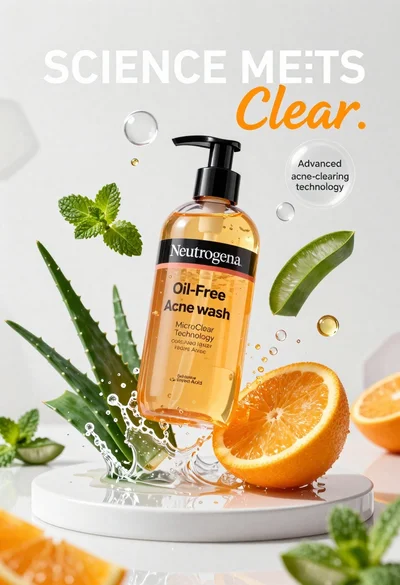
Neutrogena acne wash bottle suspended in midair with splashing liquid
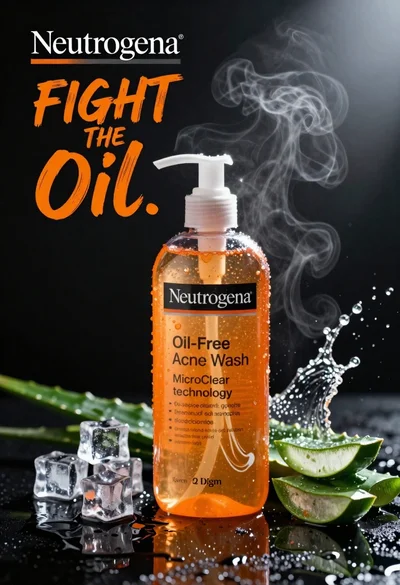
Commercial advertisement for orange facial cleanser bottle on wet black surface
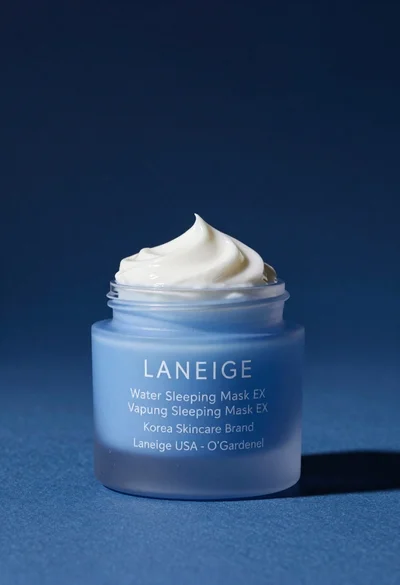
Light blue frosted glass jar of sleeping mask with creamy white swirl
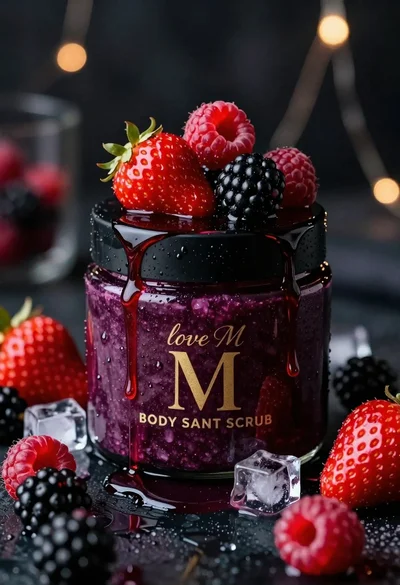
Luxurious dark berry body salt scrub jar with fresh strawberries and raspberries

Black perfume bottle on driftwood surrounded by pink cosmos flowers in purple
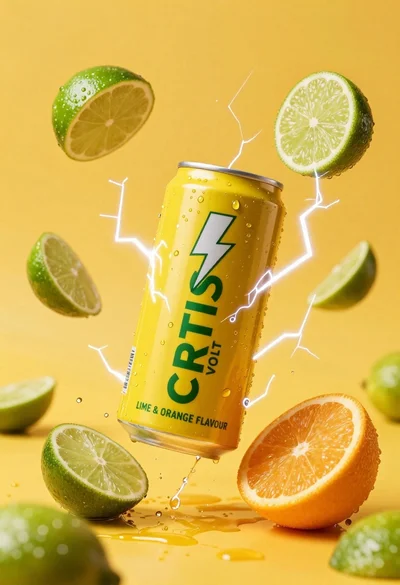
Yellow energy drink can floating in midair with lime slices and lightning