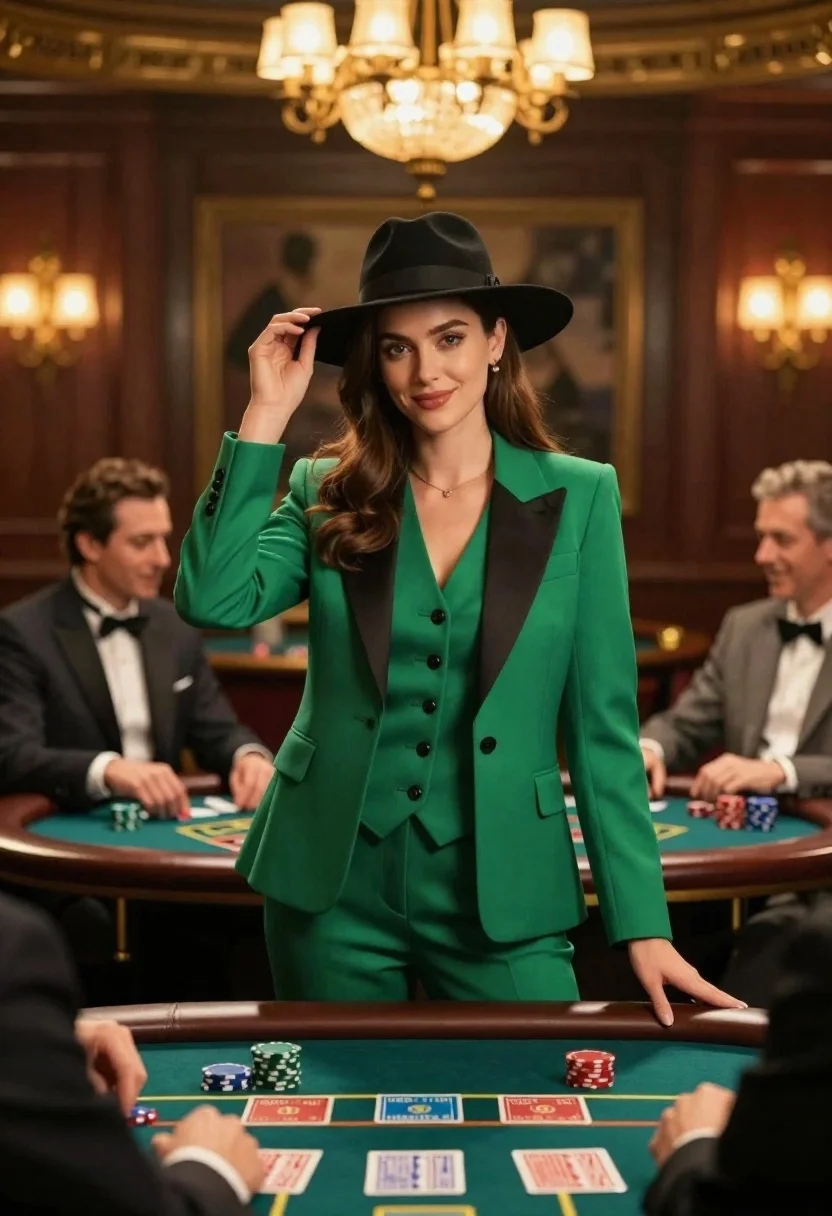
Confident woman in green suit stands at center of high stakes casino
Prompt
A confident woman in a green suit stands at the center of a high-stakes casino table surrounded by men playing cards.

Subject: A young woman with long brown hair wearing a black fedora hat and a bright emerald green three-piece suit with black lapels, smiling directly at the camera while holding the brim of her hat.

Clothing: She wears a tailored green blazer over a matching vest and trousers, featuring black buttons and a V-neckline, accessorized with a black wide-brimmed fedora.

Action: The woman stands upright facing forward with a slight smile, her right hand raised to gently touch the brim of her hat while her left arm hangs relaxed by her side.

Environment: A luxurious casino interior with dark wood paneling, green felt gaming tables, and blurred figures of men in suits seated around the table playing cards.

Camera: Medium shot framing the woman from the waist up with a shallow depth of field that keeps her sharp while softly blurring the background players and room details.

Lighting: Warm ambient lighting emanating from an ornate chandelier above and wall sconces, casting soft highlights on the woman’s face and suit while creating a cozy, upscale atmosphere.

Style Details: Cinematic composition with rich color grading emphasizing deep greens and warm golds, rendered in photorealistic style with subtle film grain and bokeh effects for depth.
Description
This prompt is useful for creating cinematic character portraits, high-stakes narrative stills, and editorial fashion spreads set in opulent interiors. The combination of 'deep greens and warm golds' color grading, paired with the 'shallow depth of field,' ensures the subject remains the sharp focal point against a richly detailed but indistinct background, perfectly framing her confident presence.
Suggestions
- Change 'bright emerald green three-piece suit' to 'charcoal grey pinstripe suit' for a more subdued look.
- Replace 'ornate chandelier' with 'neon strip lighting' for a modern casino feel.
- Adjust the action by having her 'leaning slightly on the table edge' for a less confrontational pose.
Category
Tags
Brown HairFemaleFormal WearIndoorsMedium ShotPortrait ShotRealisticSide Profile
Date added
June 26, 2026
Added by
PromptDexter Team
Related Prompts
More prompts with similar categories and tags.

Young woman in white blouse leaning against beige wall near mirror
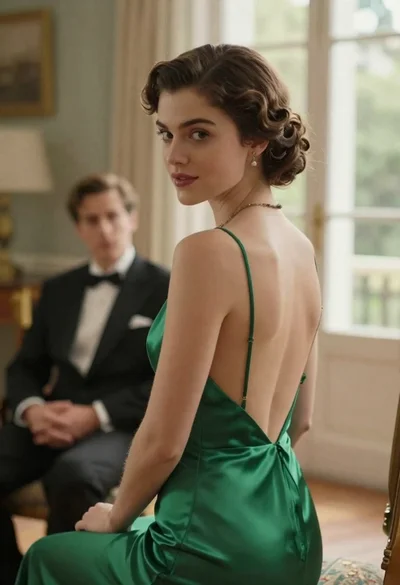
Woman in green dress looking over shoulder in bright ballroom setting

Woman in green satin slip dress standing in sunlit elegant interior room
Young woman in blue tulle gown standing with eyes closed in wind
Mother gently grooming daughters hair by window overlooking city at dusk
Young woman in elaborate ballgown on grand marble staircase interior

Young east asian woman on railing in busy japanese city street at
Young woman in trench coat looking over shoulder in dark brick alley