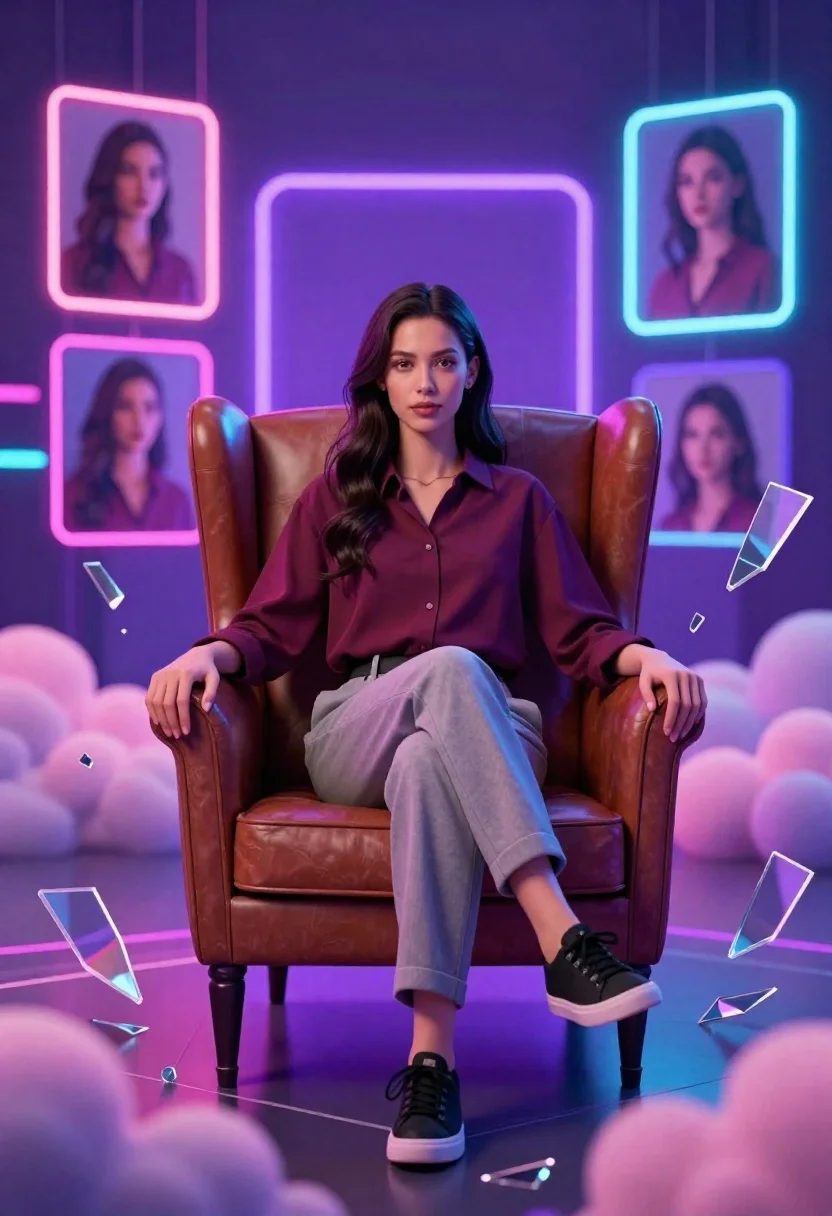
Confident young woman in maroon shirt sitting in brown leather chair with
Prompt
A confident young woman sits centered in a plush brown leather armchair with her legs crossed and hands resting on the armrests.

Subject: A young woman with long dark hair parted in the middle, featuring soft makeup and a calm, direct gaze at the camera.

Clothing: She wears a maroon button-down shirt tucked into light grey trousers paired with black lace-up sneakers.

Action: She sits upright in a relaxed but poised posture with one leg crossed over the other, looking directly forward.

Environment: A surreal digital space filled with floating pink and purple clouds at the bottom and scattered shards of broken glass around her.

Camera: A medium shot capturing the subject from the knees up, framed centrally with a shallow depth of field that blurs the glowing background elements slightly.

Lighting: Dramatic neon lighting with vibrant purple and blue hues emanating from geometric frames behind her, creating a high-contrast glow against the dark floor.
Second

Subject: Four smaller floating portraits of the same woman appear in rectangular frames within the background, each enclosed by a glowing neon border.

Objects: Floating shards of transparent glass surround the scene, and faint geometric lines form a pattern on the reflective floor beneath the chair.

Text/Graphics: No readable text or logos are visible on any surfaces or clothing.

Style Details: A futuristic digital art style with a polished 3D render aesthetic, featuring vibrant neon color grading, glowing effects, and a cinematic composition.
Description
This prompt is useful for creating album cover art, character concept sheets for sci-fi narratives, or editorial mood boards depicting digital alienation. The combination of 'dramatic neon lighting with vibrant purple and blue hues' against the 'plush brown leather armchair' establishes a high-contrast tension that grounds the subject while allowing the surreal elements like floating clouds to feel intentionally artificial rather than merely decorative.
Suggestions
- Change 'maroon button-down shirt' to 'black mesh top' for a more futuristic look.
- Replace 'floating pink and purple clouds' with 'holographic data streams' for a technical feel.
- Adjust 'shallow depth of field' to 'deep focus' if you want the glass shards to be sharp.
Category
Tags
3dCasual WearFemaleIndoorsMedium ShotOutdoorsRealistic
Date added
June 26, 2026
Added by
PromptDexter Team
Related Prompts
More prompts with similar categories and tags.

Full body studio shot of woman and anthropomorphic fox character
Young woman in blue traditional outfit standing next to her animated 3d
Stylized 3d animated girl in pink loungewear stands next to realistic woman
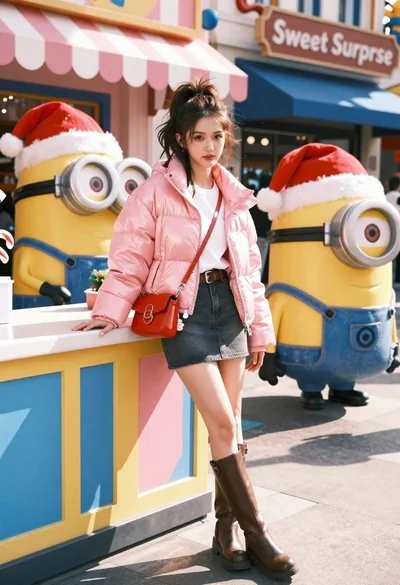
Young woman in pink puffer jacket standing by counter with minions
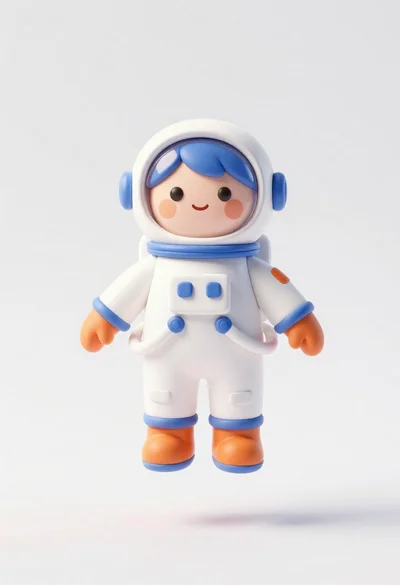
Cute astronaut figure floating in midair against plain white background
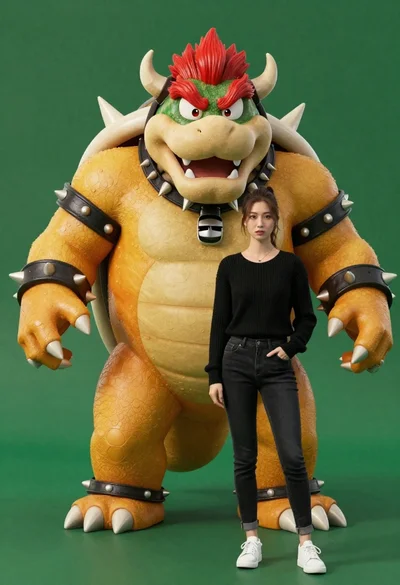
Muscular bowser character standing next to young woman in black sweater
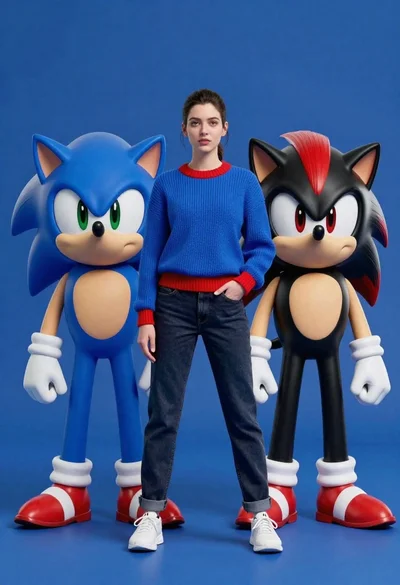
Young woman standing confidently between two large sonic the hedgehog characters

Anime girl holding toy blaster against bright blue sky