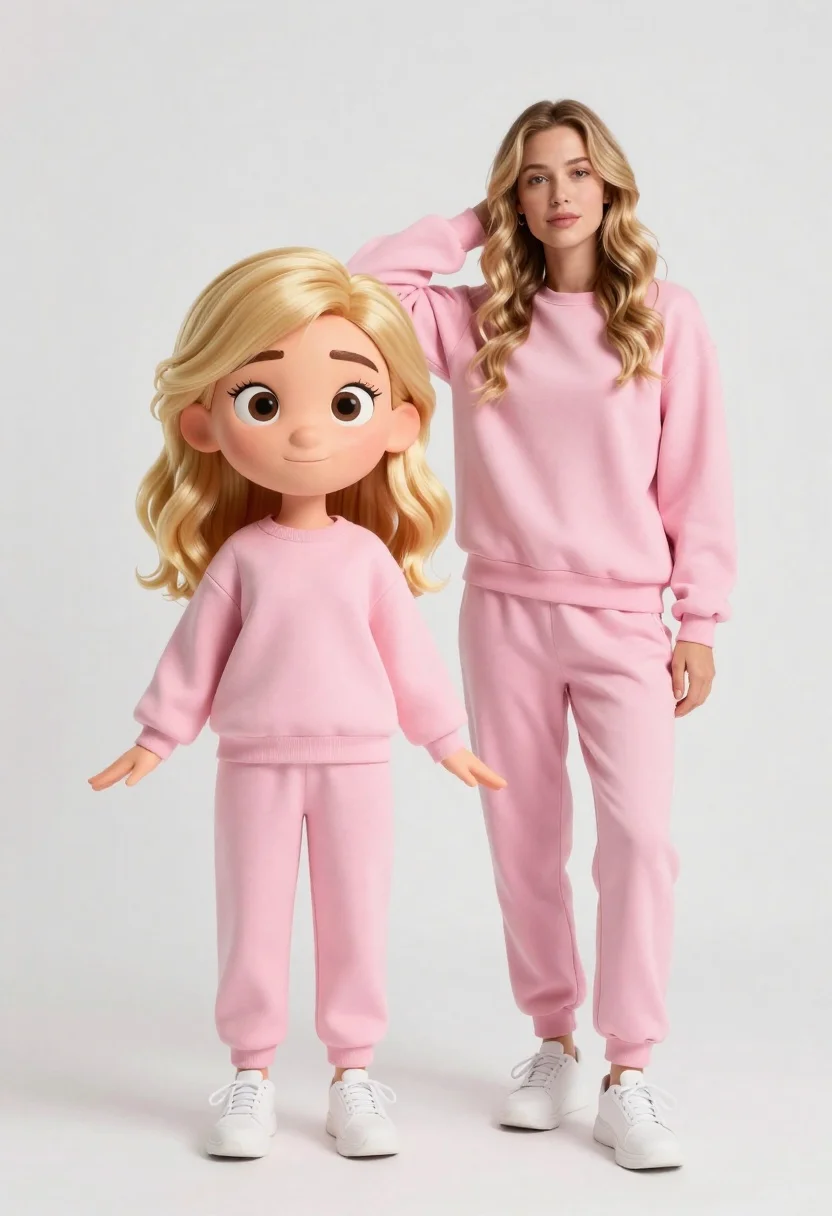
Stylized 3d animated girl in pink loungewear stands next to realistic woman
Prompt
A stylized 3D animated character stands beside a realistic woman in matching pink loungewear against a clean white studio background.

Subject: A large-headed cartoon girl with wavy blonde hair and big expressive eyes standing next to a tall realistic woman with long wavy blonde hair.

Clothing: Both figures wear soft pink sweatshirt sets consisting of crewneck tops and jogger pants, paired with white sneakers on the animated character.

Action: The animated figure stands facing forward with arms slightly outstretched while the realistic woman leans casually with one hand resting on her head.

Environment: A seamless white studio backdrop with soft shadows beneath the figures indicating a controlled indoor setting.

Camera: Eye-level medium shot capturing full-body poses with shallow depth of field emphasizing the subjects against the plain background.

Lighting: Soft diffused studio lighting creating gentle highlights on hair and fabric with minimal harsh shadows for a polished commercial look.

Style Details: A hybrid 3D animation style blending Pixar-like character design with hyper-realistic human rendering, featuring smooth textures, vibrant pastel tones, and high-fidelity detail.
Description
This prompt is useful for creating advertising campaigns for loungewear brands, animated character concept art, and lifestyle product placements requiring a whimsical yet polished feel. The 'hybrid 3D animation style blending Pixar-like character design with hyper-realistic human rendering' ensures the cartoon elements look intentional rather than jarring, while 'soft diffused studio lighting' prevents harsh shadows that would undermine the desired commercial polish.
Suggestions
- Change 'pink loungewear' to 'pastel blue loungewear' for a cooler palette.
- Add 'bokeh effect' to the camera section for more background separation.
- Swap 'Pixar-like character design' for 'Studio Ghibli inspired' for a different artistic feel.
Category
Tags
3dBlondeCasual WearFemaleFull BodyIndoorsMedium ShotRealisticStudio
Date added
June 26, 2026
Added by
PromptDexter Team
Related Prompts
More prompts with similar categories and tags.

Full body studio shot of woman standing between large mario and luigi

Full body studio shot of woman and anthropomorphic fox character
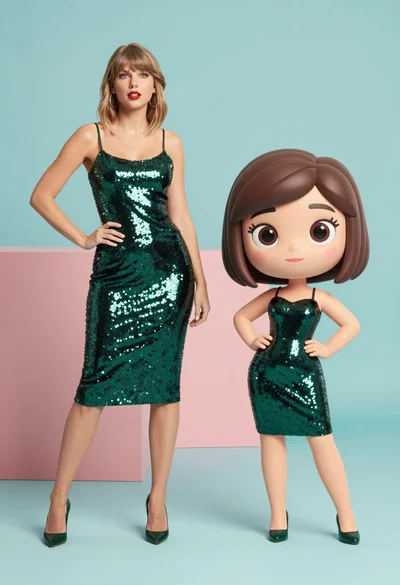
Split screen comparison of realistic woman and cartoon avatar in studio

Woman in police uniform stands with fox wearing shirt against white studio
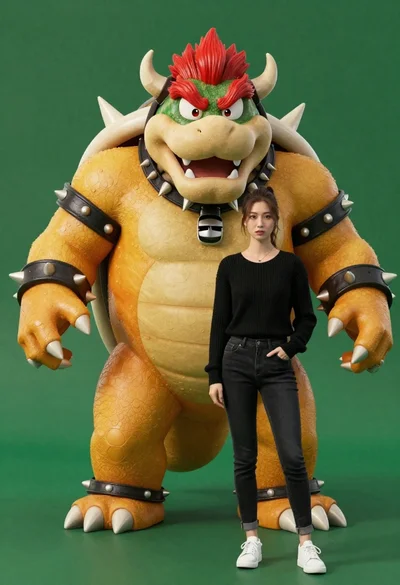
Muscular bowser character standing next to young woman in black sweater
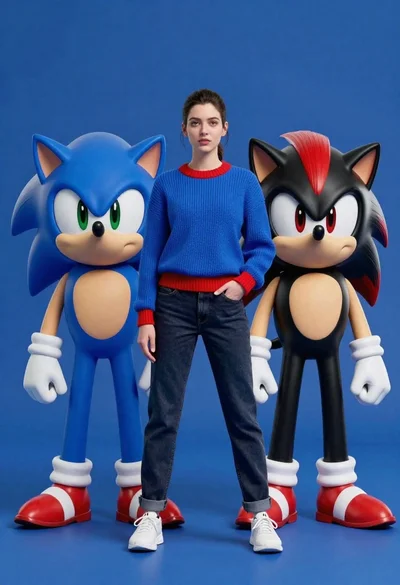
Young woman standing confidently between two large sonic the hedgehog characters
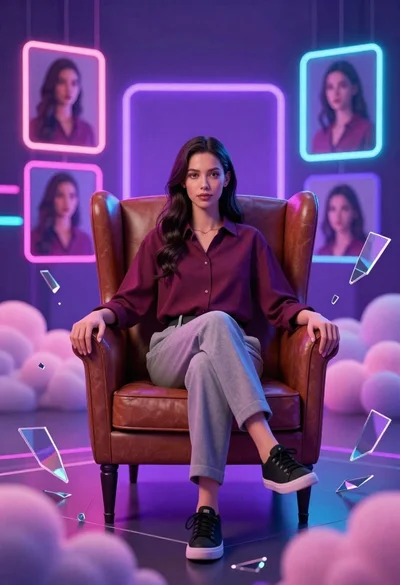
Confident young woman in maroon shirt sitting in brown leather chair with
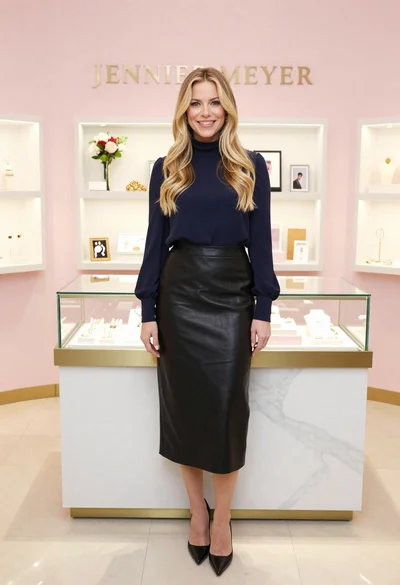
Smiling blonde woman in boutique wearing navy blouse and black skirt