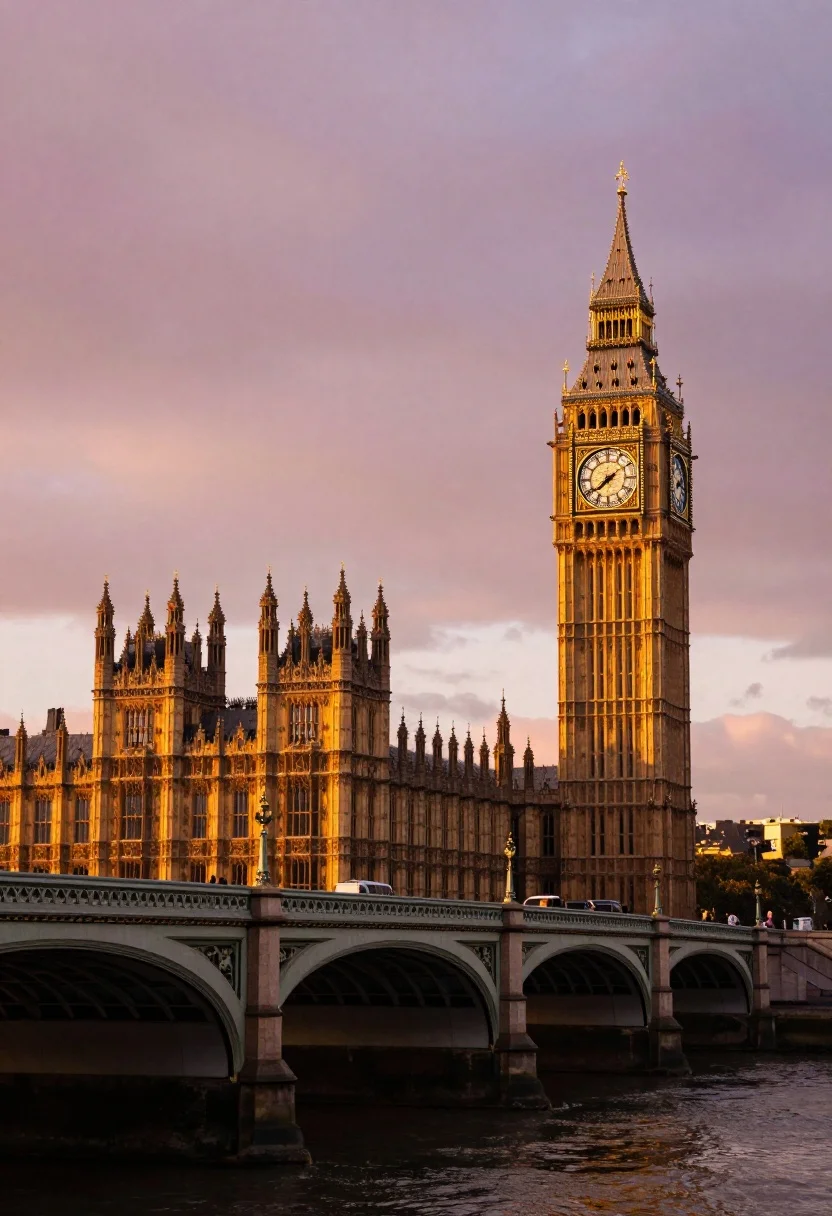
Wide view of palace westminster big ben tower at sunset with stone
Prompt
A majestic view of the Palace of Westminster and Big Ben tower at sunset with a stone bridge in the foreground.

Subject: The Palace of Westminster featuring intricate Gothic architecture with numerous spires and turrets, alongside the prominent Elizabeth Tower housing the large illuminated clock face.

Action: The scene is static with no visible movement or activity on the bridge or within the buildings.

Environment: A wide stone arch bridge spans the dark river in the foreground, leading the eye toward the historic parliament building set against a vibrant sky.

Camera: A wide-angle perspective capturing the full height of the tower and the length of the bridge, with a low angle looking slightly up at the architecture to emphasize its grandeur.

Lighting: Warm golden hour sunlight bathes the stone structures in a rich orange glow, contrasting with the soft pink and purple hues of the twilight sky.

Style Details: High dynamic range photography with enhanced saturation, emphasizing the dramatic colors of the sunset and the illuminated details of the clock tower.
Description
This prompt is useful for creating architectural travel posters, historical documentary backdrops, and cinematic establishing shots for film pre-visualization. The combination of 'low angle' perspective with 'warm golden hour sunlight' hitting the stone structures maximizes the perceived height and grandeur of the Palace of Westminster, while the specified contrast between the orange glow and the 'soft pink and purple hues' prevents the sunset from looking flat against the detailed Gothic architecture.
Suggestions
- Change 'stone bridge' to 'arched iron footbridge' for a different material contrast.
- Swap 'warm golden hour sunlight' for 'dramatic blue hour lighting' for a cooler palette.
- Add 'cinematic volumetric fog' to enhance the depth between the foreground and background.
Category
Tags
Low AngleRealisticRooftopUrbanWide Shot
Date added
July 12, 2026
Added by
PromptDexter Team
Related Prompts
More prompts with similar categories and tags.

Low angle wide shot of massive illuminated ferris wheel over modern city

Majestic illuminated historic building facade under deep blue night sky
Illuminated twin skyscrapers at night reflecting blue and purple lights on waterfront
Illuminated sagrada familia cathedral facade reflecting on dark water at twilight
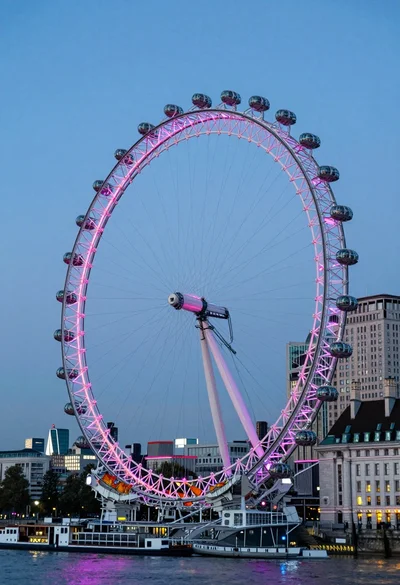
Wide view of london eye ferris wheel against twilight blue sky backdrop
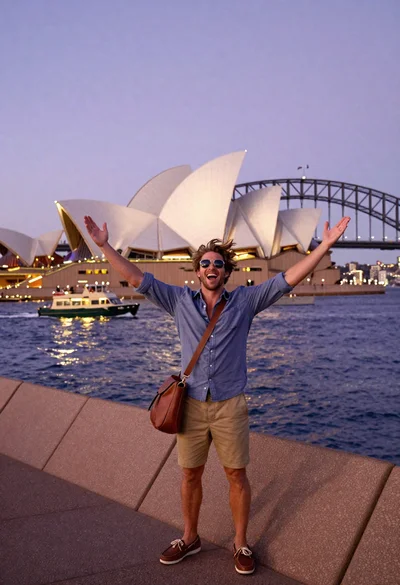
Exhilarated tourist man taking selfie near sydney opera house and bridge
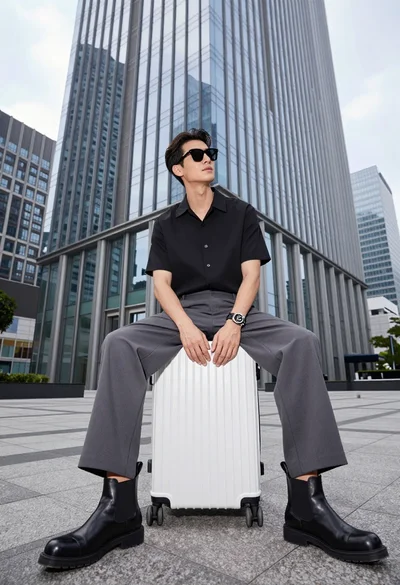
Handsome man sitting on suitcase before modern glass skyscraper in urban plaza
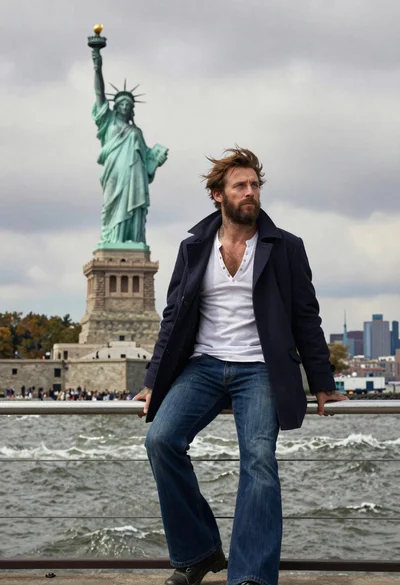
Seafaring man leaning against statue of liberty torch on island
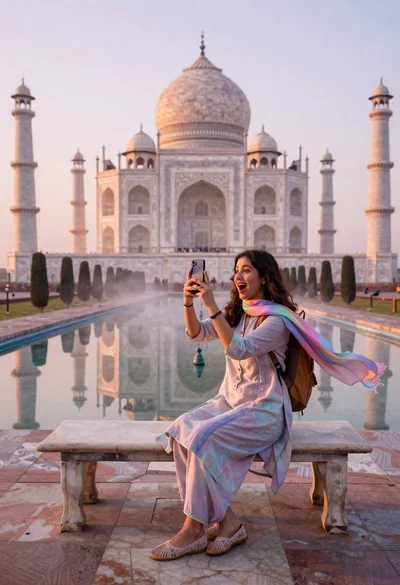
Woman capturing taj mahal reflection in infinity mirror at sunrise
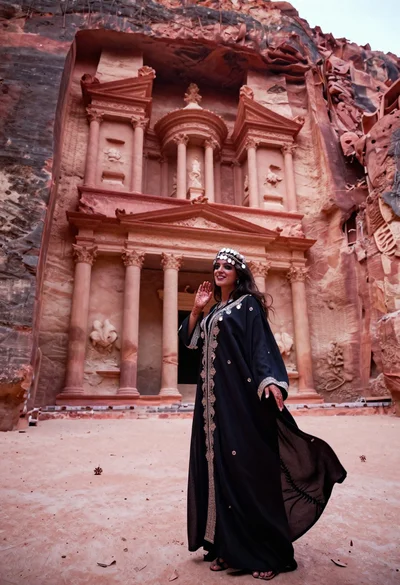
Veiled nomadic woman at petra treasury facade during rose gold dawn