
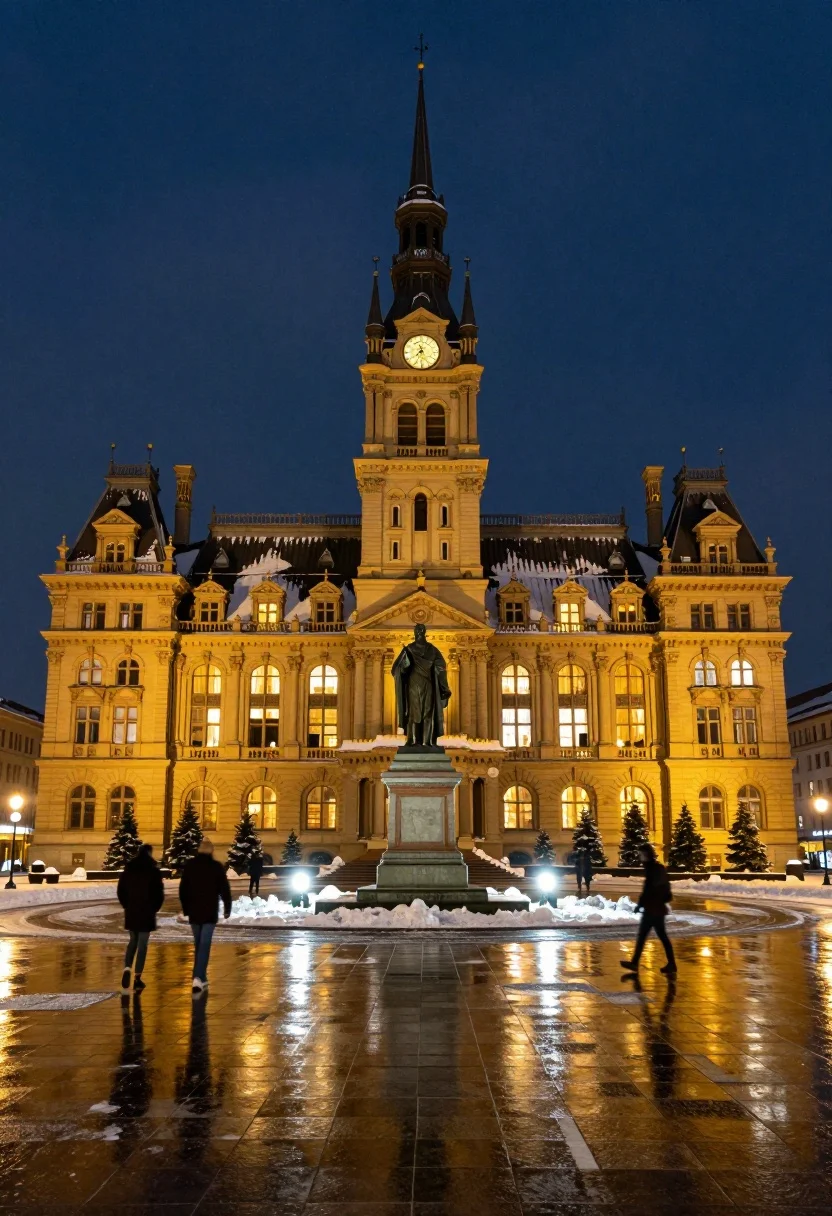
Majestic illuminated historic building facade under deep blue night sky
Prompt
A majestic illuminated historic building stands tall against a deep blue night sky with snow resting on its roof and spire.

Subject: A grand ornate multi-story building featuring a central clock tower with a pointed spire, flanked by symmetrical wings with arched windows and decorative architectural details. In the foreground stands a dark statue of a robed figure on a pedestal.

Action: The scene is static with no movement in the architecture or statue, though blurred figures of people are visible walking across the wet plaza in front of the building.

Environment: A wide open paved square covered in snow and ice, decorated with small evergreen trees and glowing spherical lights near the base of the building. The ground is wet and reflective, mirroring the warm yellow glow from the windows and streetlights.

Camera: A low-angle frontal shot emphasizing the height of the tower, capturing the full width of the facade with a wide field of view to include the expansive plaza and reflections in the foreground.

Lighting: Warm golden artificial light emanates from the building’s windows and architectural uplighting, contrasting sharply with the cool deep blue of the night sky and creating soft reflections on the wet ground.

Style Details: High-contrast nighttime photography with a cinematic color palette featuring warm yellows against cool blues, sharp focus on the architecture, and realistic rendering of light reflections and snow textures.
Description
This prompt is useful for creating dramatic travel posters, cinematic film set backdrops, and architectural concept art emphasizing scale. The combination of 'warm golden artificial light' contrasting with the 'deep blue night sky' establishes a high-contrast, jewel-toned palette that makes the illuminated facade pop against the cool environment, while the 'low-angle frontal shot' exaggerates the tower's height for maximum dramatic impact.
Suggestions
- Change 'snow resting on its roof and spire' to 'light dusting of frost' for a different texture.
- Swap 'warm golden artificial light' for 'cool cyan uplighting' to shift the mood entirely.
- Add 'volumetric fog' to enhance the sense of depth in the plaza.
Category
Tags
Low AngleRealisticRooftopUrbanWide Shot
Date added
July 12, 2026
Added by
PromptDexter Team
Related Prompts
More prompts with similar categories and tags.

Silhouette of india gate monument at sunset viewed from a low angle

Eiffel tower silhouette reflected in water at twilight against blue orange sky

Wide view of tower bridge spanning river at sunset under dramatic colorful
Illuminated twin skyscrapers at night reflecting blue and purple lights on waterfront
Wide view of palace westminster big ben tower at sunset with stone
Illuminated sagrada familia cathedral facade reflecting on dark water at twilight
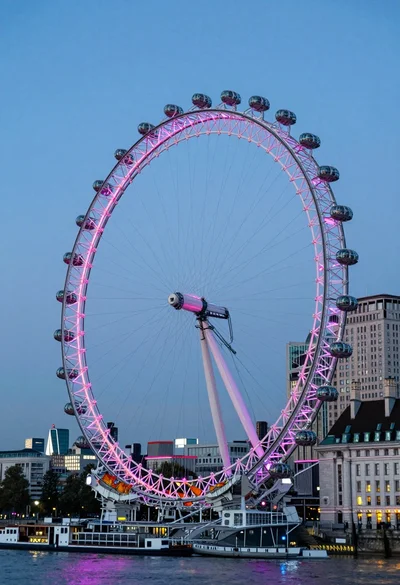
Wide view of london eye ferris wheel against twilight blue sky backdrop
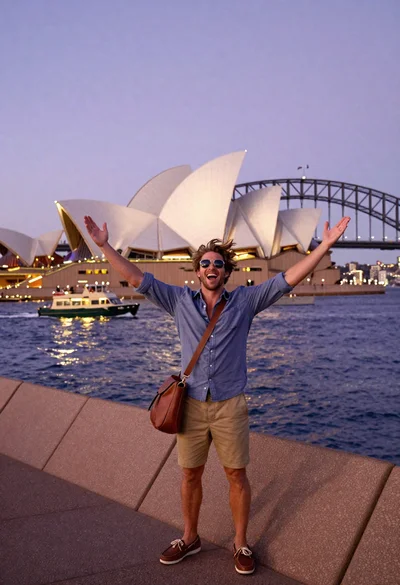
Exhilarated tourist man taking selfie near sydney opera house and bridge
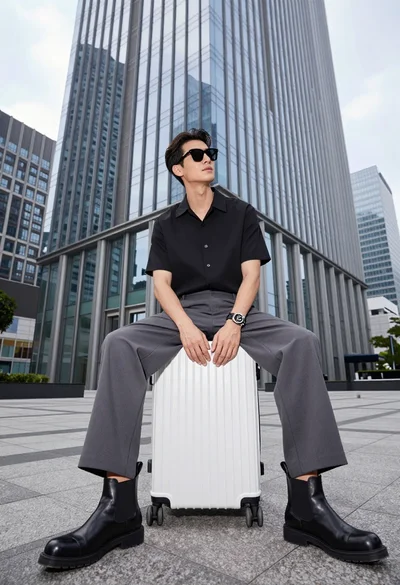
Handsome man sitting on suitcase before modern glass skyscraper in urban plaza

Majestic golden domed palace overlooking sprawling cityscape at twilight
