
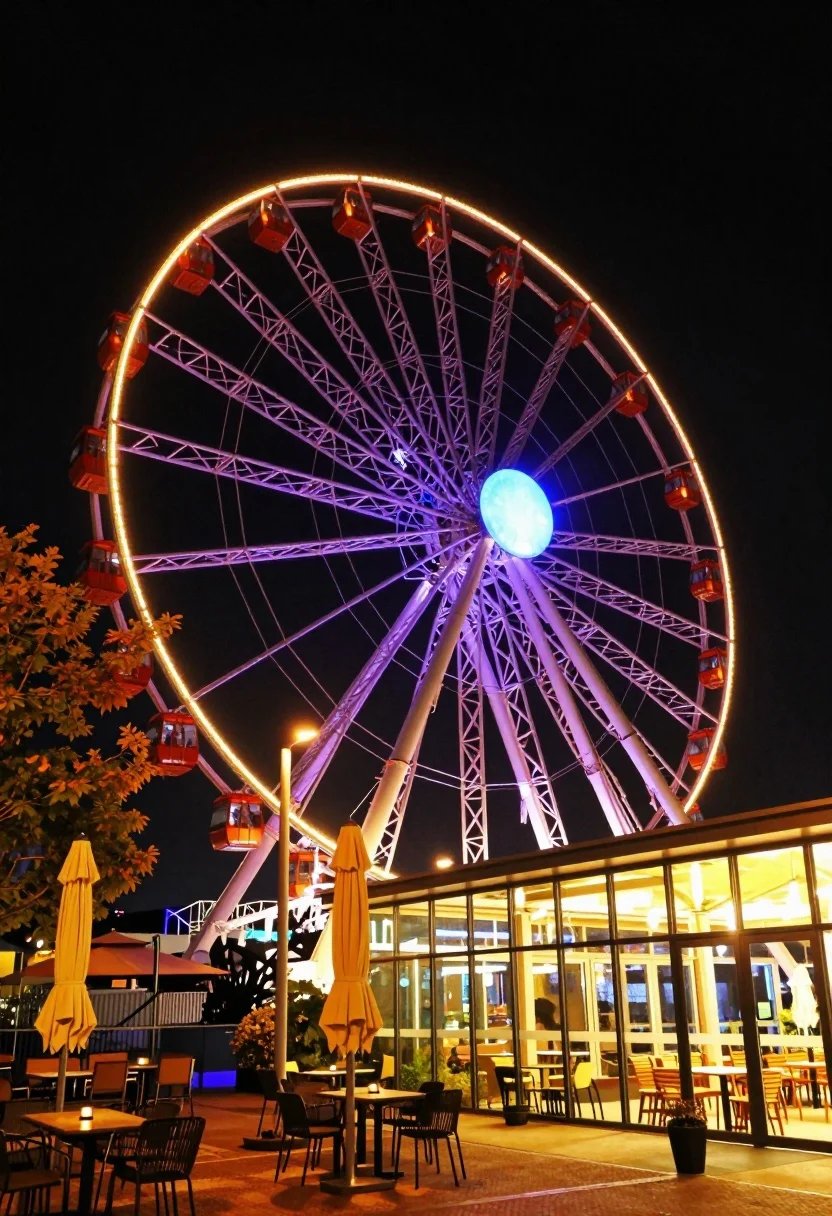
Low angle wide shot of massive illuminated ferris wheel over modern city
Prompt
A massive Ferris wheel dominates the night sky, glowing with vibrant purple and orange lights against a deep black background.

Subject: A towering Ferris wheel with red passenger cabins attached to its rim, illuminated by bright yellow bulbs along the outer edge and cool blue lighting on the central support structure.

Action: The scene is static, capturing a moment of stillness at night with no visible movement in the ride itself.

Environment: The wheel stands behind a modern glass-walled building with warm interior lighting spilling out onto an outdoor patio area filled with tables, chairs, and closed yellow umbrellas. To the left, trees with autumn-colored leaves add organic texture to the urban setting.

Camera: A low-angle wide shot emphasizes the sheer scale of the Ferris wheel, making it appear to arch over the viewer, with a slight tilt that adds dynamic energy to the composition.

Lighting: The scene is lit by artificial sources—the glowing lights on the wheel create a strong contrast against the dark sky, while warm yellow light from the building and streetlamps casts a golden glow on the foreground patio.

Style Details: High-contrast night photography with vivid color saturation, emphasizing the electric blue and purple hues of the wheel against the warm amber tones of the surrounding environment.
Description
This prompt is useful for creating cinematic travel posters, architectural concept art, and dramatic urban landscape visualizations. The combination of 'low-angle wide shot' and the contrast between the 'vibrant purple and orange lights' against the 'deep black background' exaggerates the wheel's scale, while the inclusion of warm foreground elements like the patio lighting grounds the massive structure in a believable, lived-in setting.
Suggestions
- Change 'vibrant purple and orange lights' to 'neon cyan and magenta lights' for a more futuristic feel.
- Swap 'autumn-colored leaves' for 'rain-slicked pavement reflections' to enhance the wet look.
- Adjust 'low-angle wide shot' to 'worm's-eye view' for an even more imposing perspective.
Category
Tags
Low AngleRealisticRooftopUrbanWide Shot
Date added
July 12, 2026
Added by
PromptDexter Team
Related Prompts
More prompts with similar categories and tags.

Silhouette of india gate monument at sunset viewed from a low angle

Eiffel tower silhouette reflected in water at twilight against blue orange sky

Wide view of tower bridge spanning river at sunset under dramatic colorful
Illuminated twin skyscrapers at night reflecting blue and purple lights on waterfront
Wide view of palace westminster big ben tower at sunset with stone
Illuminated sagrada familia cathedral facade reflecting on dark water at twilight
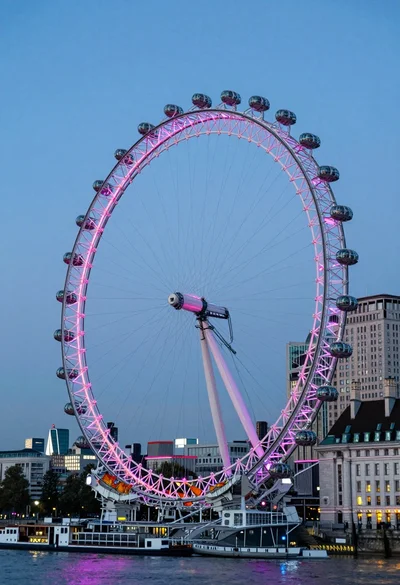
Wide view of london eye ferris wheel against twilight blue sky backdrop
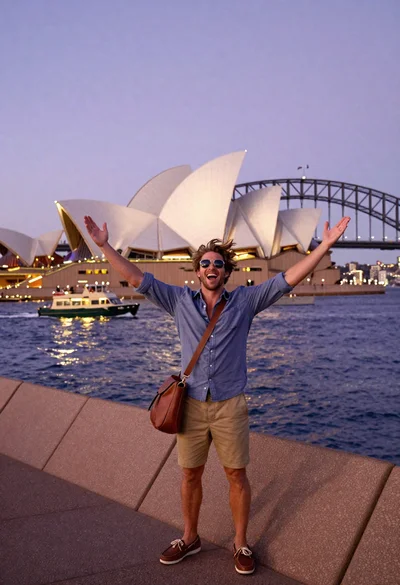
Exhilarated tourist man taking selfie near sydney opera house and bridge
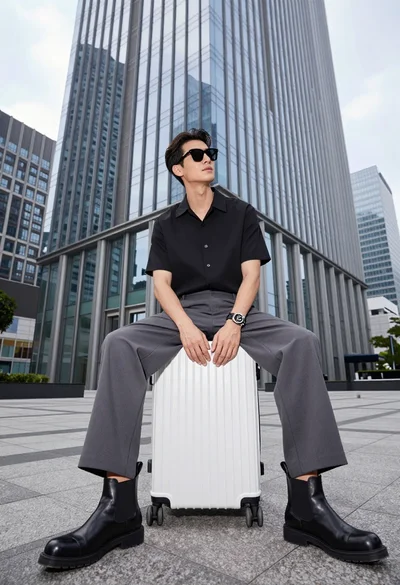
Handsome man sitting on suitcase before modern glass skyscraper in urban plaza

Majestic golden domed palace overlooking sprawling cityscape at twilight
