
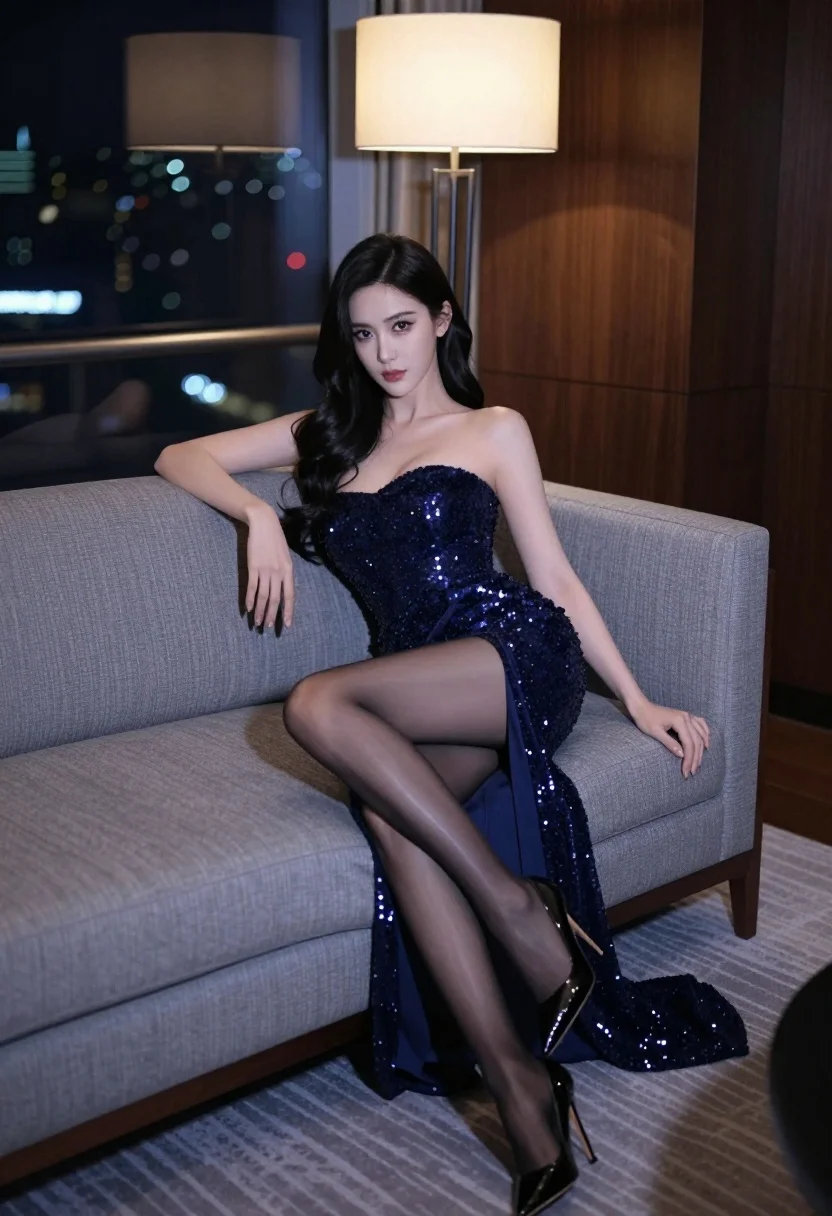
Glamorous woman in navy gown sitting on sofa overlooking blurred city skyline
Prompt
A glamorous woman sits elegantly on a plush grey sofa in a high-rise room with a blurred city skyline at night visible through the window behind her.

Subject: A beautiful woman with long, dark wavy hair and fair skin, featuring a slender build and an alluring expression as she gazes directly at the viewer.

Clothing: She wears a form-fitting, strapless navy blue evening gown heavily embellished with sparkling sequins across the bodice and down the side slit of the skirt; she is also wearing sheer black stockings and glossy black pointed-toe stiletto heels.

Action: She sits in a relaxed yet poised posture with one hand resting on the sofa armrest and the other on her thigh, legs crossed at the ankles to accentuate her silhouette.

Environment: The setting is a luxurious interior with dark wood paneling, a modern floor lamp casting a warm glow, and a patterned carpet beneath the sofa.

Camera: Shot from a low angle looking up at the subject, utilizing a shallow depth of field that keeps the woman in sharp focus while blurring the background city lights and room details.

Lighting: The scene is lit with dramatic contrast between the soft ambient light from the lamp and the cool blue tones reflecting off her skin and dress, creating a sophisticated mood.

Style Details: High-fashion photography aesthetic with rich textures, cinematic color grading, and a polished, glamorous finish.
Description
This prompt is useful for creating high-end magazine editorials, luxury brand advertisements, and dramatic character portraits. The combination of 'low angle looking up at the subject' and 'dramatic contrast between the soft ambient light from the lamp and the cool blue tones' directs attention upward to the woman's face and gown, preventing her from appearing diminished against the vast backdrop.
Suggestions
- Change 'navy blue evening gown' to 'emerald green velvet gown' for a richer color pop.
- Adjust 'low angle looking up at the subject' to 'eye-level medium shot' for more intimacy.
- Swap 'sparkling sequins' for 'liquid silver embroidery' to change the material reflectivity.
Category
Tags
Fair SkinFemaleIndoorsLow AnglePortrait ShotRealistic
Date added
July 3, 2026
Added by
PromptDexter Team
Related Prompts
More prompts with similar categories and tags.
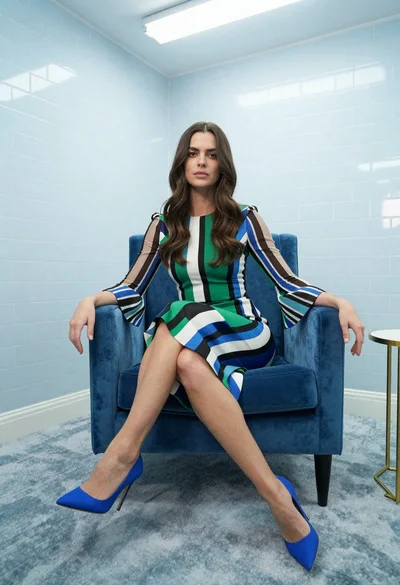
Woman in striped dress sitting on blue velvet armchair indoors

Young woman in mint green satin dress sitting on stone window ledge
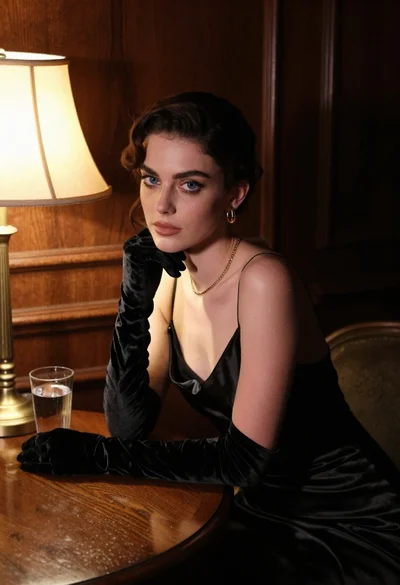
Woman in black satin dress and opera gloves at a wooden table
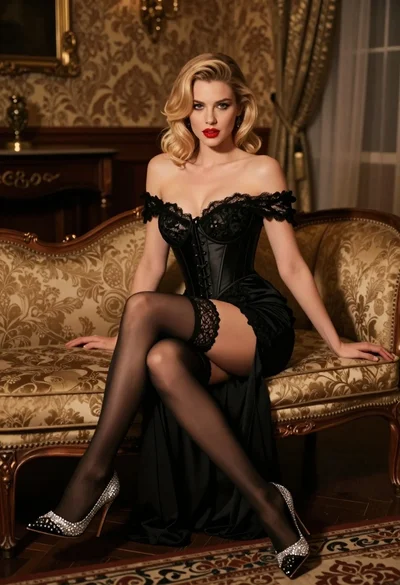
Glamorous blonde woman in black lace gown seated on vintage chaise lounge
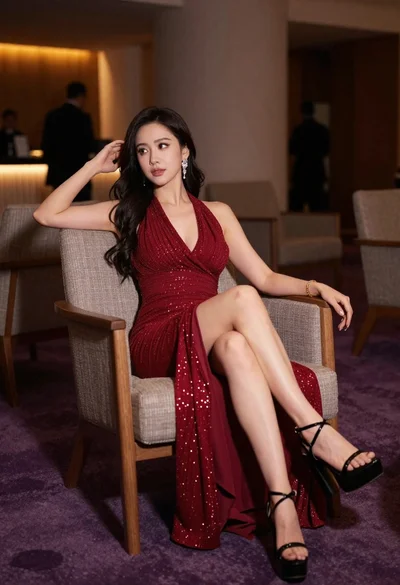
Elegant woman in deep red gown sitting in modern lounge chair indoors
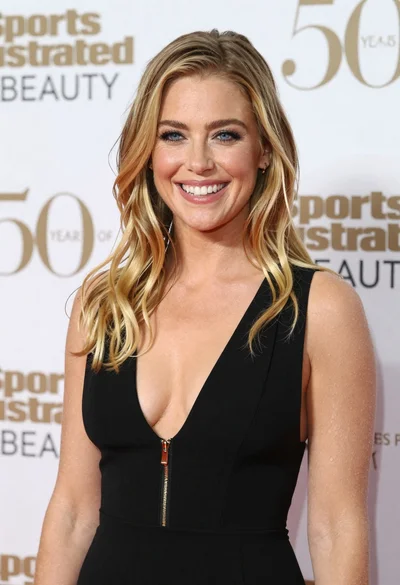
Smiling blonde woman in black dress at sports illustrated event backdrop
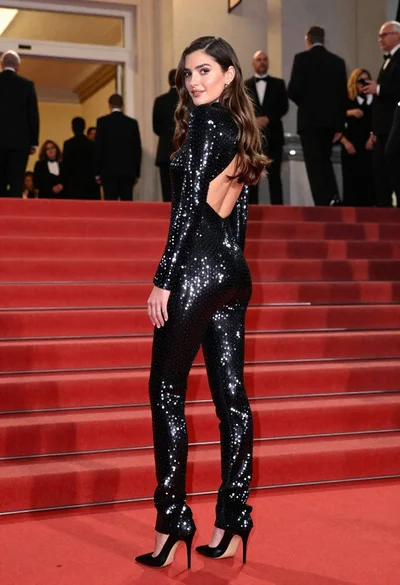
Glamorous woman in sequined jumpsuit on grand red carpet staircase

Fair skinned woman in black sequined outfit sitting elegantly indoors
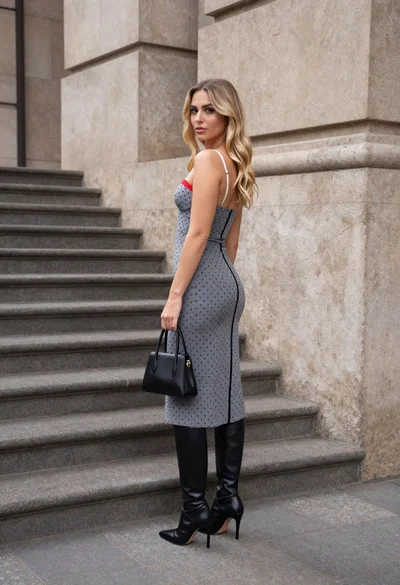
Young woman in grey patterned dress against beige stone architecture

Blonde woman in black satin mini dress at upscale lounge setting