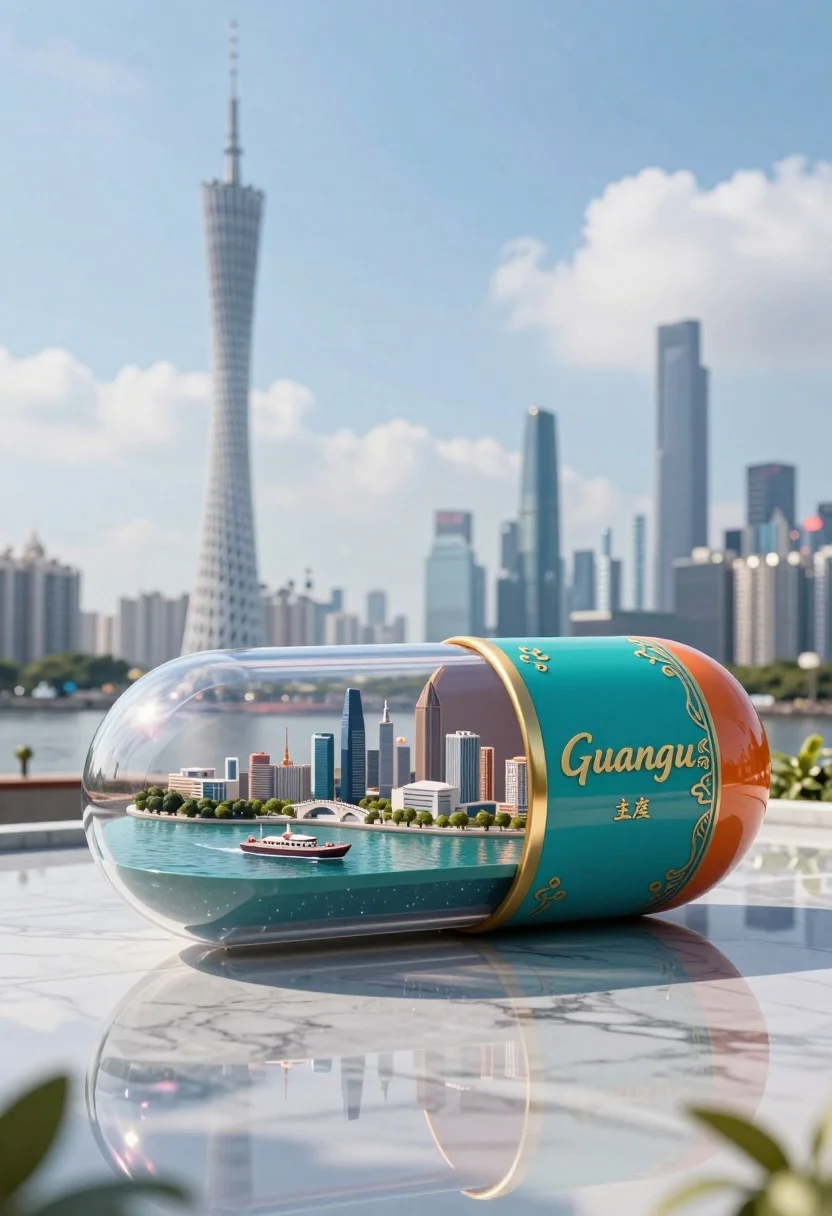
Glossy futuristic capsule diorama containing miniature cityscape on marble
Prompt
A large, glossy capsule-shaped container sits on a reflective marble surface, displaying a miniature cityscape inside its transparent left half while the right side features an ornate teal and orange design with gold lettering.

Subject: A futuristic glass capsule acting as a diorama containing a detailed model of a modern metropolis with skyscrapers, bridges, and waterways.

Clothing: N/A.

Action: The capsule rests stationary on a polished surface, reflecting the sky and surroundings.

Environment: The object is placed outdoors against a blurred background of a real city skyline featuring a tall twisting tower and high-rise buildings under a bright blue sky with scattered clouds.

Camera: Low angle shot looking slightly up at the capsule to emphasize its scale, with shallow depth of field blurring the distant city background.

Lighting: Bright natural daylight illuminating the scene from above, creating soft highlights on the glass surface and clear reflections on the marble floor.

Subject: N/A.

Objects: A miniature boat floats within the water inside the capsule; a gold rim separates the transparent section from the decorative panel.

Interaction: The interior city model is contained within the capsule, mirroring the real city skyline visible in the background.

Text/Graphics: The word Guangzhou appears in gold calligraphy alongside Chinese characters on the teal surface of the capsule.

Style Details: Photorealistic 3D render with hyper-detailed textures, vibrant color grading, and a clean cinematic composition.
Description
This prompt is useful for creating architectural concept visualizations, product packaging mockups for luxury goods, and futuristic set dressing for film pre-visualization. The combination of 'glossy capsule-shaped container' resting on 'reflective marble surface' with a 'low angle shot' emphasizes the object's manufactured perfection against the organic chaos of the background city skyline.
Suggestions
- Change 'teal and orange design' to 'deep sapphire and copper' for a more regal feel.
- Add 'anamorphic lens flare' to enhance the daylight reflections on the glass.
- Replace 'miniature boat' with 'hovercraft' to increase the futuristic element.
Category
Tags
3dLow AngleUrban
Date added
July 3, 2026
Added by
PromptDexter Team
Related Prompts
More prompts with similar categories and tags.
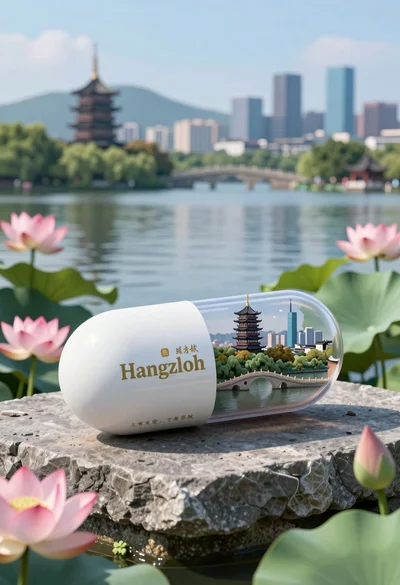
Glossy white capsule containing miniature city diorama on stone near lake
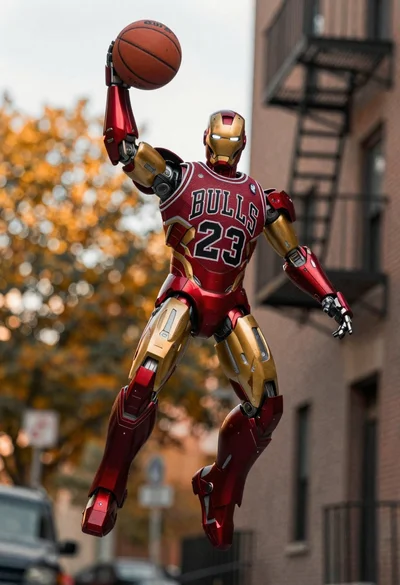
Robot holding basketball in urban alleyway setting
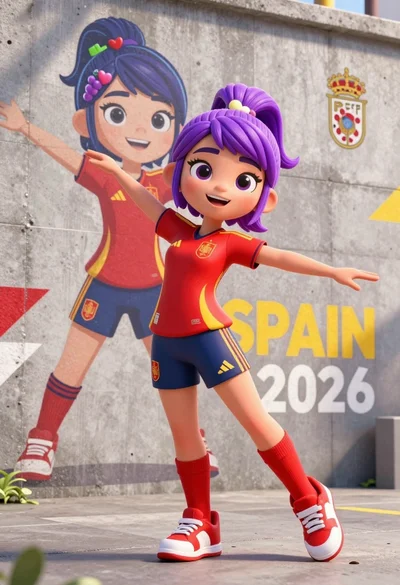
Dynamic 3d animated girl in spanish soccer uniform against urban mural
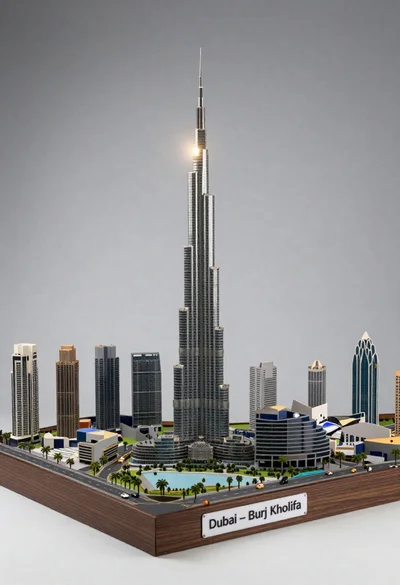
Detailed architectural model of dubai skyline with skyscraper and tiny cars

Futuristic soldier in heavy snowfall on an urban street

Obsidian humanoid in neon cube holding glowing heart
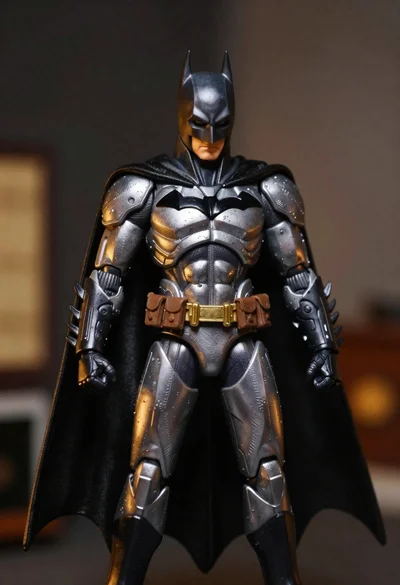
Batman action figure in silver and gold armor
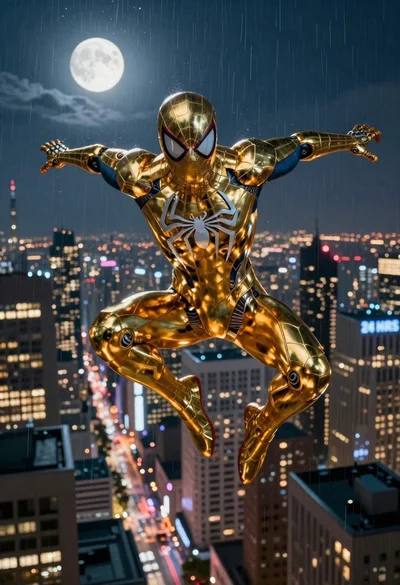
Superhero in metallic gold suit diving over city at night
Pixel art cowboys around a campfire under starry night
Golden origami boat on clear blue water