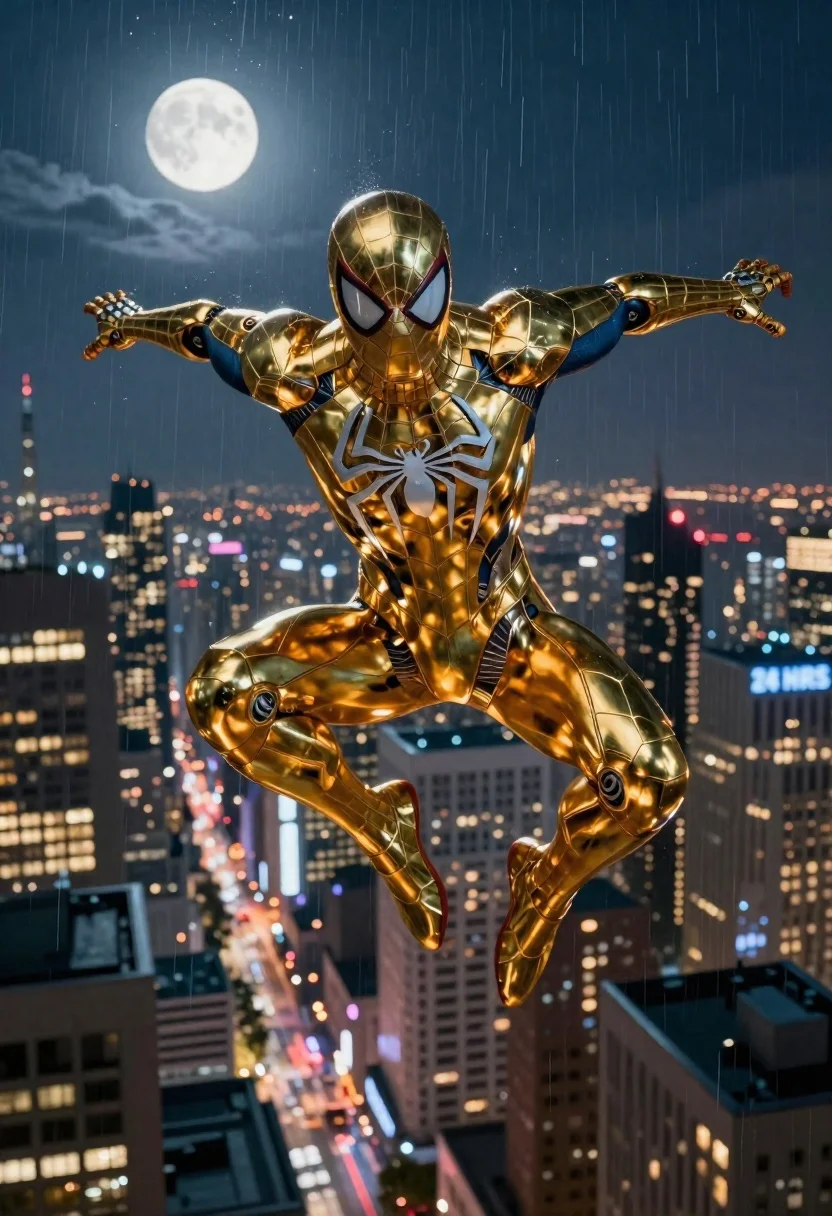
Superhero in metallic gold suit diving over city at night
Prompt
3d render of a heroic superhero character soaring through the night sky above a sprawling metropolis under a bright moon and gentle rain

Subject: A sleek Spider-Man clad in a highly reflective, metallic gold suit with sharp geometric armor plating covering his entire body, featuring large white eye lenses bordered by red accents on the mask and an intricate silver spider emblem centered on the chest

Clothing: The golden exosuit displays detailed mechanical textures and segmented plates that catch ambient light, creating dynamic highlights across his limbs and torso.

Action: Mid-air in a powerful crouched dive pose with arms extended outward for balance and legs drawn together as if plummeting or swinging toward an unseen target below; intense focus conveyed through fixed gaze forward.

Environment: A vast urban skyline at night filled with glowing windows, towering skyscrapers lining the streets beneath him, some bearing visible signage like '24 HRS'; soft rain streaks fall vertically across the scene adding atmospheric depth against a dark blue twilight sky dominated by a luminous full moon in upper left quadrant.

Camera: Wide-angle perspective capturing both subject and expansive background from slightly elevated position looking down on cityscape while maintaining clear view of character's form; shallow depth-of-field subtly blurs distant buildings to emphasize foreground heroism.

Lighting: Dramatic high-contrast lighting with strong golden reflections off the shiny suit contrasting against cool blues of night sky and warm yellow-orange glow emanating from building lights below, enhancing sense of motion and drama.
Description
This prompt is useful for creating cinematic movie poster concepts, dynamic video game key art, and high-impact promotional material for comic book adaptations. The combination of 'metallic gold suit' reflections against the 'cool blues of night sky' ensures that the subject pops dramatically from the background, while the 'shallow depth-of-field' directs the viewer's eye immediately to the hero's powerful crouched dive pose.
Suggestions
- Change 'metallic gold suit' to 'iridescent chrome armor' for a different reflective quality.
- Adjust 'gentle rain' to 'heavy downpour' for more visible streaks.
- Swap 'wide-angle perspective' for 'fisheye lens' to exaggerate the height.
Category
Tags
3dArmorFull BodyRooftopUrbanWide Shot
Date added
June 19, 2026
Added by
PromptDexter Team
Related Prompts
More prompts with similar categories and tags.

Obsidian humanoid in neon cube holding glowing heart
Muscular turtle in combat gear on wet city pavement
Cyborg rider on motorcycle in cyberpunk city at night
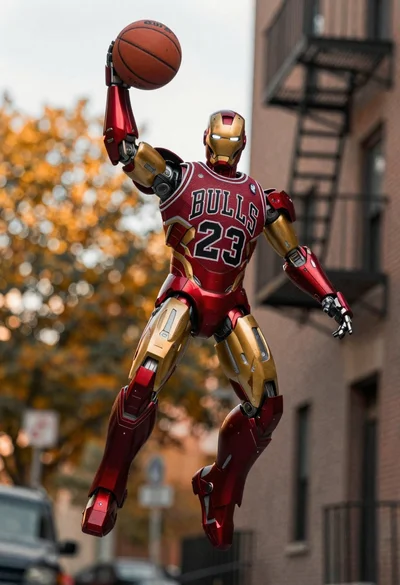
Robot holding basketball in urban alleyway setting

Woman in blue qipao standing in neon lit fighting game arena
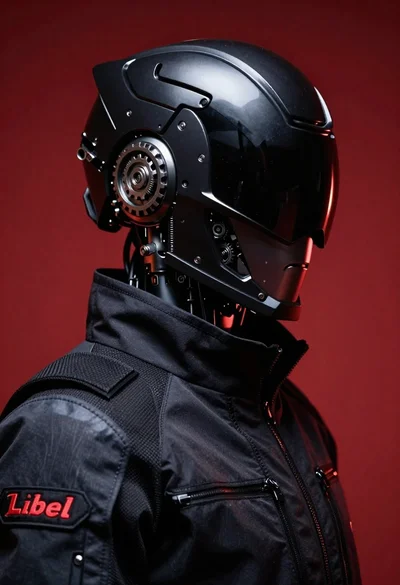
Black helmeted robot against a solid red background
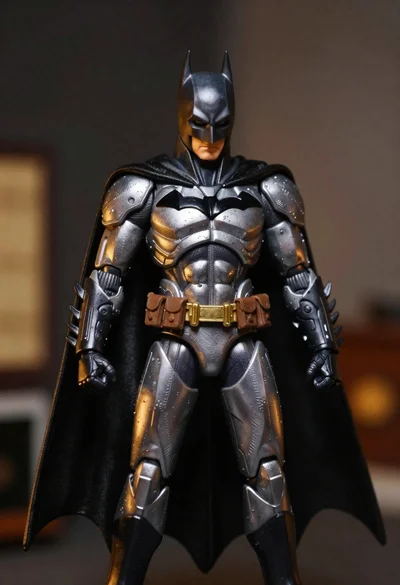
Batman action figure in silver and gold armor

Futuristic android woman in metallic corridor