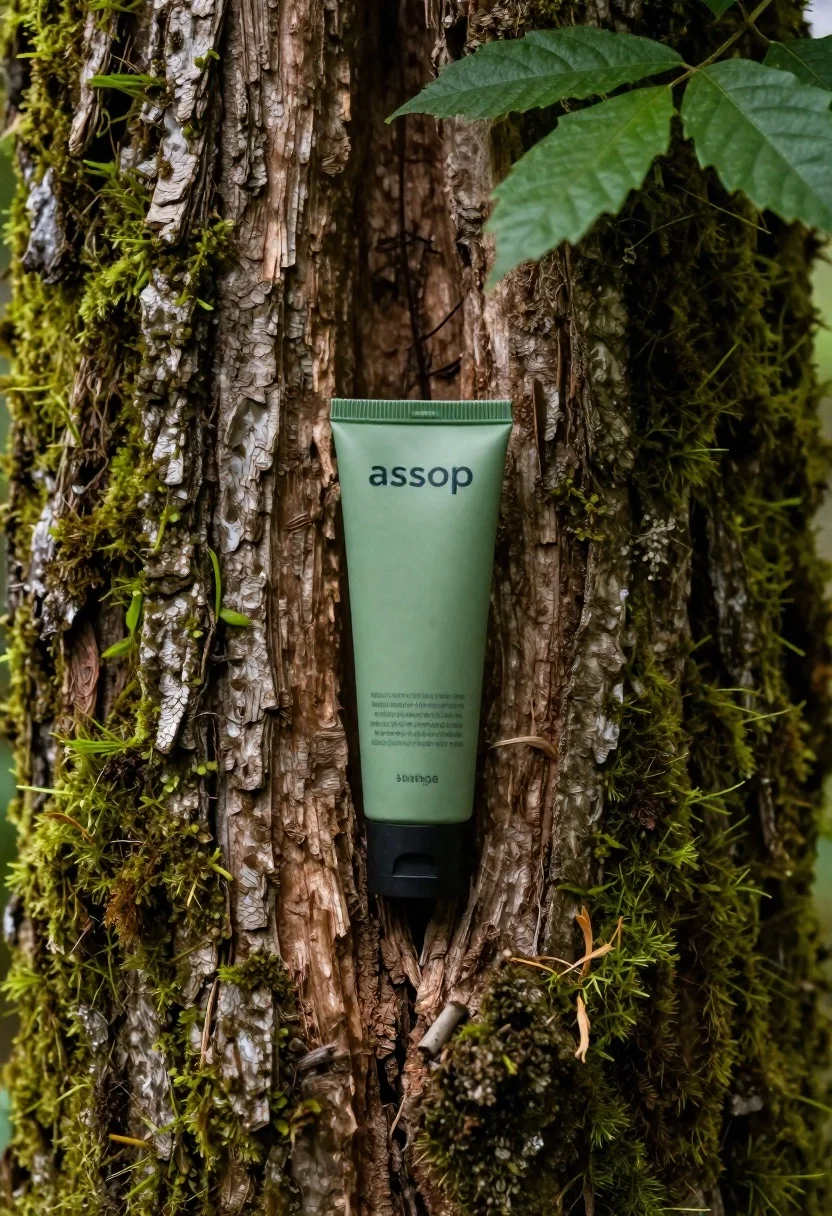
Green cosmetic tube in mossy old tree trunk crevice
Prompt
A vertical product shot of a green cosmetic tube nestled inside the crevice of an old tree trunk.

Subject: A sleek, light-green squeeze tube with dark text printed on its surface and a black flip-top cap at the bottom. The brand name 'assop' is visible near the top in bold lettering; smaller descriptive lines appear below it but are illegible due to resolution limits.

Environment: An aged tree trunk with deeply textured bark, richly overgrown with vibrant patches of moss clinging vertically along both sides and filling some crevices. A small cluster of broad green leaves hangs down from the top right corner into the frame. The lighting is soft and natural, suggesting daylight filtering through forest canopy highlighting textures while casting gentle shadows within the tree's grooves.

Style Details: Photorealistic macro photography with shallow depth of field focusing sharply on the product; earthy tones dominate (greens, browns) creating an organic, eco-friendly aesthetic consistent with botanical or sustainable skincare branding.
Description
This prompt is useful for creating sustainable beauty brand advertising, nature-inspired packaging mockups, and editorial articles about natural ingredients. The combination of 'photorealistic macro photography' with a shallow depth of field ensures the focus remains intensely sharp on the product while allowing the surrounding 'deeply textured bark' to provide context without distracting from the main subject.
Suggestions
- Change 'light-green squeeze tube' to 'matte jade green tube' for a more premium feel.
- Add 'bokeh background' to enhance the separation between the product and environment.
- Swap 'broad green leaves' for 'ferns' to diversify the foliage texture.
Category
Tags
ForestMacro ShotOutdoorsRealistic
Date added
June 19, 2026
Added by
PromptDexter Team
Related Prompts
More prompts with similar categories and tags.
Grey and white hiking boot on wet rocky ground

Closeup product shot of hand holding frosted glass spray bottle with colorful

Clear glass serum bottle with lemons and water splashes in studio
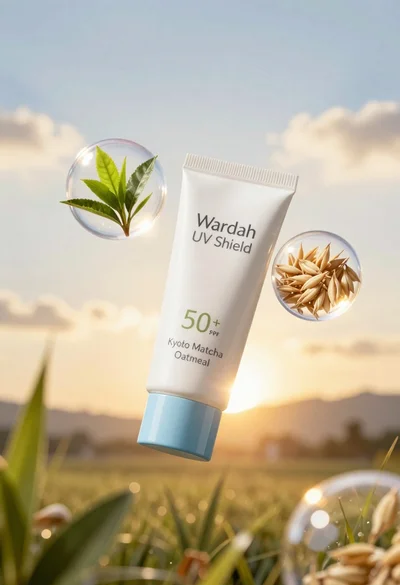
Wardah uv shield sunscreen tube floating with green tea leaves and oat
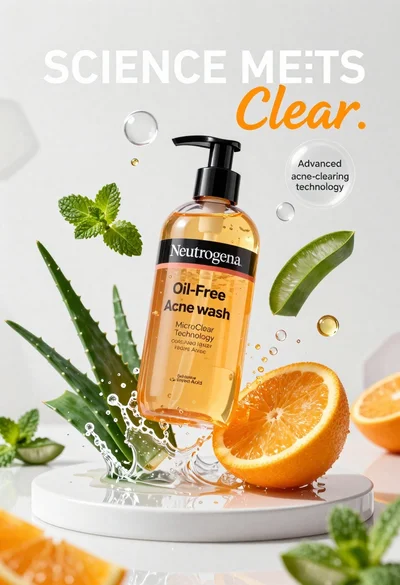
Neutrogena acne wash bottle suspended in midair with splashing liquid
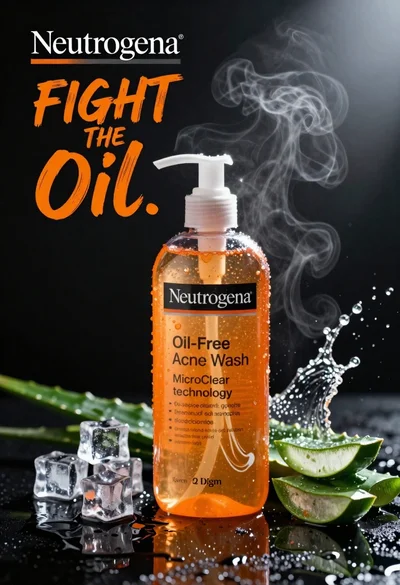
Commercial advertisement for orange facial cleanser bottle on wet black surface
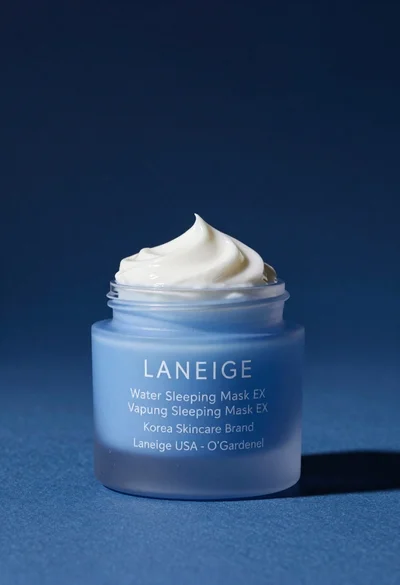
Light blue frosted glass jar of sleeping mask with creamy white swirl
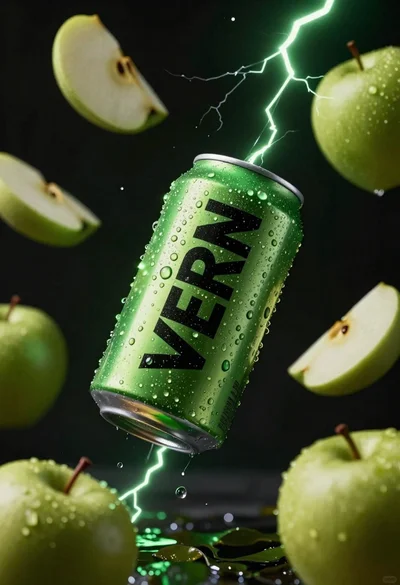
Hyper realistic green energy drink can floating with apples in dark void