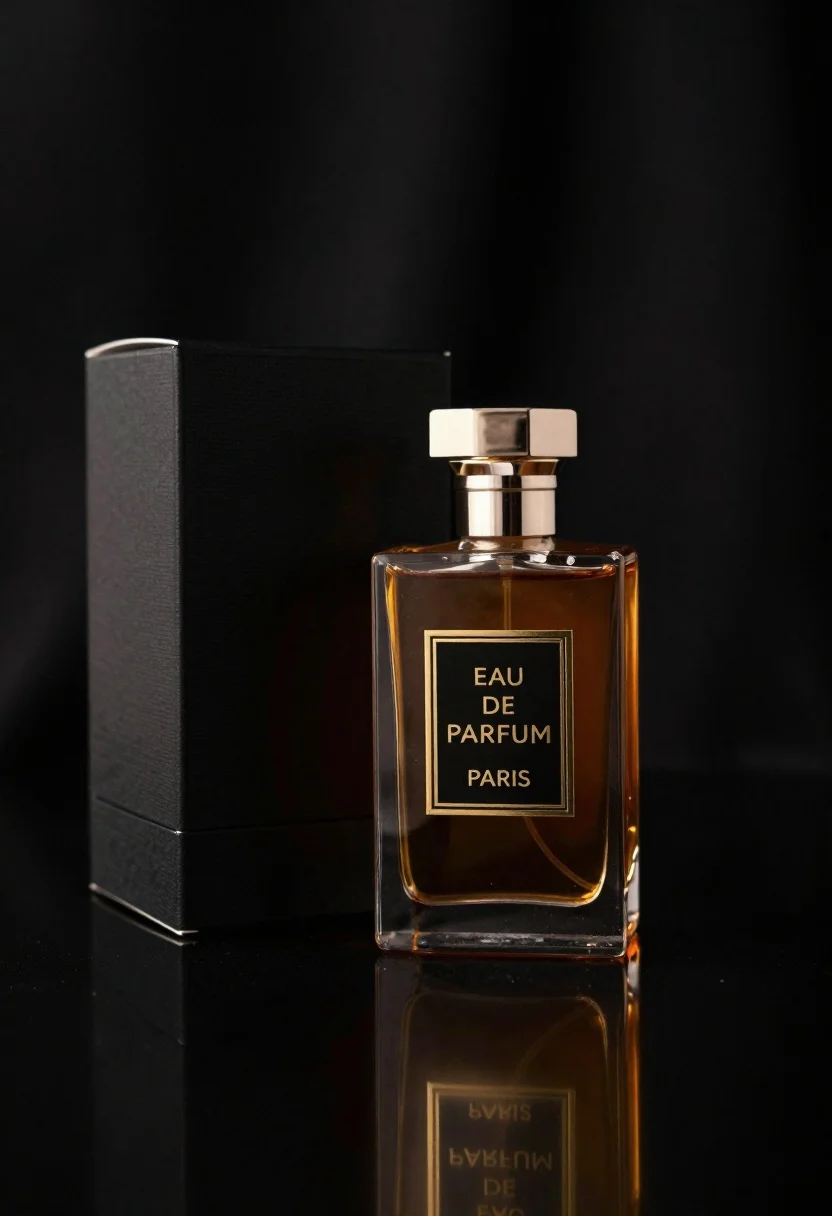
Close up of luxury perfume bottle and black packaging box display
Prompt
A luxurious perfume bottle with amber liquid sits beside its black packaging box on a dark reflective surface.

Subject: A clear glass perfume bottle containing rich amber liquid with a polished metallic cap and a black label.

Clothing: N/A.

Action: The bottle stands upright in a static, elegant pose.

Environment: A dark, moody studio setting with a deep black background that fades into shadow.

Camera: Close-up shot with shallow depth of field focusing on the bottle and box, capturing sharp reflections on the glossy surface below.

Lighting: Dramatic low-key lighting with warm highlights reflecting off the glass and metallic surfaces to create a premium atmosphere.
Second

Subject: A matte black rectangular box standing behind the bottle.

Objects: The perfume bottle features a gold-bordered label reading "EAU DE PARFUM" above "PARIS".

Interaction: The bottle is positioned in front of its packaging, creating a cohesive product display.

Text/Graphics: Gold typography on the bottle label reads "EAU DE PARFUM" and "PARIS".

Style Details: High-end commercial photography style with rich contrast, smooth textures, and sophisticated color grading.
Description
This prompt is useful for creating high-end cosmetic advertising campaigns, luxury brand website banners, and print catalog spreads requiring dramatic product focus. The combination of 'dramatic low-key lighting' with 'warm highlights reflecting off the glass and metallic surfaces' ensures that the bottle appears expensive by emphasizing polished details against the deep black background, while the 'shallow depth of field' isolates the key branding elements.
Suggestions
- Change 'amber liquid' to 'deep sapphire blue liquid' for a cooler contrast.
- Add 'smoke wisps' near the base for added atmosphere.
- Swap 'polished metallic cap' for 'brushed gunmetal cap' for a different texture.
Category
Tags
Macro ShotRealisticStudio
Date added
June 19, 2026
Added by
PromptDexter Team
Related Prompts
More prompts with similar categories and tags.
Minimalist perfume bottle on driftwood and sand
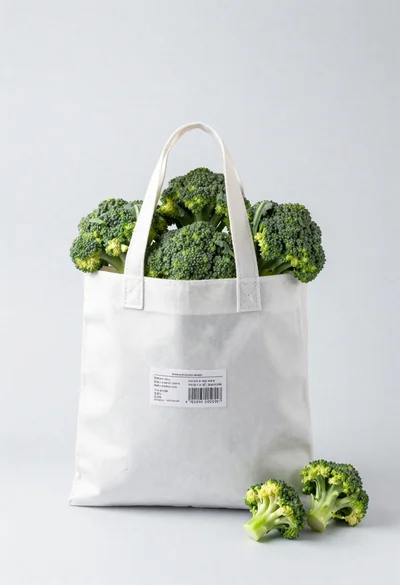
White shopping bag overflowing with fresh broccoli florets

Black makeup tube next to open red pomegranate on beige background
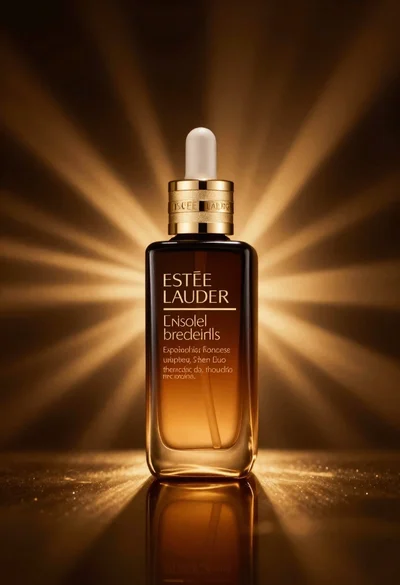
Amber glass bottle with gold pump under dramatic golden light
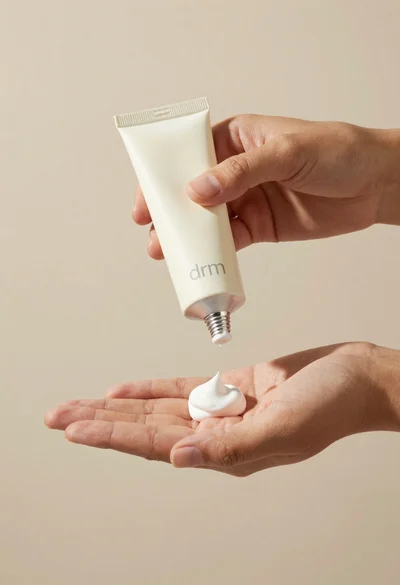
Hands dispensing white cream from a tube into a palm
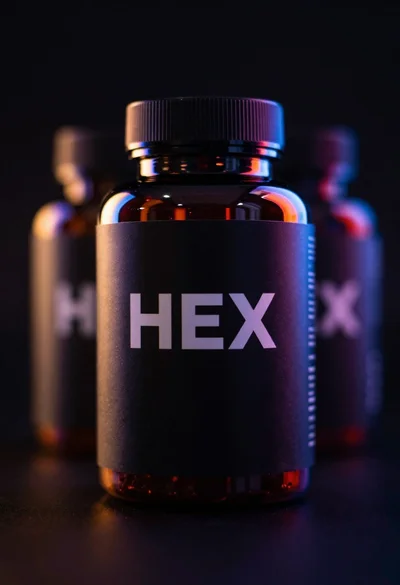
Black supplement bottle with chromatic aberration in void
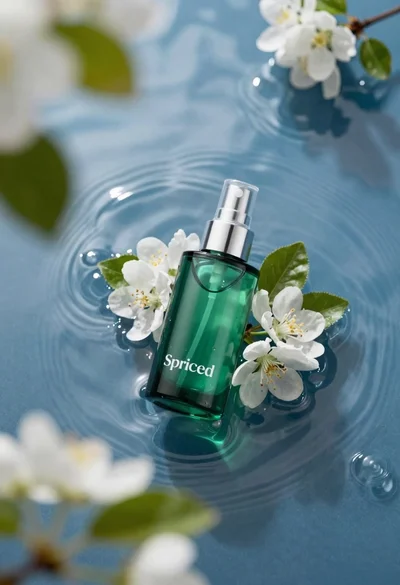
Green skincare bottle floating on rippling blue water
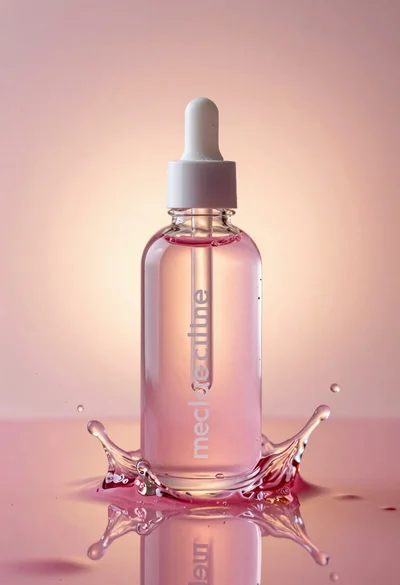
Glass bottle with liquid and water splash photography
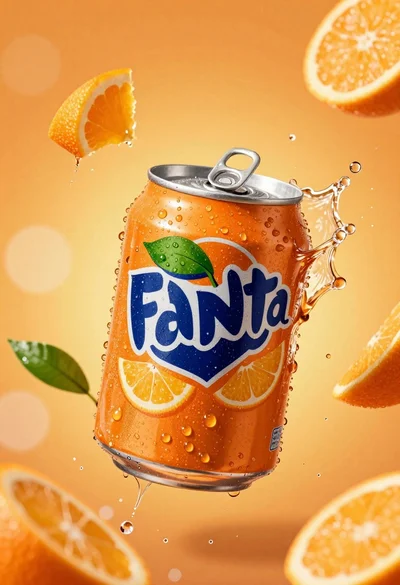
Hyperrealistic close up of orange soda splashing from a floating can
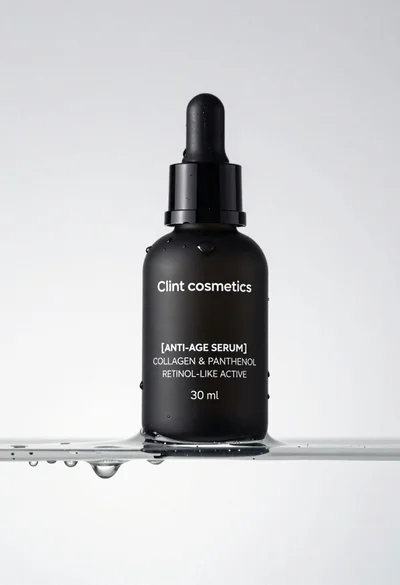
Macro shot of black serum bottle on floating water slab studio product