Top down studio shot of skincare product jar surrounded by fresh botanical
Prompt
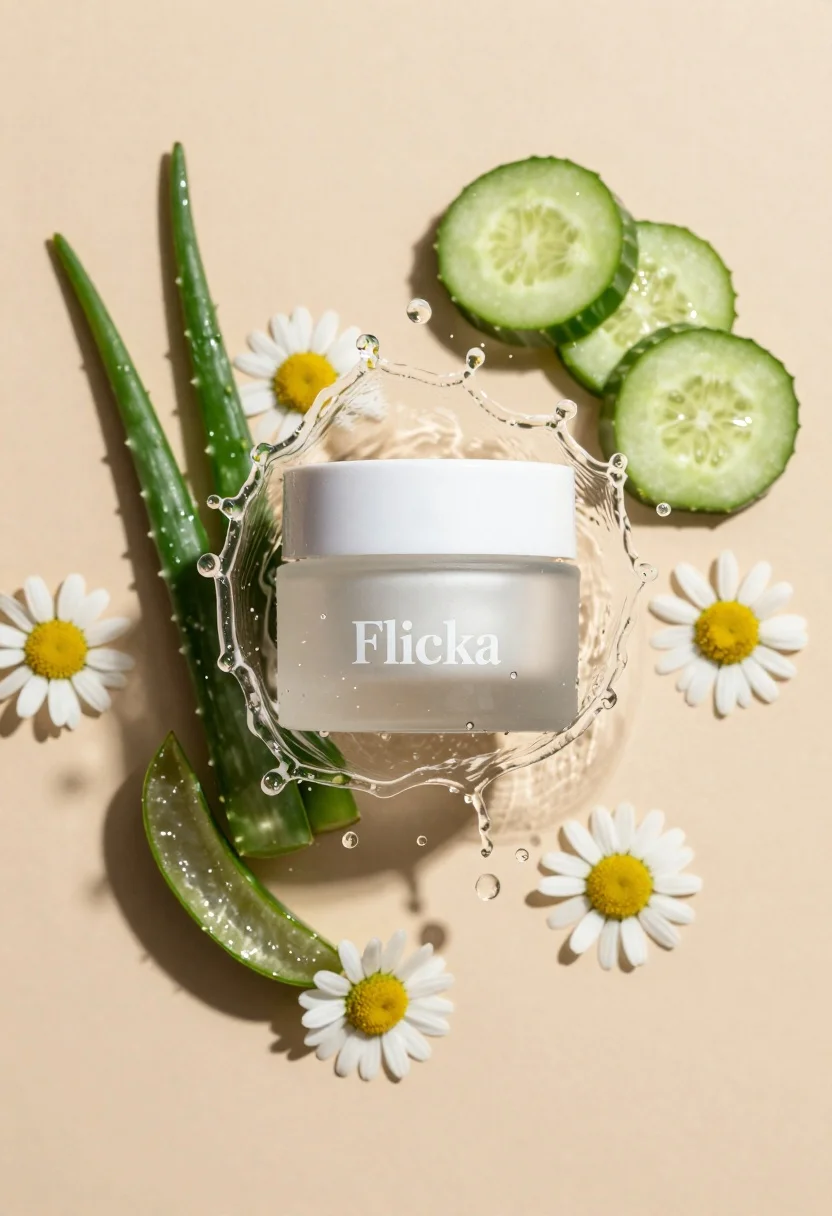
A top-down studio shot of a skincare product jar surrounded by fresh botanical ingredients and a dynamic water splash.

Subject: A frosted glass jar with a white lid containing a translucent cream, featuring the brand name "Flicka" printed in white serif font on the front.

Clothing: Not applicable.

Action: The jar is encircled by a frozen moment of clear water splashing upwards and outwards, creating droplets and a ring shape around the product.

Environment: A solid, smooth beige background that provides a neutral, warm tone for the composition.

Camera: High-angle top-down view with a shallow depth of field keeping the central jar in sharp focus while slightly softening the surrounding elements.

Lighting: Bright, directional studio lighting casting distinct shadows to the left and creating highlights on the water droplets and glass surface.
Second

Subject: Not applicable.

Objects: Fresh green cucumber slices arranged around the top right, white daisies with yellow centers placed at the bottom and sides, and translucent aloe vera leaves positioned on the left side.

Interaction: The botanical elements are arranged in a circular composition around the central jar, integrated into the water splash effect.

Text/Graphics: The word "Flicka" is clearly visible in white serif typography on the front of the jar.

Style Details: High-key commercial photography with crisp details, vibrant colors, and a fresh, clean aesthetic typical of beauty product advertising.
Description
This prompt is useful for creating e-commerce skincare listings, magazine beauty spreads, and brand advertisement mockups. The combination of 'bright, directional studio lighting' casting distinct shadows alongside the 'frozen moment of clear water splashing upwards' ensures that the product appears premium and dynamic, preventing the image from looking flat or overly staged.
Suggestions
- Change 'beige background' to 'marble surface' for a cooler contrast.
- Swap 'white serif font' for 'gold foil lettering' to increase luxury appeal.
- Add 'macro lens perspective' to emphasize the texture of the botanicals.
Category
Tags
FemaleHigh AngleIndoorsMacro ShotRealisticStudioTop Down
Date added
June 23, 2026
Added by
PromptDexter Team
Related Prompts
More prompts with similar categories and tags.
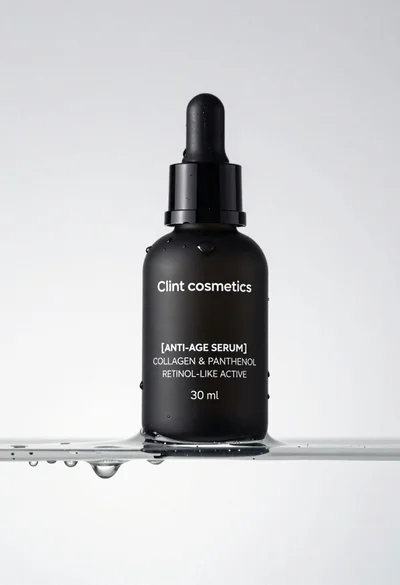
Macro shot of black serum bottle on floating water slab studio product
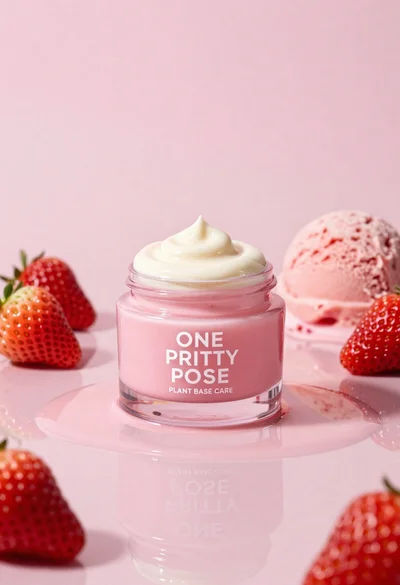
Glossy pink cosmetic jar with cream surrounded by strawberries and ice cream
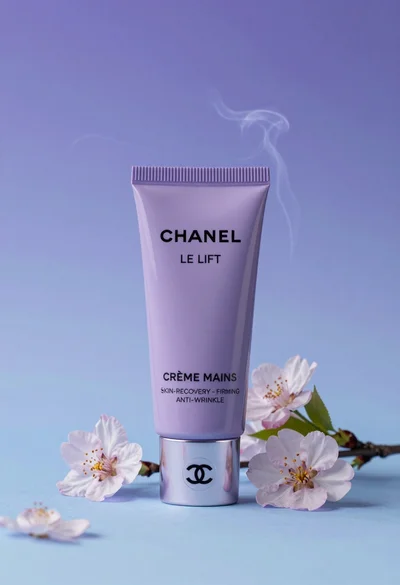
Sleek lavender hand cream tube displayed with cherry blossoms in studio
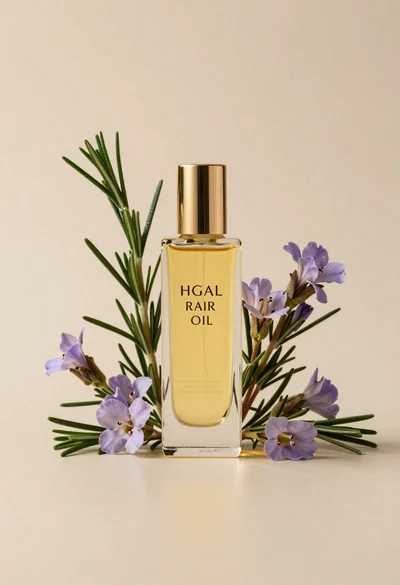
Glass bottle of oil with rosemary and purple flowers
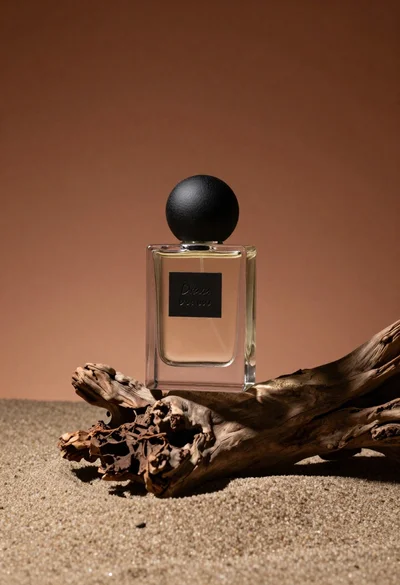
Minimalist perfume bottle on driftwood and sand
White shopping bag overflowing with fresh broccoli florets

Black makeup tube next to open red pomegranate on beige background
Young woman arranging cupcakes on a white tiered stand indoors