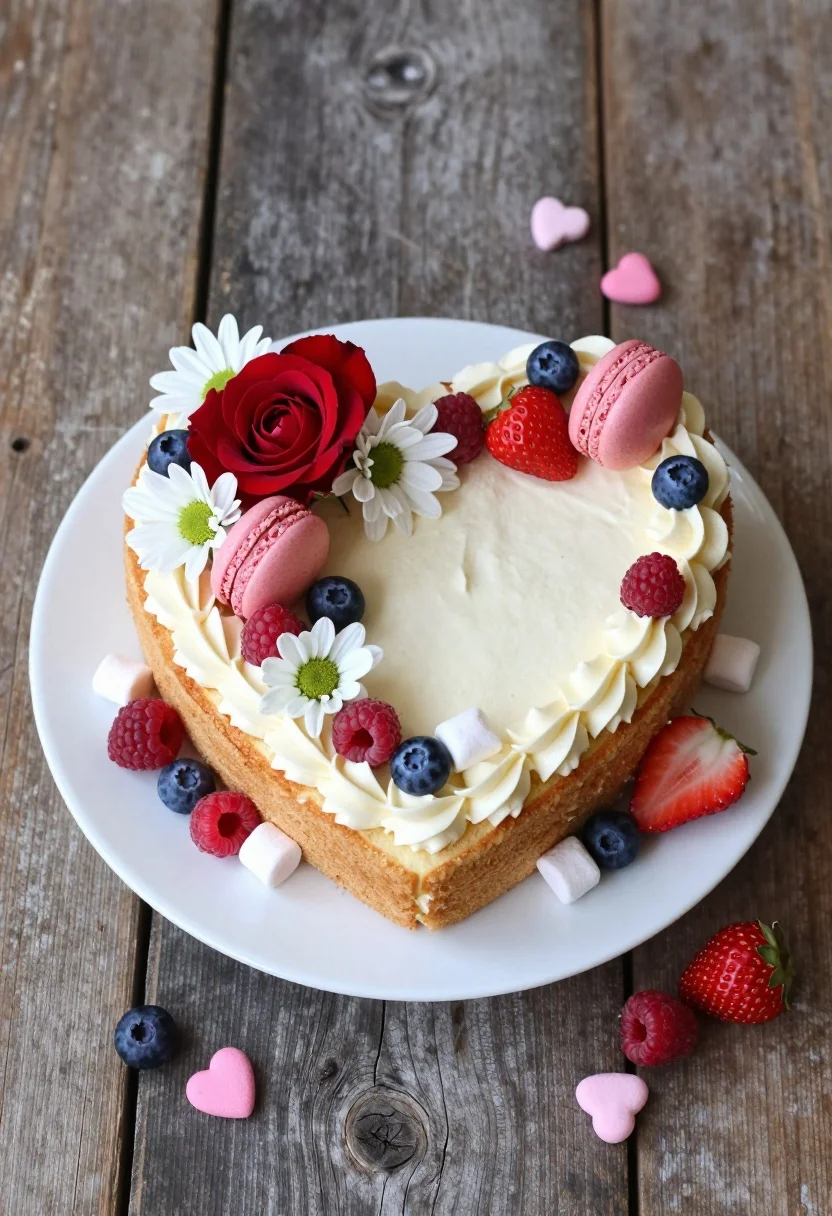
High angle shot of heart cake decorated with fresh berries flowers and
Prompt
A heart-shaped cake decorated with fresh fruit, flowers, and macarons sits on a white plate atop a rustic wooden table.

Subject: A large heart-shaped sponge cake featuring a ring of piped cream frosting around the perimeter, topped with pink macarons, red roses, white chrysanthemums, raspberries, blueberries, strawberries, and marshmallows.

Action: The scene is static with no movement, though scattered loose berries and small pink heart candies are arranged around the base of the plate.

Environment: The cake rests on a round white ceramic plate placed on a dark, weathered wooden surface with visible grain and texture.

Camera: A high-angle shot looking down at the cake from above, capturing the full shape and top-down details of the decorations.

Lighting: Soft, diffused natural light illuminates the scene evenly, creating gentle shadows that highlight the textures of the cream and fruit without harsh contrast.

Style Details: High-resolution food photography with vibrant colors, sharp focus on the toppings, and a clean, appetizing aesthetic.
Description
This prompt is useful for creating editorial dessert spreads, high-end bakery catalog images, and recipe book layouts requiring overhead views. The combination of 'soft, diffused natural light' and the 'high-angle shot looking down at the cake from above' ensures that every topping—from the 'raspberries' to the 'macarons'—is visible in sharp focus without harsh shadows obscuring their vibrant colors.
Suggestions
- Change 'rustic wooden table' to 'marble countertop' for a more modern feel.
- Swap 'pink macarons' for 'gold-dusted macarons' to add luxury.
- Adjust 'soft, diffused natural light' to 'bright overhead studio lighting' for maximum contrast.
Category
Tags
FoodHigh AngleMacro ShotRealisticStudioTop Down
Date added
August 5, 2026
Added by
PromptDexter Team
Related Prompts
More prompts with similar categories and tags.
Top down view of five yellow corn cobs on a dark wooden

Exploding sandwich cookie midair against a vibrant bright yellow studio background

Dynamic food photograph of guacamole bowl suspended midair against bright green background
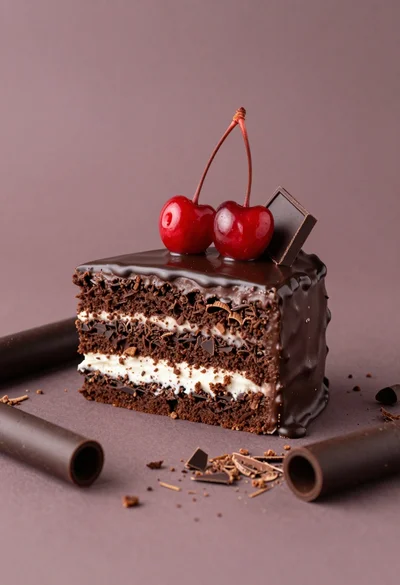
Square layered dark chocolate cake with white filling and red cherries

Close up still life of matcha whisk stirring vibrant green tea in
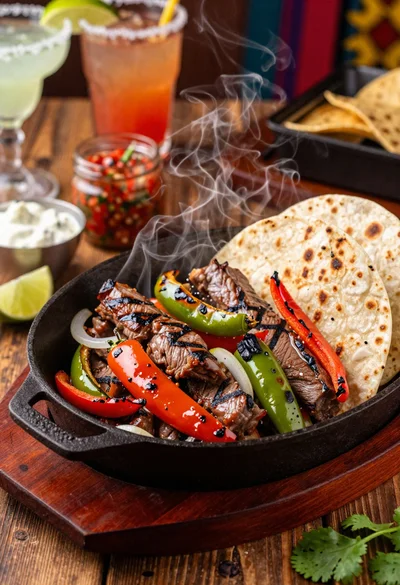
Close up of sizzling fajitas on a rustic wooden restaurant table
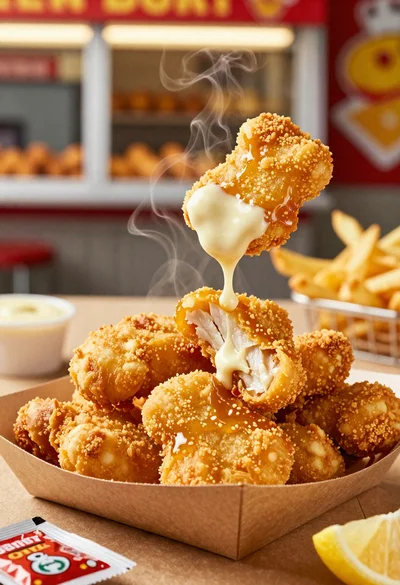
Close up of crispy chicken nuggets dipped in honey mustard sauce
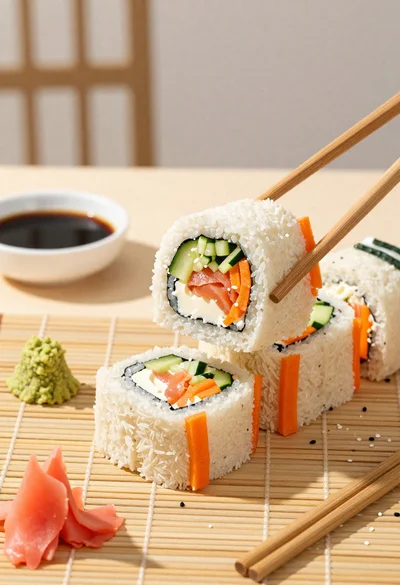
Close up overhead view of bread sushi rolls with colorful fillings
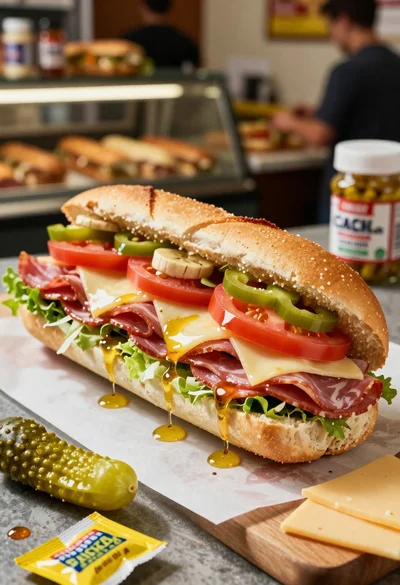
Close up of layered italian hoagie sandwich on butcher paper
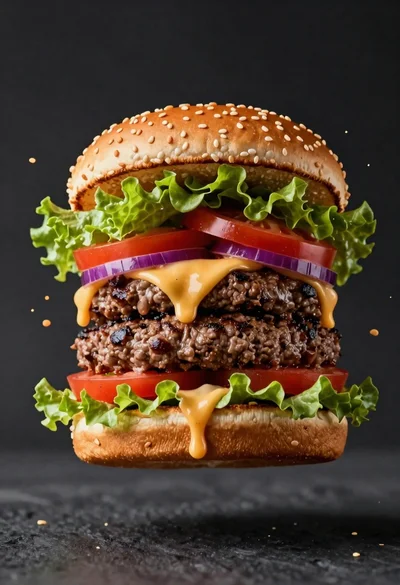
Hyperrealistic close up of a double patty burger mid air