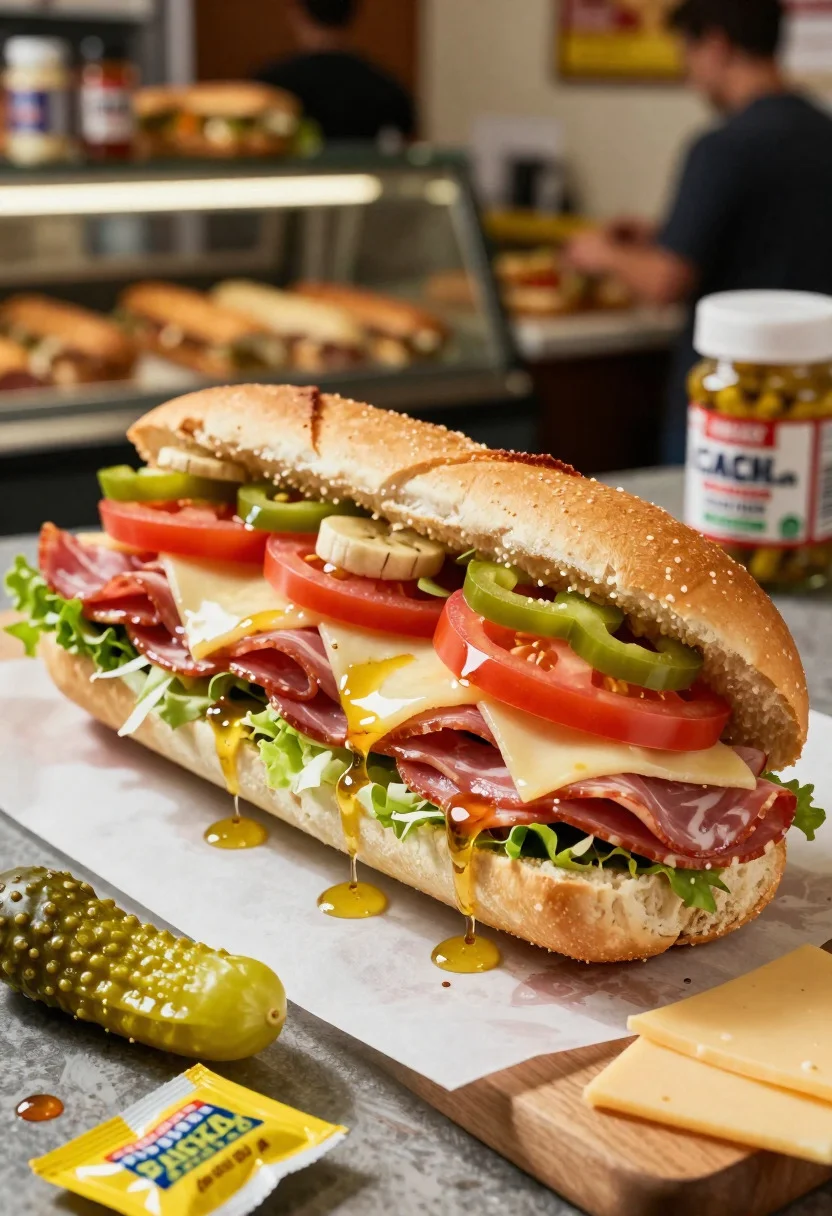
Close up of layered italian hoagie sandwich on butcher paper
Prompt
Food photography shot of a footlong sub sandwich with overstuffed deli appeal and layered Italian freshness

Subject: soft hoagie roll packed with layered salami, ham, provolone cheese, lettuce shreds, tomato slices, banana peppers, and oily vinaigrette drizzle

Action: sandwich sliced in half lengthwise, revealing stacked meats and cheese pull with veggies spilling slightly

Environment: casual deli counter setting with butcher paper lining, blurred sandwich shop background, and lively lunch rush vibe

Camera: close-up three-quarter angle, tight composition focused on the filling layers, premium commercial food photography framing

Lighting: bright natural side light, soft shadows, glossy highlights on meats and oil, vibrant green-red pops

Objects: pickle spears, mustard packet, pepperoncini jar, wooden cutting board, and extra cheese slices

Style Details: ultra-realistic professional food photography, overstuffed texture detail, classic sub shop styling, bold colorful tones, and polished fast-casual presentation
Description
This prompt is useful for creating commercial deli advertising, menu board visuals, and high-end food blog features. The combination of 'bright natural side light' with 'glossy highlights on meats and oil' ensures the sandwich appears moist and appetizing, while specifying a 'tight composition focused on the filling layers' prevents the overall scene from looking cluttered despite the inclusion of objects like pickle spears.
Suggestions
- Change 'butcher paper lining' to 'dark slate background' for higher contrast.
- Swap 'banana peppers' for 'roasted red peppers' for deeper color tones.
- Adjust 'bright natural side light' to 'dramatic overhead spotlight' for a more intense look.
Category
Tags
3/4 AngleClose UpFoodMacro ShotRealisticStudio
Date added
June 19, 2026
Added by
PromptDexter Team
Related Prompts
More prompts with similar categories and tags.

Close up of crispy chicken nuggets dipped in honey mustard sauce

Close up overhead view of bread sushi rolls with colorful fillings
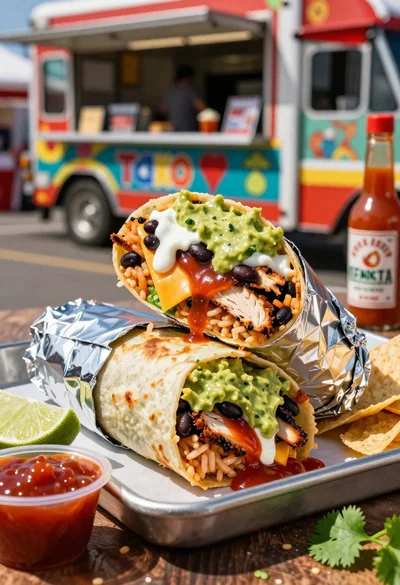
Close up of massive cross cut burrito with colorful tex mex fillings
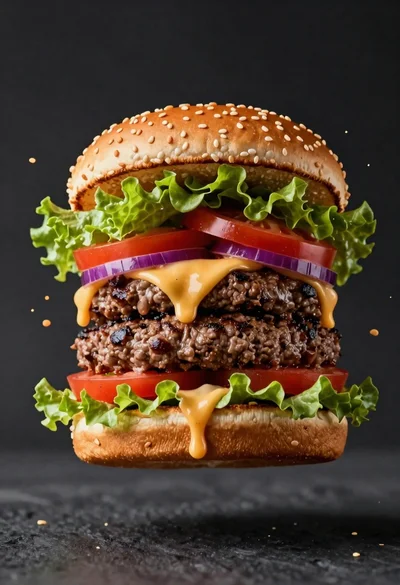
Hyperrealistic close up of a double patty burger mid air
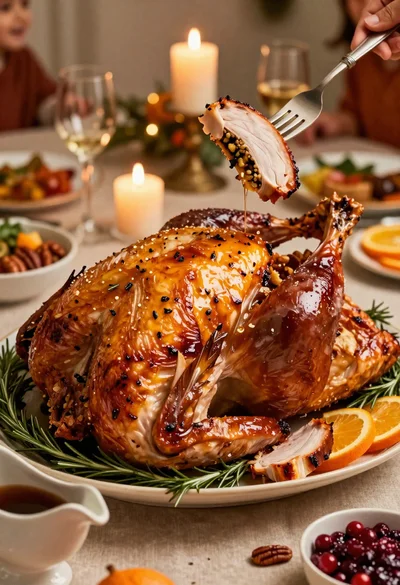
Close up of roasted turkey slice on elegant holiday dining table
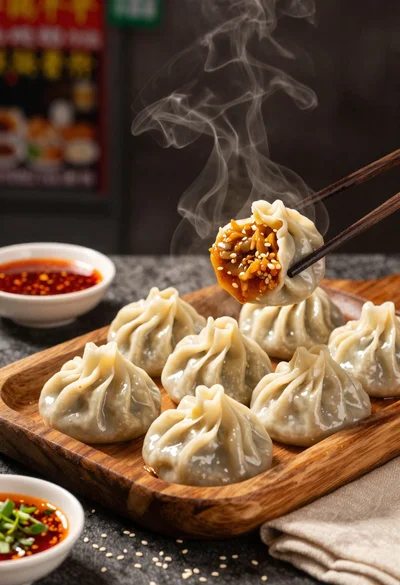
Close up view of steamed momos on rustic wooden tray with dipping
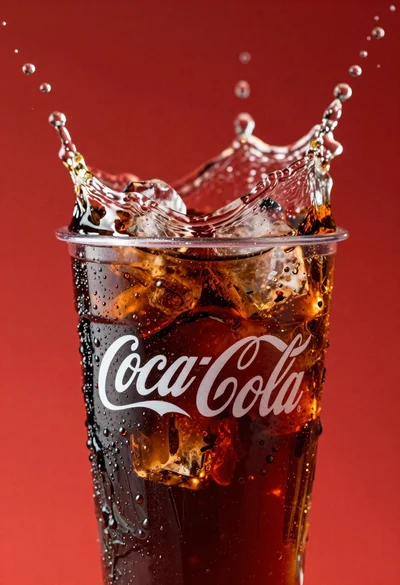
Refreshing coca cola glass with ice cubes splashing against red background
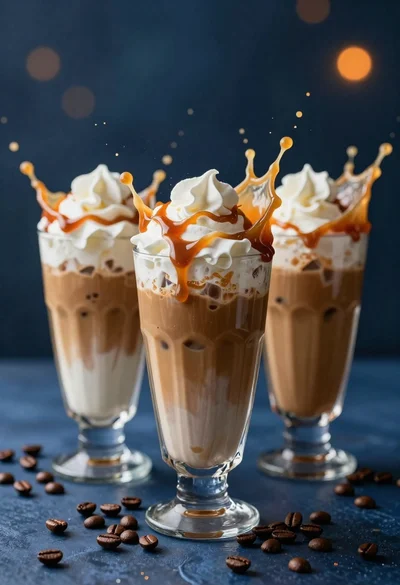
Three tall glasses of iced coffee with whipped cream and caramel drizzle
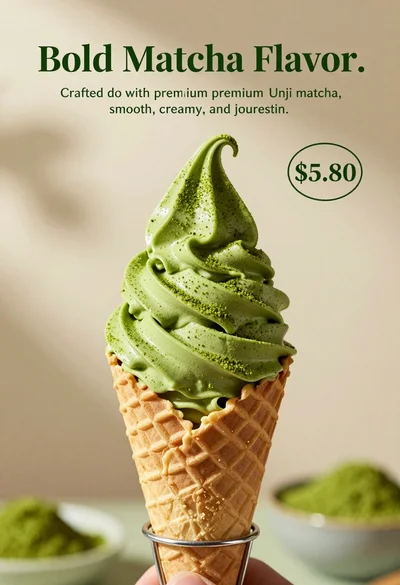
Close up shot of matcha soft serve ice cream in waffle cone
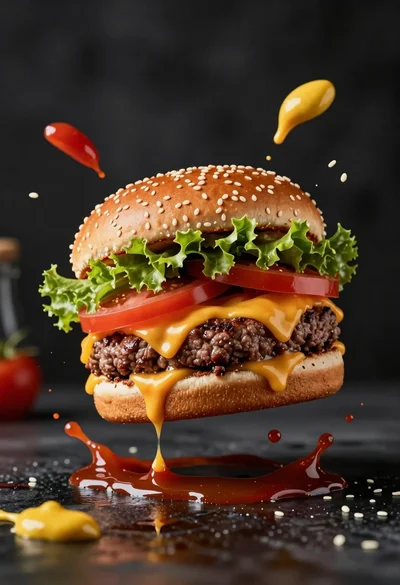
Hyperrealistic close up of cheeseburger exploding with condiments on wet surface