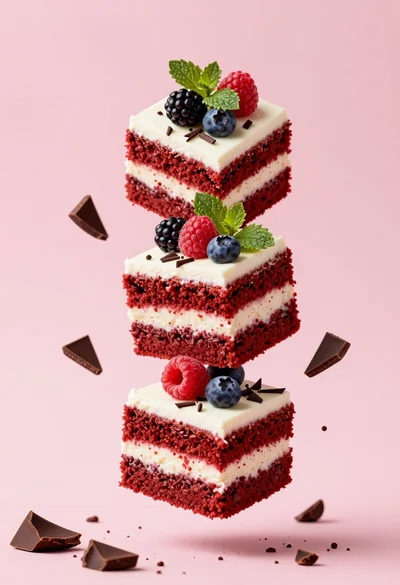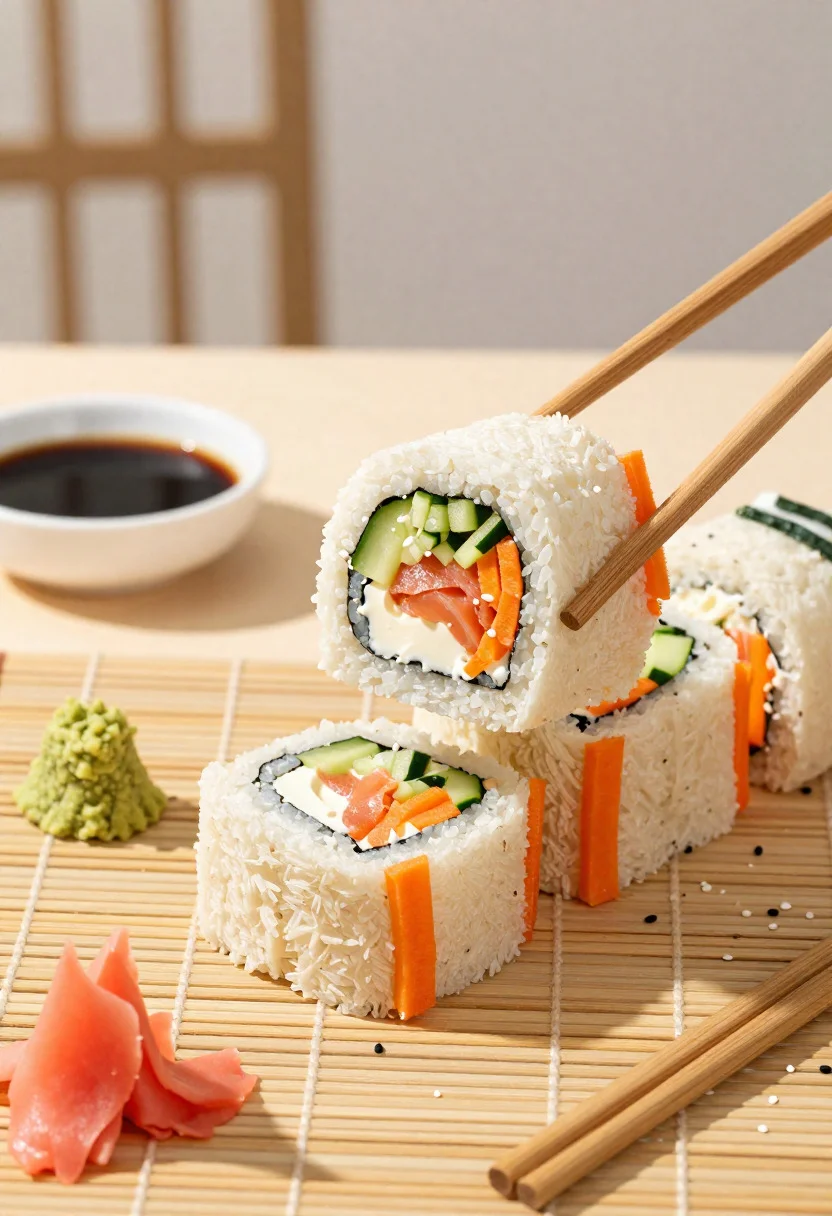
Close up overhead view of bread sushi rolls with colorful fillings
Prompt
Food photography shot of creative bread sushi rolls with fusion appeal and playful sandwich textures

Subject: mini bread sushi rolls made from soft white bread slices rolled with colorful fillings like cucumber strips, cream cheese, carrot ribbons, and smoked salmon

Action: one roll sliced in half to reveal the neat layered fillings, chopsticks picking up another intact roll

Environment: modern fusion café table with a bamboo mat surface, subtle Asian-Western vibe, and a clean minimalist background

Camera: close-up overhead three-quarter angle, tight composition focused on the sliced roll cross-section, premium editorial food photography framing

Lighting: bright soft natural light, gentle shadows, fresh highlights on the bread and fillings, vibrant color pop

Objects: soy sauce dish, wasabi dollop, pickled ginger, chopsticks, and scattered sesame seeds

Style Details: ultra-realistic professional food photography, crisp fresh texture detail, fun fusion styling, bright playful tones, and polished creative menu presentation
Description
This prompt is useful for creating vibrant appetizer spreads for menus, overhead flat lays for recipe blogs, and stylized charcuterie board inspiration. The combination of 'bright soft natural light' with the 'crisp fresh texture detail' ensures that the cross-section of the sliced roll remains highly visible, preventing the fillings from looking muddy or indistinct against the 'bamboo mat surface'.
Suggestions
- Change 'soft white bread slices' to 'rye bread slices' for a darker contrast.
- Add 'bokeh background' to soften the focus on the table setting.
- Swap 'vibrant color pop' for 'pastel tones' for a more delicate feel.
Category
Tags
Close UpFoodMacro ShotRealisticStudio
Date added
June 19, 2026
Added by
PromptDexter Team
Related Prompts
More prompts with similar categories and tags.

Close up of crispy chicken nuggets dipped in honey mustard sauce
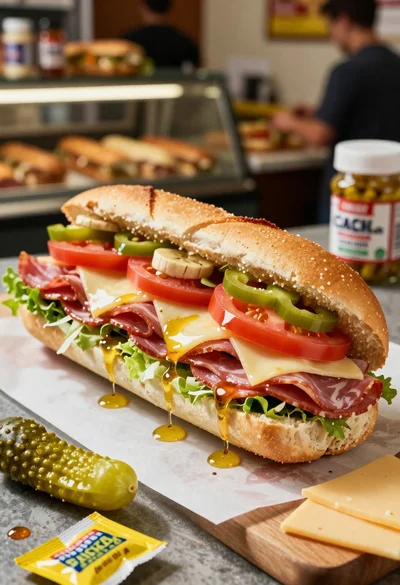
Close up of layered italian hoagie sandwich on butcher paper
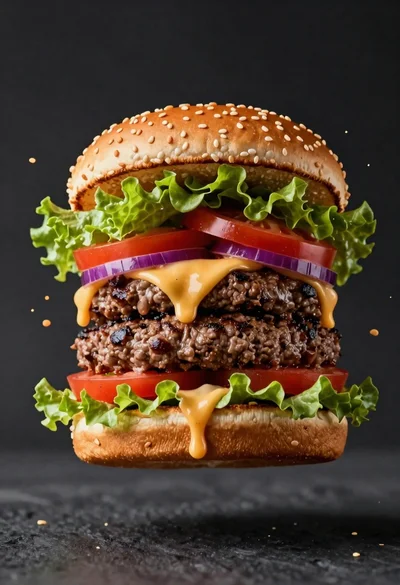
Hyperrealistic close up of a double patty burger mid air
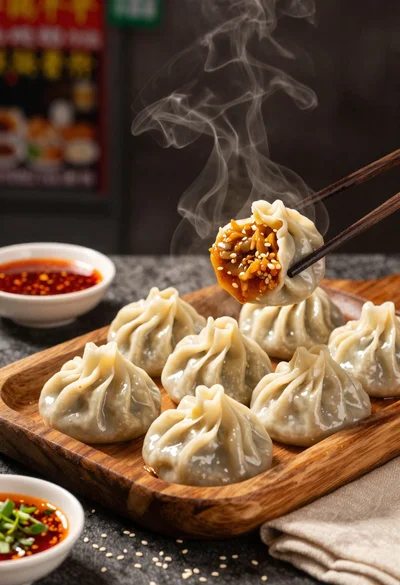
Close up view of steamed momos on rustic wooden tray with dipping
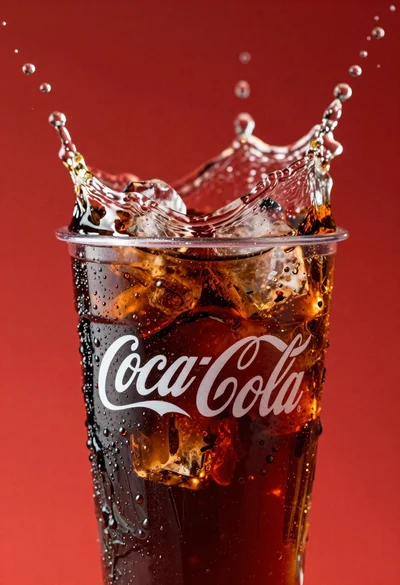
Refreshing coca cola glass with ice cubes splashing against red background
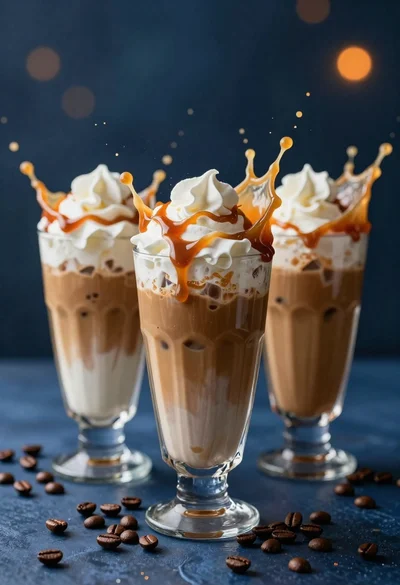
Three tall glasses of iced coffee with whipped cream and caramel drizzle
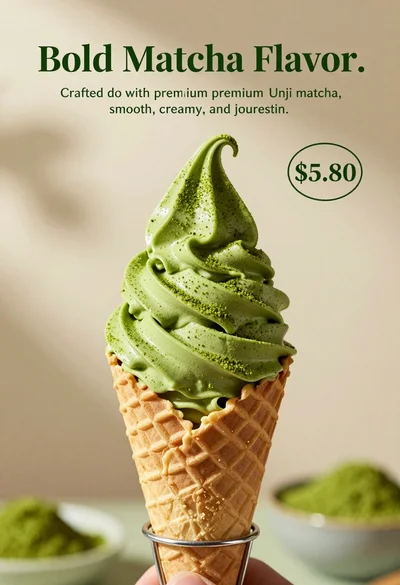
Close up shot of matcha soft serve ice cream in waffle cone
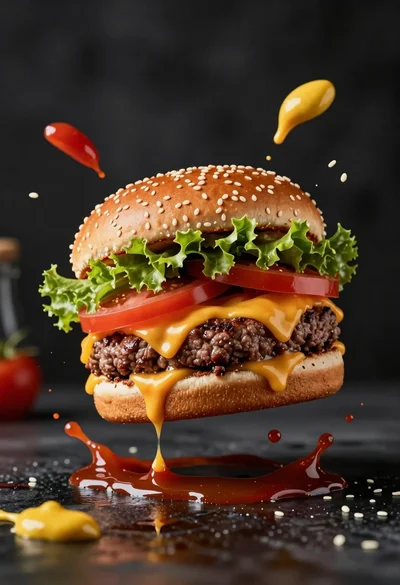
Hyperrealistic close up of cheeseburger exploding with condiments on wet surface
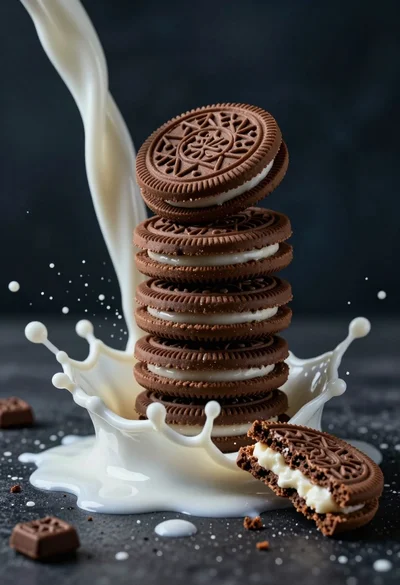
Macro photograph of chocolate cookie tower hit by dramatic milk splash
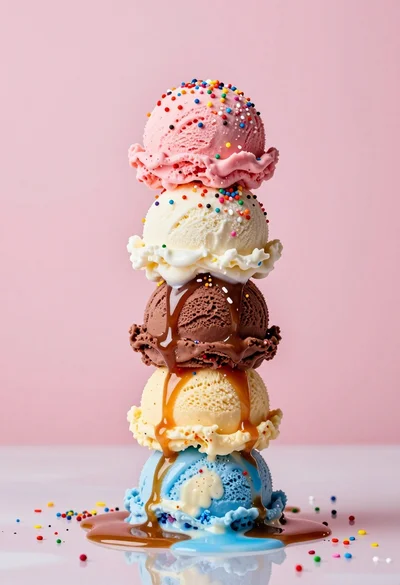
Hyperrealistic close up of melting ice cream tower with rainbow sprinkles