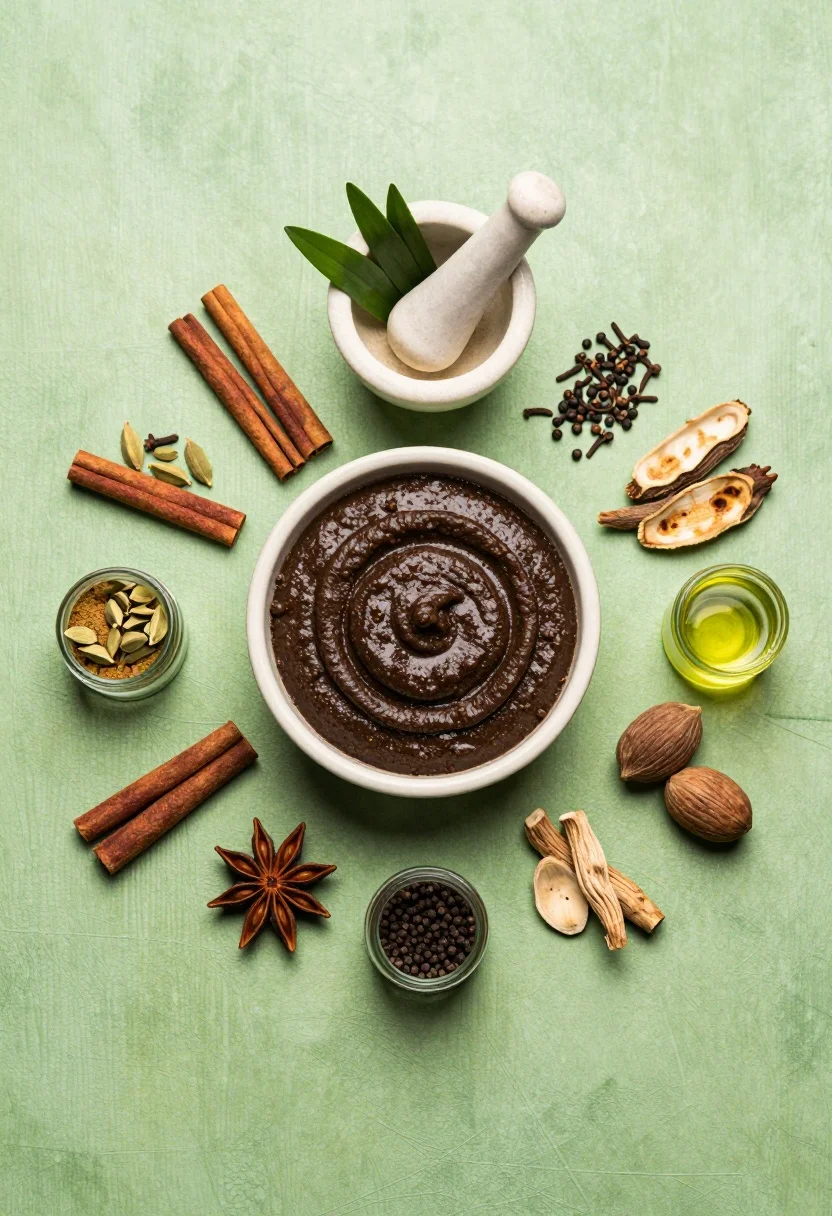
Flat lay arrangement of ayurvedic ingredients on a textured green surface
Prompt
A flat-lay composition of traditional Ayurvedic ingredients arranged around a central bowl of dark paste on a textured green surface.

Subject: A large ceramic bowl filled with a thick, dark brown paste featuring a swirled texture sits at the center, surrounded by a mortar and pestle holding fresh green herbs, along with various spices including cinnamon sticks, cardamom pods, cloves, peppercorns, dried roots, nuts, and small glass jars containing powders and oils.

Action: The ingredients are arranged in a static, radial composition with no movement.

Environment: A textured lime-green surface serves as the background, providing a vibrant contrast to the earthy tones of the spices and herbs.

Camera: High-angle shot looking directly down at the arrangement with a wide field of view capturing all elements clearly.

Lighting: Soft, diffused lighting illuminates the scene evenly from above, minimizing harsh shadows and highlighting the textures of the powders and paste.

Style Details: Clean, high-resolution product photography style with sharp focus and vibrant color saturation.
Description
This prompt is useful for creating Ayurvedic recipe guides, natural wellness blog headers, and artisanal spice packaging mockups. The combination of 'soft, diffused lighting' and a 'textured lime-green surface' ensures that the various spices and herbs maintain visible detail without harsh shadows, which is crucial for showcasing ingredient quality in product photography.
Suggestions
- Change 'lime-green surface' to 'slate grey marble' for a cooler contrast.
- Add 'shallow depth of field' to slightly blur the edges.
- Swap 'dark brown paste' for 'vibrant turmeric powder' to change the focal point color.
Category
Tags
FoodHigh AngleMacro ShotRealisticStudio
Date added
August 5, 2026
Added by
PromptDexter Team
Related Prompts
More prompts with similar categories and tags.

Exploding sandwich cookie midair against a vibrant bright yellow studio background

Dynamic food photograph of guacamole bowl suspended midair against bright green background
Close up still life of matcha whisk stirring vibrant green tea in
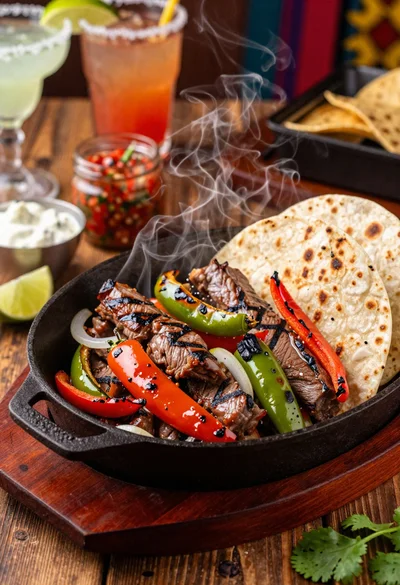
Close up of sizzling fajitas on a rustic wooden restaurant table
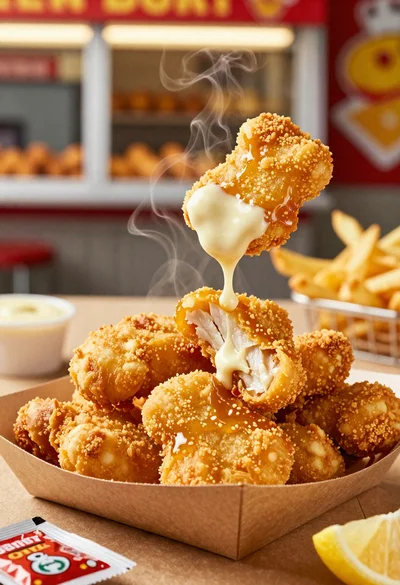
Close up of crispy chicken nuggets dipped in honey mustard sauce
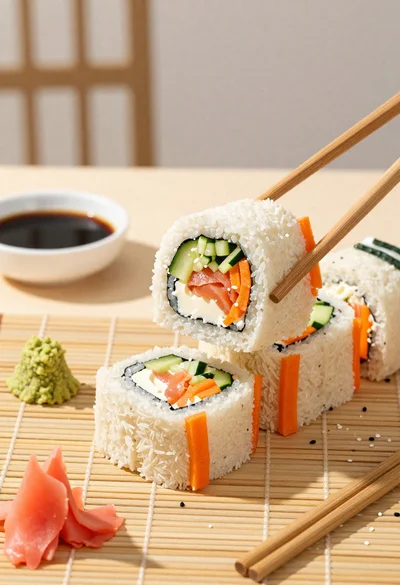
Close up overhead view of bread sushi rolls with colorful fillings
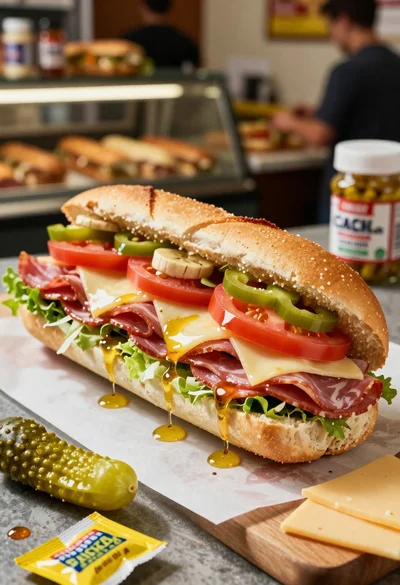
Close up of layered italian hoagie sandwich on butcher paper
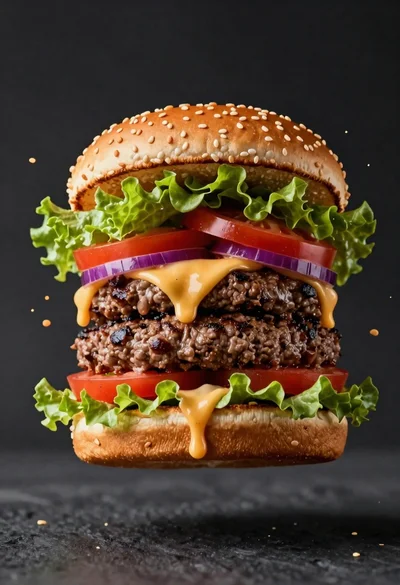
Hyperrealistic close up of a double patty burger mid air
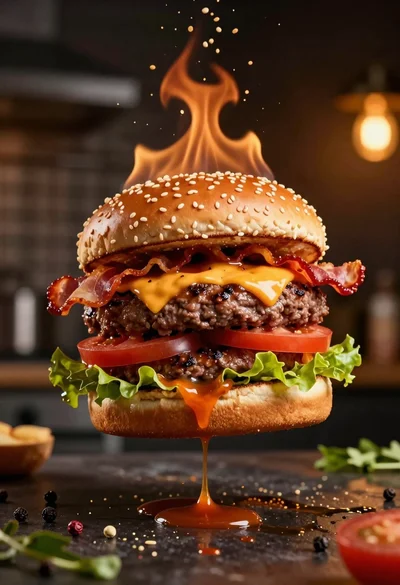
Hyperrealistic floating double cheeseburger with sesame seed buns
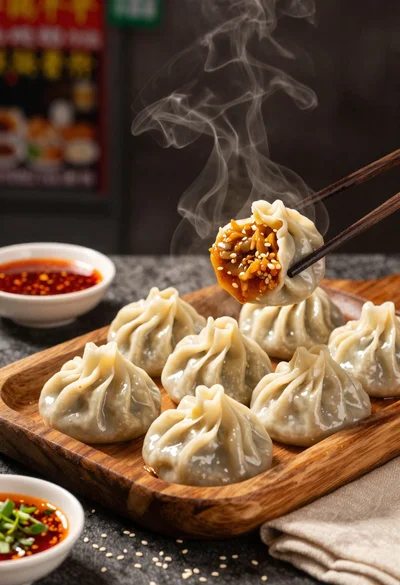
Close up view of steamed momos on rustic wooden tray with dipping