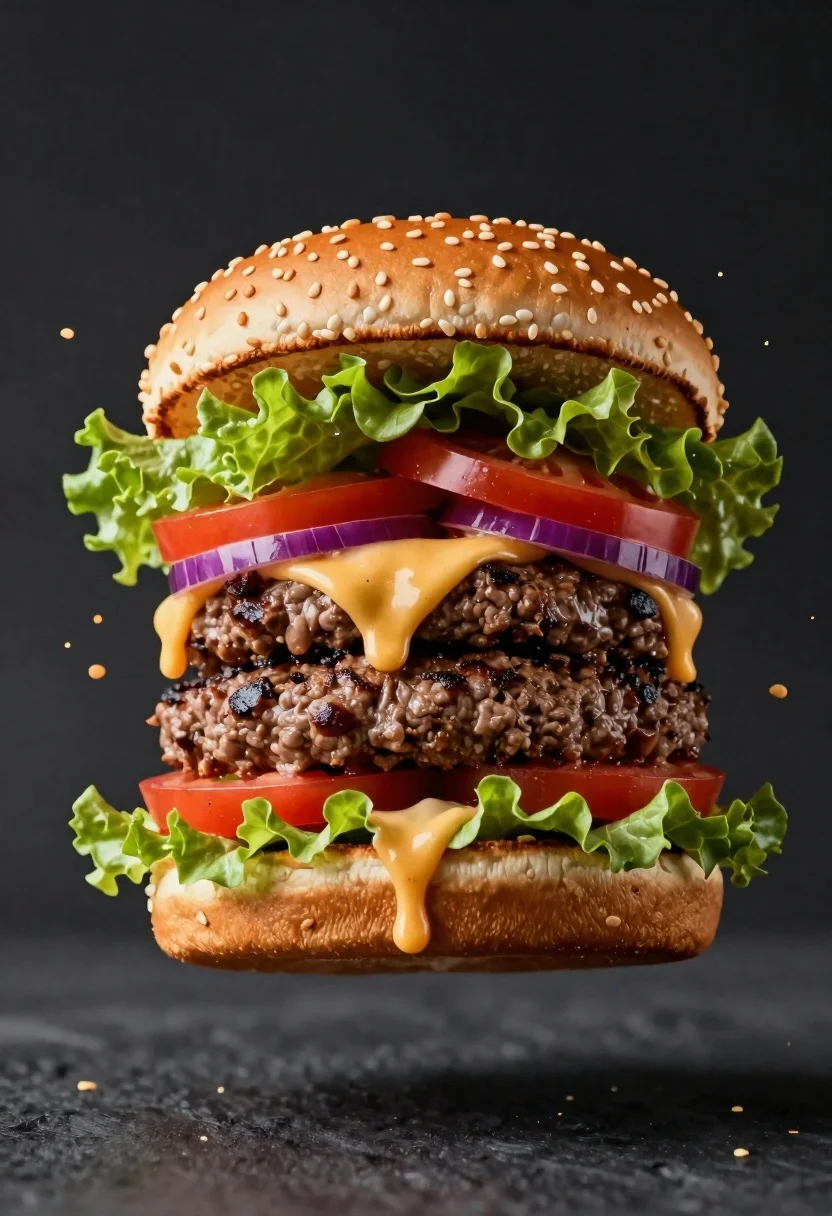
Hyperrealistic close up of a double patty burger mid air
Prompt
A mouthwatering close-up of a juicy double-patty burger suspended in mid-air against a dark background

Subject: A large appetizing hamburger with two thick beef patties, fresh lettuce leaves, sliced red tomatoes and purple onions nestled between golden sesame seed buns.

Action: The ingredients are frozen in dynamic motion as the cheese sauce explodes upward from the burger while crumbs scatter around it like particles suspended in air.

Environment: A clean dark backdrop that emphasizes the food without distraction.

Camera: Tight framing with shallow depth of field to isolate the subject sharply against a soft gradient background.

Lighting: Dramatic studio lighting creates vivid highlights on the glistening cheese and fresh vegetables, casting subtle shadows for contrast and dimensionality.

Objects: None visible besides burger components.

Interaction: The dynamic spray effect suggests explosive motion frozen at peak action moment.

Text/Graphics: No readable text or logos present.

Style Details: Hyper-realistic food photography with commercial quality lighting, crisp details, vibrant colors and high contrast for maximum visual impact.
Description
This prompt is useful for creating advertising campaign visuals, gourmet menu mockups, and editorial food spreads requiring dramatic action shots. The combination of 'dramatic studio lighting' with the specified 'dynamic spray effect' ensures that the glistening cheese and fresh vegetables catch vivid highlights, preventing a flat appearance while using the 'dark backdrop' to maximize contrast against the vibrant colors.
Suggestions
- Change 'double-patty burger' to 'truffle aioli double-patty burger' for flavor variation.
- Add 'smoke wisps' to the action description for more atmosphere.
- Adjust 'shallow depth of field' to 'ultra shallow depth of field' for even greater subject isolation.
Category
Tags
Close UpFoodMacro ShotRealisticStudio
Date added
June 19, 2026
Added by
PromptDexter Team
Related Prompts
More prompts with similar categories and tags.
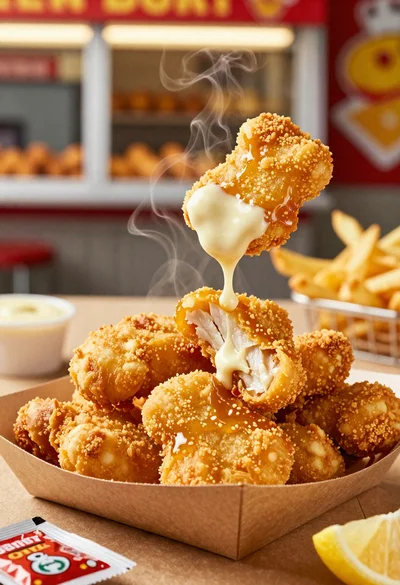
Close up of crispy chicken nuggets dipped in honey mustard sauce
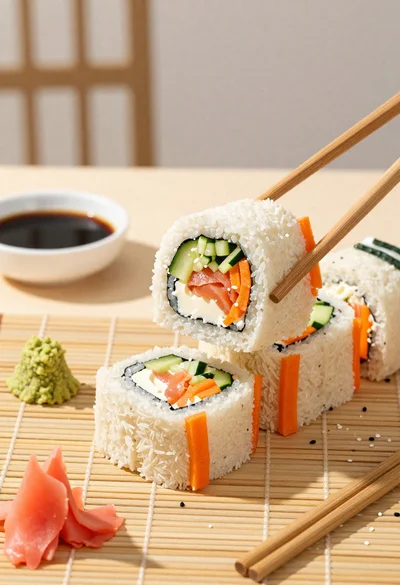
Close up overhead view of bread sushi rolls with colorful fillings
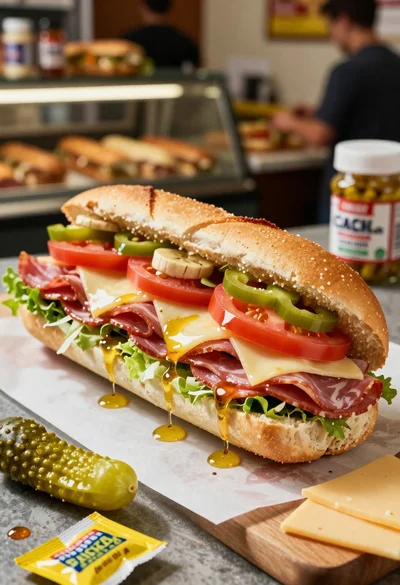
Close up of layered italian hoagie sandwich on butcher paper
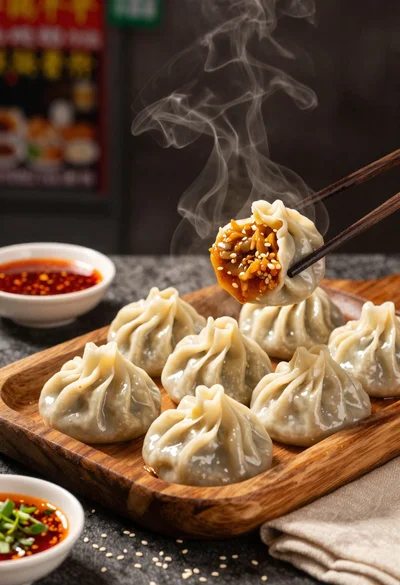
Close up view of steamed momos on rustic wooden tray with dipping
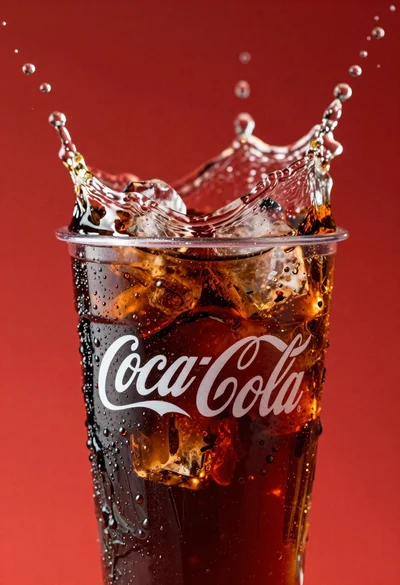
Refreshing coca cola glass with ice cubes splashing against red background
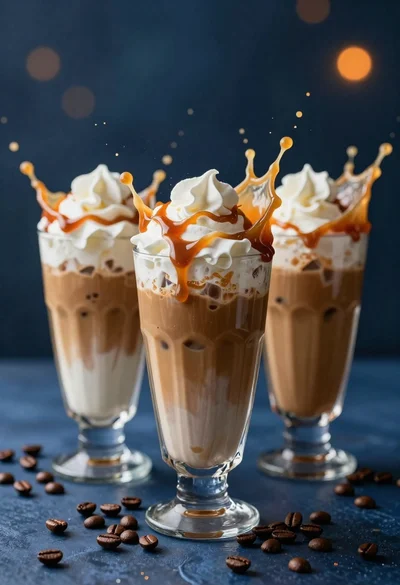
Three tall glasses of iced coffee with whipped cream and caramel drizzle
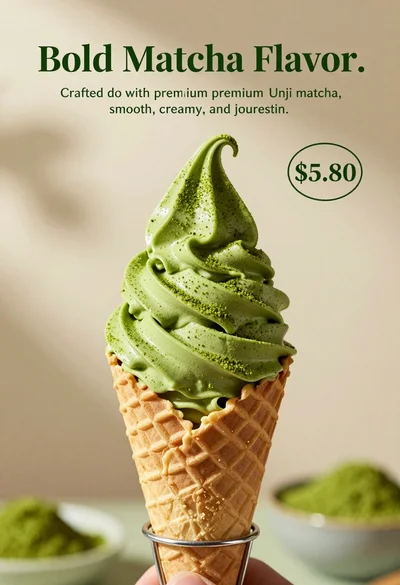
Close up shot of matcha soft serve ice cream in waffle cone
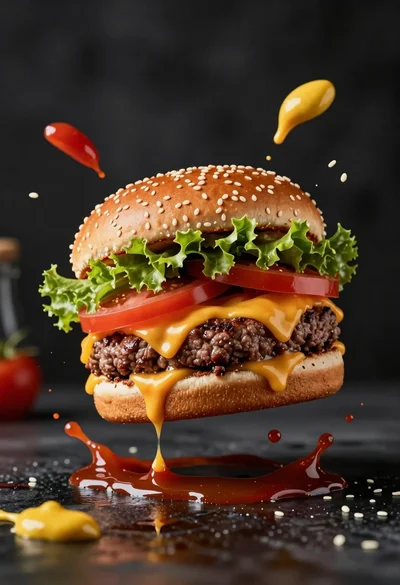
Hyperrealistic close up of cheeseburger exploding with condiments on wet surface
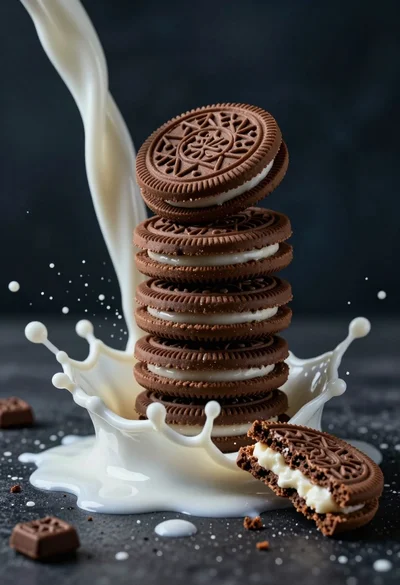
Macro photograph of chocolate cookie tower hit by dramatic milk splash
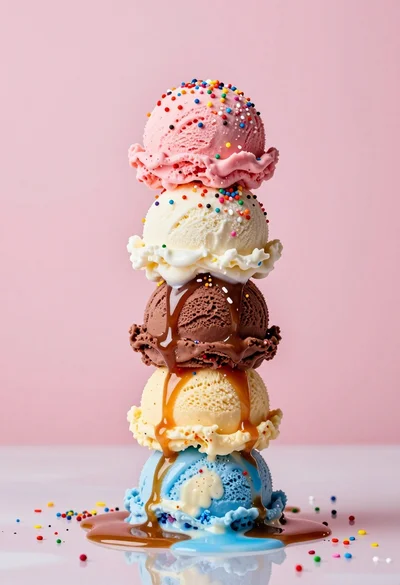
Hyperrealistic close up of melting ice cream tower with rainbow sprinkles