

High fashion portrait of woman holding red carnations against dark backdrop
Prompt
A woman with a severe, high-fashion look stands holding a bouquet of red carnations against a dark, moody backdrop.

Subject: A woman with short, slicked-back dark hair and intense, heavy eyebrows stares directly at the camera with a stoic expression.

Clothing: She wears a form-fitting, glossy, reddish-brown latex or vinyl dress that clings to her body, featuring a high neck collar and cutouts along the sides of the torso.

Action: She holds a small bunch of red carnations with green stems close to her chest with both hands, her fingers interlaced around the stems.

Environment: The background is dark and atmospheric, appearing to be an overcast sky or a dimly lit urban setting viewed through a window, with faint outlines of buildings visible in the lower section.

Camera: The shot is a medium full-body portrait taken from a straight-on angle, emphasizing the subject's silhouette against the gloomy backdrop.

Lighting: The lighting is dramatic and high-contrast, highlighting the glossy texture of the dress and the woman's skin while casting deep shadows in the background to create a somber mood.

Style Details: High-fashion photography with a cinematic color palette, sharp focus on the subject, and a distinct contrast between the vibrant red flowers and the dark surroundings.
Description
This prompt is useful for creating avant-garde editorial spreads, character concept art for film noir, and high-end perfume advertising campaigns. The combination of 'glossy, reddish-brown latex or vinyl dress' against a 'dark, moody backdrop' utilizes dramatic, high-contrast lighting to emphasize the subject's severe silhouette while allowing the vibrant red carnations to provide the single necessary focal point.
Suggestions
- Change 'reddish-brown latex or vinyl dress' to 'black patent leather dress' for maximum contrast.
- Swap 'carnations' for 'deep purple calla lilies' to shift the color palette.
- Adjust 'medium full-body portrait' to 'close-up headshot' to focus more on the expression.
Category
Tags
BrunetteFemaleMedium ShotPortrait ShotRealisticStudio
Date added
June 19, 2026
Added by
PromptDexter Team
Related Prompts
More prompts with similar categories and tags.

Young woman in blue denim jacket posing against pale pink seamless background
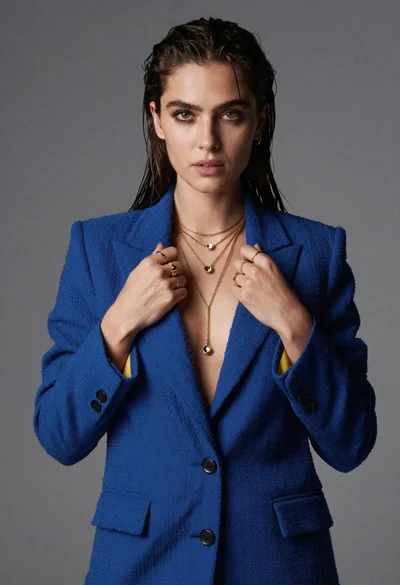
Portrait of woman in blue blazer holding lapels against gray studio background

Blonde woman in striped swimsuit seated on sofa indoors studio shot
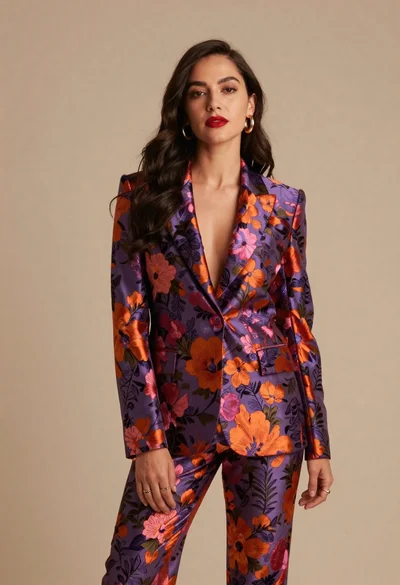
Confident woman in floral patterned suit against beige studio backdrop
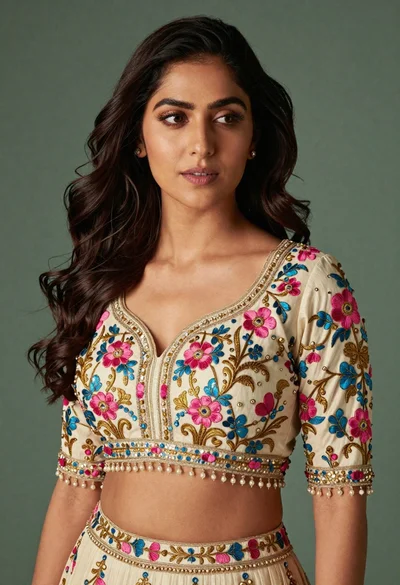
Medium close up portrait of woman in ornate cream lehenga choli
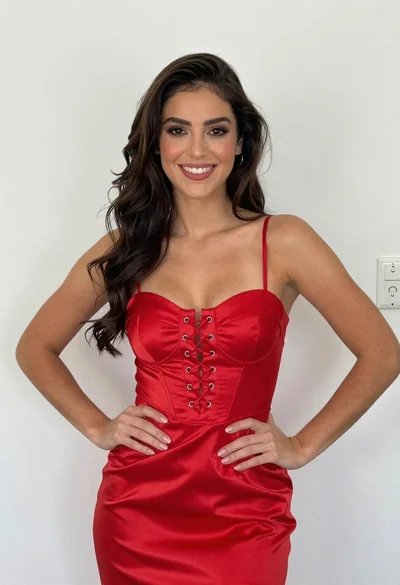
Smiling young woman in red satin dress against a plain white wall

Young woman in black graphic tshirt against white paneled wall
Young woman with brown hair posing by blue floral patterned wall
Confident woman in orange leather outfit posing in dramatic studio lighting

Portrait of woman in elaborate red feathered gown against vivid blue background
