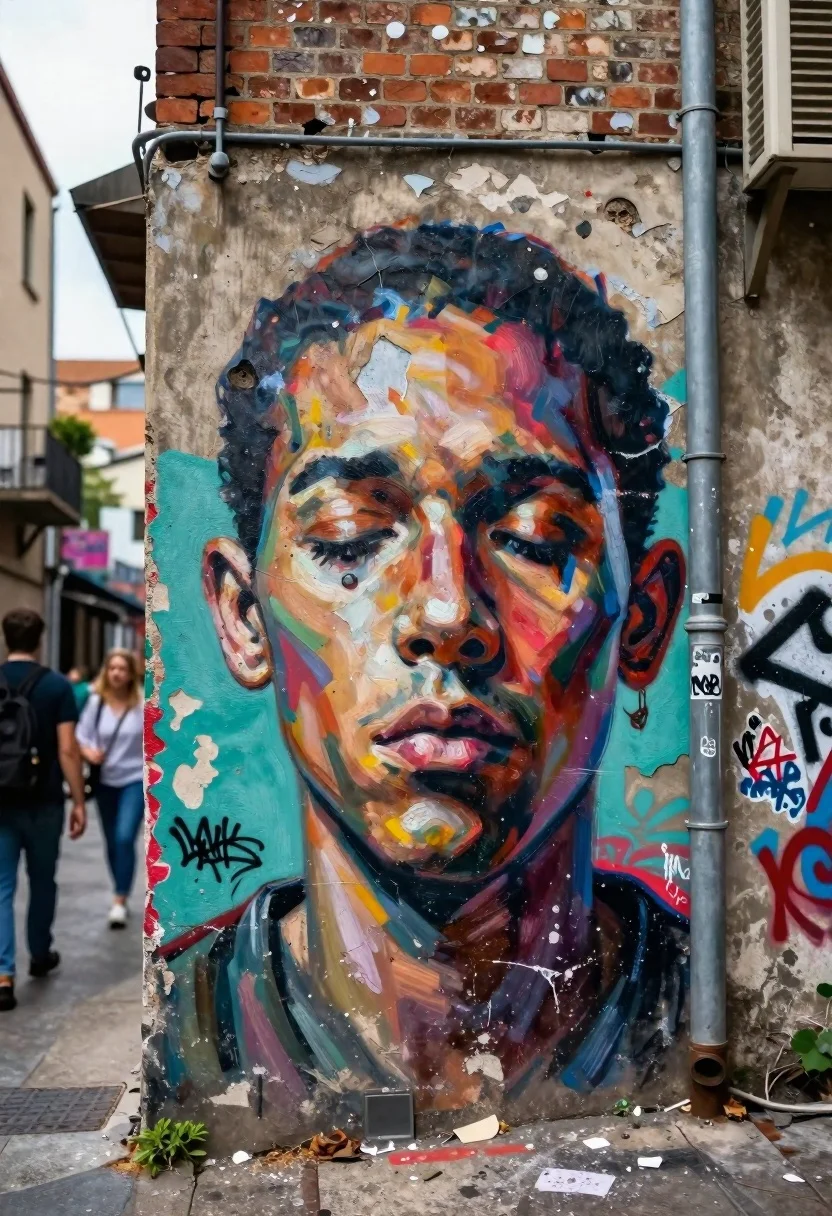
Large expressive mural of human face on urban alleyway wall
Prompt
A large, expressive mural of a human face painted on the side of an urban alleyway wall.

Subject: A close-up portrait of a human face with closed eyes and a somber expression, rendered in a loose, painterly style with visible brushstrokes.

Clothing: Not applicable as the subject is a painting.

Action: The face appears static within the mural, conveying a sense of stillness or deep thought.

Environment: A gritty urban alleyway setting featuring weathered brick walls, peeling paint on the concrete surface, and a metal drainpipe running vertically along the right side.

Camera: Eye-level perspective with a slight tilt to capture the full height of the mural against the narrow street background.

Lighting: Natural daylight illuminating the scene evenly, casting soft shadows that emphasize the texture of the wall and the depth of the paint strokes.
Second

Subject: Blurred figures of pedestrians walking in the background on the left side of the alley.

Objects: A vertical metal pipe attached to the brickwork and scattered debris on the ground at the base of the wall.

Interaction: The mural is integrated into the decaying architecture, contrasting with the transient movement of people passing by.

Text/Graphics: Faint graffiti tags are visible in the background layers behind the main face painting.

Style Details: Street art aesthetic with a textured, gritty realism, utilizing a color palette of teal, red, and earthy tones to create a dramatic contrast against the grey concrete.
Description
This prompt is useful for creating editorial street photography pieces, concept art for dystopian narratives, and visual mood boards exploring decay and memory. The combination of 'loose, painterly style with visible brushstrokes' on the mural contrasts sharply with the 'gritty urban alleyway setting,' ensuring the artwork feels physically embedded in the decaying architecture rather than simply pasted onto it.
Suggestions
- Change 'teal, red, and earthy tones' to 'monochromatic sepia' for a more aged feel.
- Add 'graffiti tags are visible in the background layers behind the main face painting' to increase visual clutter.
- Adjust 'Natural daylight illuminating the scene evenly' to 'harsh midday sun' for stronger contrast.
Category
Tags
AlleyMaleTraditinal ArtUrban
Date added
June 26, 2026
Added by
PromptDexter Team
Related Prompts
More prompts with similar categories and tags.
First person view of artist sketching woman on a subway train
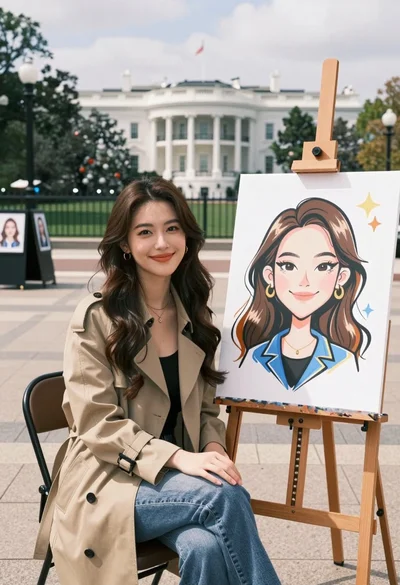
Young woman smiling next to her caricature portrait on an easel outdoors

Portrait of young woman with dark hair and green eyes among hibiscus
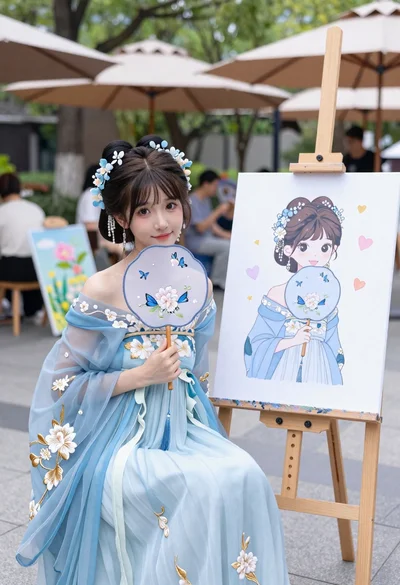
Young woman in light blue floral gown posing beside an easel at
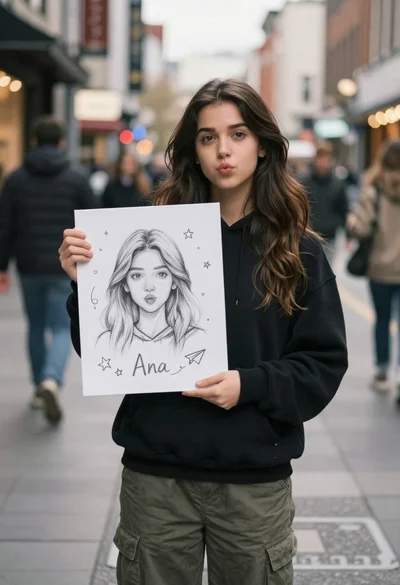
Young woman with long dark hair holding white board with pencil sketch
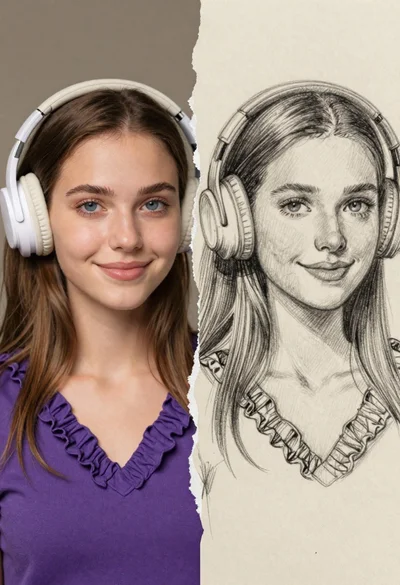
Split composition portrait of young woman with headphones on left and colored
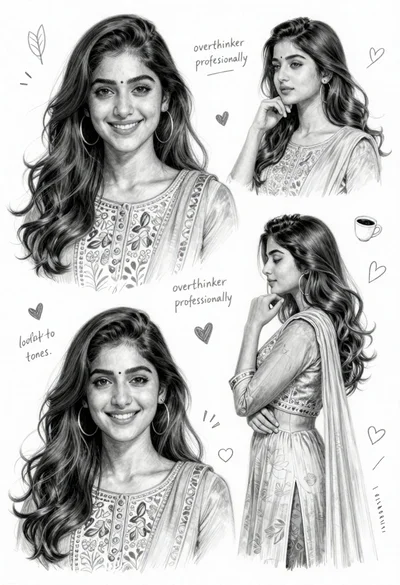
Detailed pencil sketch character sheet of young woman in traditional south asian
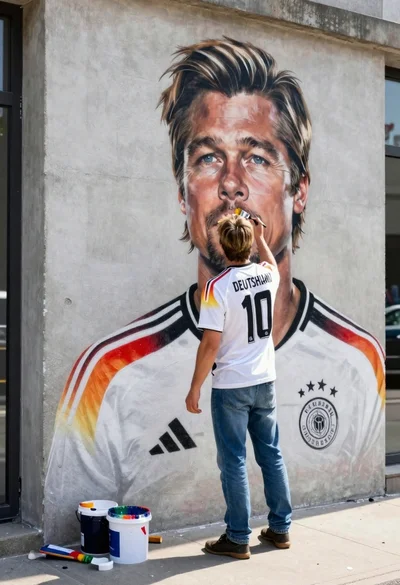
Man painting brad pitt mural on urban concrete wall from behind