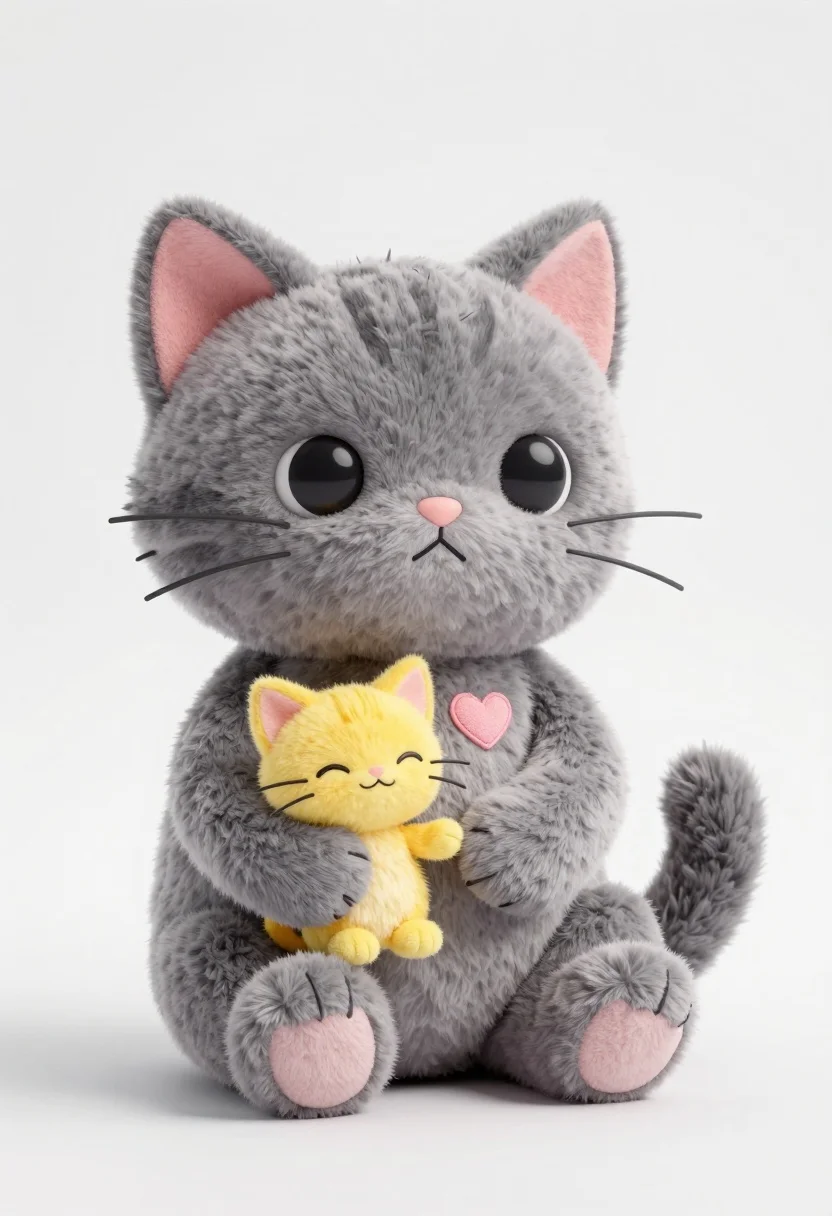
Large grey plush cat holding tiny yellow kitten in white studio setting
Prompt
A large grey plush cat sits holding a tiny yellow kitten in its paws against a plain white background.

Subject: A large, soft-looking grey cat with round black eyes and pink inner ears.
Second

Subject: A small, yellow kitten with closed happy eyes sitting inside the grey cat's open paw.

Clothing: The grey cat has a small pink heart stitched onto its chest.

Action: The grey cat sits upright holding the tiny kitten gently in one large paw while resting its other arm on its lap.

Environment: A clean, minimalist white studio setting with a seamless floor and background.

Lighting: Soft, diffused lighting that creates gentle shadows and highlights the plush texture of the toys.

Style Details: High-quality 3D render with a cute, chibi aesthetic and smooth textures.
Description
This prompt is useful for creating nursery decor concepts, character merchandise mockups, and whimsical storybook illustrations. The combination of 'soft, diffused lighting' and the specified 'cute, chibi aesthetic' ensures that the plush materials appear tactile and inviting, preventing harsh shadows that would detract from the gentle interaction between the large grey cat and the tiny yellow kitten.
Suggestions
- Change 'grey plush cat' to 'charcoal felt cat' for a different material feel.
- Add 'bokeh background' to soften the seamless white setting further.
- Swap 'pink heart stitched onto its chest' for 'small blue bow' to alter the accent color.
Category
Tags
3dAnimalStudio
Date added
July 12, 2026
Added by
PromptDexter Team
Related Prompts
More prompts with similar categories and tags.
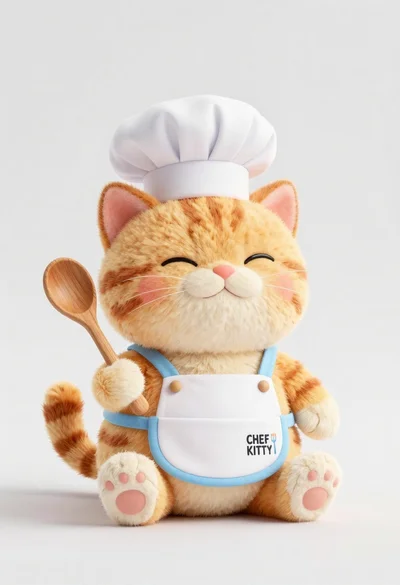
Cute chubby orange tabby cat plush toy dressed as a chef holding
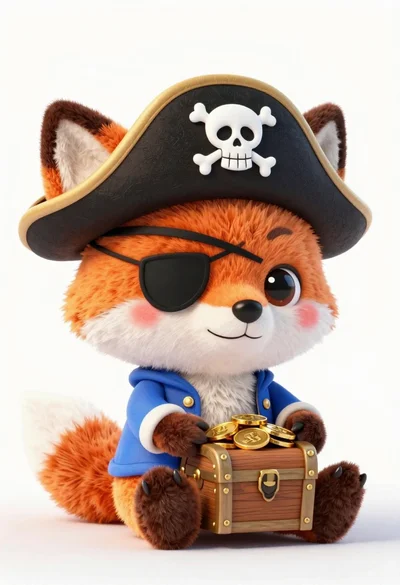
Cute orange and white plush fox dressed as a pirate holding treasure
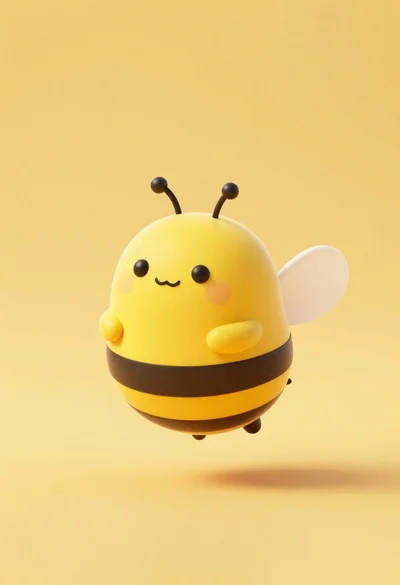
Cute round 3d animated bee character floating in midair against solid yellow

Full body studio portrait of woman with two animated animal friends
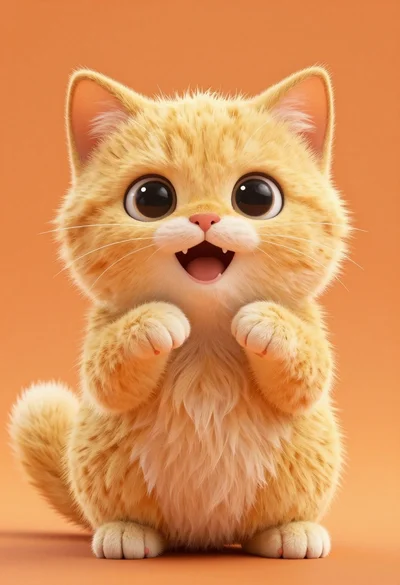
Hyperrealistic fluffy yellow kitten sitting on solid orange background

Smiling woman next to pink panther mascot in a seamless pastel studio
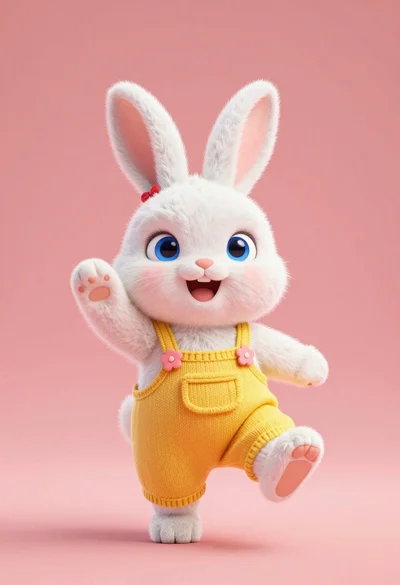
Fluffy white bunny rabbit in yellow overalls waving against coral pink background

Smiling young woman posing with large blue robot cat mascot on solid
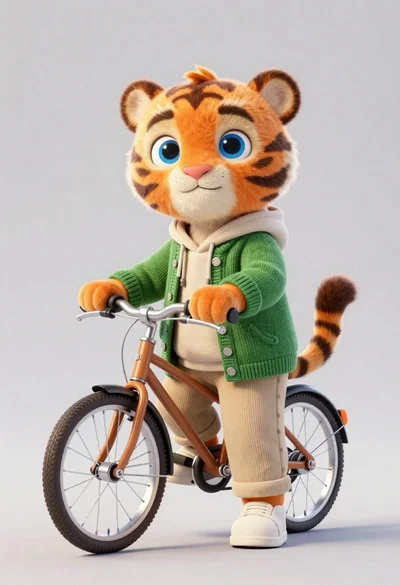
3d render of cute tiger cub with bicycle in studio
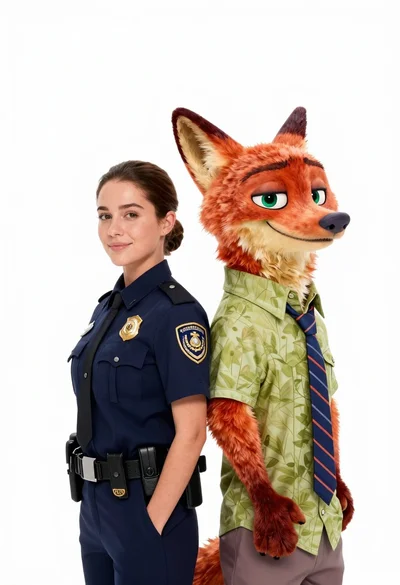
Woman in police uniform stands with fox wearing shirt against white studio